AI UI Mockup Tools to Build Interfaces Fast
Turn rough ideas into polished interface mockups in minutes instead of days, so you can test, iterate, and impress stakeholders faster. Explore AI UI mockup tools that transform sketches and prompts into ready-to-refine layouts with almost no design skills needed.
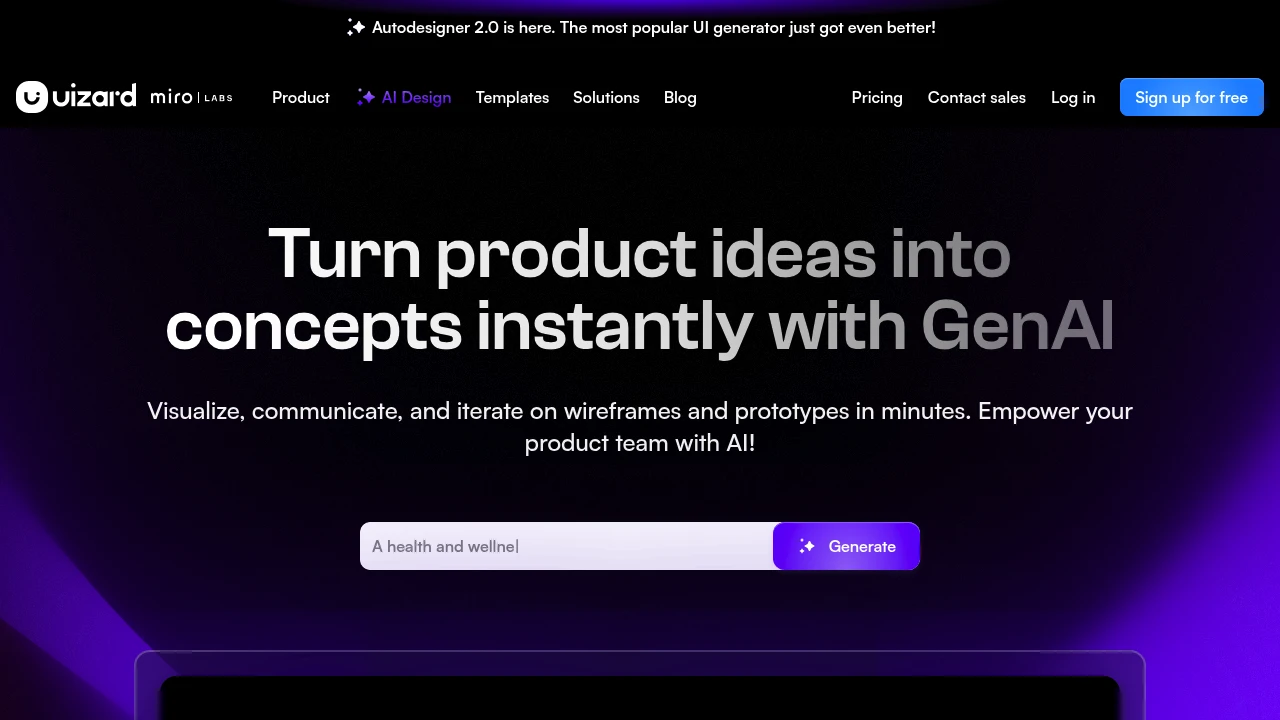
Speed Up Your UI Mockups With AI - Try Uizard for Fast, Polished Layouts
Uizard is one of the top tools in this space, letting you turn sketches, screenshots, or simple prompts into clean, on-brand UI mockups in minutes. Try it when you need fast, polished layouts for testing ideas, sharing with stakeholders, or handing off to developers without getting bogged down in pixel-perfect design work.
Turn messy notes or quick sketches into clean, clickable UI mockups using AI tools that do most of the design work for you.
Describe the screen you want - for example: "A mobile signup screen with logo at the top, email and password fields, a big primary button, and a small 'Forgot password?' link" - then paste this prompt into an AI UI mockup tool and generate your first layout.
Next, tweak colors, spacing, and text directly in the tool's editor until it looks close to what you had in mind, without needing advanced design skills.
Finally, export the mockup as images or a simple prototype link so you can share it with teammates, gather feedback, and iterate quickly before any code is written.
Share What You’re Working On
Share how you use AI UI mockup tools in your workflow - what kinds of screens are you generating, and what surprised you most when you first tried them?
Others are ready to learn from your experience and are waiting to hear your thoughts.
Browse all UI mockup tools
Explore all available UI mockup tools to quickly turn ideas into testable screen designs without starting from a blank canvas.
Best For - Product teams, founders, and designers who need fast, visual prototypes to validate flows and share concepts.
Strengths - Rapid layout generation, beginner-friendly interfaces, and easy iteration for web and mobile screens.
Limitations - May require manual tweaking for complex design systems and won't fully replace a dedicated design tool for final production UI.


How to Choose the Right Tool
Pick tools that let you go from idea to layout fast - look for text-to-UI generation, sketch-to-mockup support, and an in-browser editor where you can drag, drop, and restyle elements without design training.
Prioritize features like reusable components, responsive layout presets, and branded theme controls so you can quickly align mocks with real products instead of redesigning from scratch.
Check how easily you can export to images, clickable prototypes, or handoff formats for devs so feedback and implementation stay smooth across your team.
Starter Workflow With AI UI Mockup Tools
Start by listing the core screens you need (for example: home, onboarding, settings) and the main actions on each, then feed those into your AI UI mockup tool to generate initial layouts for every screen in one batch.
Refine the generated UI by grouping related elements, swapping components (buttons, inputs, cards), and applying your color and typography tokens so the mockups feel close to production.
Close the loop by sharing a prototype link or export bundle with stakeholders, collecting comments directly on the screens, and running a second AI-assisted pass to adjust layout and hierarchy based on that feedback.
Use these AI UI mockup tools as a fast, flexible sandbox: get from idea to visual layout quickly, validate flows with your team, and only then invest in high-fidelity design or development.
