Notion Alternatives
A curated collection of the 5 best alternatives to Notion.
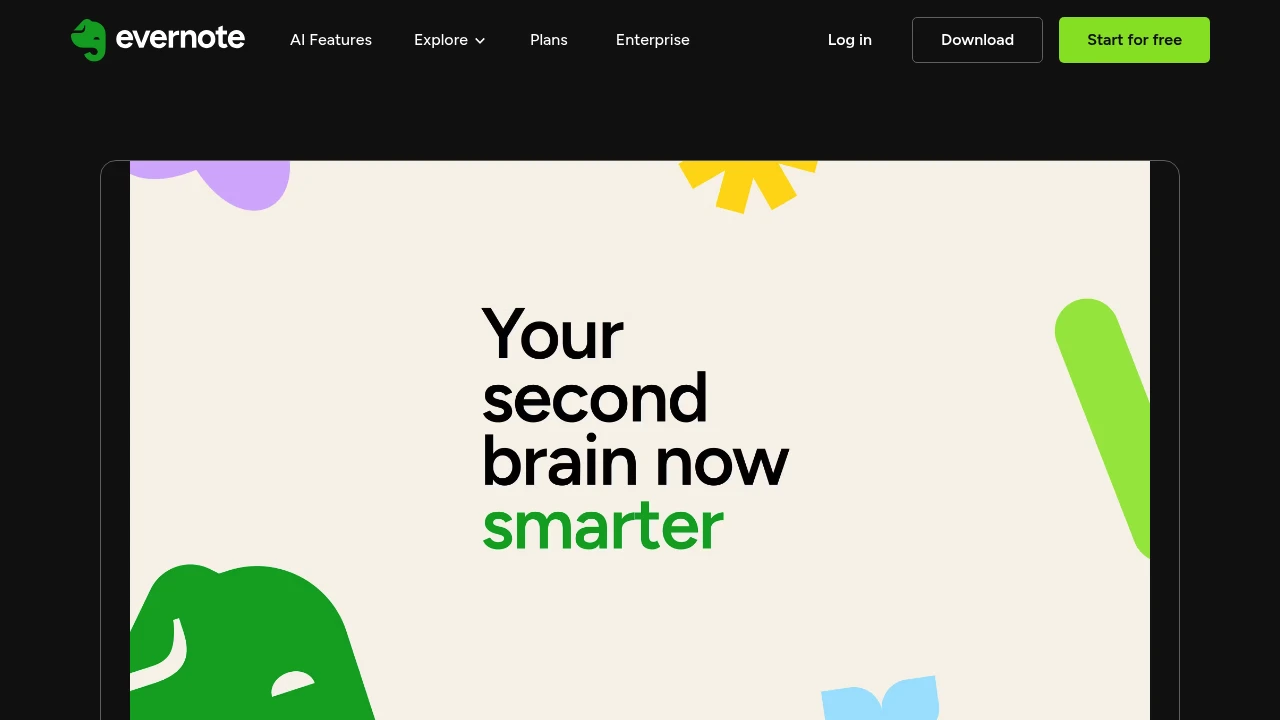
The best alternative to Notion is evernote. If that doesn't suit you, we've compiled a ranked list of other Notion alternatives to help you find a suitable replacement. Other interesting alternatives to Notion are: Taskade, Capacities, Mem and Reflect.
Notion alternatives are mainly AI Knowledge Management tools but may also be AI Agents tools or AI Productivity Tools tools. Browse these if you want a narrower list of alternatives or looking for a specific functionality of Notion.


The latest version of Evernote is almost ready for you—and it includes several highly requested new AI features. Sign up to be the first to know when it's live, and try Evernote for free in the meantime!
 Read more
Looking for alternatives to other popular tools? Check out other posts in the alternatives series and flowtools.co, a directory of best AI tools with filters for tags and categories for easy browsing and discovery.

Supercharge your productivity with a dedicated team of AI agents. Automate tasks, research, and collaborate in one unified workspace.
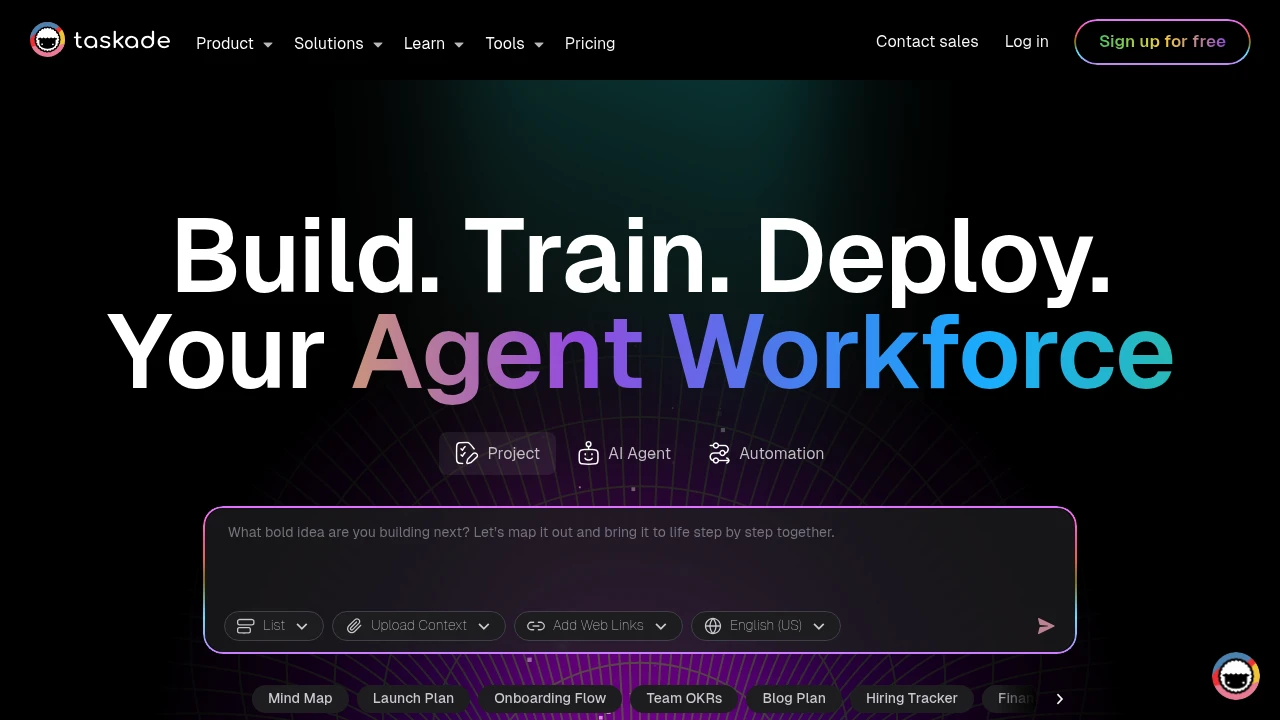
Taskade combines AI-powered project management with real-time team collaboration in one platform. This tool helps teams organize work through dynamic views, automated workflows, and custom AI agents. Perfect for remote teams and project managers who need smart automation.
Key Highlights
- AI Project Studio with custom agents and automations
- Real-time collaboration across multiple project views
- Template library for quick project setup
- Cross-platform sync (web, mobile, desktop)
- Unlimited projects and lists on free plan
- Dynamic views (lists, boards, calendar, mind maps)
What Makes It Different
Taskade stands out by integrating AI directly into project workflows. Unlike basic project tools, it offers custom AI agents that can automate tasks and generate content. The platform combines traditional project management with AI assistance, making it both a planning tool and an intelligent work assistant.
Features & Capabilities
The platform offers multiple project views including lists, kanban boards, calendars, and mind maps. Teams can create custom AI agents for specific tasks like content generation or data analysis. Real-time collaboration lets multiple users edit simultaneously. The automation system connects different tools and triggers actions based on project changes. Templates cover various use cases from marketing campaigns to software development sprints.
User Ratings and Testimonials
Taskade has an average rating of 4.7 out of 5 stars from 330 reviews on Product Hunt.
Users praise the AI features and clean interface design. The template system gets positive feedback for speeding up project setup. Teams appreciate the real-time collaboration tools and quick feature updates. Some users find certain features complex for beginners. A few mention AI prompts don't always provide relevant responses. Some report the app can feel clunky during use.
Pricing & Value
Taskade offers several pricing plans:
- Free: Includes AI Project Studio, custom AI agents, and unlimited lists and projects
- Pro: $20/month with unlimited AI agents, unlimited automations, and 2 users included
- Team: $100/month featuring unlimited AI teams, custom tools and workflows, and unlimited users
- Enterprise: Custom pricing with enterprise SLA, custom AI models, and enterprise compliance
The Free plan provides basic AI features and project management tools for individual users. The main value comes from combining AI-powered project management with team collaboration across multiple dynamic views and automated workflows.

Capacities is more than a note-taking app. It's a calm place to make sense of the world and create amazing things. Like an artist's studio, it's your creative space for all your knowledge and ideas.
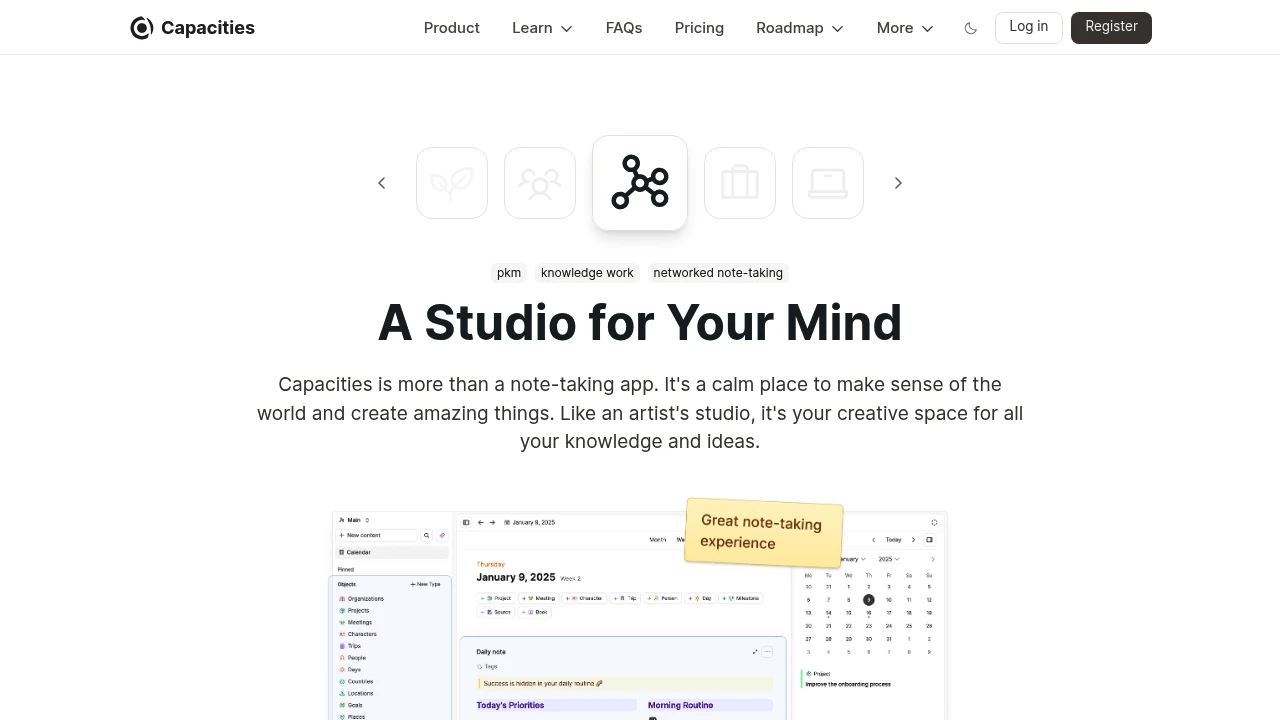
Capacities transforms how you organize and connect information using an object-based approach that mirrors natural thinking patterns.
This knowledge management platform helps professionals, researchers, and teams build interconnected knowledge systems without rigid folder structures. It's designed for people who need flexible note-taking that grows with their ideas.
Key Highlights
- Object-based structure that connects related information automatically
- Clean, intuitive interface with excellent mobile performance
- Daily notes feature for consistent knowledge capture
- Cross-device sync with unlimited spaces and objects
- AI assistant integration for enhanced productivity
- Calendar connections to link time-based information
What Makes It Different
Capacities breaks away from traditional folder-based organization by treating every piece of information as an object that can link to other objects. This creates a web of knowledge that reflects how your brain actually works. Unlike rigid note-taking apps, it adapts to your thinking style rather than forcing you into preset structures.
Features & Capabilities
The platform centers around objects - people, projects, ideas, or any concept you define. These objects connect naturally, creating a knowledge graph that reveals relationships between your information. Daily notes anchor your thoughts to specific dates while maintaining connections to relevant objects.
Core features include unlimited spaces for different projects, flexible templates, media storage, and powerful search capabilities. The system works across all devices with real-time sync, making your knowledge accessible anywhere.
User Ratings and Testimonials
Capacities has an average rating of 4.8 out of 5 stars from 134 reviews on Product Hunt.
People love the object-based approach and find it easy to link notes together. They praise the clean interface and flexible structure. Many switched from Notion and appreciate the better performance on mobile devices. The daily note feature gets positive feedback.
Some concerns include limited offline access and the need for bulk import features. A few worry about future pricing for mobile apps. People also want a web clipper and better table functionality.
Pricing & Value
Capacities offers several pricing plans:
- Free: Unlimited spaces and objects, sync across devices, and 5 GB media storage with 100 MB monthly limit after.
- Pro: $11.99/month with AI assistant, calendar integrations, and unlimited media uploads.
- Believer: From $14.99/month with beta access to new features plus all Pro benefits.
14-day free trial available for Pro plan without credit card required.
The main value of Capacities is its flexible knowledge management system that adapts to how you think and work.

Mem is the AI Thought Partner that captures your ideas, meetings, and research - and brings them back to you exactly when you need them.
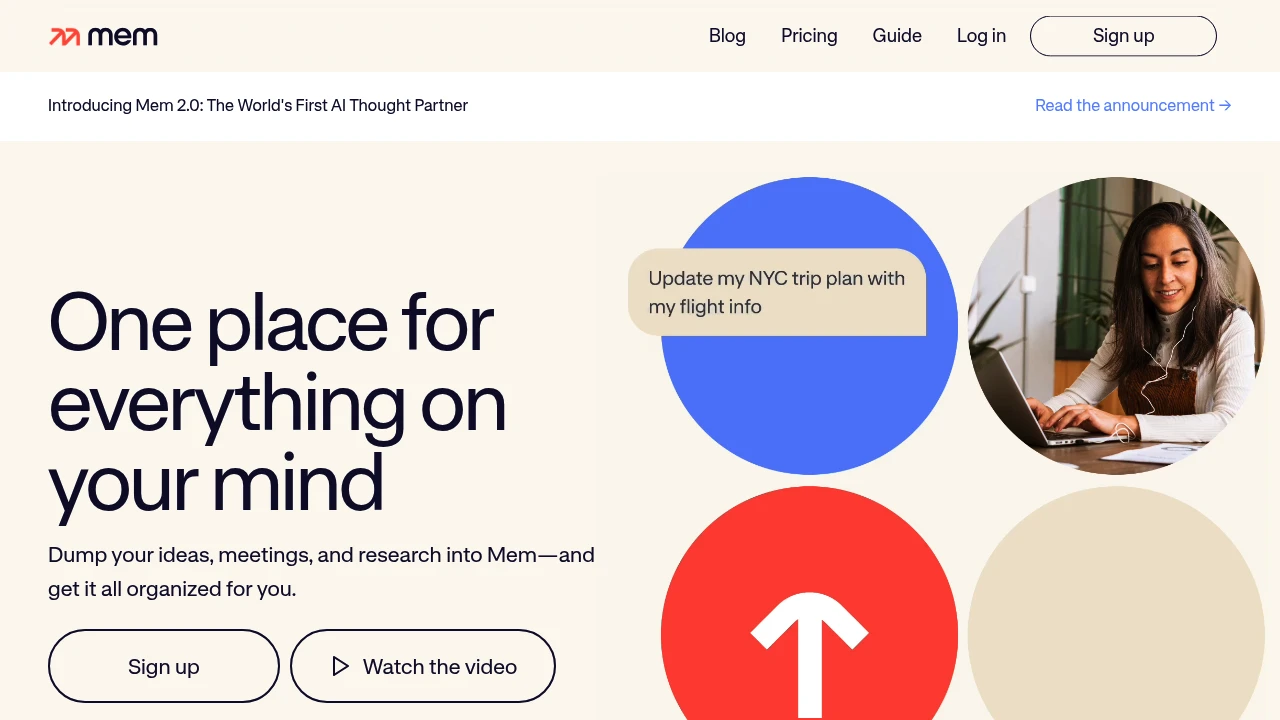
Mem is an AI-powered knowledge management system that automatically captures, organizes, and retrieves information for professionals and researchers. The platform connects related ideas and surfaces relevant content when you need it most. It targets users who want smarter note-taking without manual organization.
Key Highlights
- AI-powered automatic organization and connection of notes
- Fast search functionality across all stored content
- Ligature-supported fonts for improved readability
- Free access during Alpha and Beta testing phases
- Automatic information retrieval based on context
What Makes It Different
Mem focuses on AI-driven knowledge management rather than traditional folder-based organization. The system automatically links related concepts and surfaces relevant information without manual tagging or categorization.
Features & Capabilities
Mem offers AI writing assistance and automatic note organization. The platform includes fast search capabilities and contextual information retrieval. Users can capture thoughts and ideas while the AI handles connections between concepts. The system works best for knowledge workers who need quick access to related information across their notes.
User Ratings and Testimonials
Mem has an average rating of 1.0 out of 5 stars from 2 reviews on G2.
Users appreciate the AI writing features and fast search function. The font includes ligatures which some find appealing. However, major complaints include poor customer service with unresponsive founders. The platform lacks basic note-taking features like reordering lines with keyboard shortcuts.
Many reported bugs remain unfixed for years. There are limited API integrations compared to competitors like Obsidian, ClickUp, and Notion. The AI features are seen as gimmicky additions that don't address core functionality issues.
Pricing & Value
Mem offers two pricing plans:
- Free: Includes 25 notes per month and 25 chat messages per month.
- Mem Pro: $12/month for unlimited notes, unlimited chat messages, and unlimited deep searches.
The main value of Mem is its ability to organize and search through your notes using AI-powered connections.

Never miss a note, idea or connection.
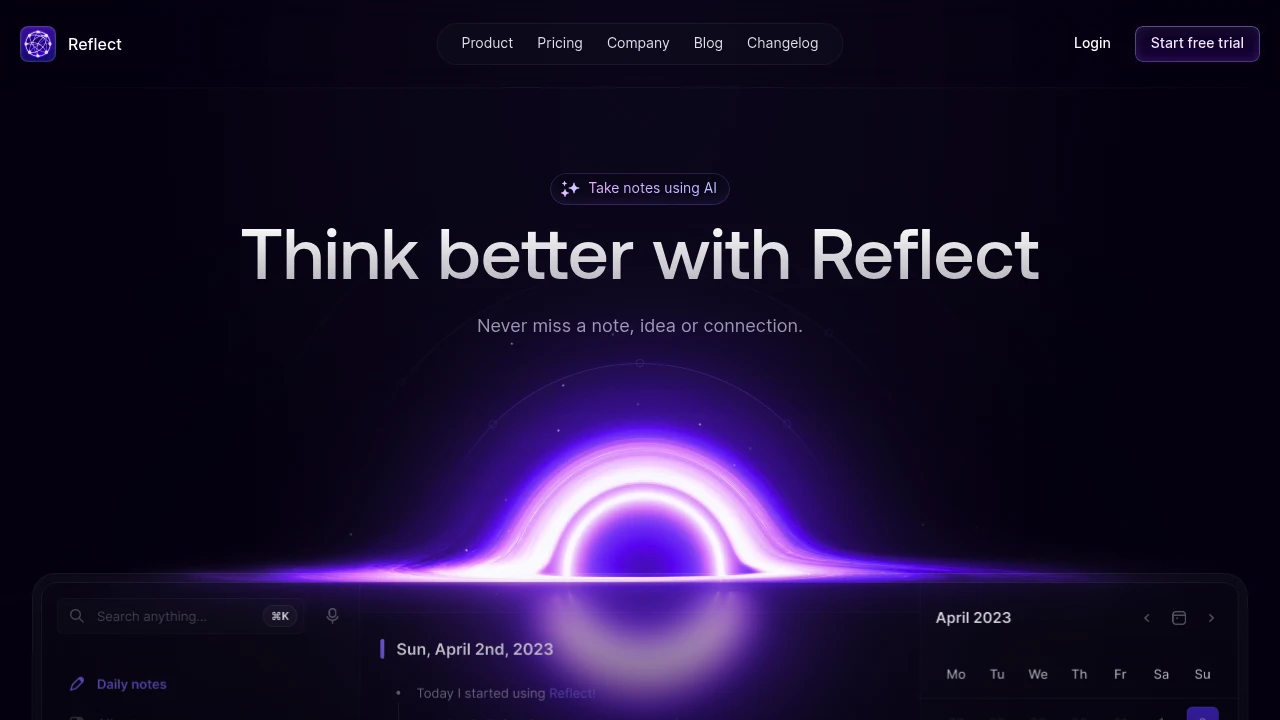
Reflect is a networked note-taking app that connects your ideas through AI-powered backlinks and automatic insights. It helps professionals and knowledge workers capture thoughts quickly and rediscover them later through smart connections. The app focuses on speed and simplicity over complex features.
Key Highlights
- Lightning-fast note capture and search
- Automatic backlinking between related notes
- Calendar integration for meeting notes
- Clean, distraction-free interface
- Cross-device sync and offline access
- AI-powered note connections and insights
What Makes It Different
Reflect takes a different approach than heavy-featured apps like Notion or Obsidian. It builds connections between your notes automatically without requiring manual linking or complex setup. The app prioritizes writing speed and natural discovery over elaborate organization systems.
Features & Capabilities
Reflect centers around networked note-taking where ideas link themselves. You write notes in plain text, and the app finds connections through shared topics, people, or concepts.
The calendar integration captures meeting notes automatically. Search works across all notes instantly.
The mobile and desktop apps sync in real-time. AI features suggest related notes and surface forgotten ideas when you need them.
User Ratings and Testimonials
Reflect has an average rating of 4.8 out of 5 stars from over 138 reviews across G2 and Product Hunt.
People love how fast and simple Reflect is compared to other note-taking apps. They find it easy to organize thoughts and discover old notes later. The calendar integration and meeting notes feature get high praise.
Many switched from Obsidian, Notion, or other apps because Reflect feels more natural to use.
Some find the learning curve steep at first. A few think the pricing is high compared to alternatives like Notion. The free plan has limited features that some consider unusable.
Pricing & Value
Reflect offers several pricing plans:
- Free: Includes basic note-taking with limited sync across devices
- Monthly: $10/month for unlimited notes, full sync, and advanced search
- Annual: $10/month when billed annually with same features as monthly plan
Only annual payment is available for the paid tier.
The main value of Reflect is its networked note-taking system that connects ideas automatically through backlinks and AI-powered insights.
Similar proprietary alternatives:

 bisibility — Free beta: Track your website’s keywords, Google rankings, Search Console insights, and share of voice.


