n8n Alternatives
A curated collection of the 6 best alternatives to n8n.
The best alternative to n8n is Relay.app. If that doesn't suit you, we've compiled a ranked list of other n8n alternatives to help you find a suitable replacement. Other interesting alternatives to n8n are: Pica, MindStudio, Gumloop and Zapier.
n8n alternatives are mainly AI Automation tools but may also be AI Agents tools or Workflow Automation tools. Browse these if you want a narrower list of alternatives or looking for a specific functionality of n8n.


Former AI workflow automation platform, discontinued in September 2026.
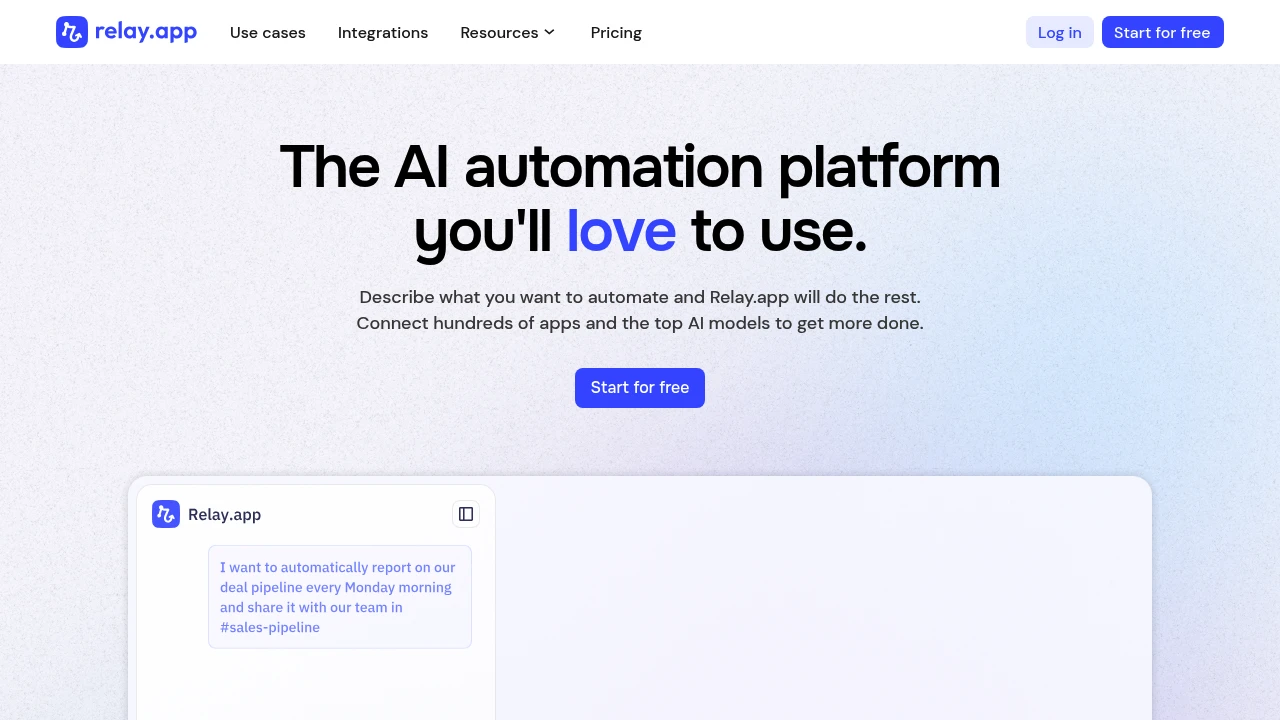
Relay.app was an AI workflow automation platform for business teams. The service shut down in September 2026. Accounts, saved workflows, and run history were permanently deleted, so it is no longer an option for building or running new automations.
Key Highlights
- Service status: discontinued in September 2026
- Former focus: business workflow automation with AI
- Accounts and workflow data were permanently deleted
- Old subscription plans are no longer a current offer
What Makes It Different
Relay.app belonged to the category of tools that connected business tasks into repeatable workflows. Its closure changes the buying decision: evaluate an available automation product for new work rather than choosing from former Relay.app plans. A description of past capabilities does not mean those capabilities remain accessible.
Features & Capabilities
The service no longer provides an active workspace for creating or executing Relay.app workflows. Treat saved links to old product pages, tutorials, and plan descriptions as information about its former operation.
If business processes depended on Relay.app, review the connected applications and document which tasks need to be rebuilt. Recreating an automation elsewhere requires the relevant app connections, triggers, approval steps, and error handling to be configured in the replacement product. Old run history cannot be assumed to remain available for that work.
User Ratings and Testimonials
Reviews from the period when Relay.app operated describe a former service. They are not evidence of current availability or support. A replacement should be assessed on its own controls, reliability, integrations, and costs.
Pricing & Value
Relay.app no longer offers a usable free or paid service. Former Free, Professional, Team, and Enterprise prices should not be used to plan a purchase. Compare the full operating costs of an available alternative, including workflow execution and any separate model usage.
Looking for alternatives to other popular tools? Check out other posts in the alternatives series and flowtools.co, a directory of best AI tools with filters for tags and categories for easy browsing and discovery.

Connect AI agents to apps with shared connections, action scopes, revocation, and an activity dashboard.
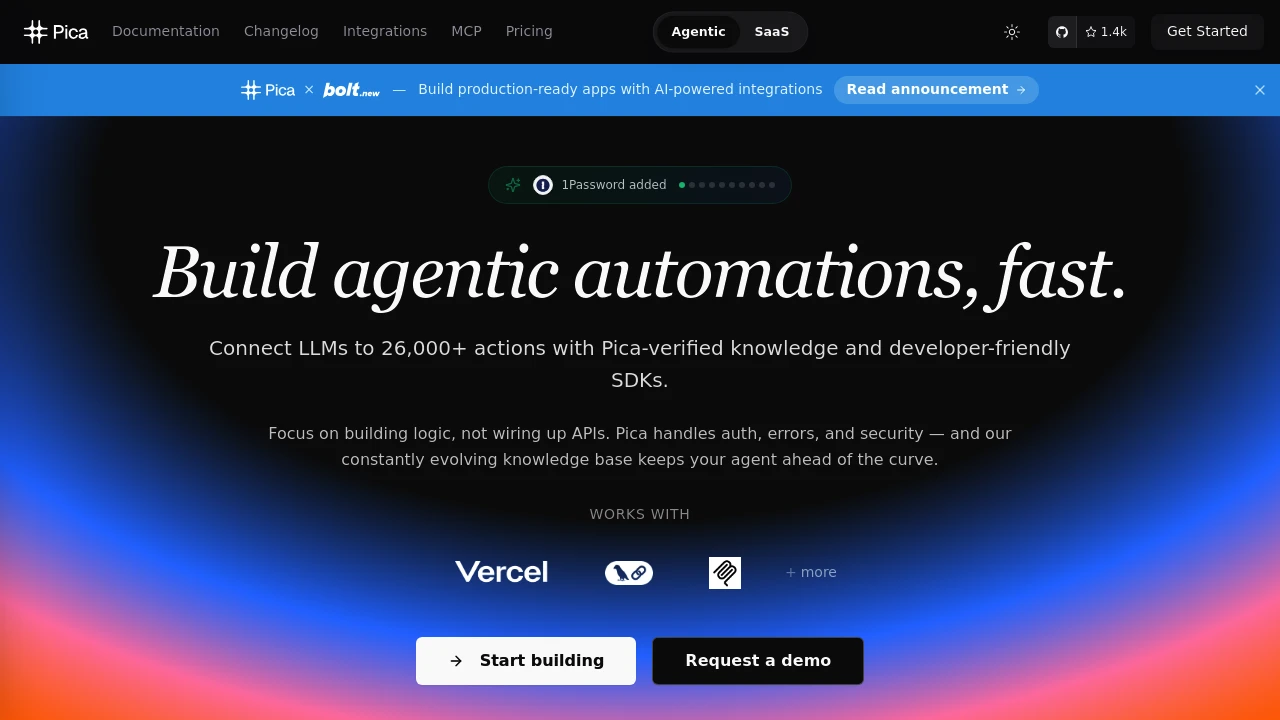
Pica now presents One, a connection layer between AI agents and the apps they use. Users connect an app in their account and grant agents access to selected actions. One brings connections, a tool catalog, CLI, MCP, and event relay into the same platform.
Key Highlights
- Connect for shared app connections
- Per-agent, per-app action scopes
- Revocation controls and an action record
- CLI and MCP access for supported agents
- Relay for app events
What Makes It Different
One focuses on the connection a user owns rather than a separate login setup for every agent. Multiple supported agents can use the same app connection under assigned scopes. Revoking a grant changes which actions the agent can perform through that connection.
Features & Capabilities
Users connect apps and choose the actions an agent may use. The dashboard shows activity across agents and apps. A call outside the granted scope is rejected, so permissions form part of the execution workflow rather than only a setup screen.
Developers can add Connect to a product or use CLI and MCP interfaces. Relay delivers events from connected apps. Check the permissions of each integration and review action records when an agent performs work across several systems.
User Ratings and Testimonials
One publishes examples of supported agents and connection workflows. Test scopes with read-only actions first and review which account owns each connection. An integration catalog does not guarantee that every action required by a particular business workflow is available.
Pricing & Value
- Free: $0, 20 requests/minute, one organization and one project
- Starter: $29/month, with higher rate and organization limits
- Higher plans: larger connection-management limits
- Cloud agent: separate $40/month per agent
Plans include platform features and Connect. Requests over the rate limit receive a 429 response; connecting an app does not include an optional hosted agent.

Build visual AI agents and workflows with model routing, integrations, and optional provider API keys.
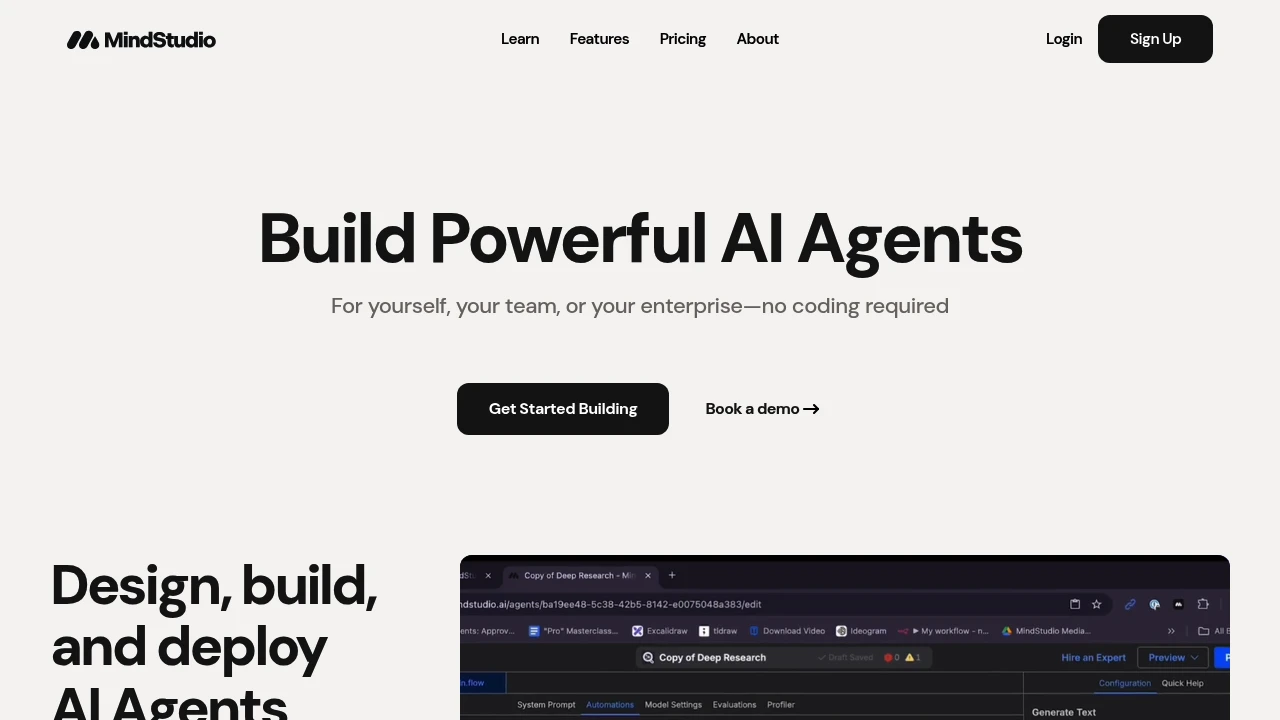
MindStudio is a visual platform for building AI agents and workflows. Users connect steps, choose models, and add integrations to carry out a task. It supports individuals creating an agent and teams organizing several workflows in a shared workspace.
Key Highlights
- Visual workflows for multi-step agents
- Model access through the Service Router
- Optional bring-your-own provider keys
- Integrations and workflow controls
- Team permissions and enterprise deployment options
What Makes It Different
MindStudio separates building a workflow from choosing the model that runs each step. The Service Router provides model access without requiring a separate key for every provider. Users can instead supply their own API keys when that better fits their account or billing setup.
Features & Capabilities
Builders configure a sequence of actions, add model prompts, and connect the information needed for a task. Model routing supports different choices across a workflow. Testing with representative inputs helps reveal failures before an agent becomes part of recurring work.
Business workspaces add collaborator permissions, usage controls, audit logs, and enterprise support. Deployment and model options vary by agreement. A team should compare the needed integrations and controls before assuming an individual account covers its production requirements.
User Ratings and Testimonials
MindStudio publishes selected customer testimonials about creating agents. Evaluate a workflow with your own data and inspect its outputs. A successful demonstration does not establish reliability across every input or prove a particular amount of time saved.
Pricing & Value
- Free: $0/month platform fee, one agent and 1,000 runs/month
- Individual: $20/month or $16/month billed yearly, with unlimited agents and runs
- Business: custom pricing for team controls and support
Model usage is billed separately from the platform subscription, including on Free. Compare token usage and external service costs as well as agent and run limits.

Build AI agents and workflows with connected apps, shared team context, and usage-based credits.
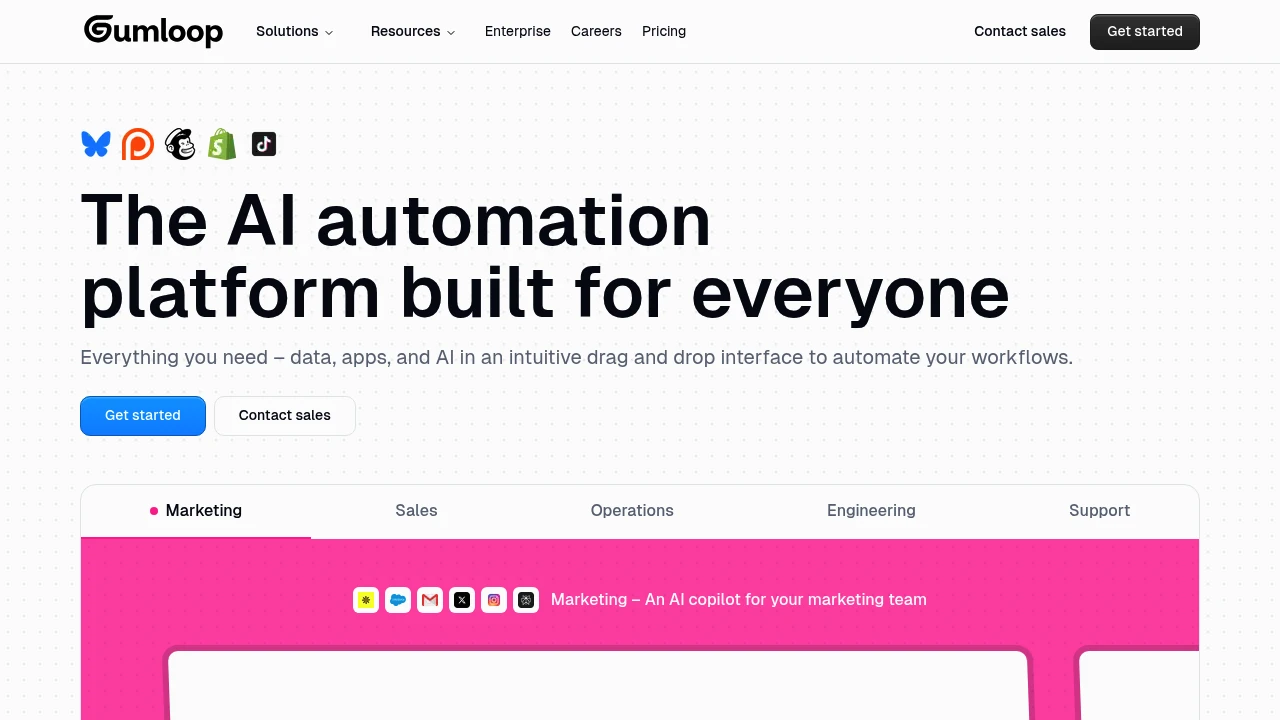
Gumloop transforms complex business processes into simple visual workflows that anyone can build. This AI-powered automation platform lets teams create sophisticated workflows without writing a single line of code. Perfect for businesses looking to organize operations and boost productivity.
Key Highlights
- Visual drag-and-drop workflow builder
- AI-powered automation capabilities
- No coding required
- Unlimited triggers and webhooks on paid plans
- Team collaboration features
- Fast feature development and updates
What Makes It Different
Gumloop combines the simplicity of visual workflow building with advanced AI capabilities. Teams can combine agents, connected applications, and workflow steps in one workspace. Shared context helps organize repeatable work across the team. Credit allowances and the orchestration fee provide a basis for estimating the cost of each workflow.
Features & Capabilities
Gumloop offers a complete visual automation platform. Teams can build AI-powered workflows for data processing, customer service, content creation, and business operations. The platform handles complex logic and integrations through an intuitive interface. Users can set up automated triggers, process data with AI, and connect multiple apps directly.
User Ratings and Testimonials
Try an agent on representative work and monitor its credit use. Check the connected accounts, workflow limits, and review steps you need. Selected examples cannot guarantee the same reliability or cost for every automation.
Pricing & Value
- Pro: starts at $37/month with 20,000 monthly credits, unlimited agents, seats, and teams
- Enterprise: custom pricing and limits
Pro has a 14-day free trial. An 8% orchestration fee is listed; estimate model usage and orchestration costs for your workflow. Higher-volume configurations and Enterprise arrangements can differ.

Connect 9,000+ apps with automated workflows, AI steps, forms, tables, and tools for teams and developers.
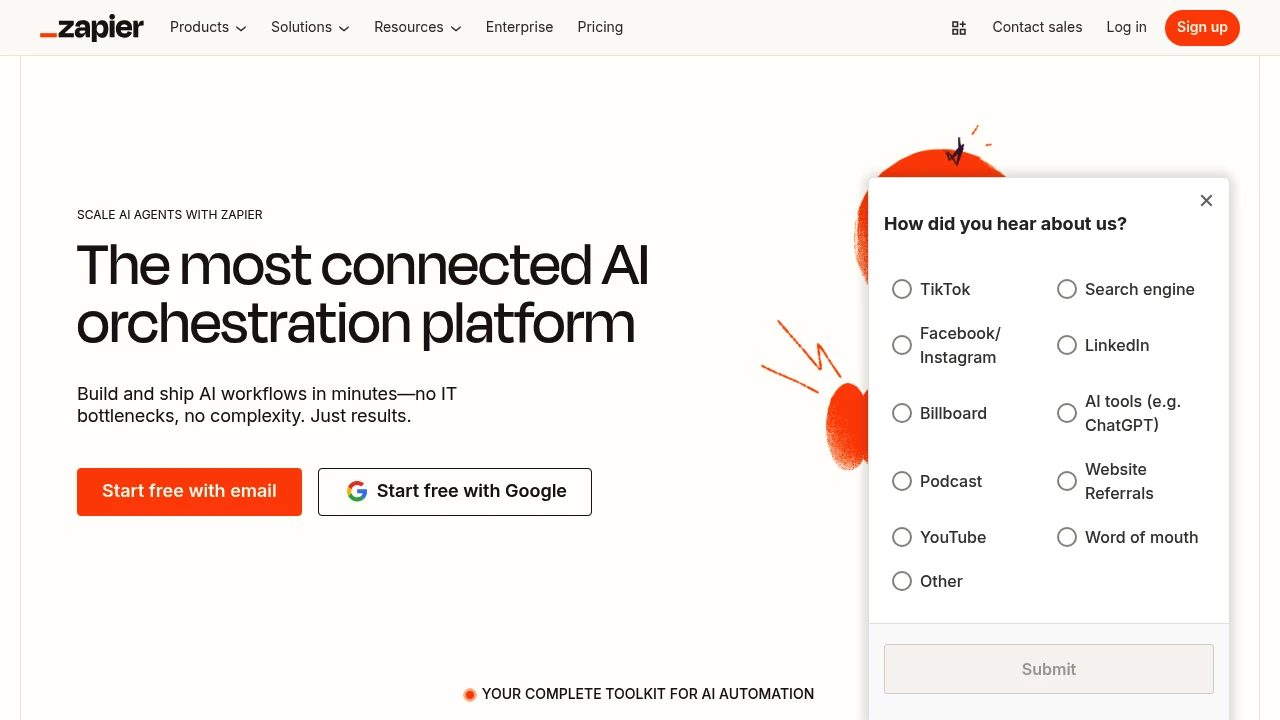
Zapier connects more than 9,000 apps for automated workflows and AI-assisted actions. You can create Zaps that respond to events, move data, and carry out actions across connected services. Tables, Forms, and programmatic tools support related workflows, with features and usage depending on the plan.
Key Highlights
- 9,000+ app integrations
- Visual workflow creation through Zaps
- Multi-step workflows on paid plans
- Tables and Forms within the platform
- AI steps and conditional workflow logic
- MCP and SDK access for connected tools
What Makes It Different
Zapier organizes app connections into workflows rather than requiring a custom integration for every process. A team can combine triggers, actions, data, and forms through visual controls. MCP and SDK provide additional ways to invoke app actions outside a traditional Zap.
Features & Capabilities
Choose a trigger, connect the relevant accounts, and configure the actions that should follow. Multi-step Zaps, premium apps, and webhooks are available on Professional and higher plans. Teams can share workflows and app connections within their plan's collaboration limits.
Successful work consumes tasks at the applicable rate. AI steps and code can use different amounts, and one MCP call uses two tasks. These draw from shared task allocation. SDK actions are currently free in beta; its pricing can change when the beta ends.
User Ratings and Testimonials
Zapier publishes customer examples across different workflows. Estimate usage with your own process: a workflow with several actions or advanced AI calls may consume more than one task per run. Review outcomes and connection permissions before automating consequential actions.
Pricing & Value
- Free: 100 tasks/month, unlimited Zaps, Tables, and Forms, with two-step Zaps
- Professional: from $19.99/month billed annually at the entry task tier
- Team: from $69/month billed annually at the entry tier, with 25 users
- Enterprise: custom pricing
Monthly billing and higher task tiers cost more. AI capabilities have plan limits and task rates; Agents and Chatbots also offer separate add-ons.
Make connects apps through visual automation workflows, with logic, scheduling, and execution logs.
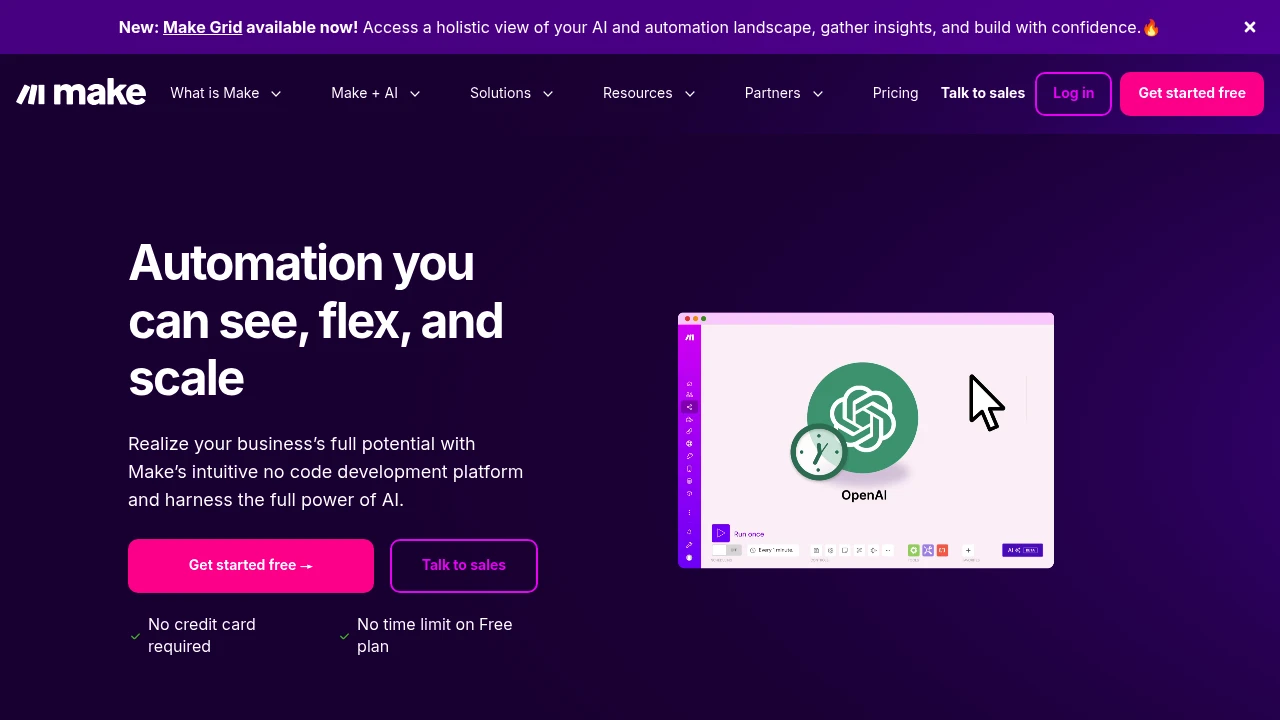
Make is a strong no-code platform. It helps you link various apps and services to automate tasks you do often. It is made for businesses and individuals who want to simplify their processes and boost efficiency.
Key Highlights
- Visual Workflow Builder: Create complex automations using a drag-and-drop interface.
- Extensive App Library: Connect to thousands of popular apps and services.
- Advanced Logic: Use routers, iterators, and error handlers to build sophisticated workflows.
- Real-time Execution Logs: Monitor and troubleshoot your automations with detailed logs.
What Makes It Different
Make's visual approach to automation sets it apart from other platforms. Viewing your entire workflow as a diagram makes it simpler to understand, create, and fix complex automations. Routers and error handlers let users express branching logic and inspect failures within the same scenario.
Features & Capabilities
Make helps you automate many tasks. You can sync data between apps, send automated emails, and create custom reports. The platform supports a vast number of integrations, and supported HTTP and webhook modules can connect additional services. Make offers features for team collaboration. You can share and manage automations across your organization.
User Ratings and Testimonials
Test a representative scenario with real inputs and failures. Inspect execution logs, error handling, and the number of credits consumed. Workflows with several actions can use more credits than the number of incoming records suggests.
Pricing & Value
Make meters usage in credits. Free includes 1,000 credits/month. Core and higher plans offer larger allowances and additional features. Compare the selected credit volume and billing cycle. Standard module actions generally use one credit; some AI and code actions use different amounts.
Compare the required connectors, scheduling frequency, and error-handling options before choosing a plan. Test recurring workflows with both expected inputs and incomplete records.
Similar proprietary alternatives:

 bisibility — Free beta: Track your website’s keywords, Google rankings, Search Console insights, and share of voice.


