Lovable Alternatives
A curated collection of the 9 best alternatives to Lovable.
The best alternative to Lovable is Bolt. If that doesn't suit you, we've compiled a ranked list of other Lovable alternatives to help you find a suitable replacement. Other interesting alternatives to Lovable are: same, Tempo, Firebase Studio and v0.
Lovable alternatives are mainly AI App Builders tools but may also be AI Agents tools. Browse these if you want a narrower list of alternatives or looking for a specific functionality of Lovable.


Build beautiful websites and functional applications simply by describing what you want in a chat. The AI handles the coding, turning your ideas into reality fast.
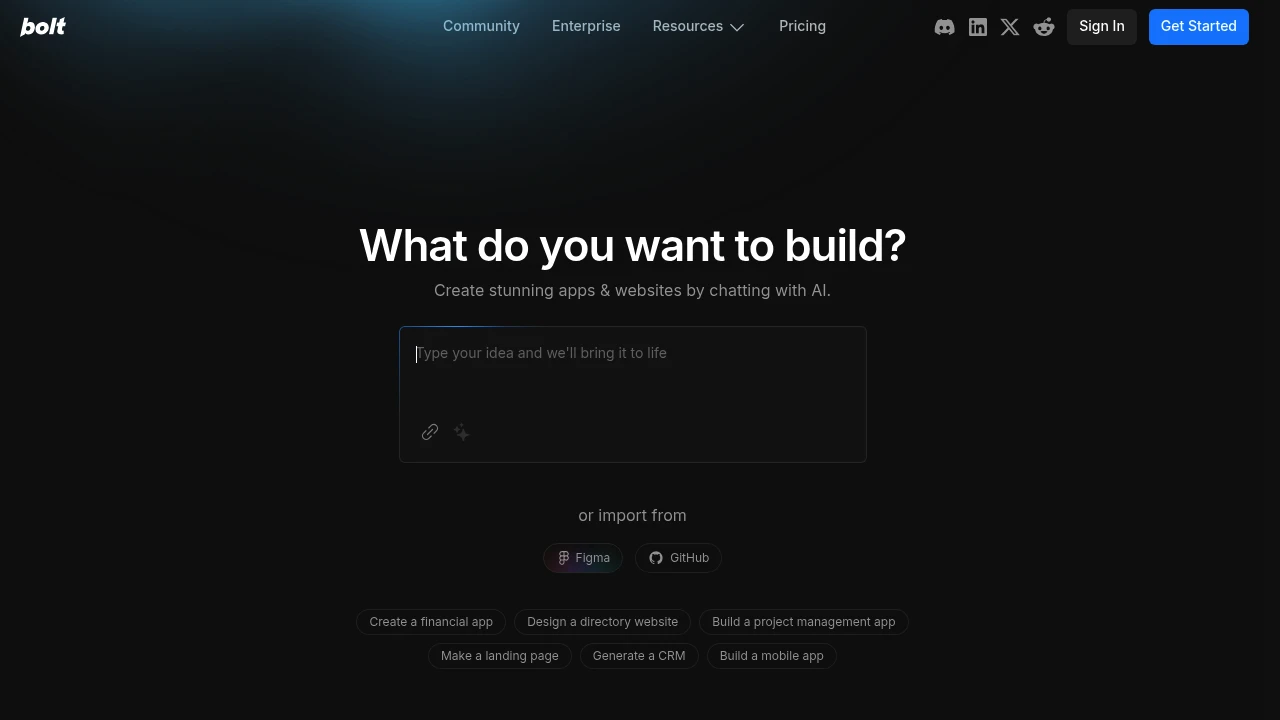
Bolt is an AI development agent that runs in your browser. It builds web applications based on text prompts. It helps users create websites and apps quickly. It is for both non-technical users and experienced developers.
Key Highlights
-
AI-powered web app generation.
-
Builds everything from simple sites to full-featured apps.
-
No coding experience required for basic use.
-
Provides production-ready code for developers.
-
Offers live previews and a full development environment.
What Makes It Different
Bolt turns ideas into applications using a chat interface. Unlike traditional development, you can describe what you want, and Bolt builds it. It is great for beginners and pros. It offers a no-code experience and a strong toolset for developers.
Features & Capabilities
Users can type an idea, and Bolt generates the application. Changes can be made with simple requests. It offers technical users access to code, live previews, and a development setup. It also works with tools like Figma and Supabase.
User Ratings and Testimonials
Based on 86 reviews on Product Hunt, Bolt has an average rating of 4.3 out of 5 stars.
Users praise its ability to quickly generate MVPs and landing pages. Some users find issues with token use when errors occur. They also have trouble getting help from customer support for billing matters.
Pricing & Value
Bolt offers several pricing plans:
-
Free: Includes 1M tokens per month with a daily usage limit.
-
Pro: For $20 per month, you get 10M tokens, no daily limit, and token rollover.
-
Teams: At $30 per member per month, this plan includes all Pro features plus collaboration tools.
-
Enterprise: Custom pricing for advanced security, support, and deployment needs.
Users can purchase extra tokens on the Pro and Teams plans. The main value of Bolt is its speed in converting ideas into working applications.
Looking for alternatives to other popular tools? Check out other posts in the alternatives series and flowtools.co, a directory of best AI tools with filters for tags and categories for easy browsing and discovery.

Build fullstack web apps by prompting
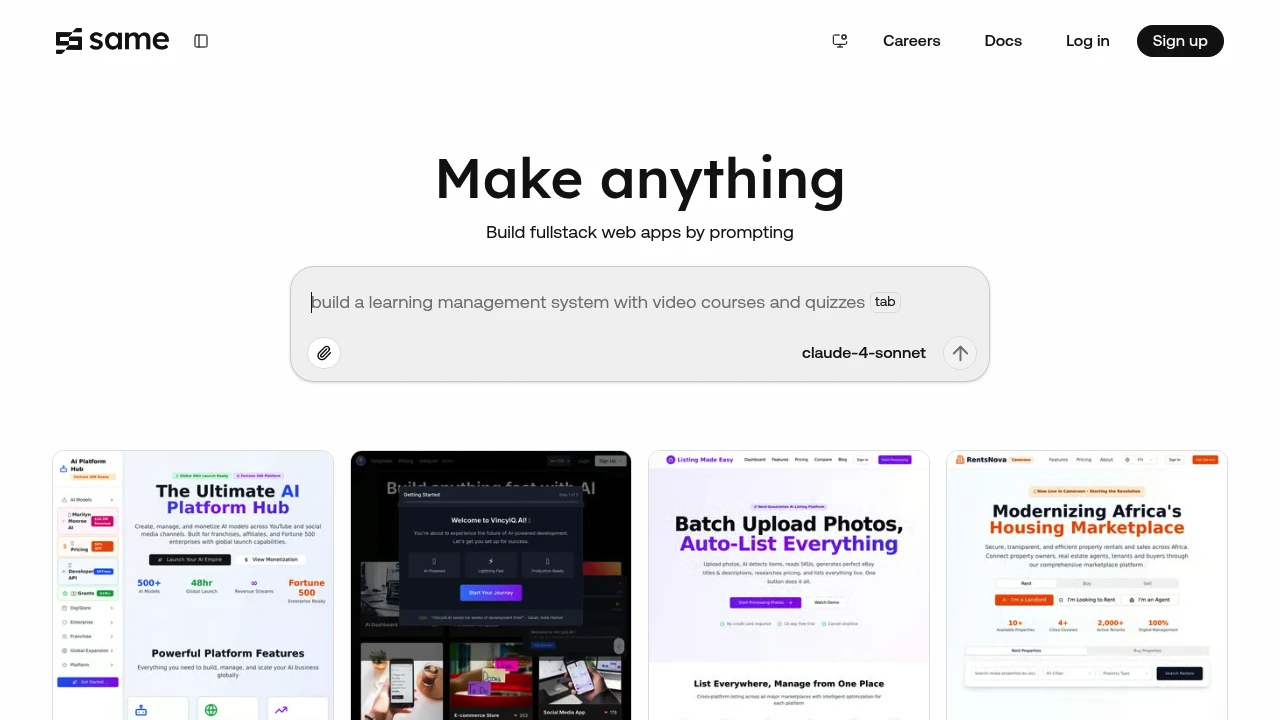
Same transforms ideas into working applications through simple text prompts, eliminating the need for traditional coding skills.
This AI-powered development platform targets entrepreneurs, designers, and business professionals who want to build functional apps without technical expertise.
Same bridges the gap between concept and execution with its intuitive prompt-based interface.
Key Highlights
- Converts natural language prompts into functional applications
- No coding experience required for app development
- Supports multiple app types and use cases
- Fast prototyping and iteration capabilities
- Community support available on free tier
- Premium models included in paid plans
- Project download functionality for paid users
What Makes It Different
Same stands apart by focusing purely on prompt-to-app conversion rather than requiring users to learn complex development frameworks. The platform prioritizes accessibility over technical depth, making app creation possible for non-developers. This approach removes traditional barriers between having an idea and seeing it work as a real application.
Features & Capabilities
Same processes text descriptions and generates corresponding application code and interfaces. Users describe their desired app functionality in plain English, and the platform interprets these prompts to create working prototypes.
The system handles common app components like user interfaces, basic logic flows, and data management.
Typical use cases include business tools, simple games, productivity apps, and proof-of-concept demonstrations. The platform works best for straightforward applications rather than complex enterprise solutions.
Pricing & Value
Same offers several pricing plans:
- Free: 500,000 tokens per month with community support
- Basic: $10/month for 2 million tokens, premium model, and project downloads
- Pro: $25/month for 5 million tokens with all Basic features
- Max: $50/month for 10 million tokens with all Pro features
- Ultra: $100/month for 20 million tokens plus $10 per additional 2 million tokens
The Free plan provides a solid starting point for testing Same's capabilities before upgrading to paid tiers.
Same's main value is turning ideas into working code through simple prompts, making app development accessible without traditional coding skills.

Tempo is a code-first workspace for teams that plan, design, and build web apps with AI agents.
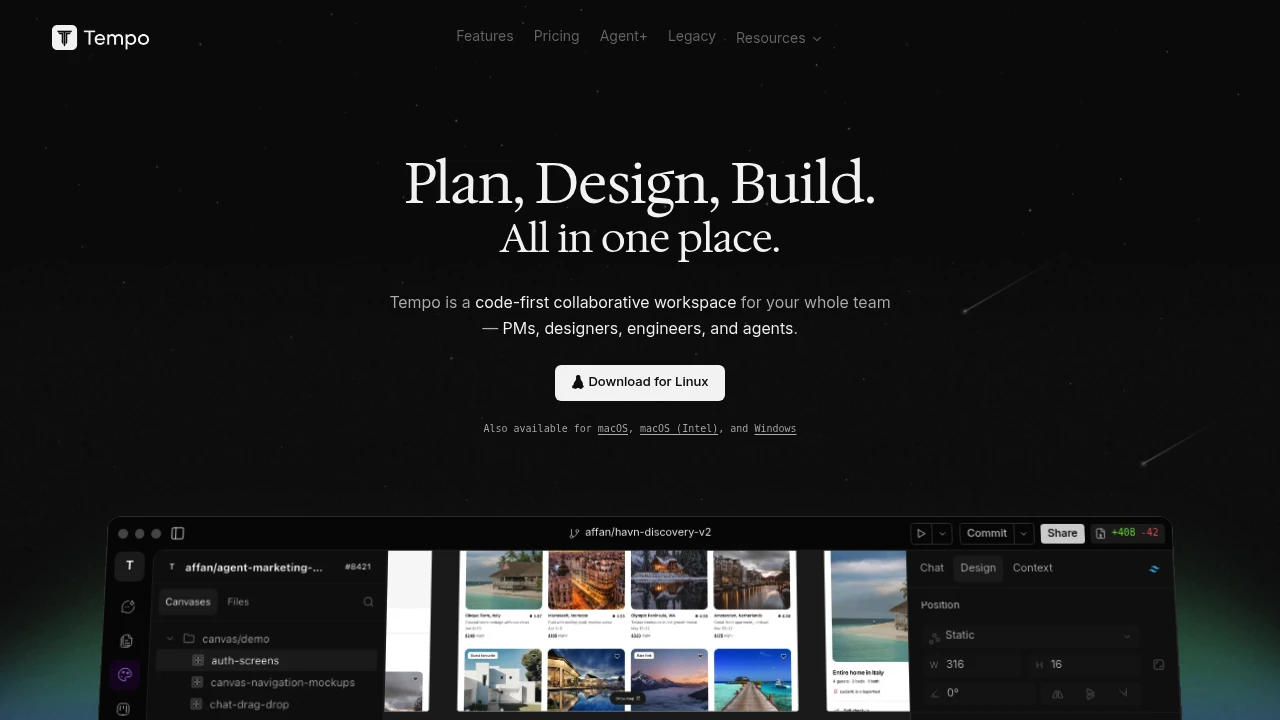
Tempo is a code-first collaborative workspace for planning, designing, and building web apps. It is aimed at PMs, designers, engineers, and AI agents who need one place to move from product intent to code. The public site frames the product around fewer handoffs: prompt, develop, design, and collaborate in the same workspace.
Key Highlights
- Code-first workspace for PMs, designers, engineers, and agents
- Prompt, develop, design, and collaborate from one product surface
- Visual design context with layout, position, typography, fill, stroke, effects, and transform controls
- Visual planning, design, and coding context in one workspace
- AI agents that can support product and engineering work
- Public pages emphasize planning, design, building, and collaboration
What Makes It Different
Tempo's main angle is not just prompt-to-app generation. The site positions it as a shared workspace where product planning, visual design context, code work, and AI agents sit together.
That matters for teams because the marketing page says every handoff is a bug waiting to happen, then offers one workspace instead of separate planning, design, and development tools.
Features & Capabilities
The workflow starts with the same verbs Tempo uses in its hero: plan, design, build. Teams can keep product context and interface details in the workspace while using visual controls for layout, typography, fill, stroke, effects, and transforms.
Tempo emphasizes planning, design, and build flow rather than detailed deployment, repository integration, quotas, or service-package terms.
User Ratings and Testimonials
Tempo does not publish a third-party rating, testimonials, or named customer quotes. The strongest claim is vendor positioning: one workspace for teams and agents.
Public pages are sparse, so buyers should validate day-to-day editor quality, generated code quality, collaboration flow, pricing, and plan limits before production use.
Pricing & Value
Tempo does not publish plan prices, quotas, or team limits.
Tempo is best evaluated as a code-first workspace first, with pricing and plan limits confirmed before procurement.

Firebase Studio is a browser-based, AI-powered workspace where developers build full-stack web and mobile apps with Gemini agents.
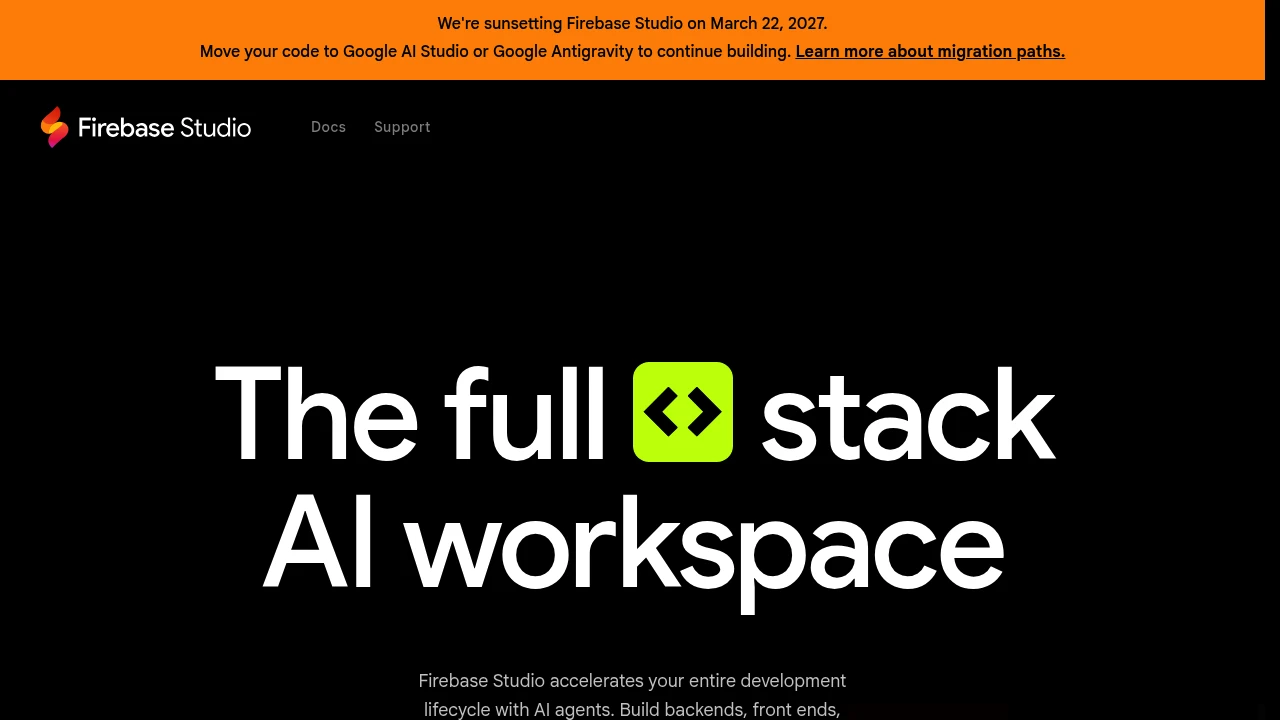
Firebase Studio is a browser-based workspace from Google for building full-stack web and mobile apps with AI assistance. It is aimed at developers and prototypers who want to go from idea to running app without a local setup. Describe an app in plain language, import a repo, or start from a template, and Gemini agents help you write, debug, and ship it.
Key Highlights
- Entirely web-based full-stack environment, no local setup
- App Prototyping agent builds apps from natural language, mockups, drawings, or screenshots
- Gemini in Firebase handles coding, debugging, testing, refactoring, and documentation
- Imports existing repos from GitHub, GitLab, Bitbucket, or a local machine
- Built-in web previews and Android emulators, plus one-click deploys to Firebase App Hosting
What Makes It Different
Firebase Studio grew out of Project IDX, Google's earlier cloud IDE, folded into it in April 2025. The differentiator is how tightly the AI agents tie into the wider Firebase and Google Cloud stack: the same workspace that drafts your code runs cloud-emulator previews, then deploys straight to Firebase App Hosting. You can use the built-in Gemini model or pick your own, and customize the setup with Nix.
Features & Capabilities
The core workflow starts in the browser. You prototype a new app by chatting with the App Prototyping agent or open an existing project, then work with Gemini in Firebase as it reads your codebase and acts on your behalf. Built-in web previews, Android emulators, and editor extensions let you test API endpoints and frontends as you build.
Collaboration is built in: share a preview URL with early testers, and invite teammates to edit the same workspace, whether or not they write code. When ready, deploy to Firebase App Hosting, Firebase Hosting, Cloud Run, or your own infrastructure.
User Ratings and Testimonials
Firebase Studio drew strong early interest as a free, browser-based way to prototype full-stack apps with Gemini. Users praise the zero-setup workflow and the natural-language App Prototyping agent. The largest criticism is its future: on March 19, 2026 Google announced it is sunsetting the product, making many developers hesitant to start new projects on it.
Pricing & Value
- Free: $0, includes 3 workspaces, the App Prototyping agent, Gemini in Firebase, previews, and emulators
- Google Developer Program (standard): free to join, raises the limit to 10 workspaces per user
- Google Developer Program (Premium): paid membership, allows up to 30 workspaces and a larger Gemini quota
Firebase Studio itself is free, though integrations like App Hosting need a Cloud Billing account on the pay-as-you-go Blaze plan. New workspace creation stops after June 22, 2026 and the product shuts down on March 22, 2027, so new builders should weigh the move to Google AI Studio or Google Antigravity.

v0 by Vercel turns plain-English prompts into working full-stack web apps you can edit, sync to GitHub, and deploy.
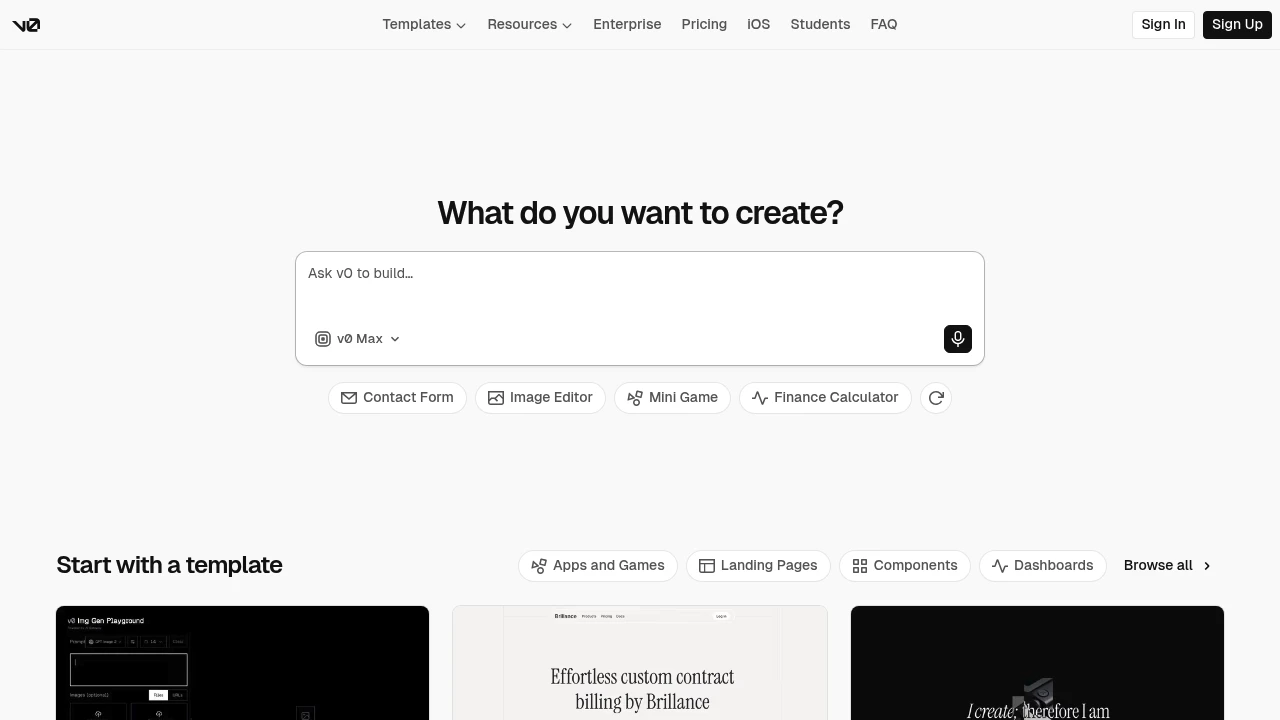
v0 is an AI app builder from Vercel that generates working full-stack web applications from natural-language prompts. It is built for developers, designers, and product teams who want to go from idea to a live, deployable app in minutes without scaffolding everything by hand. You describe what you want, v0 plans the work, writes the code, and can ship it to production.
Key Highlights
- Generate full-stack web apps from a text prompt, then iterate conversationally
- Visual design mode to fine-tune layout, styling, and components with live preview
- GitHub sync to push generated code straight to your repository
- One-click deploy to Vercel for instant production hosting
- Automatic integrations with common tools and APIs, no manual account wiring
- Reusable design systems (colors, typography, styles) shared across projects
- Build on the go with the v0 iOS app
What Makes It Different
v0 is agentic by default: rather than returning a single snippet, it plans tasks, generates the frontend, and can connect a database and APIs as it builds. Because it comes from Vercel, the path from generated code to a deployed site is unusually short, since the same platform handles the build, hosting, and integrations.
Features & Capabilities
You start from a prompt or a template and refine the result through chat or the visual design mode, watching changes in a live preview. v0 produces real, editable code rather than a locked black box, so you can take ownership in GitHub and keep building in a normal workflow.
Beyond single screens, v0 can assemble multi-page applications, define a shared design system, and wire up data and API integrations. When the app is ready, deployment to Vercel is a one-click step, and the iOS app lets you prototype away from your desk.
User Ratings and Testimonials
Developers praise how quickly v0 turns an idea into a working, deployable app and the quality of the React/Tailwind output, which is easy to hand off to a real codebase. Common criticisms are that complex or highly custom apps still need manual cleanup, and that credit-based usage can be consumed quickly on heavy iteration.
Pricing & Value
v0 uses a credit/usage-based model:
- Free: get started with limited monthly credits
- Premium: $20/month for substantially more usage and capabilities
- Team: per-seat pricing with collaboration features
- Enterprise: custom plans with advanced security and support
The free tier is enough to evaluate v0 on a real project, and its tight integration with GitHub and Vercel makes it strong value for teams already in that ecosystem.

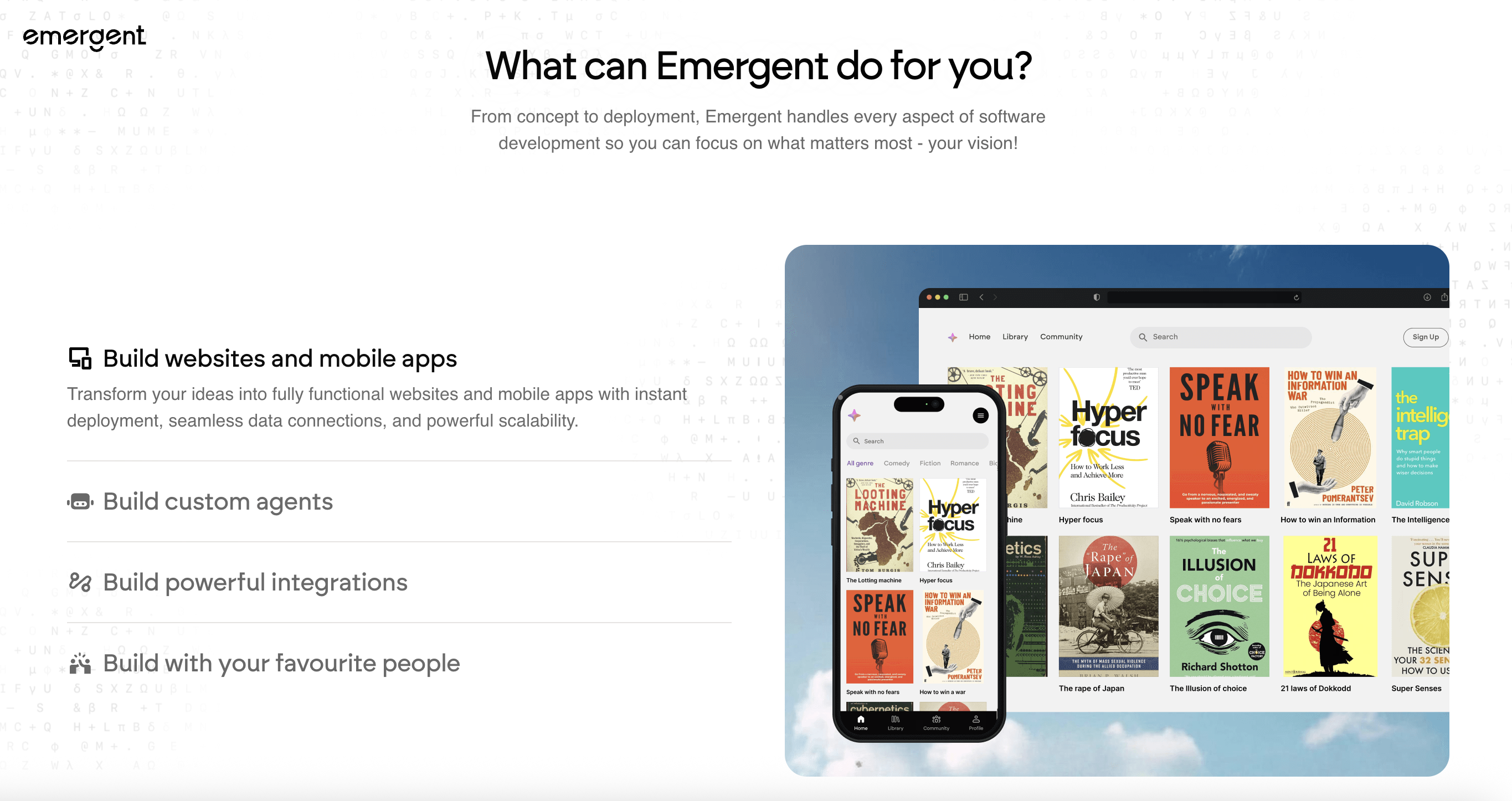
From concept to deployment, Emergent handles every aspect of software development so you can focus on what matters most - your vision!
 Read more
Looking for alternatives to other popular tools? Check out other posts in the alternatives series and flowtools.co, a directory of best AI tools with filters for tags and categories for easy browsing and discovery.

Build with words, not code. Describe what you want in plain English. Mocha's AI agent turns your ideas into working apps—no technical knowledge required.
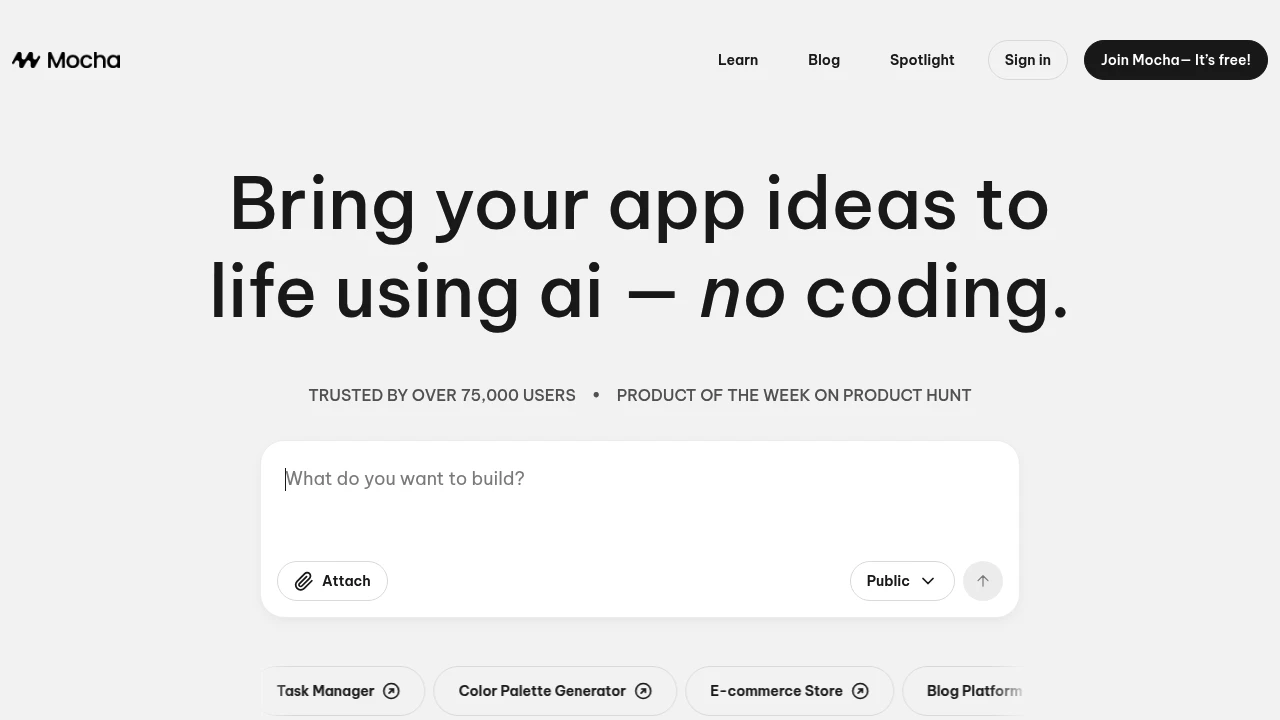
Mocha is an AI app and website builder for non-technical users. It helps you turn ideas into working products fast with built-in backend, database, and authentication. Ideal for founders, makers, and small teams seeking speed and control.
Key Highlights
- Build apps without code in minutes
- AI builder included on the free plan
- Handles backend, database, and auth out of the box
- Fast publishing and custom domains on paid plans
- Credits model for predictable usage
- Priority support and early feature access on higher tiers
- No watermarks on paid plans
What Makes It Different
Mocha focuses on simplicity for non-technical users. Many say it delivers on the no-code promise where other tools fall short.
Users report that it works better for them than Lovable or Bolt when they need speed and clarity. It removes setup overhead by bundling backend, database, and auth.
Features & Capabilities
- AI website and app generation
- Backend, database, and authentication included
- Publish multiple apps and connect a custom domain
- Use cases: landing pages, MVPs, internal tools, simple web apps
- Suited for entrepreneurs, startups, and small businesses
User Ratings and Testimonials
Mocha has an average rating of 4.8 out of 5 stars, based on 29 reviews, on Product Hunt.
People praise the simple workflow and speed. Many find it better than other no-code builders for non-technical users. Reviews highlight the strong handling of the backend, database, and authentication, and claim it delivers on the no-code promise for entrepreneurs and startups.
Pricing & Value
- Starter: Free plan with 120 credits to deploy one app and access AI features.
- Bronze: $20/month for 1,500 credits, publish up to 5 apps, and custom domain support.
- Silver: $50/month for 4,500 credits, publish up to 15 apps, and priority customer support.
- Gold: $200/month for 20,000 credits, publish up to 25 apps, and early access to new features.
All paid plans remove watermarks and support larger app development.
The free tier gives you a solid start with 120 credits to test Mocha's AI website-building capabilities. This compares well to other no-code builders that often limit free users to basic templates without AI assistance.

Base44 lets you build fully-functional apps in minutes with just your words. No coding necessary.
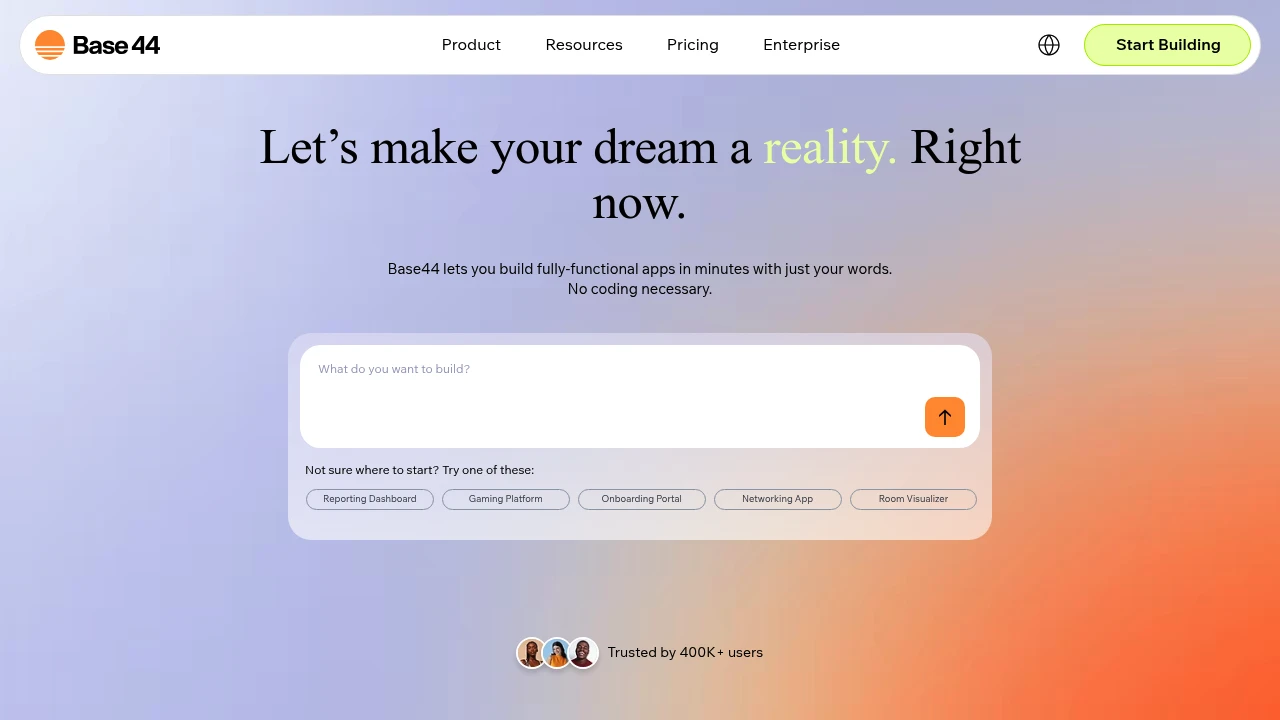
Base44 enables you to build AI-powered apps and prototypes in minutes without writing code. It combines your database, UI, and logic in one place, allowing you to move from idea to test quickly. Suitable for makers, small teams, and small businesses.
Key Highlights
- Build working apps in minutes with natural language prompts
- Unified data, AI, and UI in one platform
- Minimal back-and-forth with the AI to get outcomes right
- Quick prototyping for idea testing
- Unlimited apps on paid plans with a domain connection
- In-app code edits, backend functions, and GitHub integration on higher tiers
- Premium support on Elite
What Makes It Different
- Intent-first building that needs little guidance
- End-to-end workflow without stitching many tools
- Clear credit-based usage with a free tier to try
Features & Capabilities
- AI app builder for prototypes and production-style apps
- Integrated database, AI features, and UI builder
- In-app code edits for fine-tuning
- Backend functions on Builder and above
- GitHub integration on Pro and above
- Domain connection on paid plans
- Unlimited apps on paid plans
User Ratings and Testimonials
Base44 has an average rating of 4.7 out of 5 stars, based on 95 reviews, on Product Hunt.
Users praise the speed and ease of use. Many build working prototypes in minutes with little feedback needed. The integrated database, AI, and UI help teams test ideas quickly, and several users report shipping multiple projects.
Some concerns include the credit system and pricing. A few users have lost credits due to AI bugs and find the monthly costs to be high.
Others note limited external integrations and question the scalability of large, long-term applications.
Pricing & Value
- Free: $0 with 25 message credits and 100 integration credits per month
- Starter: $20/month for 100 message credits, 2,000 integration credits, and unlimited apps
- Builder: $50/month for 250 message credits, 10,000 integration credits, and backend functions
- Pro: $100/month for 500 message credits, 20,000 integration credits, and GitHub integration
- Elite: $200/month for 1,200 message credits, 50,000 integration credits, and premium support
All paid plans include unlimited apps, in-app code edits, and domain connection.
Yearly plans save 20%.
The free tier offers a solid starting point for testing Base44 before committing to paid features.

Your full-stack solution for building apps that scale.
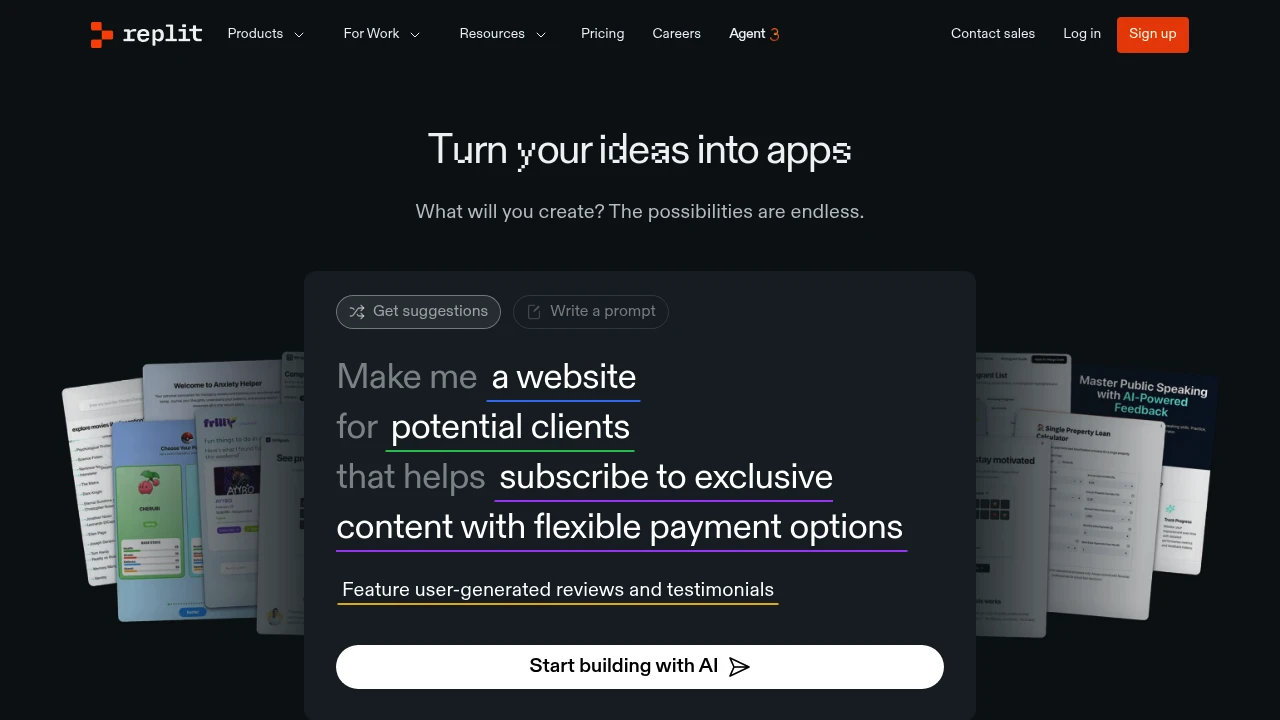
Replit is a browser-based coding platform for building, collaborating on, and shipping apps quickly. It suits makers, students, and small teams who want code, AI help, and hosting in one place. Start in seconds with no setup.
Key Highlights
- Code in the browser with instant start and sharing.
- Built-in AI agent for scaffolding, fixing, and refactoring.
- Real-time collaboration with comments and multiplayer editing.
- One-click live hosting for public or private apps.
- Templates and quick starts for standard stacks.
- Team workspaces with roles and centralized billing.
- Enterprise options with SSO/SAML and SCIM.
What Makes It Different
Replit brings coding, AI assistance, and deployment under one roof. You can go from idea to live app without switching tools. Monthly usage credits in paid plans reduce surprise costs.
Features & Capabilities
- Browser IDE with multi-language support and package management.
- Replit Agent for code suggestions, tests, and task automation.
- Deployments with live links, logs, and scaling options.
- Collaboration: sharing, reviews, and viewer seats for stakeholders.
- Security and admin controls for teams and enterprise.
- Common use cases: prototypes, internal tools, student projects, and small production apps.
User Ratings and Testimonials
Replit has an average rating of 4.9 out of 5 stars, based on 95 reviews, on Product Hunt.
Users praise the seamless coding experience, collaboration, and no-setup workflow. Some report performance issues on large projects and indicate that certain advanced features require paid plans.
Pricing & Value
Replit offers several pricing plans:
- Starter: Free plan includes Replit Agent trial, 10 development apps with temporary links, and public apps only with limited build time.
- Replit Core: $25/month provides full Replit Agent access, $25 monthly credits, and private/public apps with live hosting capabilities.
- Teams: $40 per user/month adds $40 monthly usage credits, 50 viewer seats, and centralized billing with role-based access control.
- Enterprise: Custom pricing offers SSO/SAML integration, SCIM support, and advanced privacy controls with dedicated support.
The free Starter plan allows you to explore app development with basic features and includes Replit Agent trial access.
Replit stands out by combining AI-assisted development with integrated hosting and deployment on a single platform.
Similar proprietary alternatives:

 bisibility — Free beta: Track your website’s keywords, Google rankings, Search Console insights, and share of voice.


