Airtable
Organize shared data, build interfaces, and automate workflows with a relational app platform and AI tools.
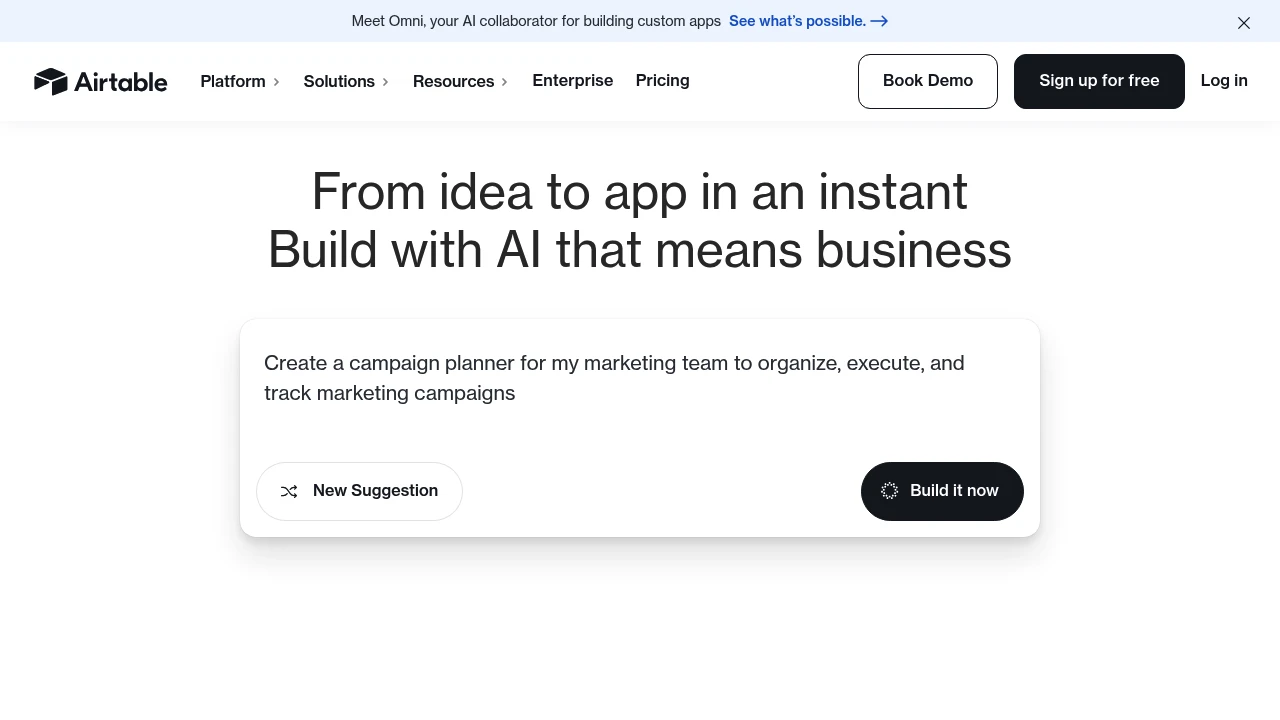
Airtable is an app-building platform for teams that organize shared data and workflows. It combines structured records with interfaces, automations, and AI tools. Teams can manage work in one workspace while choosing views and interfaces suited to different roles.
Key Highlights
- Shared data for business workflows
- Linked records and configurable fields
- Interfaces for different team roles
- Automations and supported integrations
- AI tools for building and working with apps
What Makes It Different
Airtable combines a spreadsheet-style way of working with linked records and application interfaces. Rather than keeping each process in a separate spreadsheet, a team can build views and workflows around related data. This does not make it a direct replacement for every spreadsheet calculation or database workload.
Features & Capabilities
Teams can organize records, connect related information, and create interfaces for the people who use it. Automations help carry out recurring actions, while supported integrations connect tools such as Slack, Google Drive, and Salesforce.
Plan limits and collaborator permissions affect how a workspace is used. Review the required data capacity, automation usage, and editing roles before adding a whole team. Read-only access and an editing seat have different billing treatment.
User Ratings and Testimonials
Airtable offers examples of how organizations use its platform. Suitability depends on the workflow and data structure. A team should evaluate its own records, required calculations, and permission model rather than assume the same experience for every use case.
Pricing & Value
- Free: core app-building features with capacity limits
- Team: $20 per editing seat/month, billed annually
- Business: $45 per editing seat/month, billed annually
- Enterprise Scale: custom pricing
Team and Business do not charge for read-only collaborators, form submissions, or share links. Monthly billing is a separate option; the annual rates are not month-to-month prices.
Product facts
- Pricing
- Not yet verified
- Access
- Not yet verified
- Product status
- Not yet verified


Analytics
Deep dive into AI Tool performance and audience insights.
Growth Trend
DecliningTraffic growth over last 30 days
Traffic & Engagement
Traffic Sources
Top Countries
FAQs
Airtable helps teams organize shared records, build app interfaces, and automate workflows around their data.
Paid editing seats and plan limits can affect cost and capacity. Check the data, automation, and permission requirements of your workflow.
No. Airtable combines a spreadsheet-style interface with linked records, app interfaces, and automations. It serves different workflows from Excel.
Yes. Airtable has a free plan with capacity limits. Paid plans add capacity and features, with Team and Business charged for editing seats.
You might also like

 bisibility — Free beta: Track your website’s keywords, Google rankings, Search Console insights, and share of voice.


