Best AI Code Generation Tools
AI code generation tools help you turn concepts into clean, working code in a fraction of the time. Discover tools that can streamline repetitive coding tasks, reduce bugs, and help you focus more on solving real problems instead of boilerplate.
Speed Up Development With Cursor-Powered Code Generation
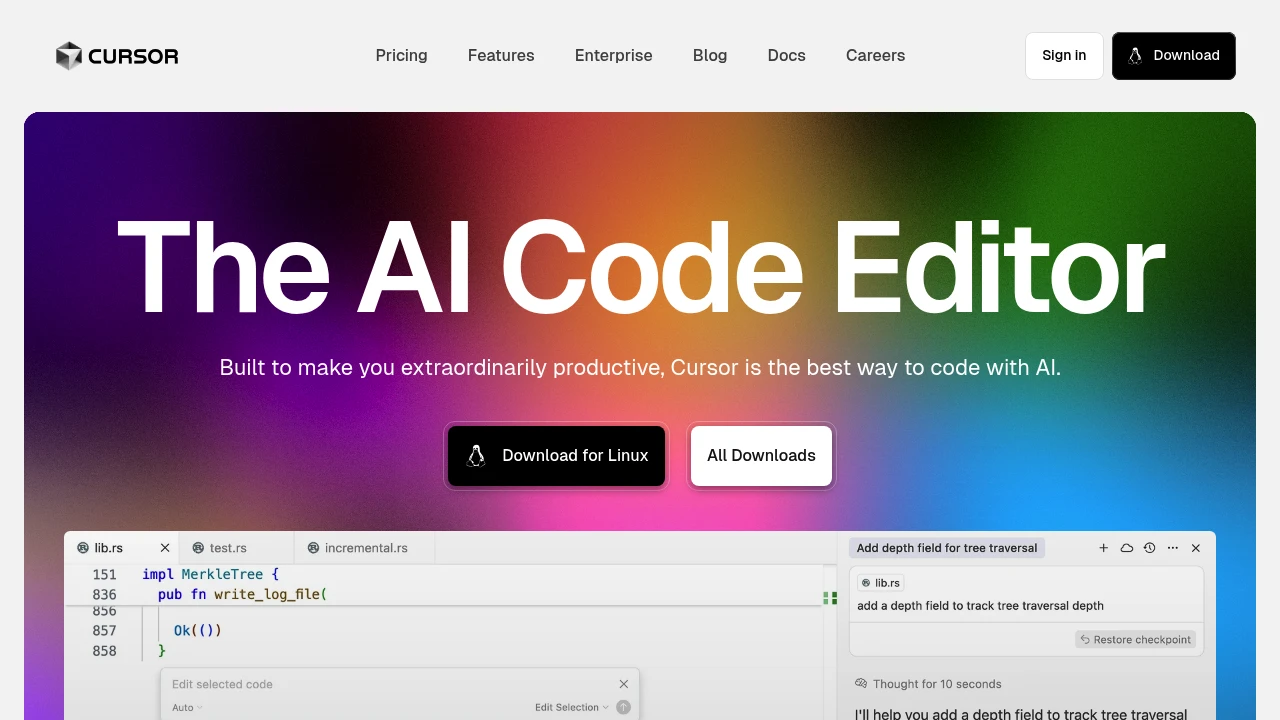
Cursor is an AI-powered code editor that helps you generate, edit, and refactor code directly where you work, so you can stay focused on building features instead of boilerplate. For code generation specifically, try using Cursor to scaffold components, suggest implementations, and iterate on your logic faster while still reviewing and approving every change yourself.
Build Features Faster with AI Code Generation Tools
AI code generation helps you turn plain-language ideas - like "add login with email and password" - into real, working code snippets you can drop into your app, without needing to be a senior engineer.
You stay in control of your stack by telling the AI which language, framework, and style you use, then reviewing and editing the generated code just like a pull request from a teammate.
A simple way to try it: describe a small feature such as "React form with email, password, validation, and submit handler" and let an AI tool generate the component, then paste it into your project and adjust labels or styling.
You can also use these tools to safely refactor - for example, paste a messy function and ask the AI to "simplify, remove duplication, and add clear comments" while keeping the logic identical.
Start with tiny, low-risk tasks like helper functions or UI components, see that the code runs, and build up trust as you watch AI help you ship cleaner features faster.
Share What You’re Working On
Share how AI code generation has changed the way you build and ship features, and learn from others doing the same.
There are developers here ready to respond, compare workflows, and build on your ideas.
Browse all AI code generation tools
Explore tools like Cursor and other AI code generation assistants to quickly turn ideas into working code, from small snippets to full features.
Best For: Developers who want to speed up implementation while keeping full control over their codebase.
Strengths: Fast scaffolding, context-aware suggestions, and support for multiple languages and frameworks.
Limitations: Output quality depends on your prompts and review, and complex or highly specific logic may still require manual coding.


How to Choose the Right Tool
If it's your first time using AI for coding, pick a tool that fits your existing editor and stack. This way, you can generate and test code without changing your workflow.
Otherwise, prioritize tools that make it easy to see and edit the diff, so you always understand exactly what is changing.
Starter Workflow With Cursor
Open your project in Cursor and let it index your codebase so it can understand your structure, patterns, and dependencies.
Highlight a file or folder and ask Cursor to "add X feature following existing patterns" - review the proposed changes in the side-by-side diff before accepting.
Use Cursor's chat to iteratively refine - for example, "optimize this function for readability and add tests" - then run your test suite to validate everything.
Bringing It All Together
Use AI code generation to handle the busywork - scaffolding, boilerplate, and refactors - while you stay focused on architecture and product decisions.
Over time, build a repeatable workflow: describe the change, generate the code, review the diff, run tests, and then ship with confidence.

 bisibility — Free beta: Track your website’s keywords, Google rankings, Search Console insights, and share of voice.