Veo 3 Alternatives
A curated collection of the 9 best alternatives to Veo 3.
The best alternative to Veo 3 is Vidu. If that doesn't suit you, we've compiled a ranked list of other Veo 3 alternatives to help you find a suitable replacement. Other interesting alternatives to Veo 3 are: Luma, Pika, Higgsfield and Hailuo AI.
Veo 3 alternatives are mainly AI Video Tools tools but may also be AI Video Generation tools or AI Image Generation tools. Browse these if you want a narrower list of alternatives or looking for a specific functionality of Veo 3.


Generate short videos from text, images, or visual references, with reference-based and storyboard workflows.
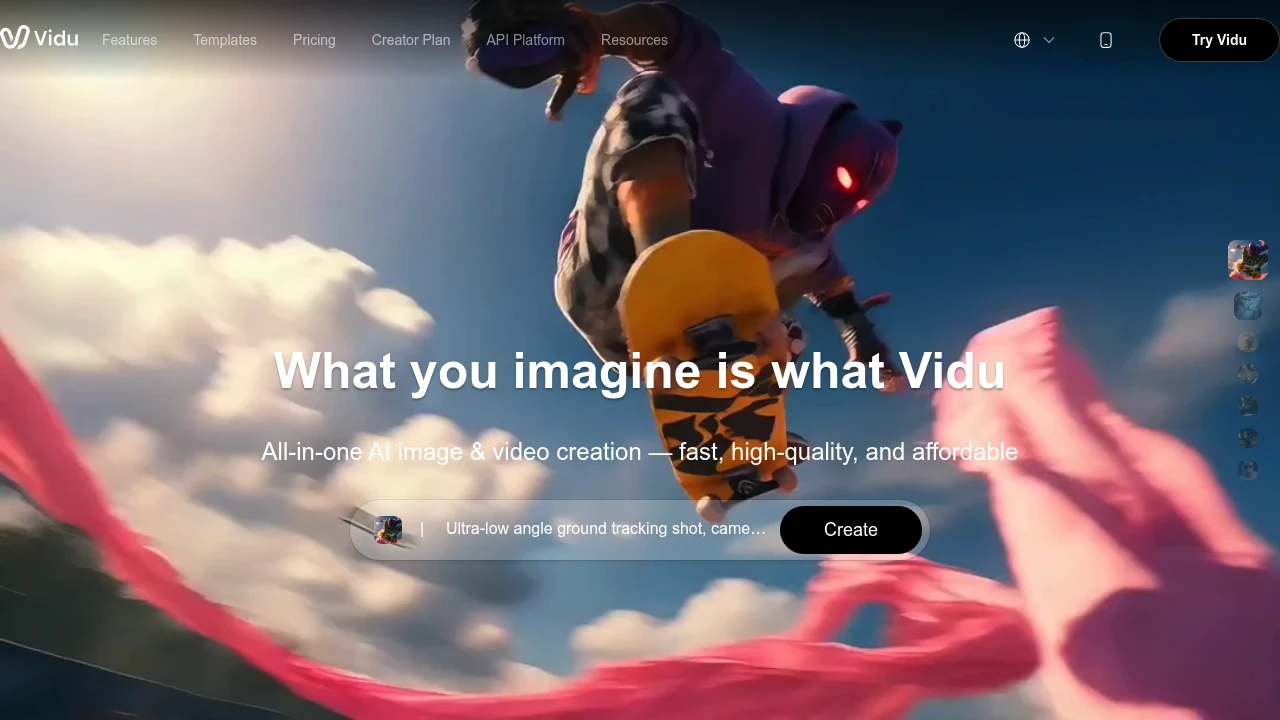
Vidu is an AI video service for creating clips from text, images, and visual references. It supports text-to-video, image-to-video, and reference-based workflows. Creators can use it to explore motion, characters, and scenes before preparing a finished video.
Key Highlights
- Text to Video from written prompts
- Image to Video for still-image inputs
- Reference-based video generation
- Storyboard and agent workflows
- Templates and additional image tools
What Makes It Different
Vidu combines several ways to guide a video. A prompt describes the scene, while an image or visual reference gives additional direction for appearance. These controls help users explore a recurring character or product, but they do not guarantee identical details across every generation.
Features & Capabilities
Choose a workflow, supply instructions or visual material, and generate a clip. The product includes templates for common formats and tools for working with images as well as video. Model access and the cost of a generation depend on the selected options.
Reference and storyboard workflows provide more context for a sequence than an isolated prompt. Inspect motion, faces, products, and transitions before using the output. Keep the rights in uploaded reference material separate from the service’s output-use terms.
User Ratings and Testimonials
Vidu publishes selected creator testimonials about reference workflows and animation. Evaluate those features with your own inputs rather than assume a particular generation speed or consistent result. Several attempts and manual edits may be needed for a clip that fits a finished campaign.
Pricing & Value
- Signup: trial credits for new accounts
- Subscriptions: included credits valid for 30 days
- Purchased and bonus credits: valid for 2 years
Subscriptions renew according to their monthly or annual billing cycle. Current plan limits and Off-Peak eligibility affect available usage. Trial or bonus credits should not be interpreted as unlimited no-credit generation.
Looking for alternatives to other popular tools? Check out other posts in the alternatives series and flowtools.co, a directory of best AI tools with filters for tags and categories for easy browsing and discovery.

Luma is an AI platform for creative teams that generates and edits video, image, and audio from a prompt using agents.
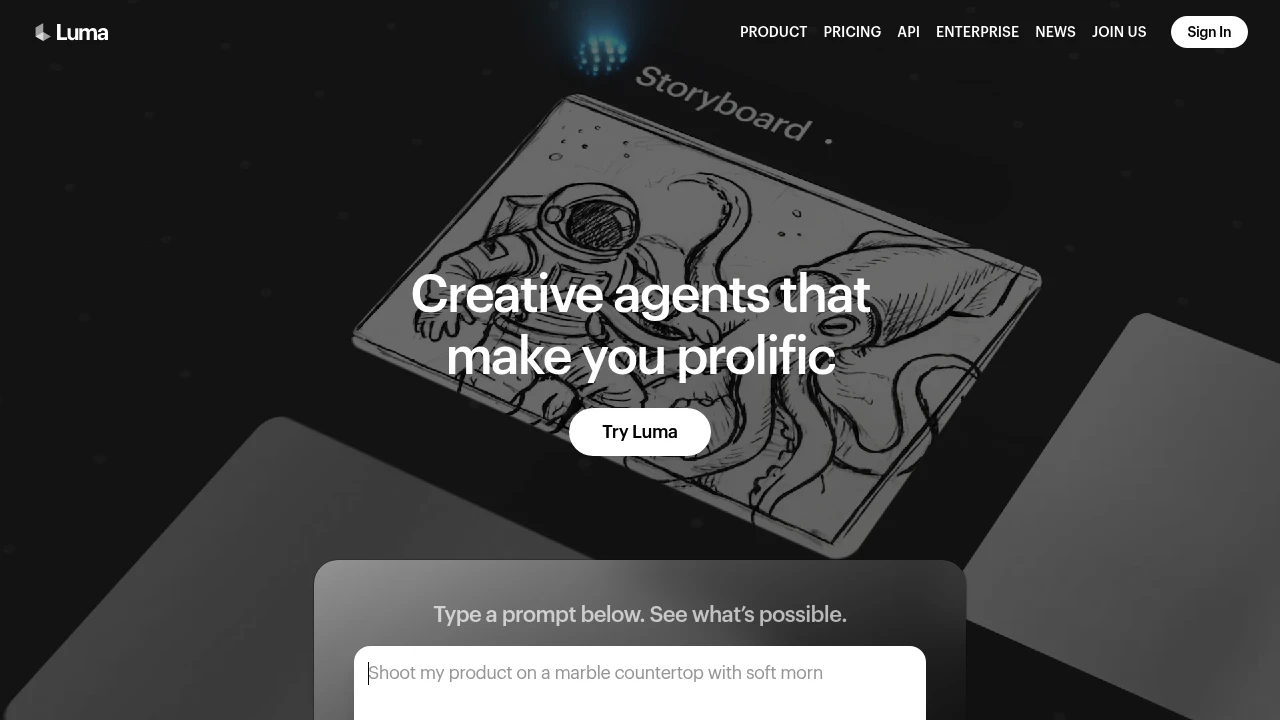
Luma is an AI platform for creative work that generates and transforms media across video, image, audio, and text from a prompt. It is built for creative teams, filmmakers, and marketers who want to move from concept to delivery in one tool. Agents coordinate the work, while the Dream Machine app and Ray video models handle generation.
Key Highlights
- Generate video, image, audio, and text from a single prompt
- Ray 3.2 video model with frame-level direction and cinematic control
- Agents that coordinate multi-step creative tasks across media
- Many third-party models (Veo, Kling, Seedance, Nano Banana) alongside Luma's own
- Image-to-video, video-to-video, and reframe workflows
- Commercial use rights on paid plans
What Makes It Different
Luma frames itself around agents rather than single-shot generation. Instead of asking one model for one clip, you describe a goal (a pitch deck, hero product shots, a cinematic cut) and agents generate and coordinate the media to deliver it. The Ray 3.2 model adds control over continuity and lets you direct individual frames, which matters for longer sequences.
Features & Capabilities
The core workflow runs through Dream Machine: type a prompt, generate, then refine with image-to-video, video-to-video, or reframe actions. Luma also exposes a wide model catalog, so you can route a job to its own Ray models or to third-party options like Veo 3.1, Kling, Seedance, and Nano Banana, each priced per generation in credits.
Beyond video, it covers image generation (Uni-1, GPT Image, Seedream) and audio via ElevenLabs models for speech, sound effects, and music. Background removal and reframing keep a project inside one tool.
User Ratings and Testimonials
Luma's Dream Machine is widely regarded as one of the stronger AI video generators for cinematic motion and image-to-video quality. Users praise the realism and the speed of iterating on shots. Common criticisms: the credit system burns through quickly at higher resolutions, the free tier is tight (daily credits, 720p, watermarked, no audio), and fine control over longer scenes still takes effort.
Pricing & Value
- Free: $0, with a small pool of daily credits, 720p output, and a watermark
- Plus: $30/month ($300 billed yearly) for Luma and third-party models, guest edit access, and commercial use
- Pro: $90/month ($900 billed yearly) for everything in Plus plus 4x usage with Luma Agents
- Ultra: $300/month ($3,000 billed yearly) for everything in Pro plus 15x usage with Luma Agents
- Team and Enterprise: custom pricing with shared credits, SSO, analytics, and fine-tuning
The free tier is enough to judge quality, while Plus is the entry point for commercial work. Heavy video output is metered in credits, so cost scales with resolution and model choice.

Pika Create combines AI video, image, and audio tools with multiple models and plan-specific credit and licensing terms.
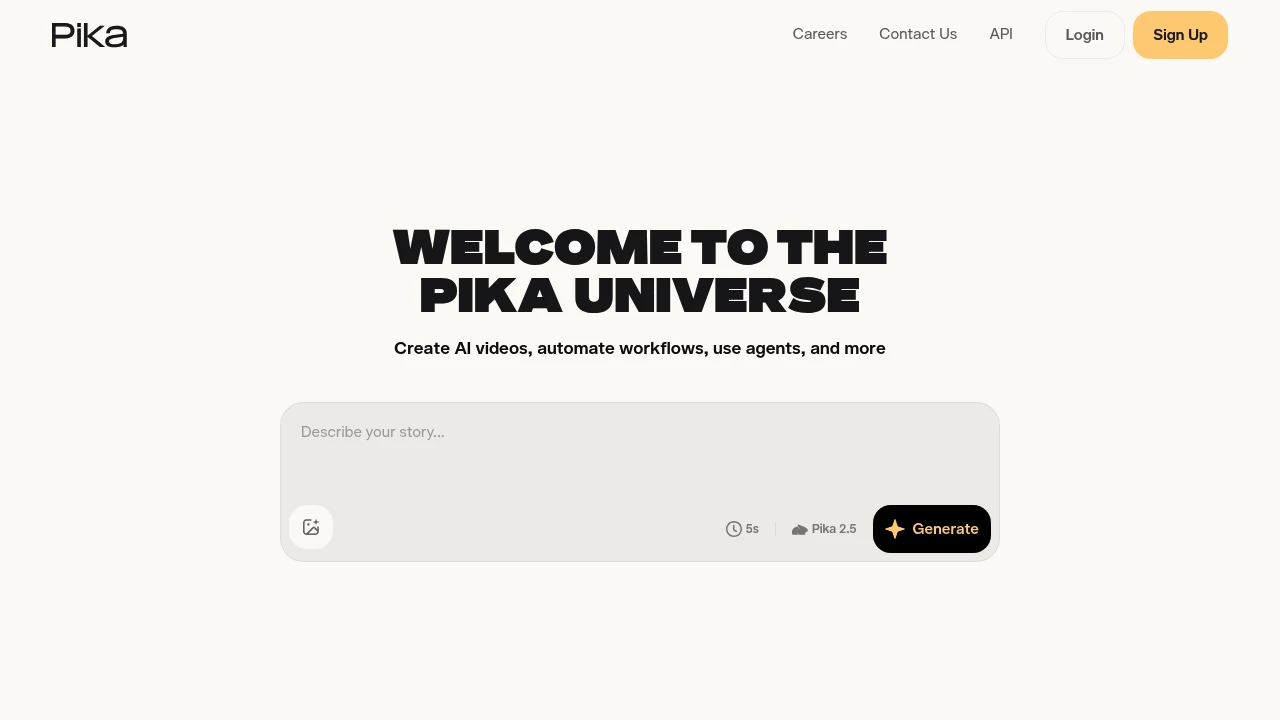
Pika offers AI tools for creating and editing video, images, and audio. Its Pika Create web platform brings several models and creative apps into one workspace. Creators can generate a first result, change visual material, and choose settings suited to the intended project.
Key Highlights
- Video, image, and audio generation tools
- Text and image inputs for creative workflows
- Video extension, restyling, and motion tools
- Multiple models with different credit costs
- Plan-specific parallel generation and licensing
What Makes It Different
Pika Create groups model access and creative apps in one subscription workflow. It is broader than the earlier Pika-only video experience. The current Create plan and credit packs apply to pika.art; they should not be assumed to cover old.pika.art, the iOS app, API, or MCP products.
Features & Capabilities
Choose a creative app and model, supply the input, and review the generated result. Different settings and output types use different amounts of credits. Plans also set the number of video, image, or audio generations that can run in parallel.
Creators can buy top-up packs separately from a subscription. Subscription credits refresh each billing period and do not roll over. Top-ups carry over and expire 365 days after purchase, according to the current Create billing FAQ.
User Ratings and Testimonials
Evaluate output for subject consistency, movement, artifacts, and the edits needed for the intended use. A watermark-free download is separate from commercial licensing. Check the selected plan and applicable terms before using generated material commercially.
Pricing & Value
- Free: no monthly credits; optional purchased packs, with no commercial license included
- Starter: $10/month or $8/month billed annually, 900 monthly credits, no commercial license included
- Creator: $35/month or $28/month billed annually, 3,150 monthly credits, commercial license included subject to terms
- Fancy: configurable higher credit tiers
These prices apply to Pika Create. Other Pika products and developer usage have separate terms.

An AI creative suite with image, video, audio, effects, editing tools, and Cinema Studio workflows.
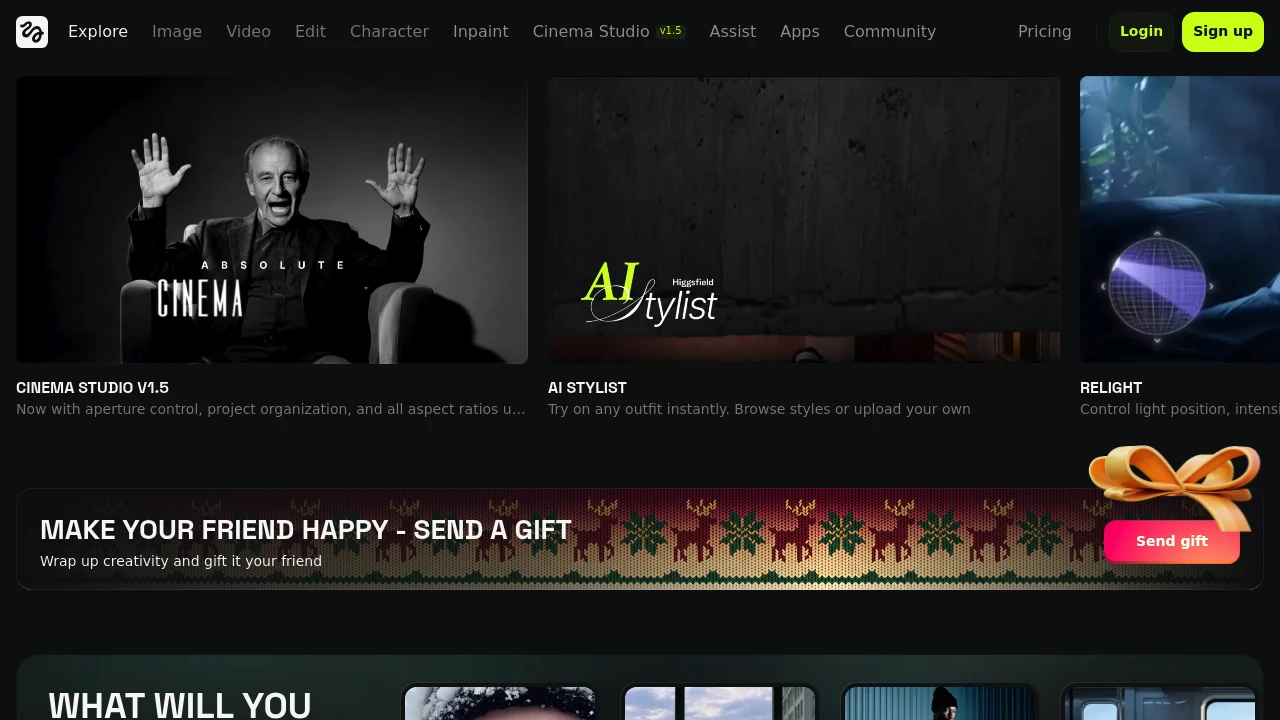
Higgsfield is an AI creative suite for making images, video, audio, and edited visual projects. Its web platform brings model-based generation together with creative tools such as Cinema Studio, effects, and a canvas. Creators can choose a workflow suited to the material they want to make.
Key Highlights
- Image, video, and audio creation tools
- Cinema Studio for cinematic scene workflows
- Effects and video restyling tools
- Canvas for working on creative projects
- Model and tool choices within the web platform
What Makes It Different
Higgsfield groups several creative workflows within a single platform instead of offering only one text-to-video input. A project can involve generating a visual, changing its style, or developing a scene through a dedicated tool. Available models and controls differ, so one workflow does not describe every feature in the suite.
Features & Capabilities
Explore the image, video, audio, and editing areas, then choose the appropriate tool. Cinema Studio supports scene creation, while effects and restyling options change the presentation of visual material. The platform also presents studio-oriented workflows for advertising and other creative projects.
Some integrations connect creative tools to external assistants. Check the selected workflow's inputs, outputs, and access requirements before planning a repeatable production process. Web access should not be confused with older mobile-app descriptions.
User Ratings and Testimonials
Evaluate a tool on the visual style, subject consistency, motion, and editability needed for your project. Compare several results and inspect unwanted artifacts before choosing a final asset. Model choice and settings affect the output, and a promotional example does not establish the same result for every prompt.
Pricing & Value
Higgsfield offers account-based access to its creative tools. Compare the current subscription options for credit allowances, supported models, generation limits, and any separate usage terms. Availability of a free option or promotion depends on the current offer; do not assume an older mobile-app credit grant covers every web feature.

Generate videos and creative images from prompts and references in MiniMax's web workspace.
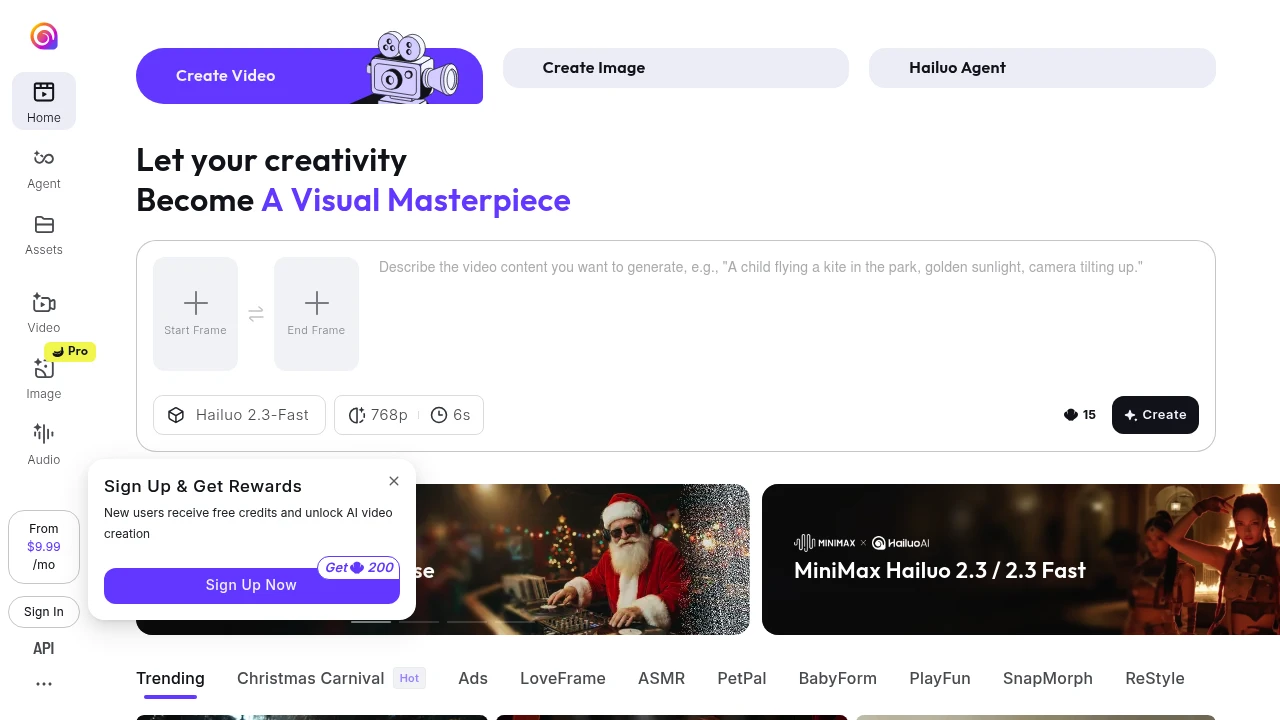
Hailuo AI is MiniMax's creative web platform for generating videos and images. It offers prompt-based creation and reference workflows for people exploring visual concepts, social clips, and creative effects. The site currently presents MiniMax H3 as part of its video offering.
Key Highlights
- Video creation from text and visual inputs
- Image-based creative effects
- Reference-driven generation
- A gallery of creative templates and examples
- Account-based creation and subscription access
What Makes It Different
The web workspace combines a creation interface with an Explore gallery. A user can inspect examples and select a creative direction before supplying input. Reference-based workflows help describe the desired subject or effect visually, rather than relying entirely on a written prompt.
Features & Capabilities
Choose a creation mode or template, then supply the requested prompt and reference material. The gallery includes photo-to-video ideas, transformations, product-style visuals, and motion effects. Check which inputs and models the selected workflow accepts before preparing a project.
Review the generated result for visual details, continuity, and whether it follows the prompt. Templates illustrate possible directions; they do not guarantee identical results from every input. Avoid assuming that a model capability available through a separate API has the same access or settings in the web app.
User Ratings and Testimonials
For evaluation, try a simple scene with a clear subject, action, and visual style. Inspect faces, objects, text, and movement in the preview. For campaign work, test revisions as well as the initial generation, because the first result may not match the intended brief.
Pricing & Value
- Account offer: credits and available generation options depend on the account
- Subscriptions: review the current in-app offer for allowances and model access
Check credit cost, output settings, and remaining allowance before creating a series. A welcome offer is different from a permanent free or unlimited plan.

Join 10M+ Users Using Pollo AI to Create and Inspire
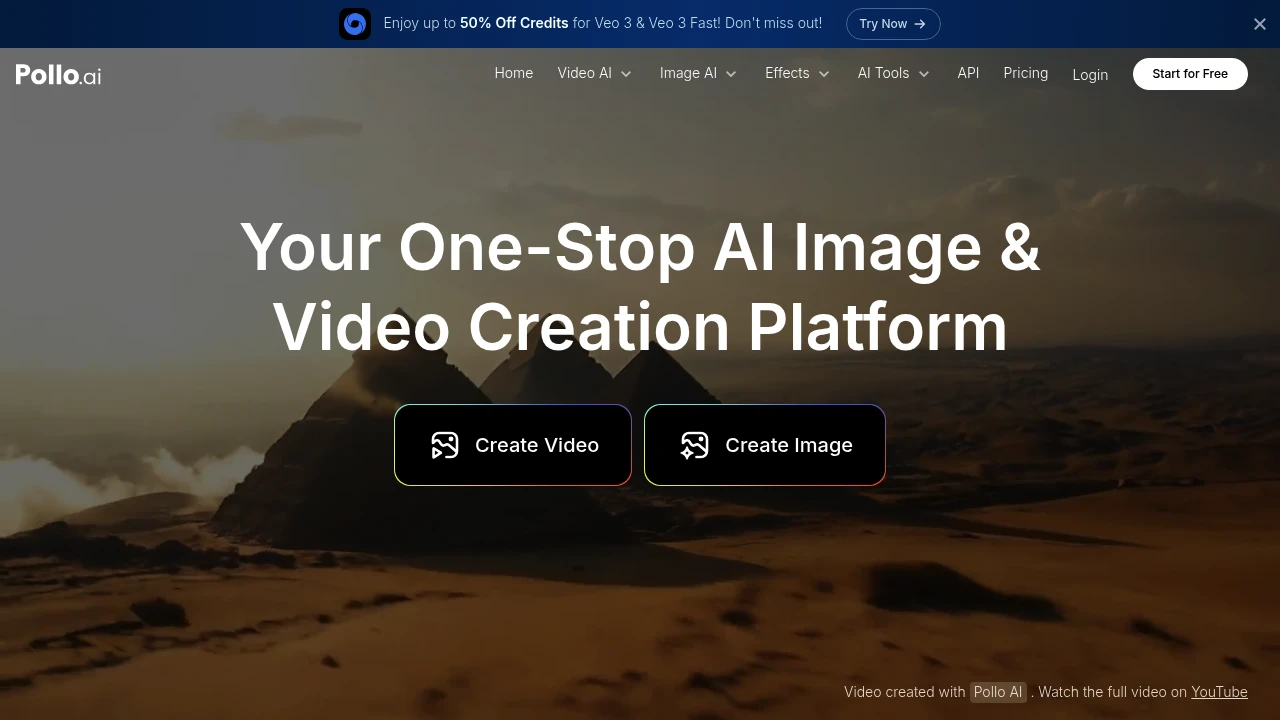
Pollo AI helps you create AI videos and images fast with avatars, templates, and custom LoRA styles.
It suits creators, marketers, and small businesses that want quick results without a complex setup.
Use it for social posts, ads, explainers, and product clips.
Key Highlights
- Multi-model support
- AI avatar generator
- 300+ templates and 3k+ custom LoRA models
- Video and image generation in one place
- Faster generation and no watermarks on paid plans
- Camera movement options and more parallel tasks on Pro
- Clear credit-based system with plan limits
- Free tier is useful for testing
What Makes It Different
- Combines avatars, templates, and an extensive LoRA library in one tool.
- Offers both video and image creation with straightforward pricing.
- Focuses on speed, watermark removal on paid plans, and camera moves for richer shots.
Features & Capabilities
- Generate short videos and images for ads, reels, and tutorials.
- Start from templates, pick models or LoRAs, and add an AI avatar.
- Use camera movement options on higher tiers for dynamic scenes.
- Credit-based workflow with monthly limits and parallel tasks on Pro.
Pricing & Value
Pollo AI offers three pricing plans:
- Free: 10 credits monthly with up to 1 video and 10 images. Includes watermarked outputs and regular support.
- Lite: $15/month for 300 credits, up to 30 videos and 300 images monthly. Features faster generation and no watermarks.
- Pro: $29/month for 800 credits, up to 80 videos and 800 images monthly. Adds more parallel tasks and camera movement options.
All plans include multi-model support, an AI avatar generator, and over 300 templates with 3k+ custom LoRA models.
The free tier provides good value for testing the platform with basic video creation needs.
Yearly plans offer 50% savings compared to monthly billing.
Looking for alternatives to other popular tools? Check out other posts in the alternatives series and flowtools.co, a directory of best AI tools with filters for tags and categories for easy browsing and discovery.

Create and edit videos, images, and audio with AI models, reference inputs, and credit-based creative tools.
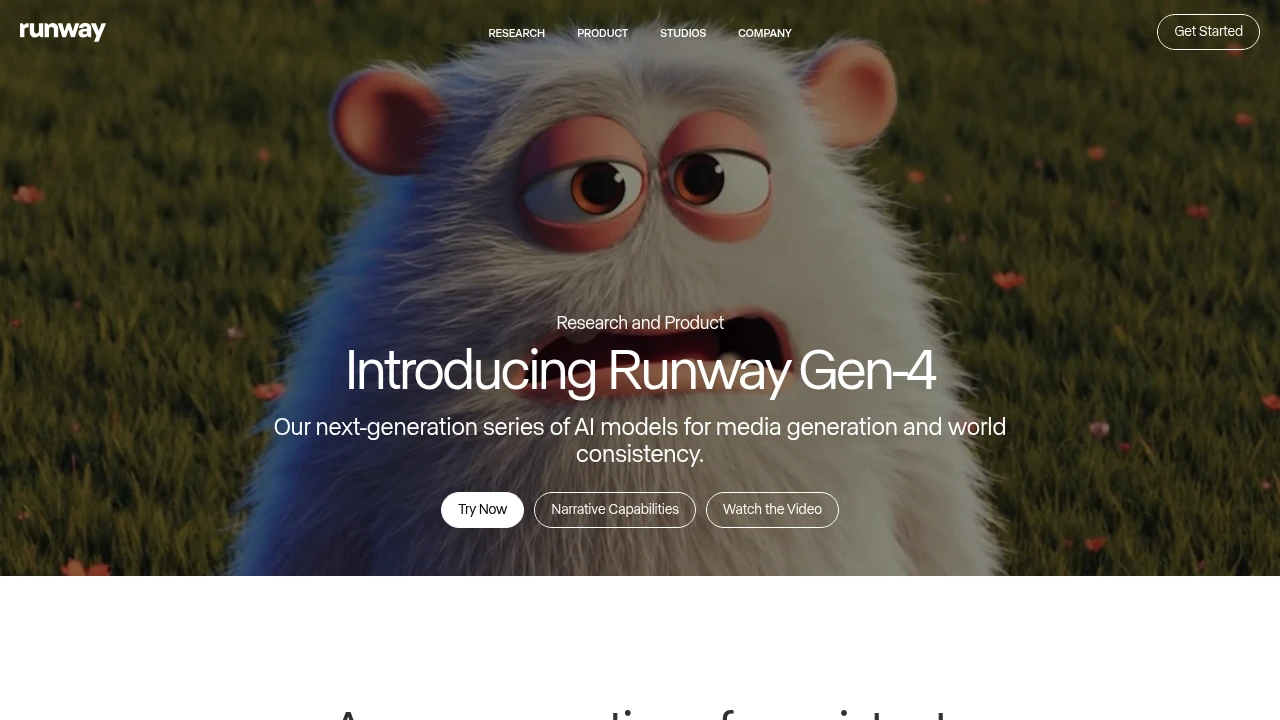
Runway is an AI video tool for creators, marketers, and teams.
Gen-4 brings higher quality and more coherent motion.
Runway Aleph adds a new way to edit, transform, and generate video from a single input clip.
Key Highlights
- Gen-4 quality and coherence improvements
- Aleph in-context edits: add, remove, and transform objects; change style and lighting; create new angles from one video
- Gen-4 Turbo image-to-video
- Generative image tools
- One custom voice clone on Pro; up to three on Max
- Watermark removal on paid plans
- Max plan with 9,500 monthly credits and up to one month of rollover
- Service access limits for non-paying users during high demand
What Makes It Different
Runway blends generation and precise video editing in one place. Aleph works from a single input video and can reshape scenes, objects, and style, even switch angles.
Features & Capabilities
Create short videos from images with Gen-4 Turbo. Transform existing footage with Aleph to add or remove objects and restyle lighting and look. Utilize generative image tools and custom voices to refine your edits. Paid plans remove watermarks and increase storage.
User Ratings and Testimonials
Evaluate generation quality on your own subject and motion requirements. Inspect the result for visual continuity and unwanted details before using it in a finished video. Revisions and different model choices consume different numbers of credits, so test the full workflow rather than budgeting only for the first generation.
Pricing & Value
- Free: Includes 125 one-time credits, Gen-4 Turbo image-to-video, and generative image tools.
- Standard: $15/month for 625 monthly credits, all video models, and watermark removal.
- Pro: $35/month for 2250 monthly credits, custom voice cloning, and 100GB storage.
- Max: $95/month or $76/month billed annually, with 9,500 monthly credits, 500GB storage, and up to one month of unused-credit rollover.
- Enterprise: Custom pricing with single sign-on, advanced security, and priority support.
Credits refresh monthly on paid plans. You can purchase extra credits.
The free tier offers 125 one-time credits; available duration depends on the model and credit rate. Test a representative workflow before committing to a paid plan.

Former OpenAI video-generation product; its web and app experiences ended on April 26, 2026.
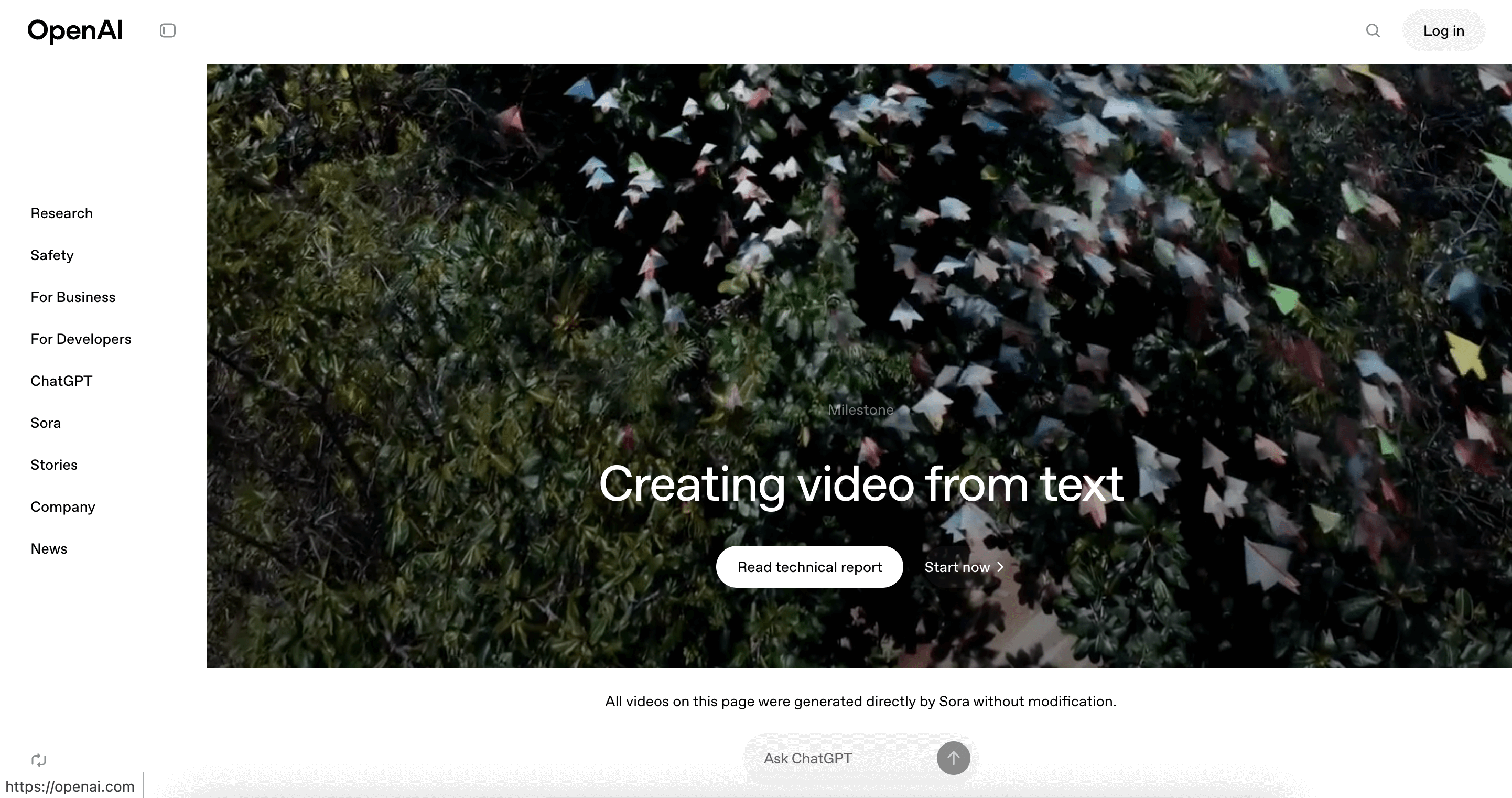
Sora was OpenAI's video-generation product. The Sora web and app experiences ended on April 26, 2026. OpenAI also set September 24, 2026 as the API discontinuation date. Sora should no longer be treated as a current video-generation benefit of a ChatGPT subscription.
Key Highlights
- Web and app status: discontinued on April 26, 2026
- API discontinuation date in OpenAI's notice: September 24, 2026
- Export instructions are separate from generation access
- Old subscription descriptions do not establish current availability
What Makes It Different
Sora belonged to the AI video-generation category, but its closure is now the main consideration for anyone evaluating it. Access to an export page or an OpenAI account does not mean that Sora video creation remains available.
Features & Capabilities
OpenAI provides export instructions for content created in Sora, including a dedicated sunset page and an email notification when an export is ready. A possible final export window is conditional, so users should not assume indefinite access to stored content.
OpenAI describes permanent deletion after discontinuation and any final export period. Former users should follow the export information relevant to their account. New video projects need an available product with its own generation limits, output rights, download options, and costs. Those terms do not carry over automatically from a previous ChatGPT or Sora plan.
User Ratings and Testimonials
Historical reviews describe Sora while it was operating. They cannot establish current video-generation access or a working API. For a replacement, assess output quality with your own intended material and review its usage terms.
Pricing & Value
Former Sora plan descriptions should not be used as a current offer. OpenAI directs refund questions to its ChatGPT refund guidance and says purchased ChatGPT/Sora credits can still be used for Codex. Credit use for Codex is separate from access to the discontinued Sora generation service.

Streamlined workflow for storytelling from start to finish
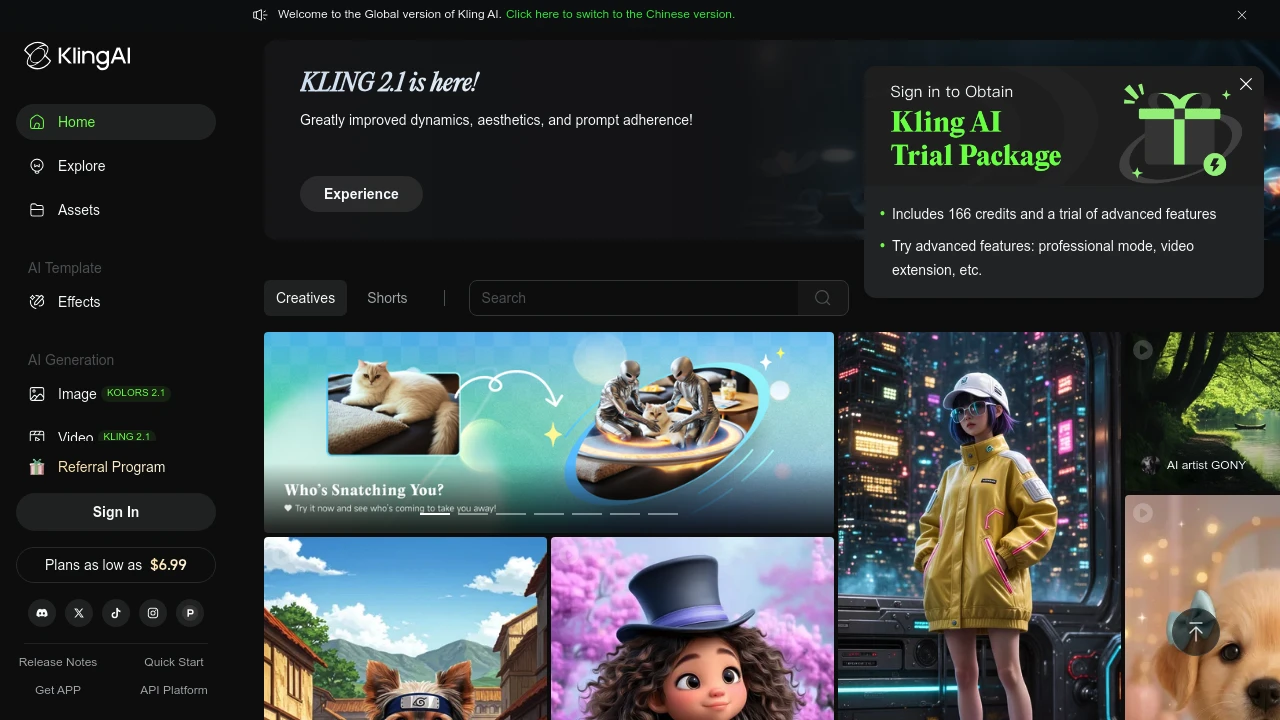
Kling AI is a video generation platform that turns your ideas into high-quality visual content in minutes. It serves content creators, marketers, and businesses who need quick video production without technical skills.
Key Highlights
- High-quality video generation with realistic output
- Fast processing speeds for quick content creation
- Image-to-video conversion with smooth transitions
- User-friendly interface for beginners
- Professional video modes for advanced users
- Watermark removal on paid plans
What Makes It Different
Kling AI focuses on video quality over quantity. While many AI video tools produce basic content, Kling AI creates professional-grade videos that look realistic. The platform balances ease of use with advanced features, making it suitable for both beginners and professionals.
Features & Capabilities
Kling AI offers text-to-video and image-to-video generation. Users can create marketing videos, social media content, and promotional materials. The platform includes professional video modes, fast-track generation for paid users, and member-exclusive features. Technical capabilities include smooth motion transitions and high-resolution output.
User Ratings and Testimonials
KLING AI has an average rating of 4.2 out of 5 stars from 29 reviews on Product Hunt.
Users praise the high-quality video generation and realistic output. Many find the image-to-video feature works well with smooth transitions. The platform is seen as user-friendly and fast for content creation.
Some users report technical issues with the free version not working properly. Others mention the service can be slow or "busy" during peak times. A few users experienced errors that prevented content generation.
Pricing & Value
Kling AI offers several pricing plans:
- Basic: Free with monthly login credits and access to member features
- Standard: $6.99/month for 660 credits, fast-track generation, and watermark removal
- Pro: $25.99/month for 3,000 credits, professional video mode, and priority feature access
- Premier: $64.99/month for 8,000 credits with all features and highest priority
New users get 166 trial credits to test the platform.
The main value of Kling AI is its ability to create professional-quality videos and images with fast processing speeds and no watermarks on paid plans.
Similar proprietary alternatives:

 bisibility — Free beta: Track your website’s keywords, Google rankings, Search Console insights, and share of voice.


