
Canva AI
Canva combines design templates, AI creation tools, editing, and collaboration for individuals and teams.
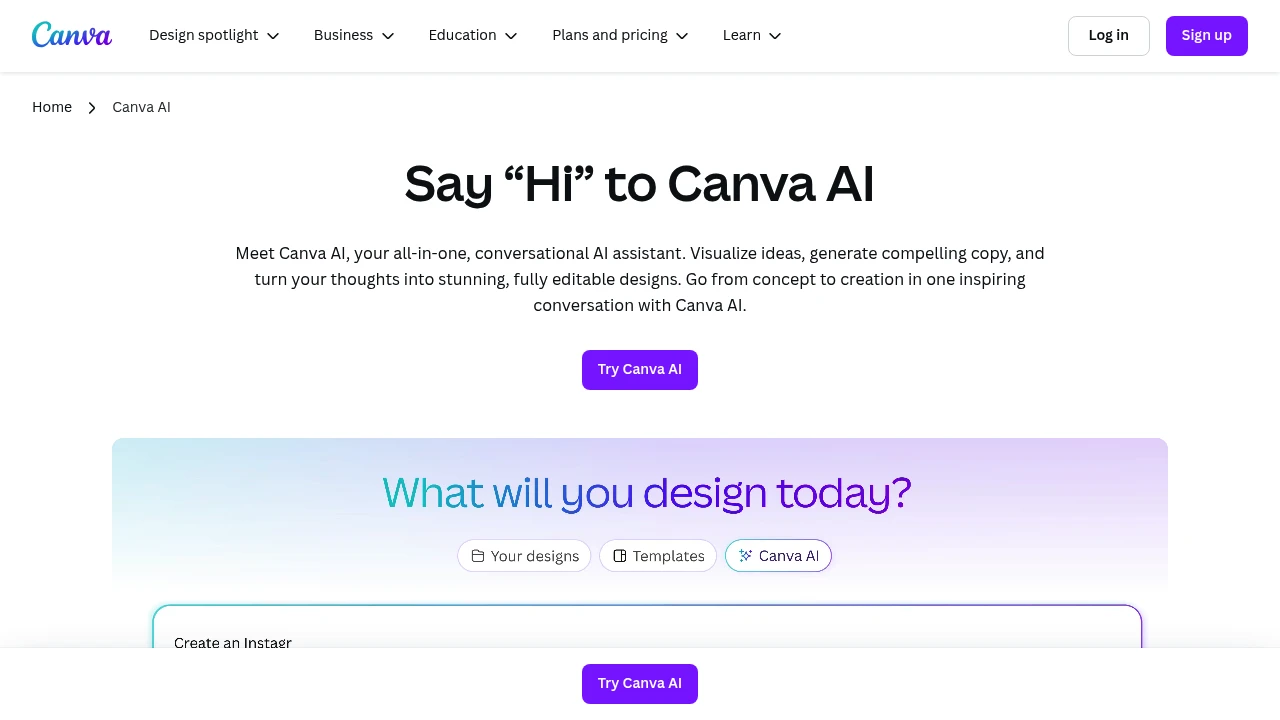
Canva combines a visual design editor with AI assistance for graphics, presentations, and marketing materials. Individuals and teams can start from a template or generated draft, then refine text, images, and layout before exporting or sharing.
Key Highlights
- AI-powered content creation - Generate text, images, and designs with simple prompts
- Templates across design formats - Ready-made layouts for several design formats
- Drag-and-drop simplicity - No design experience required
- Team collaboration tools - Share and edit projects in real-time
- Multi-format export - Create content for social media, print, and web
- Media libraries - Availability varies between free and paid plans
What Makes It Different
Canva combines template editing, image tools, and AI drafting in one workspace. Users can revise generated content with the same visual controls used for ordinary designs. The available content library, brand tools, and AI allowances differ by plan, so the Free offer does not include every paid capability.
Features & Capabilities
Canva AI offers comprehensive design and content creation tools. Users can generate custom graphics, write marketing copy, create presentations, and design social media posts.
The AI assistant helps with brainstorming, content suggestions, and automatic resizing for different platforms. The platform supports video editing, photo enhancement, and brand kit management.
Integration options include social media scheduling and team workflow management.
User Ratings and Testimonials
Test a representative design and export format before choosing a plan. Check whether the templates, editing controls, and available AI allowance meet your needs. More advanced brand and team functions depend on the subscription.
Pricing & Value
- Free: $0 with the drag-and-drop editor, 1.6M+ templates, and limited AI access
- Pro: paid individual access to premium content and editing features
- Business: paid access for individuals and teams, with collaboration, stronger brand controls, and higher AI allowances
- Enterprise: custom organizational offer with governance and security features
Canva Teams is unavailable for new sign-ups or upgrades. Existing subscribers can remain on Teams unless they switch or cancel. Compare the selected US plan and billing period before subscribing.
Product facts
- Pricing
- Not yet verified
- Access
- Not yet verified
- Product status
- Not yet verified


Analytics
Deep dive into AI Tool performance and audience insights.
Growth Trend
GrowingTraffic growth over last 30 days
Traffic & Engagement
Traffic Sources
Top Countries
FAQs
Yes. The Free plan includes core design tools and limited AI access. Pro and Business add premium content, features, and higher allowances.
Mostly for social media graphics, presentations, posters, and marketing materials.
Commercial use depends on content licenses and marketplace rules. Check the assets and intended product before selling a design.
Canva Creators offers a royalties program for accepted contributors. Eligibility and payment depend on the program terms.
Tags:

You might also like
 bisibility — Free beta: Track your website’s keywords, Google rankings, Search Console insights, and share of voice.

