
Canary Mail
Canary Mail combines a multi-account inbox with paid AI writing and summaries, calendar tools, and plan-specific security.
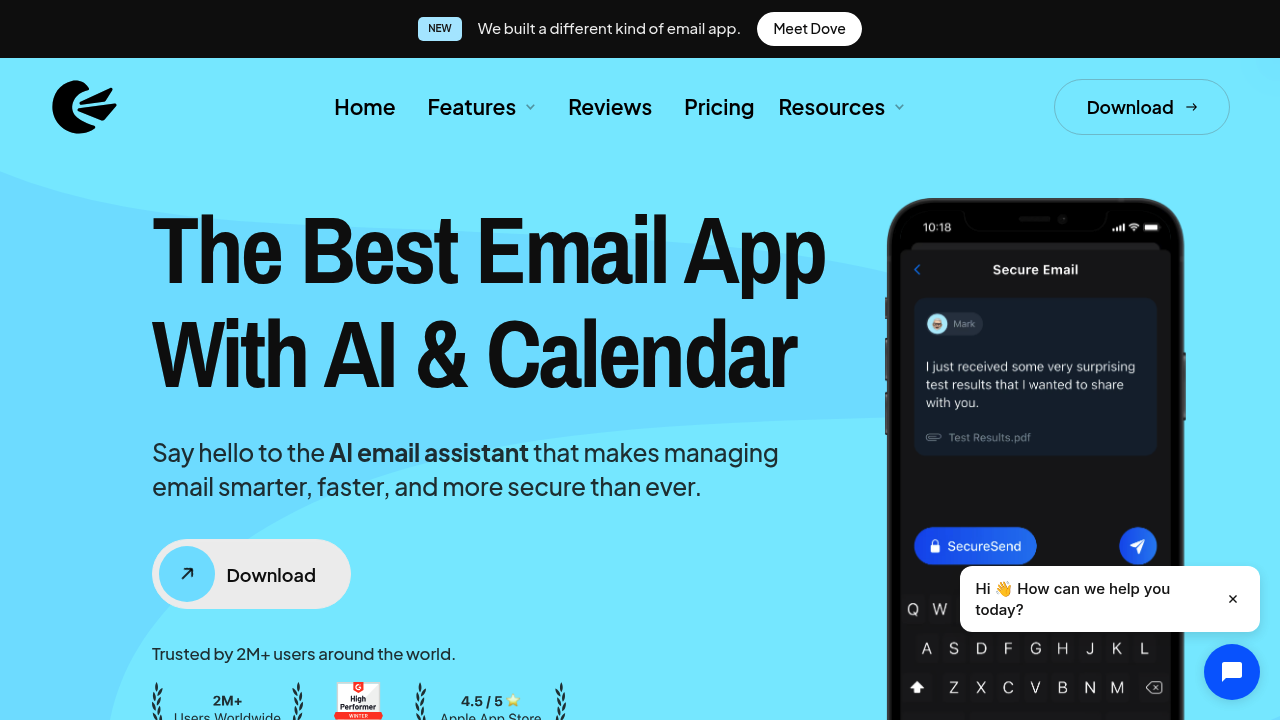
Canary Mail is an email client for macOS, iOS, Android, and Windows. It brings multiple mail accounts into one inbox and adds AI writing, summaries, and search on paid plans. Calendar, productivity, and security features help users handle email without a separate browser extension.
Key Highlights
- Unified inbox for multiple mail accounts
- AI-assisted drafts, replies, and tone changes
- Thread summaries and natural-language search
- Calendar and scheduled sending on Growth
- PGP and SecureSend options on Pro+
What Makes It Different
Canary Mail combines AI assistance with a full email client. Users can work across accounts in the same interface, then draft a reply or summarize a conversation in context. Its Free, Growth, and Pro+ plans separate basic mail management from AI productivity and advanced security.
Features & Capabilities
AI Copilot prepares replies, subject lines, and rewritten messages in a chosen tone. Summaries condense long threads, while natural-language search helps locate emails and attachments across accounts. Review generated replies before sending, especially when a thread contains commitments or account-specific details.
The app also offers templates, snoozing, pins, and inbox organization. Growth adds AI and productivity features; Pro+ adds encryption and protection against phishing, impersonation, and misdirected email. Platform capabilities can differ, so check the functions needed on each device rather than assuming complete parity.
User Ratings and Testimonials
Canary Mail presents press comments and app-store testimonials about email productivity and security. Try it with a representative set of accounts and threads. Check sync behavior, search relevance, and draft accuracy across your devices. An attractive inbox or generated summary does not by itself establish reliable account synchronization.
Pricing & Value
- Free: $0 for essential mail management; paid AI features are not included after the trial.
- Growth: $36/year for AI Copilot and additional productivity features.
- Pro+: $100/year for Growth features plus advanced security.
A seven-day trial needs no credit card and automatically returns to Free without billing. Canary also offers lifetime purchases. It does not sell monthly subscriptions; check annual and lifetime checkout terms inside the app.
FAQs
Yes. Free covers basic email management. Paid AI features require Growth or Pro+ after the seven-day trial.
Free is $0. Growth costs $36/year and Pro+ $100/year. Lifetime purchases are also offered; Canary does not sell monthly subscriptions.

You might also like
 bisibility — Free beta: Track your website’s keywords, Google rankings, Search Console insights, and share of voice.

