Hootsuite Alternatives
A curated collection of the 5 best alternatives to Hootsuite.
The best alternative to Hootsuite is quso.ai. If that doesn't suit you, we've compiled a ranked list of other Hootsuite alternatives to help you find a suitable replacement. Other interesting alternatives to Hootsuite are: Munch, Buffer, Flick and FeedHive.
Hootsuite alternatives are mainly AI Social Media Management tools but may also be AI Marketing Tools tools or AI Video Tools tools. Browse these if you want a narrower list of alternatives or looking for a specific functionality of Hootsuite.


quso.ai turns long videos into short clips, captions, social posts, and schedules for creators and teams.
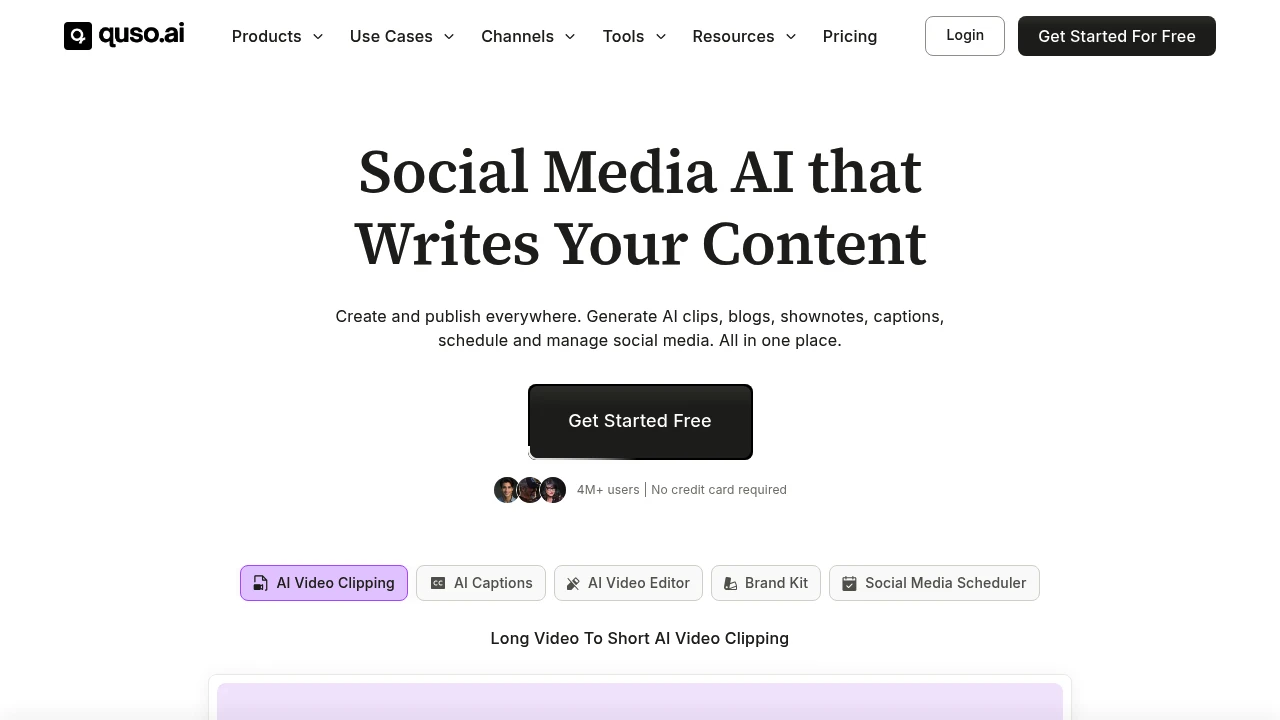
quso.ai is an AI video clipping, editing, and social media scheduling platform formerly known as vidyo.ai. It is built for coaches, podcasters, business owners, creators, and marketing teams that want to turn long videos into short clips, captions, posts, blogs, and shownotes.
Key Highlights
- Long video to short clip generation for Reels, TikTok, Shorts, and social posts
- AI captions and subtitles with animated styles and multilingual support
- Text-based video editing with logos, fonts, b-roll, music, templates, and brand assets
- Social media scheduling across 7 platforms
- AI writing tools for blogs, shownotes, social captions, hooks, hashtags, and video ideas
What Makes It Different
quso.ai is not only a clip generator. The site positions it as a broader Social Media AI suite that combines clipping, editing, captioning, content planning, analytics, and publishing.
The former vidyo.ai angle also matters. The product expanded from AI video editing and clipping into social media management, so the workflow covers creation and distribution.
Features & Capabilities
The main workflow starts with a long video upload or import. quso.ai can create clips and chapters, add captions, resize video, remove filler words and silence, generate transcripts, and create shownotes, blogs, metadata, captions, and hashtags.
For publishing, quso.ai connects to TikTok, YouTube, LinkedIn, Pinterest, Facebook, Instagram, and Twitter (X). Paid tiers add scheduling, bulk publishing, analytics, custom templates, brand kits, storage, stock media, and folder management.
User Ratings and Testimonials
quso.ai claims 4M+ users and includes testimonials from coaches, podcasters, founders, and marketing teams who praise faster repurposing, clip selection, and posting output.
The practical limits are visible in the plan details. The free plan includes a watermark, 720p render quality, and 75 credits per month. Subtitle tools cover English, Spanish, German, French, and additional languages. Availability depends on the selected workflow.
Pricing & Value
- Free: $0/month hosted plan, 75 credits per month, 720p quality, AI clips and captions, YouTube chapters, TikTok publishing, and a watermark
- Lite: $29/month, or $19/month billed yearly, with unlimited 1080p clips, desktop editing, TikTok publishing, aspect-ratio exports, and 10GB storage
- Essential: $39/month, or $26/month billed yearly, adding scheduling to 7 platforms, AI filler and silence removal, external content support, Content Planner, and 25GB storage
- Growth: $49/month, or $33/month billed yearly, adding Viddy AI content assistance, brand kits, unlimited branded templates, social analytics, and priority support
The plan cards support a free hosted entry point and paid tiers for heavier clipping, branding, scheduling, and analytics.
Looking for alternatives to other popular tools? Check out other posts in the alternatives series and flowtools.co, a directory of best AI tools with filters for tags and categories for easy browsing and discovery.

Munch is an AI social media platform for businesses that turns brand assets into posts, videos, calendars, and dashboards.
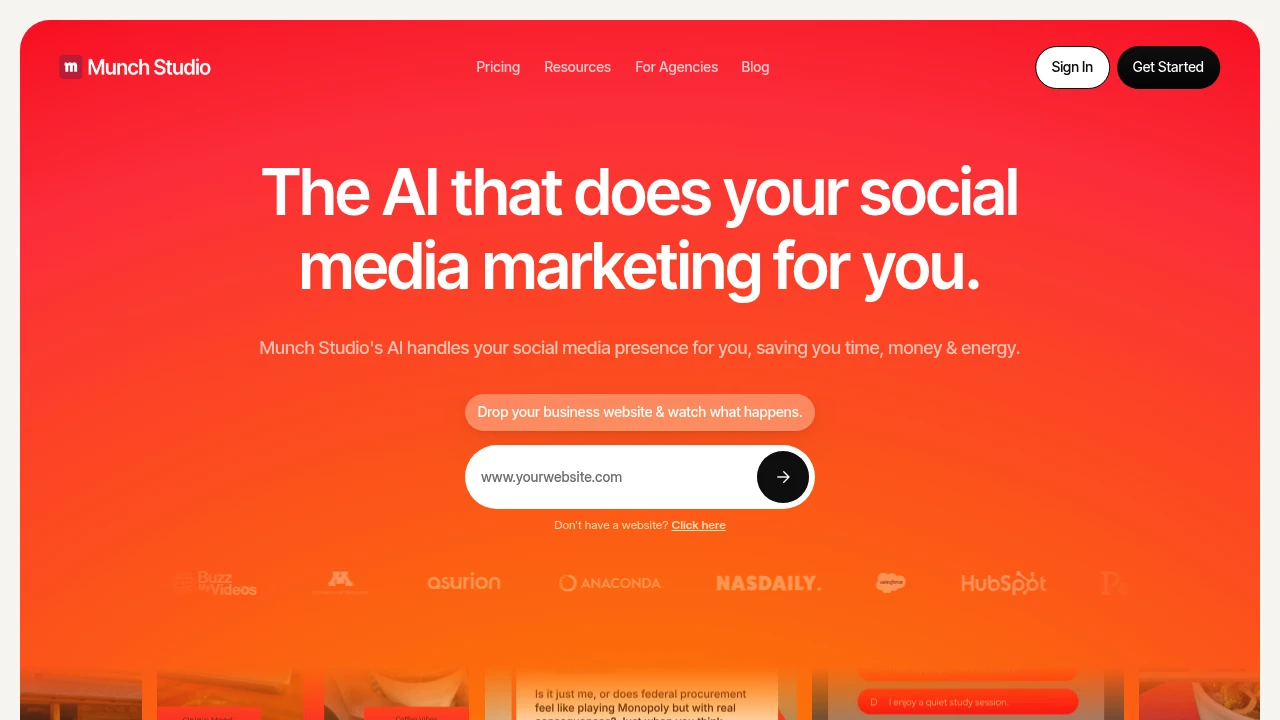
Munch is an AI social media platform for businesses and agencies that want regular posts without building a full content team. It learns from a website, uploaded videos, photos, and Zoom recordings, then creates a content strategy, post ideas, video scripts, generated videos, and a posting calendar.
Key Highlights
- Builds a brand-specific content strategy from your website and assets
- Turns videos, photos, and calls into social posts, scripts, posters, carousels, and generated videos
- Publishes to Instagram, Facebook, LinkedIn, YouTube, and TikTok
- Includes a smart content planner for weekly or quarterly scheduling
- Tracks post performance across platforms in one dashboard
What Makes It Different
Munch is positioned less like a clip editor and more like a managed social media workspace. The starting point is not only a video file. You can give it a website, brand materials, video assets, photos, and recordings so the content plan reflects the business.
That makes it a fit for founders, local businesses, and agencies that need a steady social calendar. Multi-brand plans keep each client in a separate workspace.
Features & Capabilities
The core flow starts with business learning, then moves into content generation and approval. Munch can create video scripts, generated videos, posters, carousels, and ready-to-post social content, while still letting users edit output before publishing.
Every plan includes business learning, tailored strategy, generated posters and carousels, publishing, a smart planner, and a performance dashboard. Higher plans raise limits for minutes, videos, storage, seats, brands, and support.
User Ratings and Testimonials
Munch publishes case studies and customer commentary, but does not list a third-party rating average. Treat vendor-side performance claims as directional until you test your own channels. The main practical limit is quota planning.
Pricing & Value
- Essential: $48/month for 1 brand, 500 repurposing minutes, 5 scripts per week, 10 generated videos, 100 GB storage, and Pro support
- Premium: $75/month for 1 brand, 1,000 minutes, unlimited scripts, 30 generated videos, 1 TB storage, unlimited team members, and Ultimate support
- Studio: $148/month for up to 5 brands, 2,500 minutes, unlimited scripts, 50 generated videos, 400 GB storage, and Ultimate support
- Scale: $398/month for up to 15 brands, 7,500 minutes, unlimited scripts, 150 generated videos, 1 TB storage, and Ultimate support
The value is strongest when one team needs strategy, creation, scheduling, and reporting together instead of only a video clipping tool.

Buffer helps creators and teams draft, schedule and manage social media posts across supported channels.
Buffer is a social media workspace for individuals and teams planning, writing and publishing posts. It combines a content-idea library, scheduling, audience interactions and performance insights. Its AI Assistant helps draft, refine and repurpose text for supported social channels.
Key Highlights
- Post scheduling across supported social networks
- Content ideas stored for future publishing
- AI writing and repurposing assistance
- Performance insights and a community inbox
- Collaboration and approval tools on paid plans
What Makes It Different
Buffer prices paid access around connected channels, so costs depend on the accounts you manage. It combines planning and publishing with tools for reviewing results and responding to audiences. A channel allowance is separate from the number of posts waiting in its queue.
Features & Capabilities
Create an idea, turn it into a post and adapt it for the target channel. You can schedule the post or add it to a queue, then inspect performance after publication. The AI Assistant supports rewriting, while the author remains responsible for accuracy and tone.
Teams can organize their publishing process with collaborators and approvals. Supported networks include Instagram, Facebook, LinkedIn, TikTok, YouTube, Threads and others. Features vary by social network, so check whether your required format and publishing action are supported.
User Ratings and Testimonials
Buffer publishes case studies about how creators and organizations use its tools. These are selected examples rather than a prediction for every account. Compare the scheduling workflow, channel support and reporting depth against your actual posting routine.
Pricing & Value
- Free: three channels, ten queued posts per channel, one user and 100 ideas
- Essentials: paid access priced per connected channel
- Team: channel-based pricing with collaboration features
The free queue can be refilled as posts are published. Monthly and yearly paid billing differ, and connecting more channels changes the total subscription cost.

Schedule social posts, research hashtags, and track Instagram performance with plans for individuals and agencies.
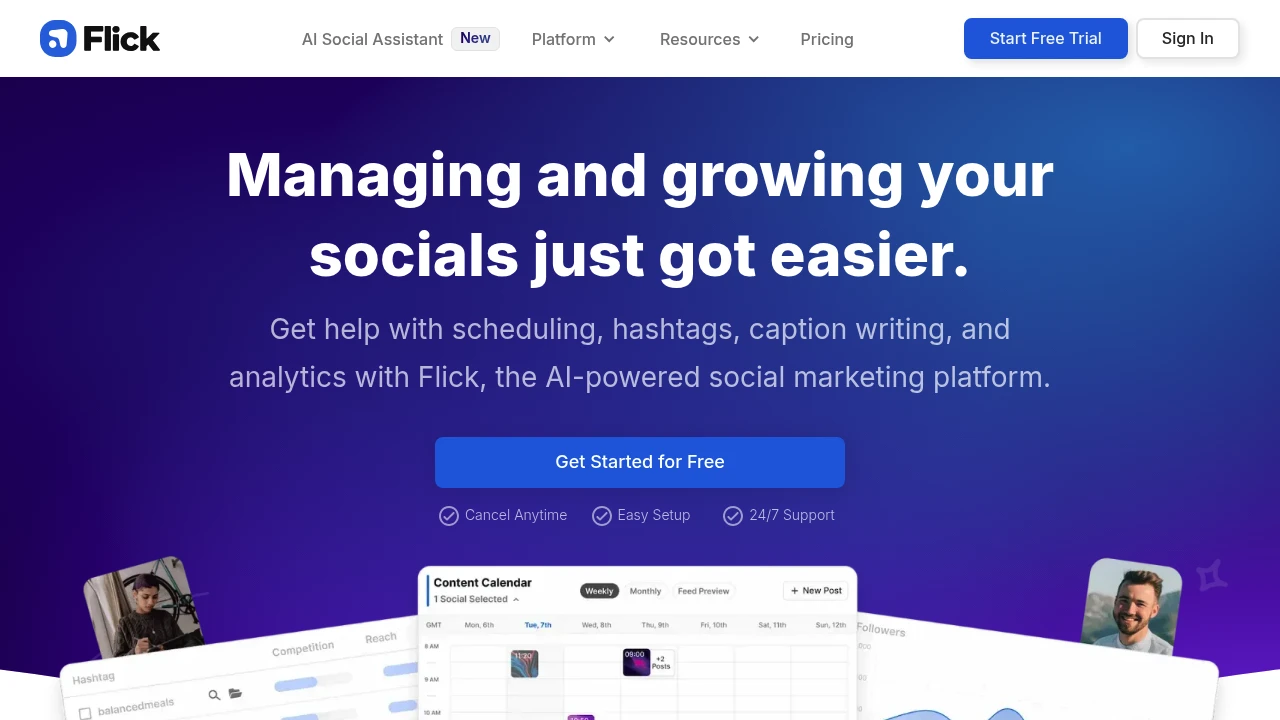
Flick is a social media toolkit for creators, marketers, and agencies. It brings together scheduling, hashtag research, and Instagram analytics. Users can prepare content for supported social platforms and monitor how their Instagram posts and hashtags perform.
Key Highlights
- Scheduling for Instagram, Facebook, TikTok, and LinkedIn
- Hashtag search, collections, and performance tracking
- Instagram account and content analytics
- Media library, feed preview, and draft posts
- Plans with different profile and user allowances
What Makes It Different
Flick combines publishing tasks with hashtag analysis in one workspace. Its analytics focus on Instagram, while its scheduling supports several networks. Scheduling support should not be taken to mean every network has the same analytics or posting features.
Features & Capabilities
Connect social profiles, prepare media and captions, and organize drafts before scheduling them. The feed preview and posting-time tools help plan how upcoming content will appear.
Search hashtags, save collections, and inspect tracked post performance. Solo limits both scheduled posts and tracked Instagram posts to 30 per profile each month. Pro and Agency expand those allowances, with separate limits for the number of profiles and user logins.
User Ratings and Testimonials
Flick features a selected testimonial from social media manager Julia Cohen. For your own evaluation, check whether supported post formats, account permissions, and analytics answer the questions you need. A scheduling tool cannot guarantee audience growth or the performance of a particular post.
Pricing & Value
Solo, Pro, and Agency are paid subscriptions with a seven-day free trial. Solo includes four social profiles and one login; Pro includes eight and two; Agency includes 20 and five. Monthly and yearly billing are available, and extra profiles or users can cost more. The trial converts to a paid subscription unless cancelled.

Draft, schedule, and review social posts with AI assistance, automation workflows, approvals, and analytics.
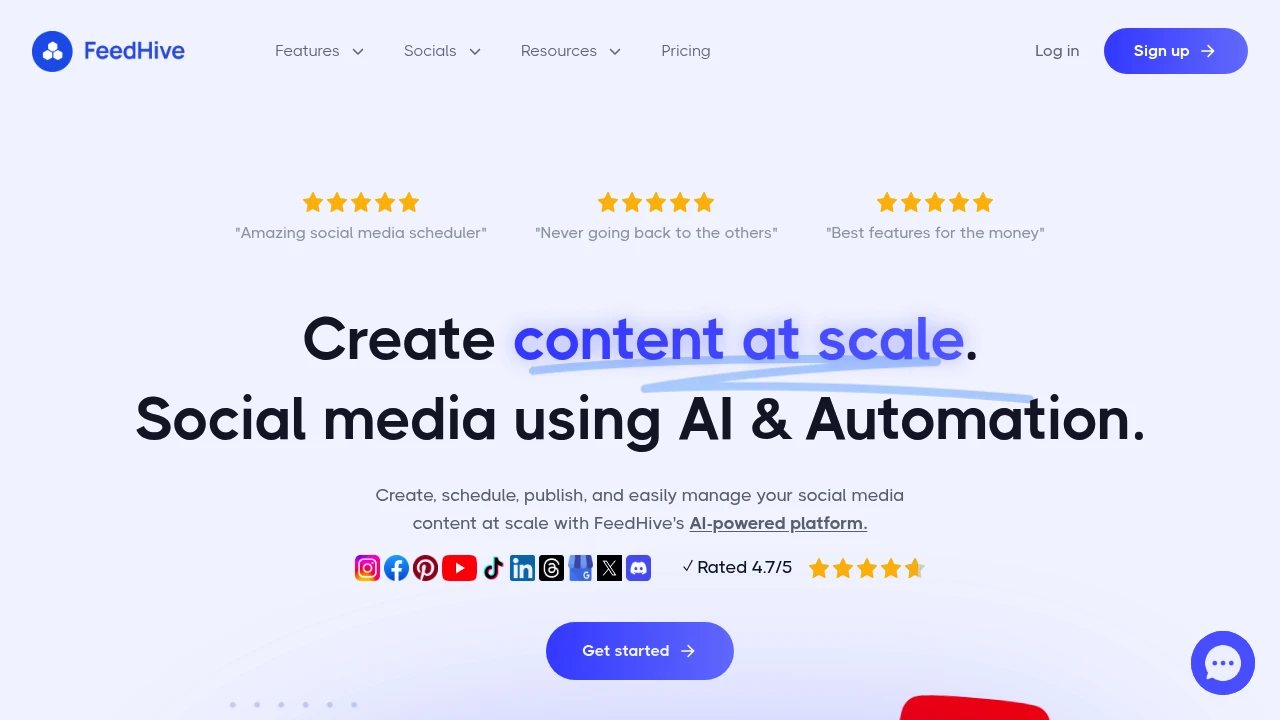
FeedHive is a social publishing platform for creators, brands, and agencies. It combines AI writing and image assistance with scheduling, post conditions, and team review. A shared workspace helps collaborators prepare content before it goes live.
Key Highlights
- AI writing, image, and hashtag assistance
- Scheduling and content recycling
- Posting conditions and visual workflows
- Team roles and approval flows
- Social inbox, analytics, and supported integrations
What Makes It Different
FeedHive places content creation and publishing automation in the same workflow. A team can prepare channel-specific versions of a post, review them, and schedule publication. Automation rules and recycled content help manage a recurring publishing plan without rewriting every post.
Features & Capabilities
The composer supports drafts and variations that reflect a brand voice. Calendar and scheduling tools organize upcoming posts. Collaborators can leave feedback and approve content before publication. Supported channels include Instagram, LinkedIn, X, YouTube, and other social platforms.
Developer access includes a REST API, CLI, and MCP integration. The product also offers connections for automation tools and agent workflows. Check the chosen plan for account counts, workspaces, scheduling capacity, AI credits, and automation runs.
User Ratings and Testimonials
FeedHive publishes selected customer testimonials. Evaluate it with the channels your business uses and the review steps your team requires. Check post previews and permissions before enabling automated publication, especially when several people manage the same account.
Pricing & Value
- Creator: for individual creators, with 4 social accounts
- Brand: for small businesses, with 10 social accounts
- Business: for larger publishing workflows, with 100 social accounts
- Agency: for client work, with 500 social accounts
A seven-day free trial is available. Paid subscriptions differ in AI and automation allowances, scheduling limits, and workspaces. Monthly and annual billing options are available.
This month’s top products
Ranked by total paid bids this month.
Similar proprietary alternatives:

 bisibility — Free beta: Track your website’s keywords, Google rankings, Search Console insights, and share of voice.


