QuillBot Alternatives
A curated collection of the 4 best alternatives to QuillBot.
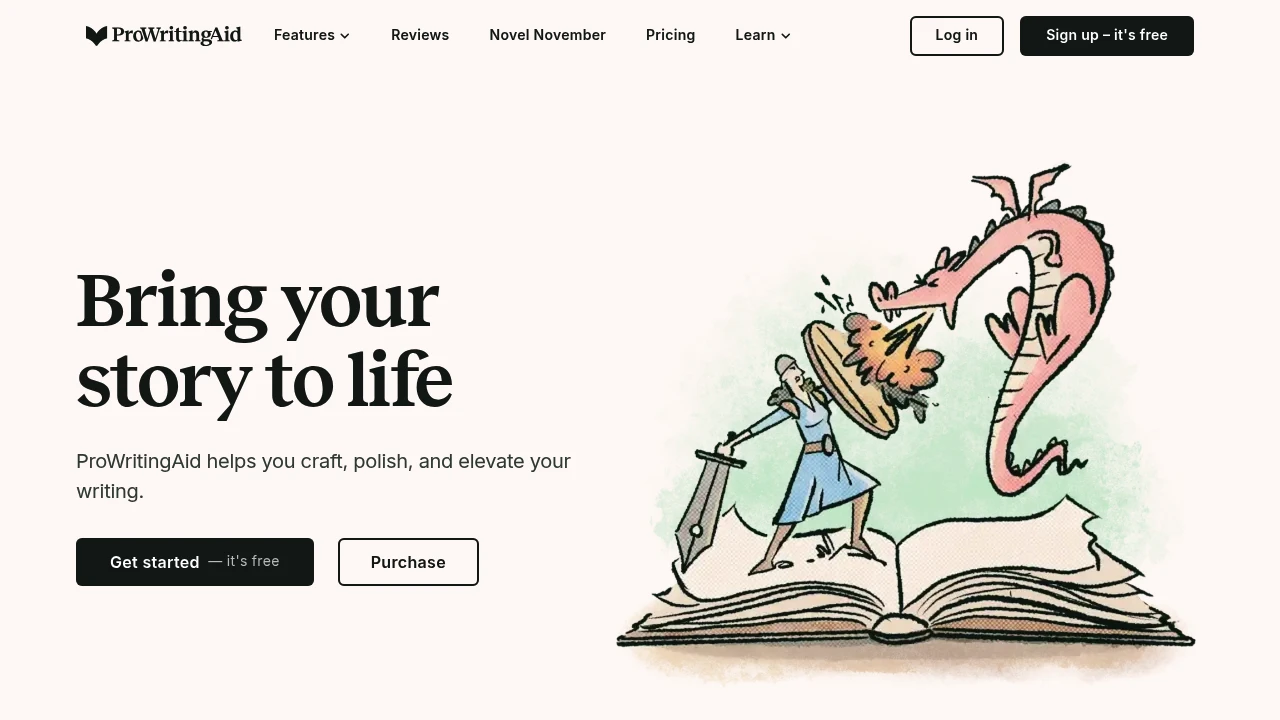
The best alternative to QuillBot is ProWritingAid. If that doesn't suit you, we've compiled a ranked list of other QuillBot alternatives to help you find a suitable replacement. Other interesting alternatives to QuillBot are: wordtune, grammarly and Hemingway Editor.
QuillBot alternatives are mainly AI Writing Assistants tools. Browse these if you want a narrower list of alternatives or looking for a specific functionality of QuillBot.


Looking for alternatives to other popular tools? Check out other posts in the alternatives series and flowtools.co, a directory of best AI tools with filters for tags and categories for easy browsing and discovery.

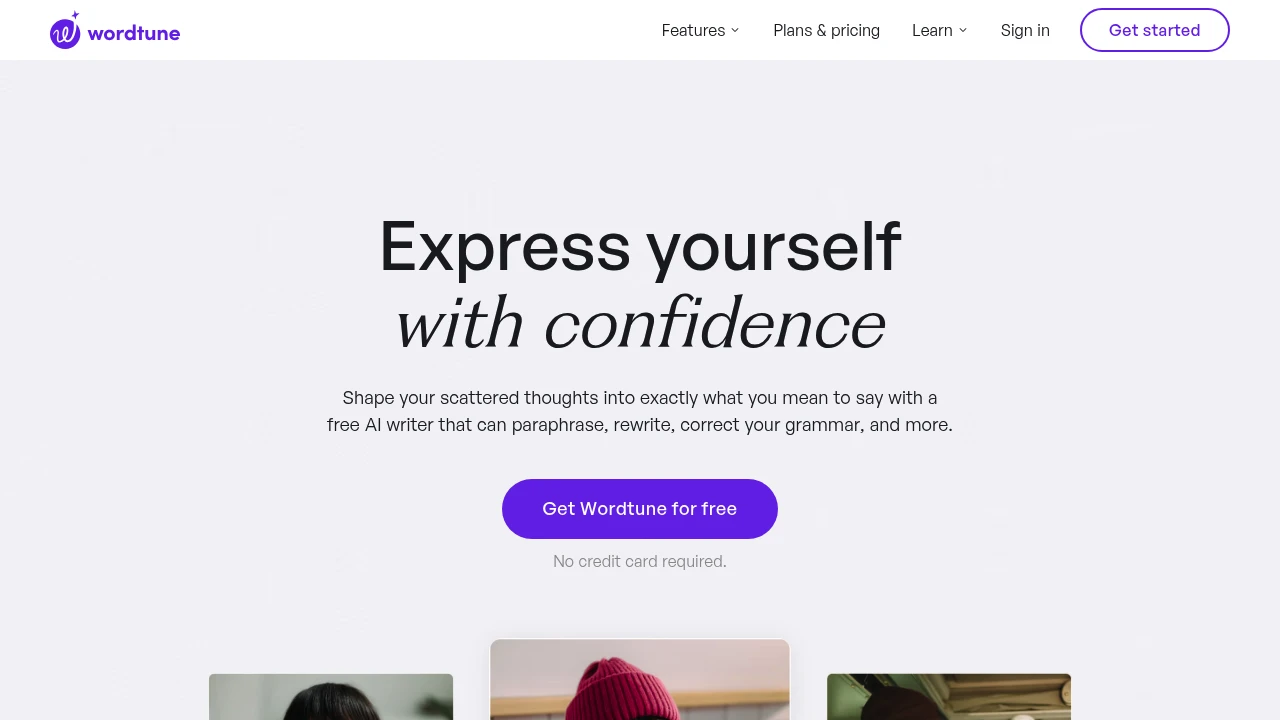
Shape your scattered thoughts into exactly what you mean to say with a free AI writer that can paraphrase, rewrite, correct your grammar, and more.
 Read more
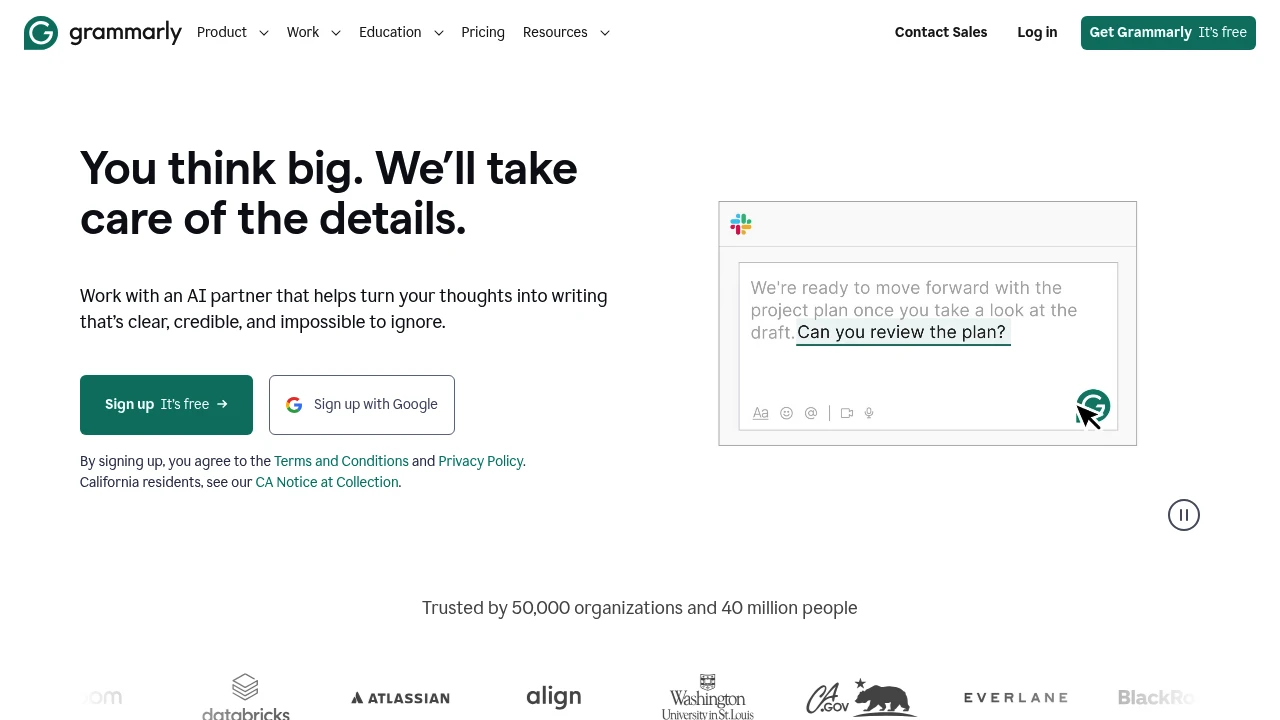
Work with an AI partner that helps turn your thoughts into writing that’s clear, credible, and impossible to ignore.
 Read more
Hemingway Editor is the fastest way to make your writing clear and correct. Using our online editor, you can spot common writing errors that make your writing more complicated than it needs to be.
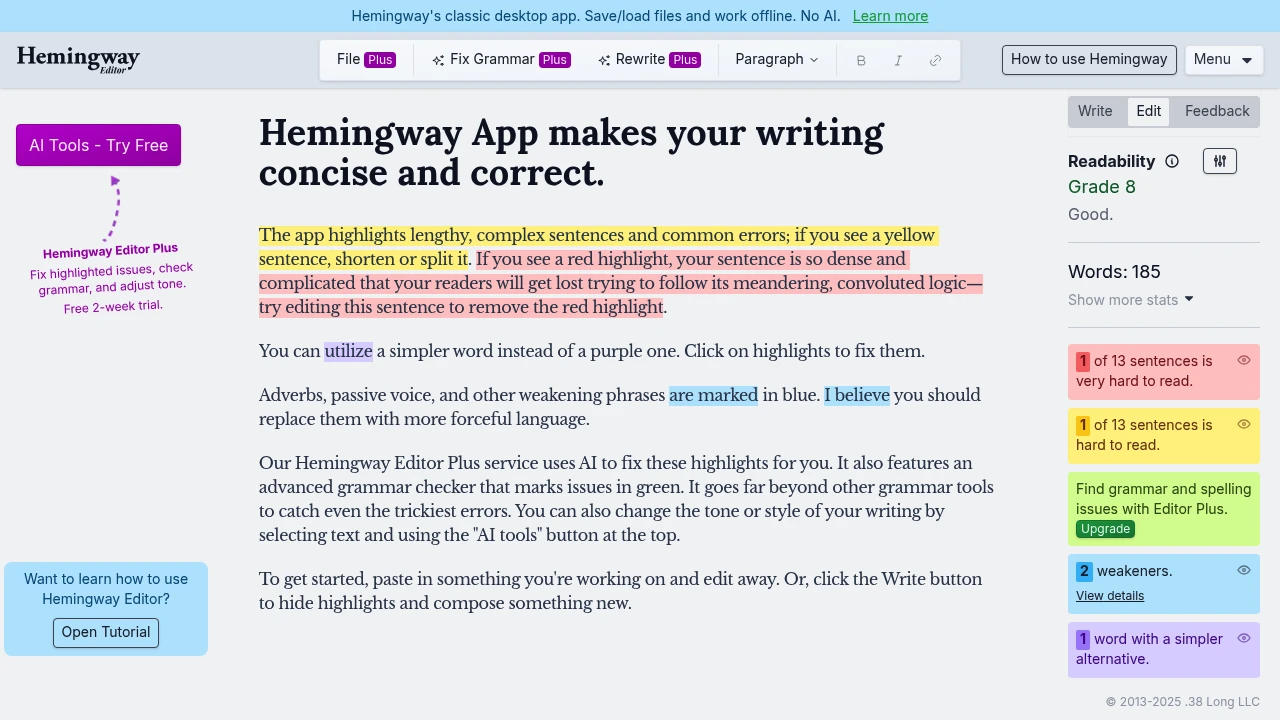
The Hemingway App reviews your text. It points out complex sentences, passive voice, and readability issues. This way, you can write more like the famous author himself.
This editing tool is great for writers, marketers, and anyone who wants to make clear, strong content. It helps ensure readers finish what they start.
Key Highlights
- Instant readability scoring - Get your text's grade level in seconds
- Color-coded feedback - Visual highlights show exactly what needs fixing
- Passive voice detection - Spots weak sentence structures automatically
- Adverb and complex phrase alerts - Identifies words that weaken your message
- Desktop and web versions - Work offline or online with full functionality
- Export options - Save to Word, PDF, or publish directly to WordPress
What Makes It Different
Hemingway App stands out by focusing purely on clarity over grammar. While tools like Grammarly catch spelling errors, Hemingway targets readability and writing strength. Its color-coding system makes editing easy to see. You spot problems right away, so you don't have to read long explanations.
Features & Capabilities
The app scores your writing on a grade level scale, aiming for Grade 10 or lower for maximum readability. Yellow highlights mark long, complex sentences. Red shows very hard-to-read sentences that need breaking up. Blue identifies adverbs and weak phrases. Green catches passive voice usage.
Writers use it for blog posts, marketing copy, emails, and book editing. The desktop version works offline and includes formatting options for publishing. The web version offers quick analysis for shorter pieces.
User Ratings and Testimonials
Hemingway App has 4.4 out of 5 stars from 48 verified G2 reviews.
Users consistently praise Hemingway's simplicity and effectiveness. The tool excels at making writing more accessible and professional.
Most users love the instant readability scoring and color-coded feedback. These features help them write better business emails and documents.
Pricing & Value
Free Web Version - Basic editing and readability analysis.
Desktop App - $19.99 one-time purchase with offline access and publishing features.
Hemingway Editor Plus gives AI writing help. You can pick from three plans:
- Individual 5K: $25/month - 5,000 AI sentence corrections per month
- Individual 10K: $30/month - 10,000 AI sentence corrections per month
- Team 10K: $30/user/month - Team management with 10,000 AI sentences per user
Hemingway Editor Plus includes:
- AI-powered grammar fixes
- style adjustments
- document review
- custom rewrites
- context-relevant synonyms
The Plus version turns the basic readability tool into a full AI writing assistant. It can rewrite sentences, change tone, and give detailed feedback.
Hemingway's Plus plans cost about the same as competitors. Grammarly Premium is $30 per month, and ProWritingAid also charges $30 per month.
Similar proprietary alternatives:

 bisibility — Free beta: Track your website’s keywords, Google rankings, Search Console insights, and share of voice.


