Trello Alternatives
A curated collection of the 5 best alternatives to Trello.
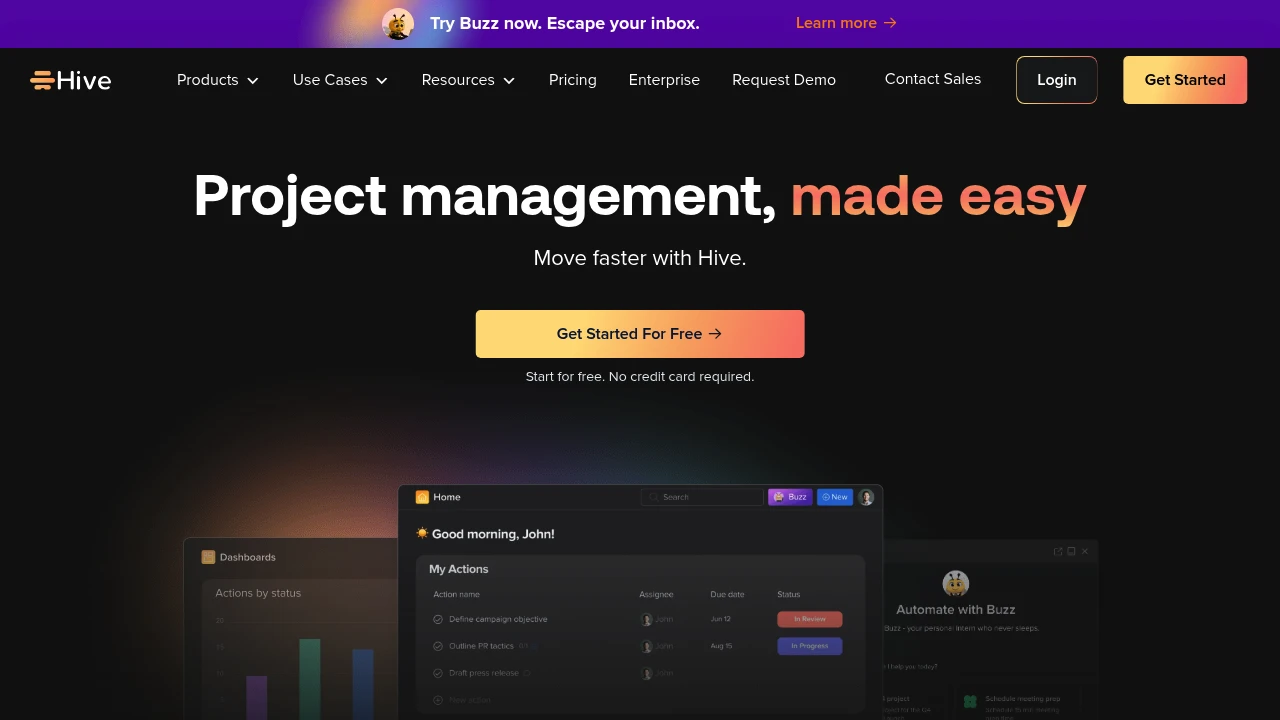
The best alternative to Trello is HIVE. If that doesn't suit you, we've compiled a ranked list of other Trello alternatives to help you find a suitable replacement. Other interesting alternatives to Trello are: asana, ClickUp, Taskade and Motion.
Trello alternatives are mainly AI Project Management tools but may also be AI Agents tools or AI Productivity Tools tools. Browse these if you want a narrower list of alternatives or looking for a specific functionality of Trello.


Looking for alternatives to other popular tools? Check out other posts in the alternatives series and flowtools.co, a directory of best AI tools with filters for tags and categories for easy browsing and discovery.

Asana AI works with your teams, delivering results with the full context of your business and goals.
 Read more
One app for projects, knowledge, conversations, and more. Get more done faster - together.
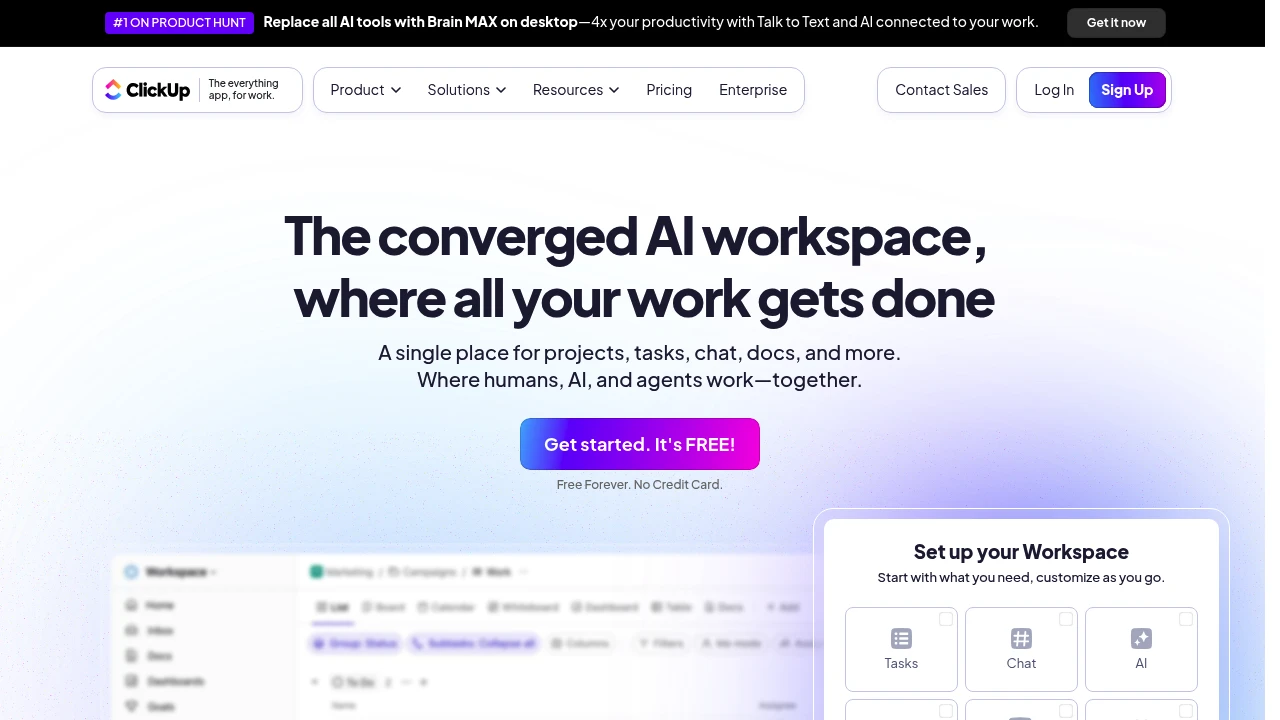
ClickUp is a comprehensive project management platform that combines task organization, team collaboration, and AI-powered features into one workspace. It serves teams of all sizes looking to streamline their workflows and boost productivity. The platform offers extensive customization options that adapt to different work styles and project needs.
Key Highlights
- All-in-one workspace combining tasks, docs, goals, and chat
- Extensive customization with multiple project views (Kanban, Gantt, Calendar)
- AI-powered writing assistant and automation features
- 1000+ integrations with popular business tools
- Generous free plan with unlimited tasks and users
- Real-time collaboration and commenting features
- Advanced time tracking and reporting capabilities
What Makes It Different
ClickUp positions itself as the "one app to replace them all" by combining project management, document creation, goal tracking, and communication features. Its highly customizable interface lets teams build workflows that match their exact needs rather than forcing them into rigid templates. The platform's AI features help automate routine tasks and generate content, setting it apart from traditional project management tools.
Features & Capabilities
ClickUp offers multiple project views including List, Board, Timeline, and Calendar formats. Teams can create custom fields, statuses, and workflows to match their processes. The platform includes native time tracking, goal setting, and milestone management. Document creation and wiki features let teams store knowledge alongside their projects. Advanced features include workload management, custom dashboards, and detailed reporting. The AI assistant helps with writing, task creation, and project summaries.
User Ratings and Testimonials
ClickUp has an average rating of 4.6 out of 5 stars from over 1,000 reviews on Product Hunt.
Users praise the platform for its flexibility and customization options. Many find it helpful for organizing tasks and managing projects across teams. The AI features and integrations with other tools get positive feedback. Some users mention it has a learning curve and can feel bloated with too many features. Performance issues and slow loading times are noted concerns. A few users want better UI design options compared to other tools.
Pricing & Value
ClickUp offers several pricing plans:
- Free: Includes 60MB storage, unlimited tasks, and basic project management features like Kanban boards and calendar view.
- Unlimited: $10 per user per month with unlimited storage, integrations, and advanced features like Gantt charts and time tracking.
- Business: $19 per user per month adding unlimited dashboards, automation integrations, and workload management.
- Enterprise: Custom pricing with white labeling, advanced permissions, and dedicated customer success manager.
ClickUp provides a generous free plan that works well for personal use and small teams. The free tier includes core project management features that many paid tools charge for.
Annual plans offer 30% savings compared to monthly billing.

Supercharge your productivity with a dedicated team of AI agents. Automate tasks, research, and collaborate in one unified workspace.
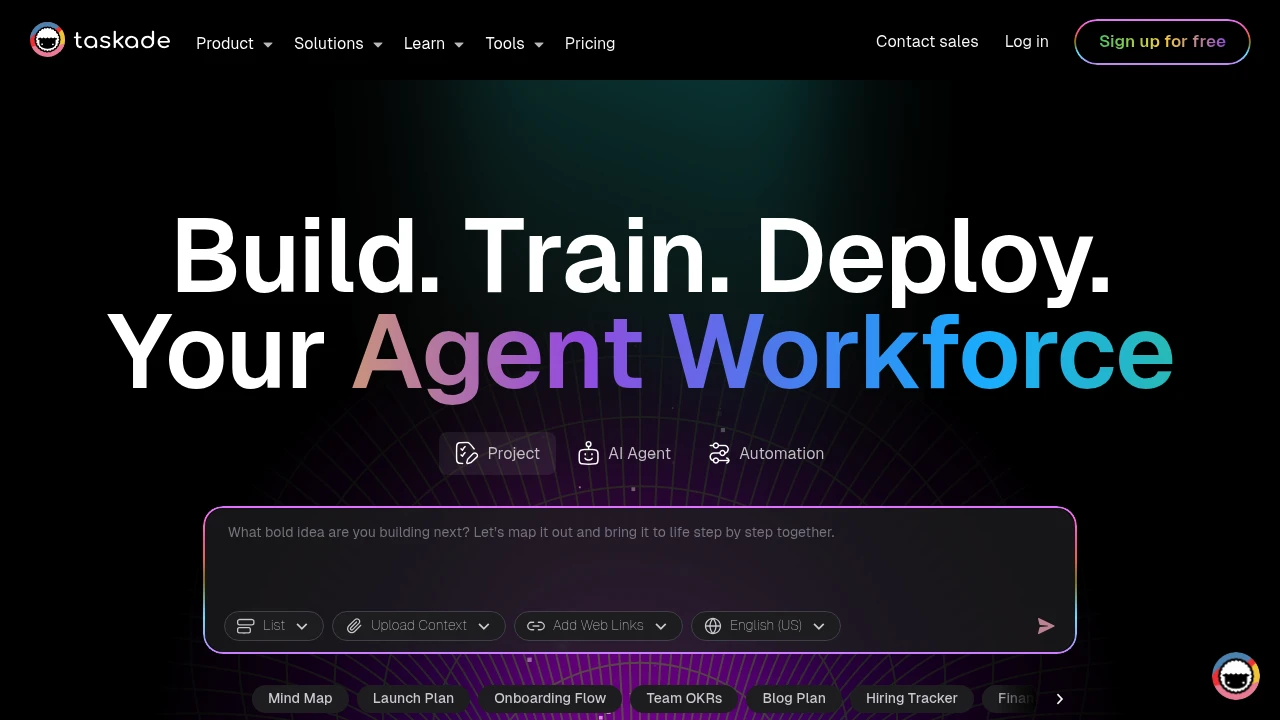
Taskade combines AI-powered project management with real-time team collaboration in one platform. This tool helps teams organize work through dynamic views, automated workflows, and custom AI agents. Perfect for remote teams and project managers who need smart automation.
Key Highlights
- AI Project Studio with custom agents and automations
- Real-time collaboration across multiple project views
- Template library for quick project setup
- Cross-platform sync (web, mobile, desktop)
- Unlimited projects and lists on free plan
- Dynamic views (lists, boards, calendar, mind maps)
What Makes It Different
Taskade stands out by integrating AI directly into project workflows. Unlike basic project tools, it offers custom AI agents that can automate tasks and generate content. The platform combines traditional project management with AI assistance, making it both a planning tool and an intelligent work assistant.
Features & Capabilities
The platform offers multiple project views including lists, kanban boards, calendars, and mind maps. Teams can create custom AI agents for specific tasks like content generation or data analysis. Real-time collaboration lets multiple users edit simultaneously. The automation system connects different tools and triggers actions based on project changes. Templates cover various use cases from marketing campaigns to software development sprints.
User Ratings and Testimonials
Taskade has an average rating of 4.7 out of 5 stars from 330 reviews on Product Hunt.
Users praise the AI features and clean interface design. The template system gets positive feedback for speeding up project setup. Teams appreciate the real-time collaboration tools and quick feature updates. Some users find certain features complex for beginners. A few mention AI prompts don't always provide relevant responses. Some report the app can feel clunky during use.
Pricing & Value
Taskade offers several pricing plans:
- Free: Includes AI Project Studio, custom AI agents, and unlimited lists and projects
- Pro: $20/month with unlimited AI agents, unlimited automations, and 2 users included
- Team: $100/month featuring unlimited AI teams, custom tools and workflows, and unlimited users
- Enterprise: Custom pricing with enterprise SLA, custom AI models, and enterprise compliance
The Free plan provides basic AI features and project management tools for individual users. The main value comes from combining AI-powered project management with team collaboration across multiple dynamic views and automated workflows.
The Only Platform to Manage Work, Deploy AI Employees, Store Knowledge, Create Projects, and Coordinate Human and AI Tasks All in a Single Place.
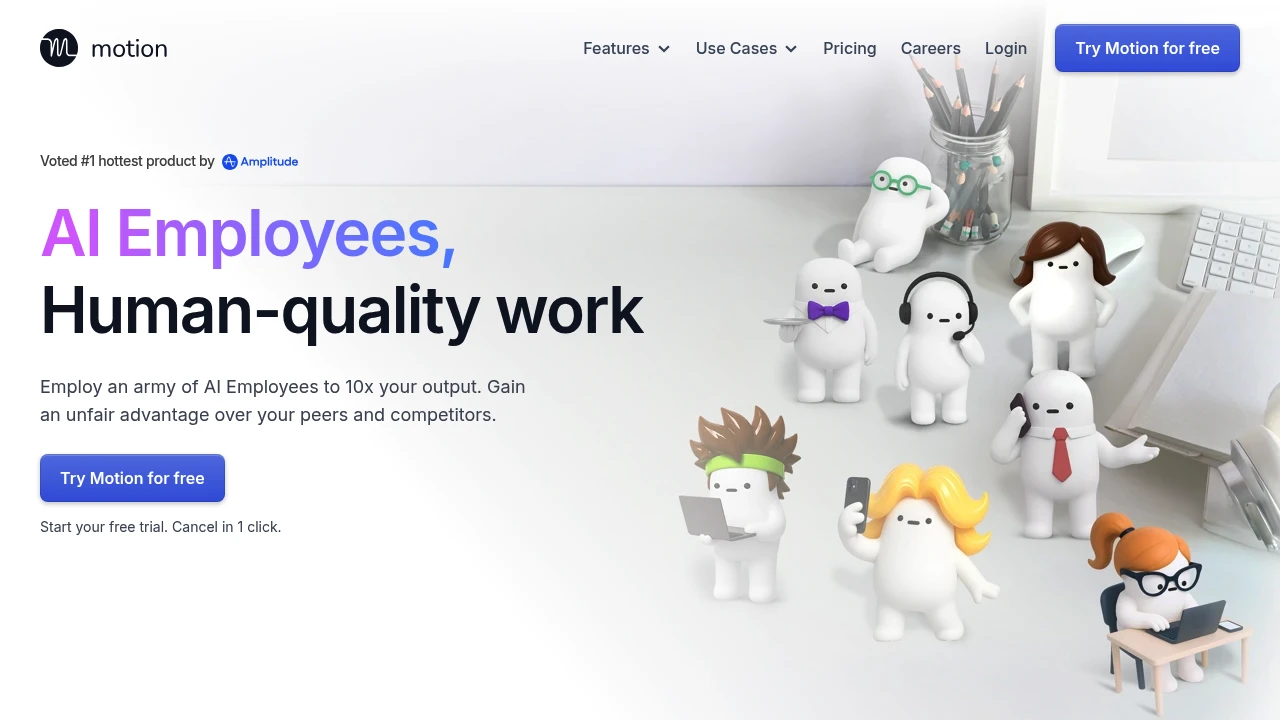
Motion is an AI tool. It helps you organize your schedule, manage projects, and automate your to-do list. It's for busy professionals, freelancers, and teams who want to boost productivity.
Key Highlights
- AI-Powered Scheduling: Organizes your tasks and meetings into an optimal schedule without manual intervention.
- Intelligent Calendar: It brings your tasks and meetings together. It also adjusts automatically if your plans change.
- Project Management: Create and manage projects, set deadlines, and collaborate with your team.
- Task Prioritization: Prioritizes your tasks based on deadlines and importance.
What Makes It Different
Motion's key differentiator is its use of AI for planning your day without manual input. Motion doesn't list your tasks. It adds them to your calendar in a clever way. It considers your priorities, deadlines, and current appointments. When the unexpected arises, Motion adjusts your schedule to ensure you stay on track.
Features & Capabilities
Motion offers a range of features to help you manage your time and tasks. You can make tasks with deadlines and priorities. Motion will then schedule them in your calendar. The platform has project management tools. You can create templates, assign tasks, and track progress with minimal effort. Motion integrates with Google Calendar and Microsoft Outlook.
User Ratings and Testimonials
Motion has a 4.1-star rating out of 5 on G2 and a 3.8-star rating out of 5 on Trustpilot. Users love the AI scheduling. It helps them stay organized and productive.
Some users say the interface is complex. They also feel the pricing is high, especially for larger teams. There are also some complaints about customer service and billing issues.
Pricing & Value
Motion offers a 7-day free trial. The individual plan is $19 per month, and the team plan is $12 per user per month. They require an annual payment upfront.
Some users see the price as too high. But many feel the time savings and boost in productivity make it worthwhile.
Similar proprietary alternatives:

 bisibility — Free beta: Track your website’s keywords, Google rankings, Search Console insights, and share of voice.


