Fireflies.ai Alternatives
A curated collection of the 6 best alternatives to Fireflies.ai.
The best alternative to Fireflies.ai is Read.ai. If that doesn't suit you, we've compiled a ranked list of other Fireflies.ai alternatives to help you find a suitable replacement. Other interesting alternatives to Fireflies.ai are: tl;dv, Fathom, Otter.ai and AVOMA.
Fireflies.ai alternatives are mainly AI Meeting Notes tools but may also be AI Note-taking tools. Browse these if you want a narrower list of alternatives or looking for a specific functionality of Fireflies.ai.


Read.ai turns meetings, email, and messages into AI summaries, transcripts, search, and coaching for teams.
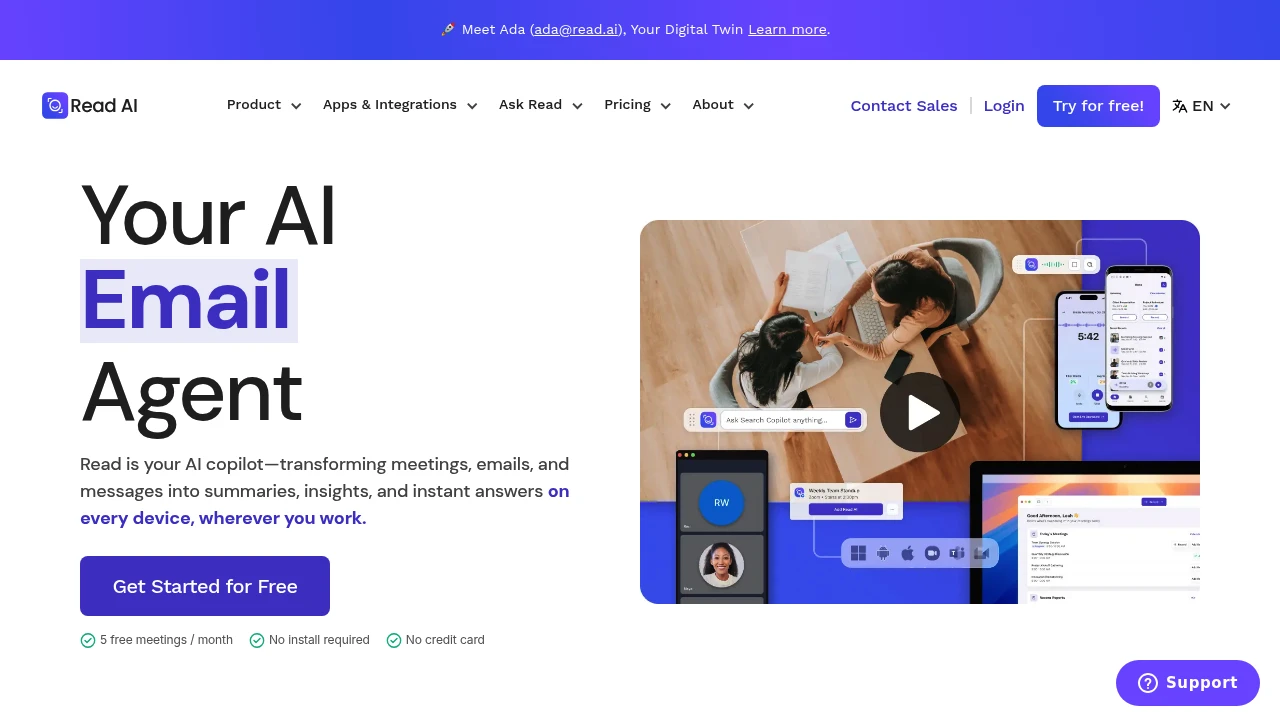
Read.ai is an AI meeting assistant for cleaner records across calls, email, and chat. It transcribes meetings, writes summaries and action items, adds coaching metrics, and searches meetings, messages, CRM, documents, and notes.
Key Highlights
- Meeting recaps, transcripts, action items, highlights, and questions
- Ask Read search with citations across meetings, email, chat, docs, and notes
- Works with Google Meet, Zoom, and Microsoft Teams
- Coaching metrics for speed, filler words, bias, and charisma
- Web, iOS, Android, Windows, and MacOS apps, plus Slack, Notion, Salesforce, HubSpot, Jira, Confluence, Zapier, and webhooks
What Makes It Different
Read.ai's main difference is breadth. Meeting reports, email, messages, CRM, documents, and notes feed Ask Read, with citations back to the source.
It also tracks behavior, not just notes. Paid workspaces add coaching recommendations, sharing rules, report distribution, license controls, and meeting join rules.
Features & Capabilities
Read.ai joins Meet, Zoom, or Teams calls, captures live notes and metrics, then creates a report with summary, transcript, topics, actions, questions, and coaching. Free meetings are capped at 1 hour and 5 transcripts per month. Paid plans add unlimited meeting transcripts and longer durations.
Beyond live calls, it supports enterprise search, file uploads, and sharing through email or Slack. Read.ai lists SOC 2 Type 2 certification, GDPR compliance, HIPAA compliance support, SAML, SCIM, domain capture, and custom data retention on higher-tier plans.
User Ratings and Testimonials
Read.ai includes testimonials from the U.S. Chamber of Commerce, Fortune Magazine, and other customers.
The main tradeoffs are plan limits and meeting-bot governance. Playback starts on Enterprise, workspaces require paid licenses on one plan, and Read.ai says it does not offer refunds after renewal.
Pricing & Value
- Free: $0, with 5 meeting transcripts per month, enterprise search, summaries, coaching, basic integrations, and apps
- Pro: $19.75/user/month, or $15/user/month billed annually, with unlimited transcripts, priority processing, 100 file upload credits per month, premium integrations, reports, storage, and workspace access
- Enterprise: $29.75/user/month, or $22.50/user/month billed annually, with playback, video highlights, 200 file upload credits per month, and premium support
- Enterprise+: minimum 5 licenses, $39.75/user/month, or $29.75/user/month billed annually, with HIPAA support, SAML, SCIM, domain capture, custom retention, 300 file upload credits per month, and onboarding
Free is for light testing. Pro fits regular transcription, while Enterprise tiers add playback, support, and admin controls.
Looking for alternatives to other popular tools? Check out other posts in the alternatives series and flowtools.co, a directory of best AI tools with filters for tags and categories for easy browsing and discovery.

tl;dv records, transcribes, and summarizes Zoom, Google Meet, and Teams calls for sales and customer teams.
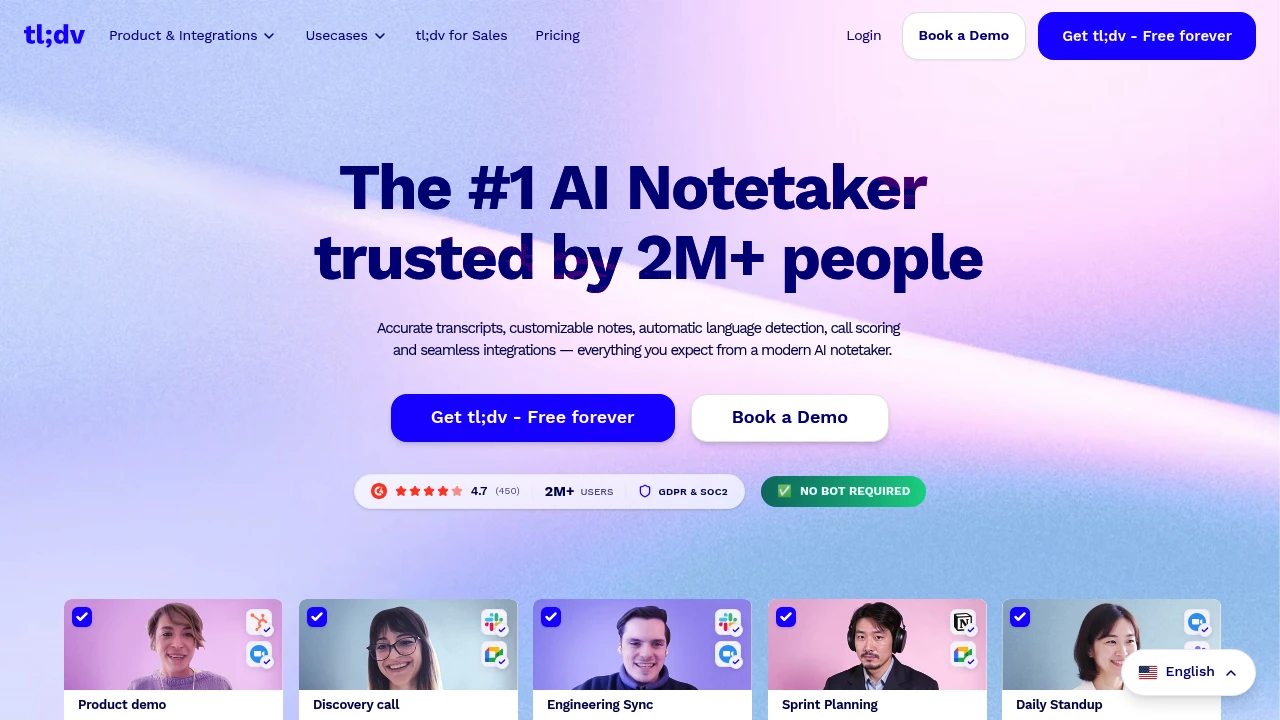
tl;dv is an AI meeting notetaker for teams that need recordings, transcripts, summaries, and follow-up work from Zoom, Google Meet, and Microsoft Teams calls. It is built for sales, customer success, product, and leadership teams that want searchable meeting evidence.
Key Highlights
- Records and transcribes Zoom, Google Meet, and Microsoft Teams calls
- Creates AI notes, summaries, action items, and follow-up drafts
- Supports transcription in 30+ languages
- Connects to Slack, email, calendars, CRMs, Zapier, API, webhooks, and MCP
- Builds multi-meeting insights for objections, feature requests, and coaching
- Includes GDPR and SOC 2 positioning, EU hosting, and private AI options
What Makes It Different
tl;dv is not only a single-call recorder. Its stronger angle is team-wide meeting intelligence: managers can ask across calls, schedule AI reports, monitor playbooks, and find repeated objections or customer feedback.
It also leans into sales workflow. The product pages describe CRM outcome logging, follow-up email drafting, action item assignment, transcript search, and 5000+ integrations.
Features & Capabilities
After a call ends, tl;dv can generate a video recording, transcript, shareable summary, and translated notes. Teams can customize note formats, use templates such as MEDDIC, search transcripts, share clips, label speakers, and upload recordings.
For larger teams, Business adds premium transcription, unlimited multi-meeting AI insights, scheduled reports, playbook monitoring, objection handling, and team automations. Enterprise adds SCIM, custom SSO, activity logs, private AI, and organization controls.
User Ratings and Testimonials
The homepage displays a vendor-selected review badge and says tl;dv is used by more than 2 million users. A Zapier product leader testimonial highlights meeting evidence from sales, customer, and research calls.
The trade-offs are plan limits. Free limits AI notes and Ask AI usage, Pro still limits multi-meeting Ask AI, and advanced admin controls sit on Enterprise.
Pricing & Value
- Free: $0, no credit card required, with unlimited recordings and transcription, mobile meetings through automatic recording, with plan-dependent AI-note usage
- Pro: paid plan with unlimited AI-note meetings, single-meeting Ask AI, follow-up drafting, transcript search, uploads, storage, API, webhooks, and MCP
- Business: paid plan with premium transcription, unlimited multi-meeting insights, scheduled reports, playbooks, objection handling, and team automations
- Enterprise: Custom pricing, with organization management, SCIM, custom SSO, privately hosted AI, activity logs, usage-based pricing options, and a dedicated account manager
tl;dv has no native mobile app; automatic recording can capture supported mobile meetings. Free covers the recorder workflow, while Business is the first plan that fully matches tl;dv's multi-meeting insights pitch.

Fathom records and transcribes meetings, with basic summaries on Free and advanced AI and team features on paid plans.
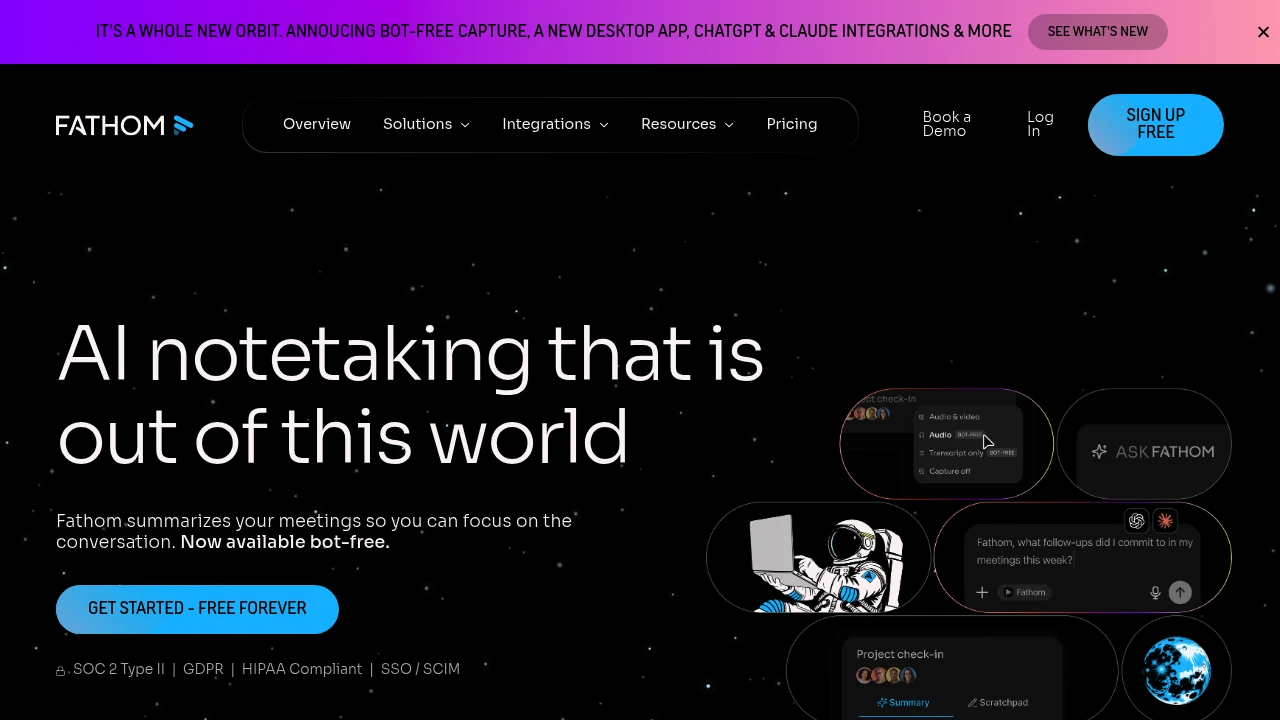
Fathom is an AI meeting notetaker that records, transcribes, and summarizes your video calls automatically. It is built for sales teams, customer success, founders, and anyone in back-to-back meetings who wants to stay present instead of taking notes. The Free plan includes unlimited recordings, transcription and basic summaries. Advanced AI features have limits; paid plans add AI action items.
Key Highlights
- Unlimited recordings and transcriptions on every plan, including the free tier
- Choice of bot-free capture or a meeting bot, so you control how calls are recorded
- Instant AI summaries delivered right after the call ends
- AI-generated action items and follow-up emails on paid plans
- Ask Fathom, a ChatGPT-style assistant for searching across your meetings
- Automatic sync to Slack, Salesforce, HubSpot, Notion, and Asana
What Makes It Different
Most meeting tools put their best features behind a paywall. Fathom does the opposite: the free plan includes unlimited recording and transcription with no minute caps, and summaries arrive within seconds of a call ending. Bot-free capture (in beta on Mac) records without sending a visible bot into the call. Recent additions include native ChatGPT and Claude integrations plus a public API and MCP server.
Features & Capabilities
The core workflow is hands-off. Fathom captures your Google Meet, Zoom, or Microsoft Teams call, then produces a transcript and summary; paid plans add AI action items you can edit and share. Paid tiers add advanced summaries from over 15 meeting templates (such as BANT and Sandler), AI follow-up emails, and coaching metrics.
For teams, it adds global search across shared calls, keyword and AI search alerts, deal and customer views, and CRM field sync into Salesforce or HubSpot, plus Zapier and Make automations.
User Ratings and Testimonials
Fathom demonstrates recording, transcription and meeting-search workflows. Assess it with the audio and meeting formats your team normally uses. Review important names, numbers and decisions in the transcript, and compare the advanced-summary and action-item features included with your plan.
Pricing & Value
- Free: $0 forever, unlimited recordings and transcriptions, bot or bot-free capture, basic summaries and search across calls
- Premium: $20/month per user ($16 billed annually), adds advanced summaries, AI action items, the conversational assistant, and a custom bot
- Team: $19/month per user ($15 annually, 2 user minimum), adds global team search, highlight playlists and keyword alerts; SSO and SCIM require Enterprise
- Business: $34/month per user ($25 annually, 2 user minimum), adds CRM field sync, deal view and coaching scorecards; custom retention requires Enterprise
The free plan is unusually generous and enough for most solo users, while Team and Business unlock shared search and CRM workflows for sales teams.

Otter.ai transcribes meetings in real time and turns them into searchable summaries, action items, and answers for teams.
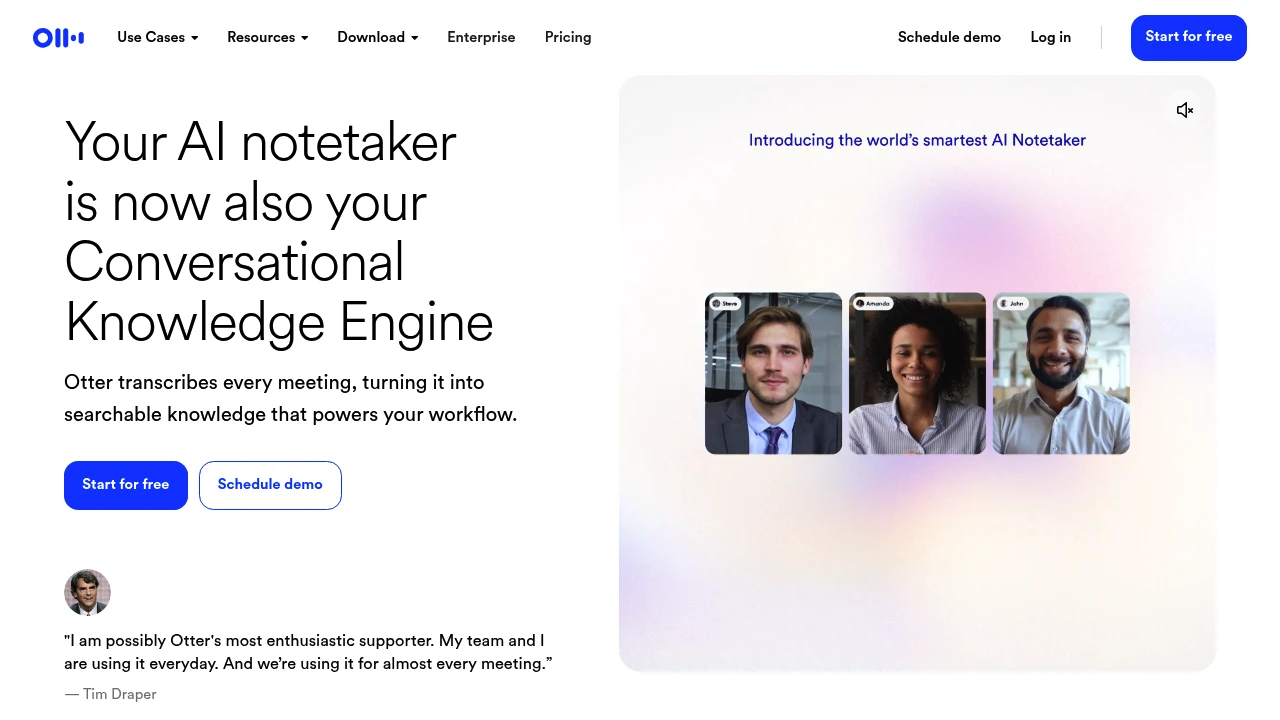
Otter.ai is an AI meeting assistant that records calls, transcribes them live, and turns the conversation into searchable notes, summaries, and action items. It is built for sales teams, educators, recruiters, and anyone who sits in a lot of meetings and wants the takeaways without typing. You send its AI Meeting Agent to Zoom, Microsoft Teams, and Google Meet calls, or capture audio on desktop and mobile.
Key Highlights
- Live transcription in multiple languages with speaker identification
- Automated summaries with decisions, action items, and outlines after each meeting
- Otter AI Chat that answers questions across your meetings and connected apps
- AI Meeting Agent that joins Zoom, Microsoft Teams, and Google Meet automatically
- Bot-free recording on Mac, Windows, and Chrome, plus iOS and Android apps
- Integrations with Slack, Salesforce, HubSpot, Notion, and Zapier
What Makes It Different
Otter positions itself as a Conversational Knowledge Engine rather than just a transcription app: every meeting becomes searchable knowledge you can query later. Its Otter MCP server lets AI assistants like ChatGPT and Claude securely pull from your meeting history. It also adds role-specific agents, such as a Sales Notetaker with live coaching.
Features & Capabilities
The core workflow is automatic. Schedule the agent through Google Calendar, and it joins your calls, writes notes in real time, and assigns next steps. You can edit transcripts collaboratively, annotate with highlights and comments, group conversations into Channels by team, and export to mp3, txt, pdf, docx, or srt.
Otter also imports and transcribes uploaded audio and video files and pushes transcripts into your CRM. AI Chat searches across meetings to draft follow-ups, with limits that scale by plan.
User Ratings and Testimonials
Test transcription on representative meetings, including speaker names, specialist terms, and overlapping speech. Review summaries and action items before sharing them with a team. Basic has 300 monthly transcription minutes; meeting duration, imports, AI Chat, and team controls depend on the plan. A trial call can help assess whether the available allowance fits your workflow.
Pricing & Value
- Basic: Free forever, with 300 monthly transcription minutes, live transcription, limited AI Chat, the Otter MCP server, and iOS and Android apps
- Pro: $16.99/user/month ($8.33 billed annually), adding 1,200 monthly minutes, up to 90 minutes per meeting, unlimited storage, and Salesforce, HubSpot, and Zapier integrations
- Business: $30/user/month ($19.99 billed annually), adding unlimited meetings, up to 4 hours per meeting, custom AI workflows, and admin analytics
- Enterprise: Custom pricing with SSO and SCIM subject to a minimum 100-user license, the Otter API and webhooks, the Sales Notetaker, and HIPAA compliance as an add-on
Students and teachers with a .edu email get 20% off Pro. The free Basic plan is enough to test accuracy and AI Chat first.

Record meetings, create transcripts and notes, schedule calls, and add conversation or revenue intelligence for teams.
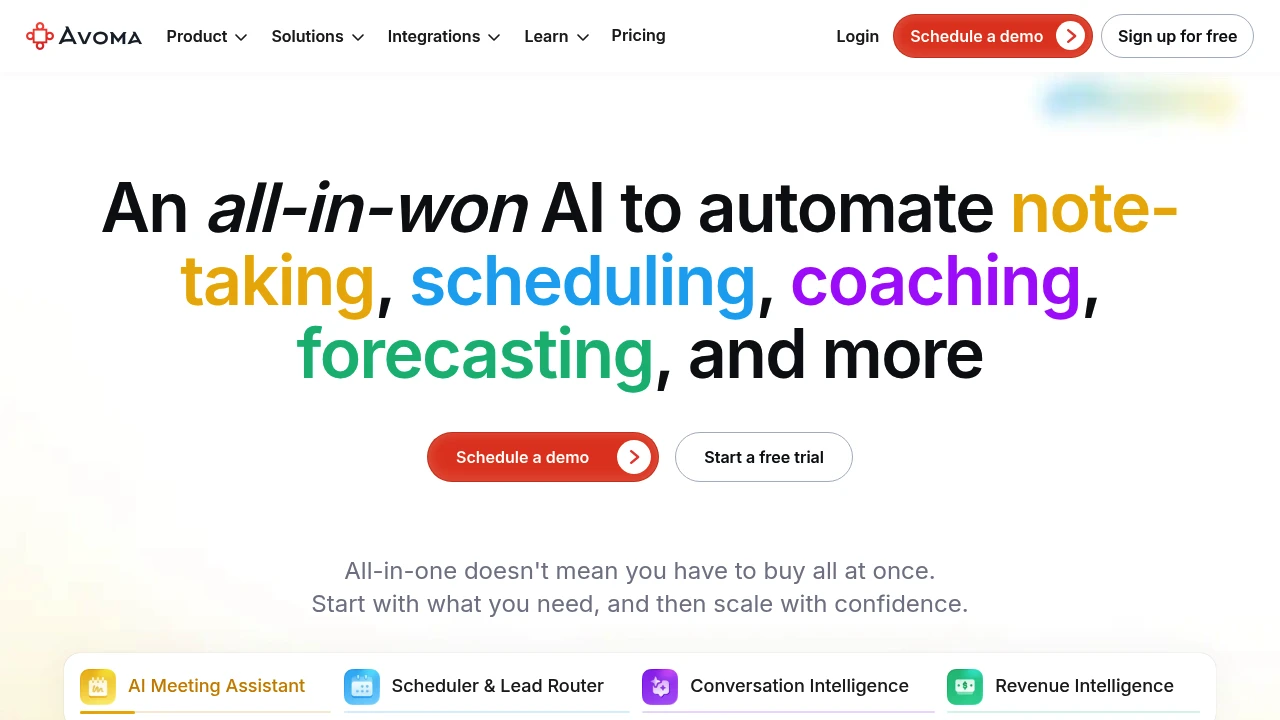
Avoma is a meeting platform for teams that need recordings, transcripts, summaries, and follow-up work. It combines an AI meeting assistant with scheduling tools and optional conversation and revenue intelligence. Sales and customer teams can turn calls into shared notes and CRM context.
Key Highlights
- Automatic recording and real-time transcription
- AI summary notes and email follow-ups
- Questions about an individual meeting
- Notes saved to CRM records
- Scheduling and paid revenue-team add-ons
What Makes It Different
Avoma combines the work before and after a meeting. Scheduling helps arrange calls, while the assistant captures the discussion and prepares notes. Paid add-ons extend that record into coaching, deal risks, and forecasting instead of treating each transcript as an isolated document.
Features & Capabilities
Recorder users capture meetings and use transcripts, notes, and follow-up drafts. Viewers and collaborators can listen, read, and comment without a paid recorder seat. Organization adds custom note topics, group scheduling, API integration, and webhooks.
Conversation Intelligence and Revenue Intelligence are separate add-ons. Enterprise introduces organization access and retention controls, with a minimum of 10 paid seats. Decide which people need recording access and which only need to review meeting material.
User Ratings and Testimonials
Assess note quality on representative calls, including speaker names, decisions, and follow-up details. For a revenue team, test the CRM workflow and add-ons during the trial. Recorder-seat billing and separate add-ons affect the total cost.
Pricing & Value
- Startup: $19/recorder/month billed annually or $29 monthly
- Organization: custom notes, scheduling, and integrations; billing depends on the selected offer
- Enterprise: $39/recorder/month billed annually, minimum 10 seats
- Trial: 14 days with Organization and add-ons enabled
View-only collaborators are free. Budget add-ons separately.

Granola captures meeting audio without a bot, creates notes and lets you ask questions across your meeting history.
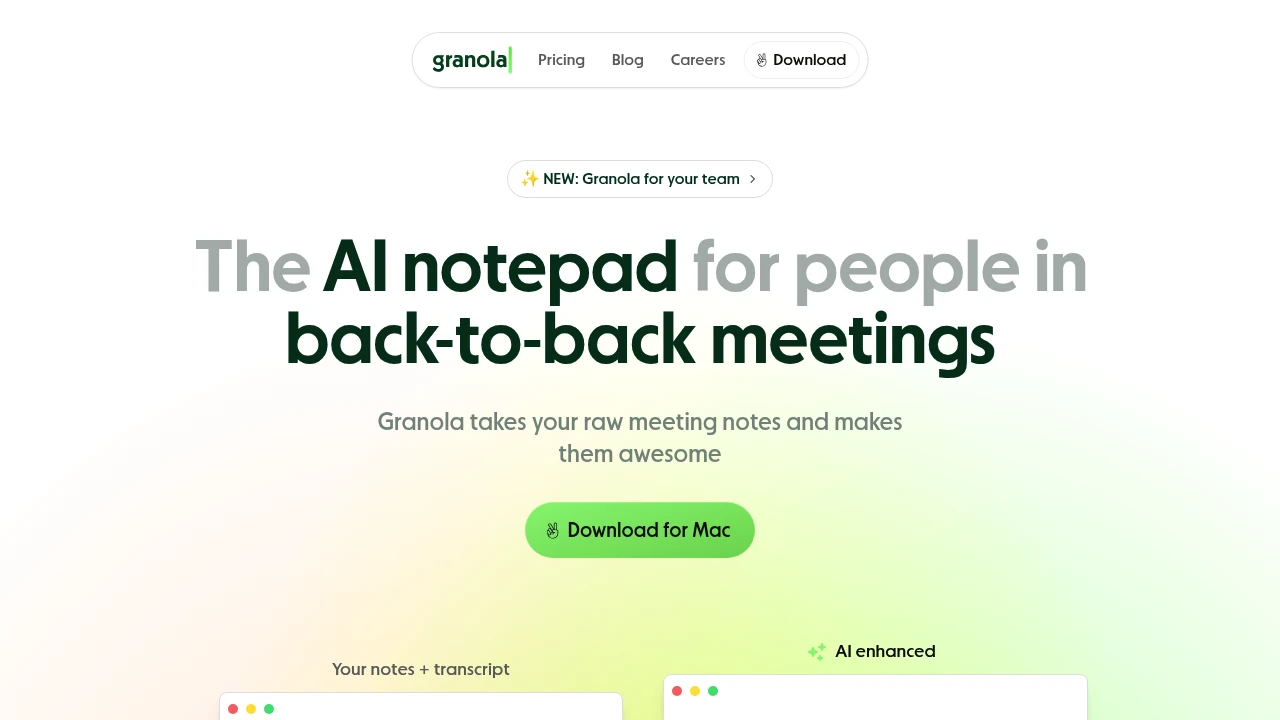
Granola captures device audio and turns meeting transcripts into structured notes. This AI-powered tool captures key points and lets you chat with your meeting content later. Perfect for professionals who want better meeting outcomes without changing how they work.
Key Highlights
- Works with existing meeting platforms like Zoom, Teams, and Google Meet
- AI chat feature for asking questions about past meetings
- Custom note templates that match your style
- Clean, simple interface that's easy to use
- Zapier integration for workflow automation
- Basic includes 30 days of meeting history
What Makes It Different
Granola focuses on natural note-taking rather than basic transcription. It creates structured notes that feel like human-written summaries. The AI chat feature lets you search and ask questions about meeting content weeks later. This approach makes it more useful than standard recording tools.
Features & Capabilities
Granola transcribes device audio without a meeting bot and creates organized notes. Its pricing table says audio is deleted after transcription. You can set custom templates for different meeting types. The AI understands context and pulls out action items, decisions, and key points.
Team features include shared folders and consolidated billing for businesses. Integration with Zapier connects your notes to other tools you use daily.
User Ratings and Testimonials
Granola demonstrates how meeting transcripts become structured notes and answers. Evaluate it with the languages and meeting formats you use. Review important decisions in the resulting notes, and check whether the available history, sharing controls and integrations match your workflow.
Pricing & Value
- Basic: free AI meeting notes, templates and chat, with 30 days of history
- Business: $14/user/month for unlimited notes and history, advanced integrations, MCP and API access
- Enterprise: $35/user/month with SSO, administration and organization-wide controls
Basic is a free plan rather than a 25-meeting trial. Business expands history and integrations; Enterprise adds team-wide management. Confirm the integration and retention settings needed for your workspace.
This month’s top products
Ranked by total paid bids this month.
Similar proprietary alternatives:

 bisibility — Free beta: Track your website’s keywords, Google rankings, Search Console insights, and share of voice.


