
Eney
Eney is an AI assistant for Mac that helps carry out tasks across supported apps, available as a Preview through Setapp.
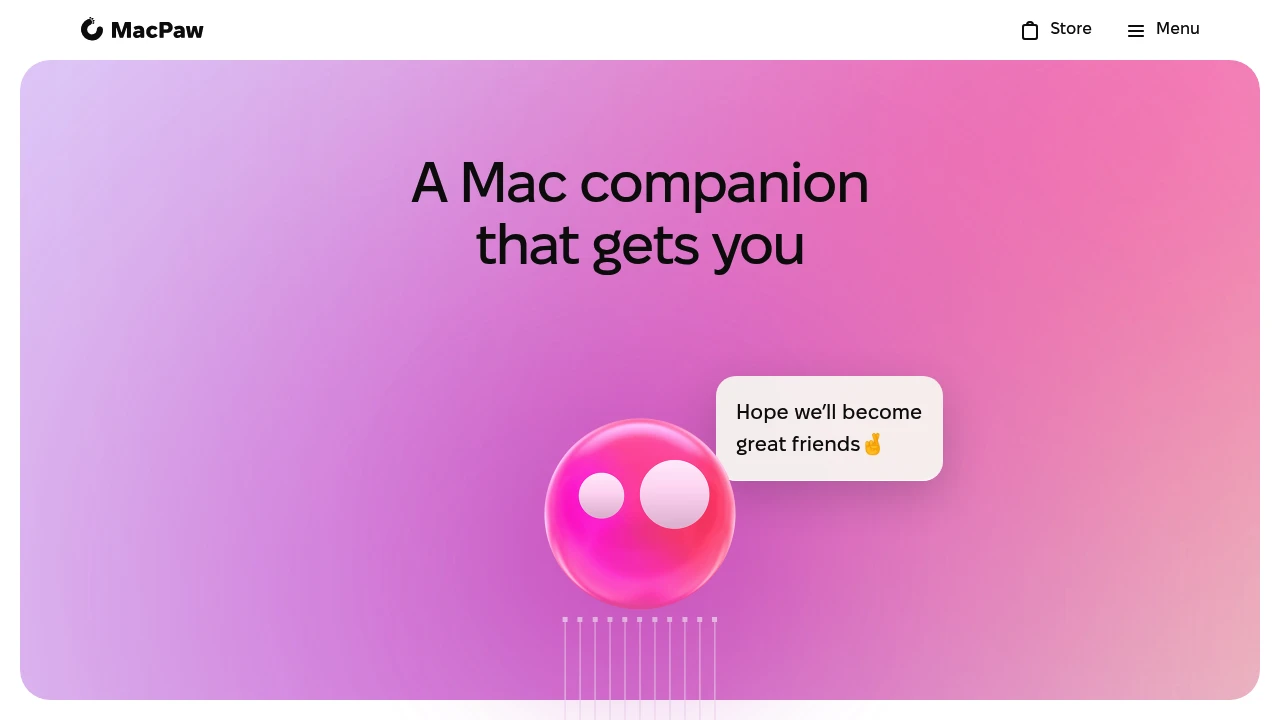
Eney is MacPaw's AI assistant for Mac, available as a Preview through Setapp. It understands written requests and helps carry out tasks across supported apps. It requires an Apple Silicon Mac running macOS 14 or later, with account credits used for its AI features.
Key Highlights
- Mac tasks requested in plain language
- App connections and supported desktop actions
- Assistance with meetings, content and files
- Proactive suggestions for ongoing work
- Credit-based AI usage through Setapp
What Makes It Different
Eney focuses on taking action within a Mac workflow rather than only answering a question in chat. It can connect tasks across supported applications. Preview availability means the product is still developing, so supported actions and integration behavior should be checked against the work you need.
Features & Capabilities
Describe what you want to do, then review Eney's proposed or completed actions. Its demonstrations include working with meeting information, content and files. Application connections and permissions determine what an assistant can access and change.
MacPaw describes the technical design as combining local processing and partner services where appropriate. The processing path depends on the feature. Review the relevant permissions and privacy settings before allowing an assistant to handle sensitive work, and inspect outputs before sharing them.
User Ratings and Testimonials
MacPaw provides demonstrations of Eney's desktop workflows. Test the actions you need on a supported Mac and check their results. A Preview feature should be evaluated with your actual apps, accounts and files before relying on it for a recurring task.
Pricing & Value
Every account includes free credits. Additional credit bundles are billed monthly, plus tax:
- Starter: $18/month with 15,000 credits
- Boost: $36/month with 30,000 credits
- Power: $60/month with 50,000 credits
Access is through Eney Preview on Setapp. Compare the credit usage of your tasks before selecting a bundle; free account credits do not imply unlimited use.
Product facts
- Pricing
- Not yet verified
- Access
- Not yet verified
- Product status
- Not yet verified
Analytics
Deep dive into AI Tool performance and audience insights.
Growth Trend
StableTraffic growth over last 30 days
Traffic & Engagement
Traffic Sources
Top Countries
Tags:
You might also like

 bisibility — Free beta: Track your website’s keywords, Google rankings, Search Console insights, and share of voice.


