
Handy

the free and open source app for speech to text
FAQs
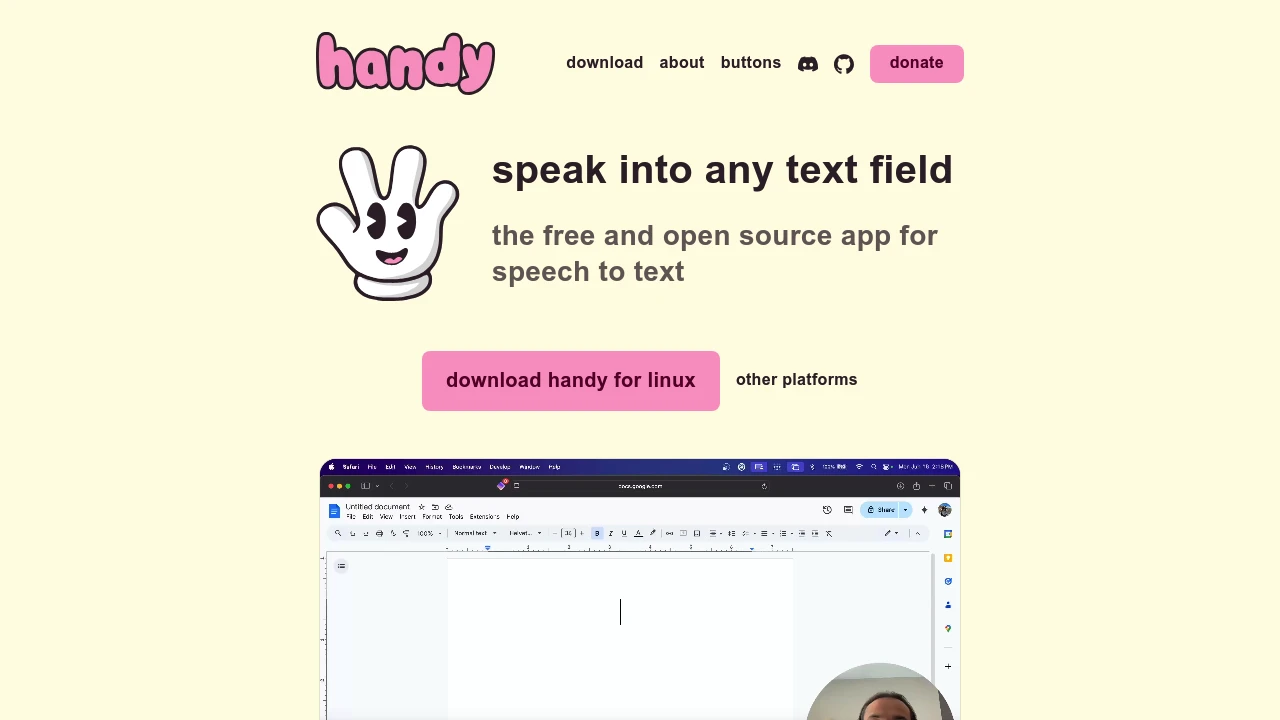
Handy is a free, open-source speech-to-text application that allows you to transcribe your voice directly into any text field using a simple keyboard shortcut. It is designed for privacy and works entirely offline on Windows, macOS, and Linux.
Yes, Handy allows you to dictate to your computer by pressing a keyboard shortcut, speaking, and then releasing to have your words automatically typed into any text field. It is a free, open-source tool that works offline across Windows, macOS, and Linux.
Handy is a completely free and open-source speech-to-text app that transcribes your voice into text offline to ensure your privacy. While it focuses on converting speech to text rather than reading text aloud, it is entirely free to use without any subscriptions.
Handy is considered trustworthy because it is a free, open-source application that operates entirely offline, ensuring your voice data stays on your device. Its transparency allows anyone to inspect the source code, and its focus on privacy means it does not require an internet connection or external servers to function.

You might also like
 bisibility — Free beta: Track your website’s keywords, Google rankings, Search Console insights, and share of voice.

