
HyperWrite
HyperWrite combines AI drafting, rewriting, predictive writing suggestions, and cited research for everyday writing tasks.
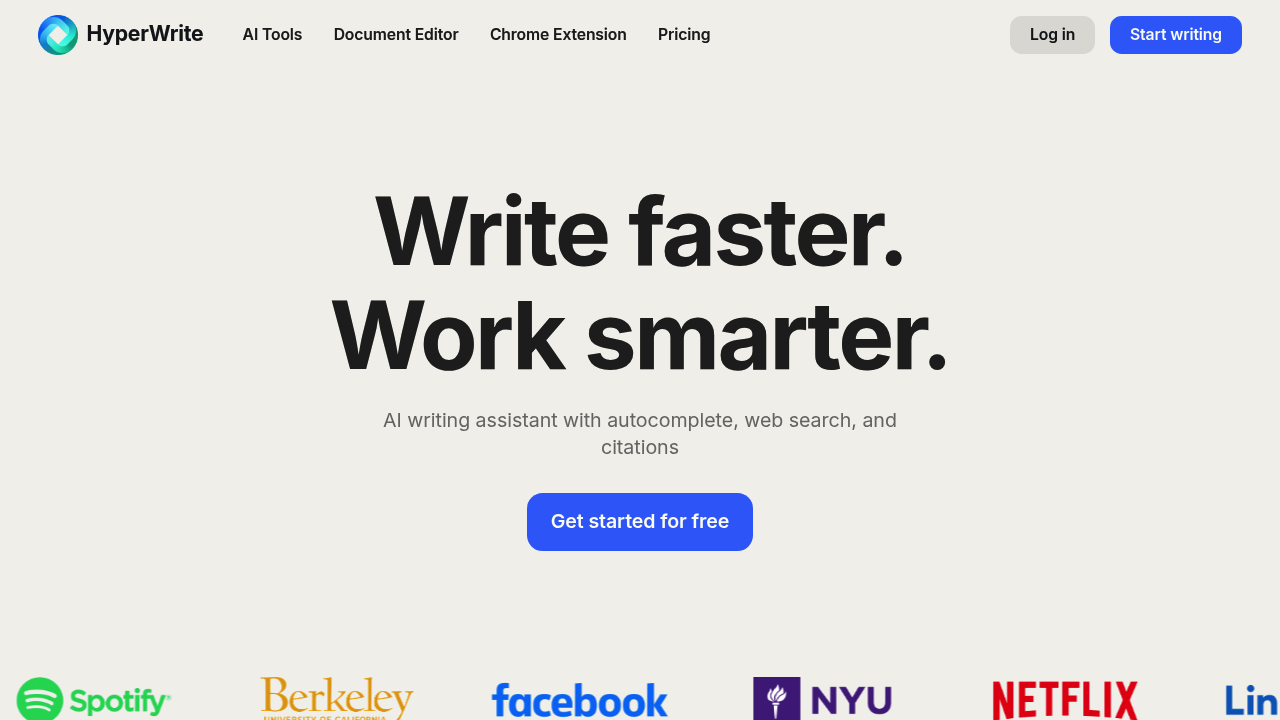
HyperWrite is an AI writing assistant from OthersideAI. It helps draft new text, revise existing writing, and suggest what to type next. Research features can add current information and citations to writing tasks alongside its editor, chat, and task-specific tools.
Key Highlights
- AutoWrite for creating drafts from instructions
- TypeAhead suggestions through the browser extension
- Rewriting, feedback, and brainstorming tools
- Research responses with linked sources
- Custom personas for different writing styles
What Makes It Different
HyperWrite combines a writing workspace with assistance while you type. TypeAhead provides sentence suggestions rather than requiring a separate chat for every edit. Custom personas let you configure the tone and behavior for different kinds of writing.
The tool library covers specific jobs such as drafting replies or simplifying an explanation. Research features connect writing with web information and scholarly material, while the final wording remains yours to review.
Features & Capabilities
Give AutoWrite an instruction, ask the assistant to critique a draft, or rewrite a passage for a different audience. HyperChat supports questions and brainstorming, and custom tools can adapt repeated writing tasks to a preferred workflow.
The extension provides contextual suggestions while you write in supported browser pages. Paid plans add message allowances and more personas; both Premium and Ultra include unlimited TypeAheads. Research can produce citation-backed responses, but you should read the cited material and check the draft before submitting it.
User Ratings and Testimonials
Vendor-selected testimonials praise writing suggestions and help with everyday tasks. One extension reviewer asks for broader Microsoft-product support, so check that the extension works where you intend to write. Browser assistance and the web editor should be evaluated as separate parts of your workflow.
Pricing & Value
- Free: Limited monthly credits for basic AI access.
- Premium: $19.99/month, with 250 AI messages monthly, three personas, and unlimited TypeAheads.
- Ultra: $44.99/month, with unlimited AI messages and ten personas.
- Annual billing: Premium is $192/year; Ultra is $348/year.
Annual prices are separate commitments, not month-to-month rates. Premium suits predictable usage, while Ultra increases the message allowance and number of writing personas.
FAQs
A free account has limited monthly credits. Premium costs $19.99/month; Ultra costs $44.99/month. Annual subscriptions have different rates.
Consider it for TypeAhead suggestions, custom personas, and cited research. Test the limited free account before choosing a paid plan.
It helps draft, rewrite, and research text, with predictive TypeAhead suggestions and custom personas for different writing styles.

You might also like
 bisibility — Free beta: Track your website’s keywords, Google rankings, Search Console insights, and share of voice.

