

Kiro is an agentic IDE, CLI, and web app for developers who turn prompts into specs, code, docs, and tests.
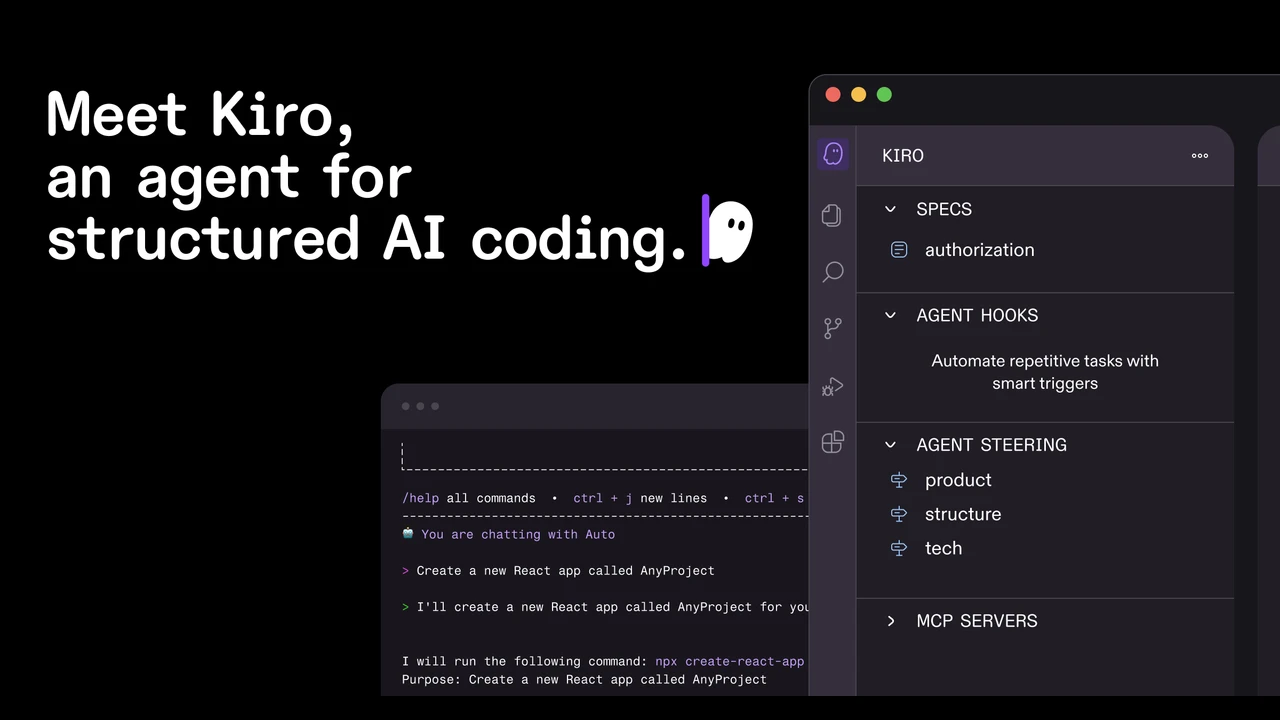
Kiro is an agentic coding environment for developers who want AI help with software delivery, not just code snippets. It turns a prompt into requirements, design notes, implementation tasks, code, docs, and tests across an IDE, CLI, and web.
Key Highlights
- Spec-driven development turns prompts into requirements, acceptance criteria, designs, and task lists
- IDE, CLI, and web agents for local work, terminal workflows, and cloud sessions
- Agent hooks run background tasks such as docs, tests, or performance checks
- Native MCP support connects Kiro to docs, databases, APIs, and other tools
- Built on Code OSS, with VS Code settings, themes, and Open VSX plugin import
- Per-prompt credit usage shows how much each request costs
What Makes It Different
Kiro is built around specs rather than chat alone. A natural language request becomes structured requirements, an architectural design, and sequenced tasks that map back to those requirements. That gives the agent a documented plan before it starts changing files.
The workflow also extends beyond the desktop editor. Kiro CLI brings agents into the terminal, while Kiro Web runs sessions in isolated cloud sandboxes against GitHub or GitLab repositories. Steering files carry project rules across the IDE, CLI, and web.
Features & Capabilities
In the IDE, developers can review live code diffs, approve changes, diagnose syntax and type errors, generate commit messages, and use image inputs for UI or architecture context. Autopilot mode can reduce step-by-step prompting while scripts and commands still stay under user control.
Kiro supports common languages including Python, JavaScript, TypeScript, Go, Rust, SQL, YAML, and HCL. The CLI installs on macOS, Linux, and Windows, and subscriptions also work in ACP compatible IDEs and development automation.
User Ratings and Testimonials
Kiro does not publish a public average rating. Customer quotes praise the spec-driven workflow, background hooks, Terraform and Python support, and stronger implementation plans. Practical limits are visible too: usage is credit-metered, premium model access depends on plan and country or region, and autonomous mode is only in Kiro Web today.
Pricing & Value
- Kiro Free: $0/month, 50 credits, open weight models and Claude Sonnet under limits
- Kiro Pro: $20/month, 1,000 credits, premium models, and optional $0.04/credit overage
- Kiro Pro+: $40/month, 2,000 credits, premium models, and optional $0.04/credit overage
- Kiro Pro Max: $100/month, 5,000 credits, premium models, and optional $0.04/credit overage
- Kiro Power: $200/month, 10,000 credits, premium models, and optional $0.04/credit overage
Team plans add centralized billing, usage analytics, SAML/SCIM SSO through AWS IAM Identity Center, organization management, and enterprise security controls.


FAQs
It turns prompts into requirements, designs, tasks, code, docs, and tests through IDE, CLI, and web agents.
Yes. The Free plan is $0/month with 50 credits and model access limits. Paid plans start at $20/month.
Public launch coverage identifies it as an AWS product. Kiro also supports AWS Builder ID and IAM Identity Center sign-in.
It suits developers who want specs, tasks, code diffs, and hooks before code changes. It may feel heavier than chat-first tools.
Plans start at Free with 50 credits. Paid individual plans are $20, $40, $100, and $200/month, with $0.04 per extra credit.

You might also like
 bisibility — Free beta: Track your website’s keywords, Google rankings, Search Console insights, and share of voice.

