Wix Alternatives
A curated collection of the 4 best alternatives to Wix.
The best alternative to Wix is Webflow. If that doesn't suit you, we've compiled a ranked list of other Wix alternatives to help you find a suitable replacement. Other interesting alternatives to Wix are: Wegic, Framer and Duda.
Wix alternatives are mainly AI App Builders tools but may also be AI Design tools. Browse these if you want a narrower list of alternatives or looking for a specific functionality of Wix.


Build, manage, and optimize your site with AI at your side.
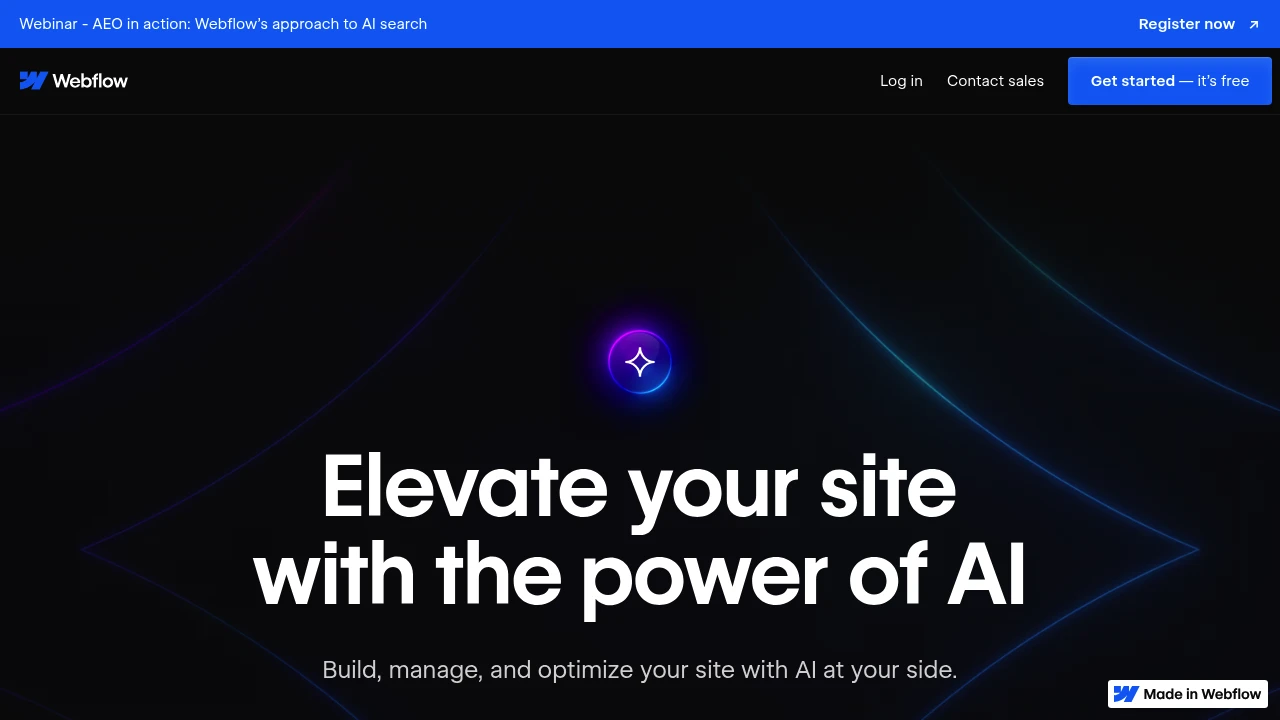
Webflow is a visual web design platform that lets you build professional websites without coding. It combines the power of HTML, CSS, and JavaScript with an intuitive drag-and-drop interface. The platform serves designers, developers, and businesses who want complete creative control over their websites.
Key Highlights
- Visual editor that generates clean, semantic code automatically
- Responsive design tools for mobile-first development
- Built-in CMS for dynamic content management
- Advanced animations and interactions without JavaScript
- SEO optimization tools and fast hosting included
- E-commerce functionality for online stores
- Team collaboration features for design workflows
What Makes It Different
Webflow bridges the gap between design tools and development platforms. Unlike traditional website builders, it gives you pixel-perfect control while generating production-ready code. The platform lets designers create complex layouts and interactions that would typically require custom development.
Features & Capabilities
The visual editor works like design software but outputs real websites. You can create custom layouts, add animations, and build interactive elements through a visual interface. The CMS lets you manage dynamic content like blogs, portfolios, and product catalogs.
Webflow includes hosting with global CDN, SSL certificates, and automatic backups. The platform supports custom domains, form handling, and third-party integrations. Advanced users can add custom code and connect external APIs.
User Ratings and Testimonials
Webflow has an average rating of 4.5 out of 5 stars from over 1,200 reviews across G2 and Product Hunt.
Many find the visual editor intuitive and love the freedom it gives designers. The platform gets praise for clean code output and responsive design capabilities. Several mention it's more reliable than WordPress with fewer plugin issues.
Some note the steep learning curve and occasional bugs. A few report mobile performance limitations that can hurt site scores. The complexity can be overwhelming for simple projects.
Pricing & Value
Webflow offers several pricing plans:
- Starter (Free): Custom domain, 2 pages, and 20 CMS collections with 50 CMS items
- Basic ($18/month): Custom domain, 150 pages, and unlimited form submits
- CMS ($29/month): 150 pages, 2,000 CMS items, and site search functionality
- Business ($49/month): 300 pages, 10,000 CMS items, and 100 GB bandwidth
- Enterprise: Custom pricing with guaranteed SLA, advanced collaboration, and enterprise security
Save up to 22% with yearly billing.
The free Starter plan includes basic website building with limited pages and CMS functionality, making it competitive for simple sites compared to other website builders.
Looking for alternatives to other popular tools? Check out other posts in the alternatives series and flowtools.co, a directory of best AI tools with filters for tags and categories for easy browsing and discovery.

Wegic is a chat-based AI website builder that designs, edits, and publishes a custom site for you, with no coding required.
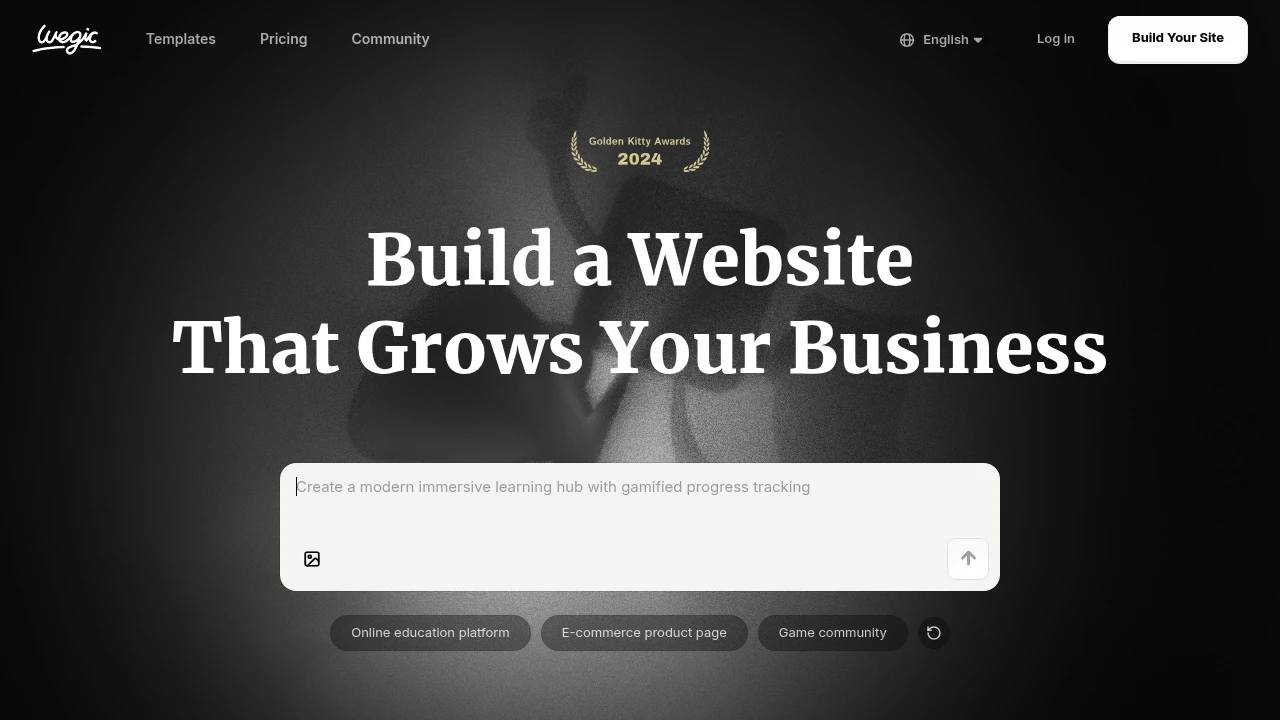
Wegic is a chat-based AI website builder that acts like an on-demand website team: an AI designer, developer, and manager in one chat box. It is built for small business owners, freelancers, and first-timers who want a custom site without an agency or code. You describe the site, pick a style and language, and Wegic generates it, then you keep editing by chat and publish in one click.
Key Highlights
- Generate a full custom website from a plain-language chat description
- Edit any element by talking to the AI, no template wrangling
- One-click publishing with automatic hosting
- Built-in SEO suite plus Google search indexing
- AI generation of logos, images, and video
- Hundreds of multilingual templates across retail, travel, health, and more
What Makes It Different
Most AI website builders hand you a draft, then drop you into a traditional drag-and-drop editor. Wegic keeps the whole workflow conversational: the same AI that builds the first version also handles edits, so changing a section, swapping copy, or restyling a page is a chat message rather than a manual task. Wegic frames this as an "AI website team" so beginners are never stuck on a blank canvas.
Features & Capabilities
The core loop is chat to build, edit, and go live in one click. You provide a name, requirements, style, and language, and Wegic produces a mobile-responsive site you refine through conversation. Paid plans add a custom domain, watermark removal, code download, auto-backup version history, and AI media generation.
Wegic also bundles conversion tools: a booking and form system, basic e-commerce, global payments, social integration, and a built-in SEO and local SEO toolkit. The company says more than 500,000 sites have been built across 230+ countries, around 80% by first-time builders.
User Ratings and Testimonials
Wegic holds about 4.2 out of 5 from 25+ reviews on Product Hunt, where users praise how fast it generates a usable site and how approachable the chat editing is. Trustpilot is more critical (around 2.9/5 from a handful of ratings), citing slow performance or crashes, credits consumed when an edit fails, and refund terms some find restrictive.
Pricing & Value
- Trial pack: $2.99 one-time (once per account), 1 website generation, free .wegic.net domain for 7 days, credited toward a future plan
- Starter: $39.90/month (about $23.94/month annually at 40% off), 600 credits/month, permanent .wegic.net publishing, watermark removed, SEO suite, code download
- Premium: $69.90/month (about $41.94/month annually), 2,000 credits/month, a permanent custom domain, and discounted extra credits
Free sign-up credits let you chat with the AI, but generating a site needs a paid plan. The $2.99 trial pack is the cheapest way to test a real generation; yearly plans carry a 14-day money-back guarantee.

Framer is a no-code website builder that turns AI prompts and visual design into fast, live sites, built for designers and teams.
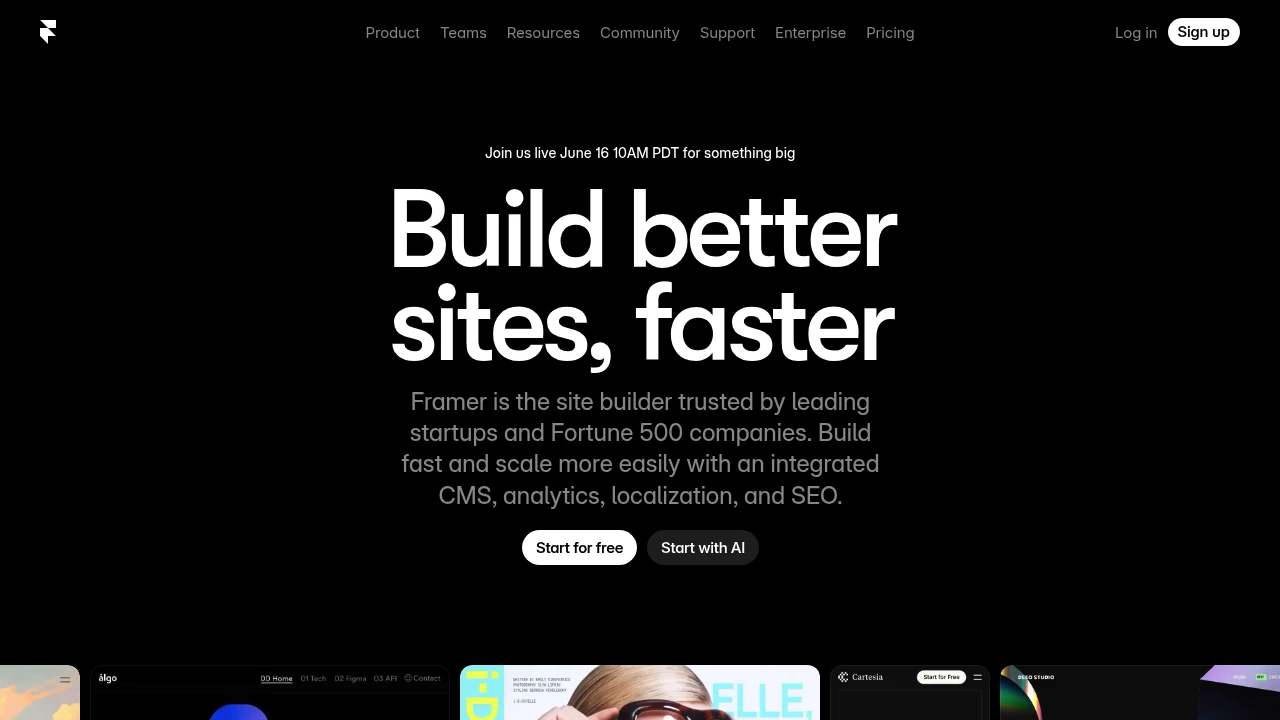
Framer is a no-code website builder that lets you design and publish professional sites from a visual canvas instead of writing code. It is built for designers, freelancers, and marketing teams who want control over layout and animation without a developer in the loop. Generate a starting layout with AI, refine it visually, and push it live on fast global hosting.
Key Highlights
- Visual, no-code canvas for responsive layouts, effects, and animations
- AI generation of page layouts and components to skip the blank canvas
- Built-in CMS for managing content without touching code
- Built-in SEO settings, metadata, and fast global hosting
- Analytics, A/B testing, and funnels to track and improve conversions
- Real-time collaboration with on-page editing and auto-save
What Makes It Different
Framer combines a design tool and a publishing platform, so the canvas you design on is the site you ship. The workflow feels close to Figma, which makes it fast for designers who already think in frames and components. Instead of handing a static mockup to a developer, you publish the real, responsive site directly, with CMS, SEO, and hosting already wired in.
Features & Capabilities
You start from an AI-generated layout or a blank canvas, then craft responsive pages with smooth interactions and animations. A built-in CMS handles structured content like blog posts and collections, AI localization translates pages into more languages, and analytics tracks pageviews, visitors, and traffic sources.
Collaboration is built in: the workspace owner and viewers are free, while editors design, edit content, and publish together with live, auto-saved changes. Add-ons extend the platform with A/B testing and funnels (Convert), extra translation locales, and advanced hosting.
User Ratings and Testimonials
Framer holds a rating of about 4.5 out of 5 on G2. Users praise how quickly they can ship polished, responsive marketing sites, the strong animation controls, and the familiar Figma-like workflow. Common criticisms are a steeper learning curve than expected, editor lag on larger projects, and limited CMS depth for complex, content-heavy sites.
Pricing & Value
- Free: $0, design and explore with 10 CMS collections and up to three editors, but no custom domain
- Basic: $10/month, a free custom domain on yearly billing, AI design tools, hosting, and built-in SEO
- Pro: $30/month, adds staging and instant rollback, roles and permissions, a relational CMS, and redirects
- Scale: $100/month plus usage, adds custom locale regions, events and funnels, priority support, and a premium CDN
- Enterprise: Custom pricing for custom limits, enterprise security, and dedicated support
Additional editors are $20/month each and viewers are always free, so the Free plan is a genuine way to test the builder before paying.

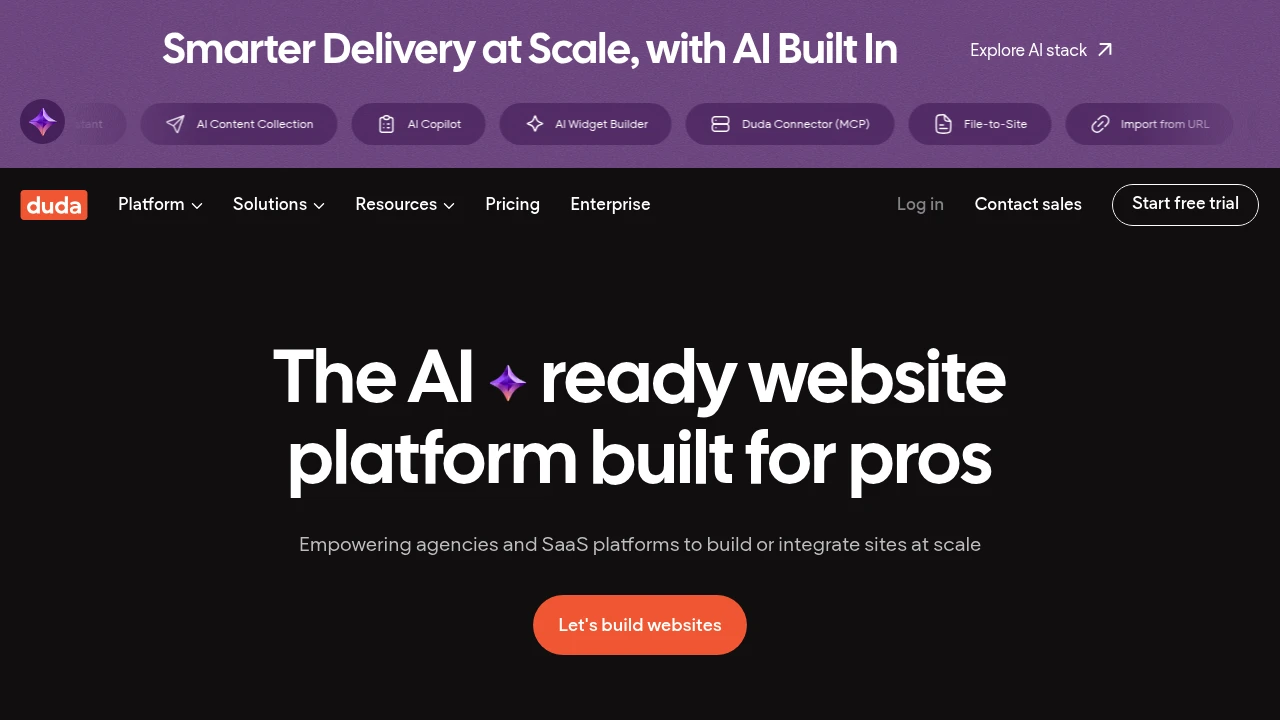
Similar proprietary alternatives:

 bisibility — Free beta: Track your website’s keywords, Google rankings, Search Console insights, and share of voice.


