HeyGen Alternatives
A curated collection of the 6 best alternatives to HeyGen.
The best alternative to HeyGen is InVideo. If that doesn't suit you, we've compiled a ranked list of other HeyGen alternatives to help you find a suitable replacement. Other interesting alternatives to HeyGen are: Tavus, D-ID, Captions and Synthesia.
HeyGen alternatives are mainly AI Video Tools tools. Browse these if you want a narrower list of alternatives or looking for a specific functionality of HeyGen.


InVideo turns prompts, scripts, and edits into AI videos with agents, stock, voice tools, and timeline editing.
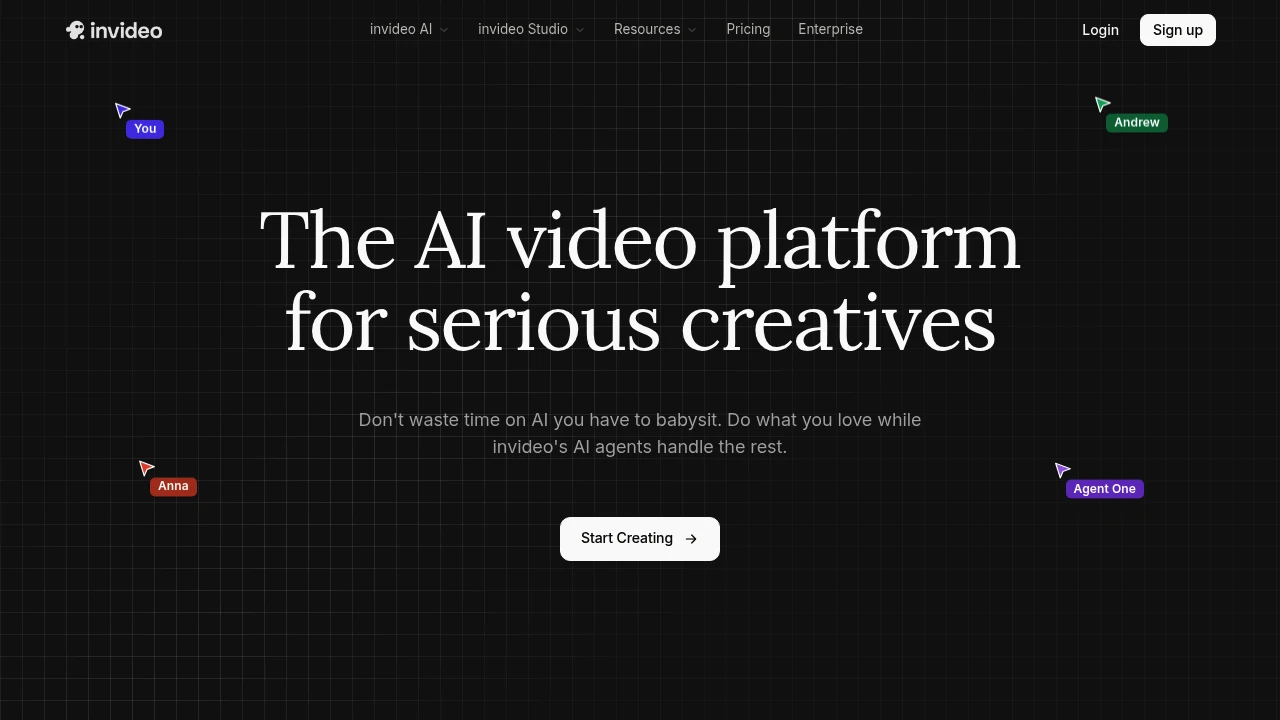
InVideo is an AI video platform for creators, marketers, and teams turning prompts, scripts, and briefs into finished videos. Agent One keeps project context, chooses models, drafts shot prompts, and moves work into scenes, clips, audio, and final edits.
Key Highlights
- Agent One creates and edits AI videos from prompts, scripts, and context
- Long-term memory keeps clips, characters, and shot direction consistent
- Batch edits update costumes, locations, characters, and backdrops across shots
- Storyboarding, script writing, multiplayer collaboration, and timeline editing
- Paid plans include 200+ AI models, iStock, Storyblocks, avatars, and voice clones
What Makes It Different
InVideo presents Agent One as a creative workspace, not just a prompt box. You can add context, lock composition, change backdrops, update shots, and continue in a timeline. Its edge is memory: repeated clips and characters can follow one project direction without rebuilding every prompt.
Features & Capabilities
The workflow starts with an idea, script, or brief. Agents can choose a model, write shot prompts, generate clips and images, and revise multiple shots. Use cases include film promos, performance ads, product ads, microdramas, and social cuts.
Production tools include storyboarding, script writing, multiplayer collaboration, AI avatars, voice cloning, and custom agents for scriptwriting, cinematography, sound, music, and color. Paid plans include the invideo v4 agent for videos up to 30 minutes from one prompt.
User Ratings and Testimonials
No verified average review score was available. Product strengths are context memory, batch shot editing, model choice support, and collaboration. Caveat: unused credits do not roll over, and model or agent prices can change.
Pricing & Value
- Plus: $17/month billed yearly, 75 credits/month, 4 avatars and voice clones, limited concurrency, 20 GB storage, and 100 iStock assets
- Max: $85/month billed yearly, 390 credits/month, 16 avatars and voice clones, 2x Plus concurrency, 100 GB storage, and 200 iStock assets
- Generative: $170/month billed yearly, 800 credits/month, 40 avatars and voice clones, 10x Plus concurrency, 2 TB storage, and 1000 iStock assets
- Elite: $900/month billed yearly, 4250 credits/month, 200 avatars and voice clones, 20x Plus concurrency, 10 TB storage, and 5000 iStock assets
Every paid plan includes unlimited exports without watermark, 200+ image, video, audio, and music models, top stock providers, and on-demand credit top-ups.
Looking for alternatives to other popular tools? Check out other posts in the alternatives series and flowtools.co, a directory of best AI tools with filters for tags and categories for easy browsing and discovery.

Tavus gives developers APIs for real-time AI video agents, digital twins, and AI companions.
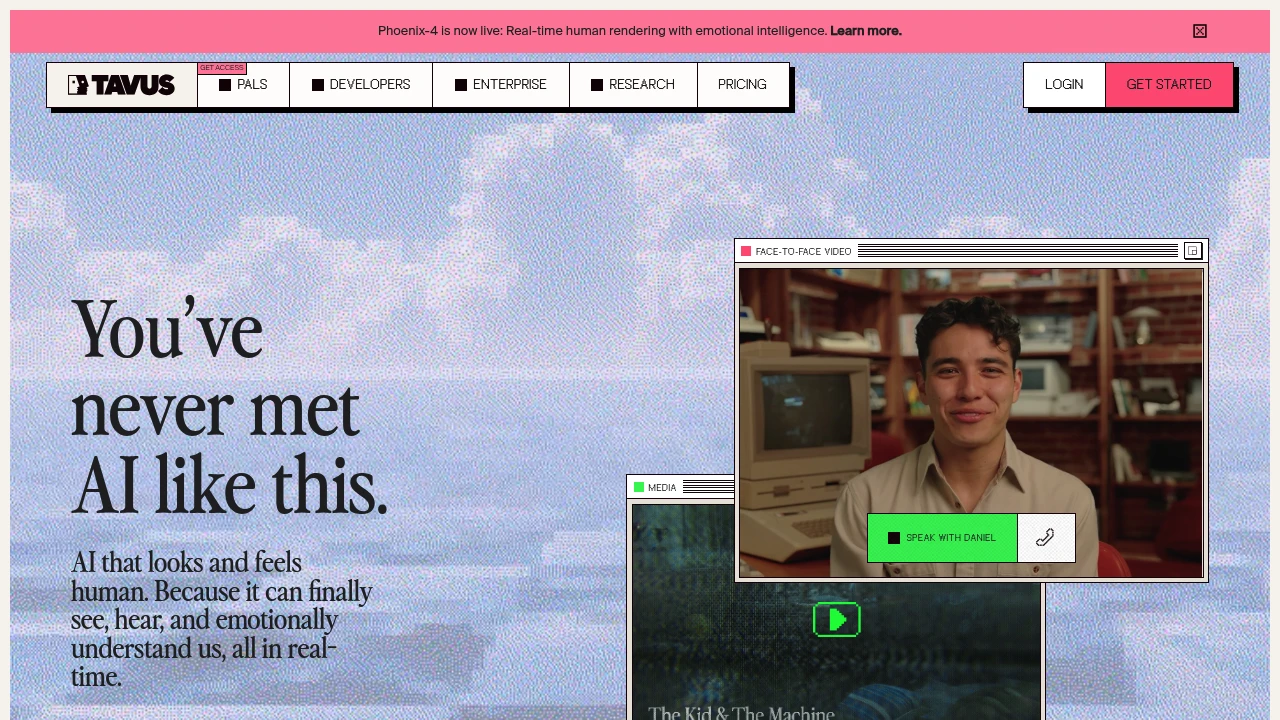
Tavus is an AI video API platform for building AI humans that see, hear, and speak with users in real time. It is for developers and teams adding conversational video agents, digital twins, or AI companions to a product. Tavus handles perception, dialogue, and rendering through APIs.
Key Highlights
- Real-time conversational video agents with claimed sub-500 ms latency
- Custom replicas, stock replicas, and digital twins
- Raven, Sparrow, and Phoenix models for vision, turn-taking, and rendering
- Support for 30+ languages across developer and PAL plans
- Whitelabeled APIs, a no-code portal, transcripts, recordings, and WebRTC delivery
- Free developer plan with included conversation and generation minutes
What Makes It Different
Tavus is closer to a live video agent stack than a simple avatar generator. Its Conversational Video Interface combines speech, LLM orchestration, vision, turn-taking, and replica rendering so an AI can respond inside a video call.
It also supports both developer APIs and PALs, its consumer AI companion product. For builders, the useful part is the API layer for branded video agents, custom replicas, and production controls.
Features & Capabilities
Teams can start with stock replicas or train custom AI humans from a short recording or image. Tavus lists 1080p video, 24 kHz audio, alpha channel video, conversation transcripts, recordings, and pay-as-you-go usage for live conversations and generated video.
Advanced agent features include knowledge bases from files and websites, persistent memories, objectives, guardrails, function calling, and bring-your-own LLM setup. Enterprise adds custom concurrency, faster boot times, SLAs, security and compliance support, and dedicated technical support.
User Ratings and Testimonials
Tavus does not publish a third-party review score or named customer quotes on its site. Buyers should test latency, replica quality, consent flow, and overage costs before production use.
Pricing & Value
- Basic: Free, with 25 AI conversation minutes, 5 video generation minutes, 25 stock replicas, whitelabeled APIs, and 30+ languages
- Starter: $59/month, with 100 conversation minutes, 10 generation minutes, 3 custom replica trainings per month, 3 concurrent streams, and pay-as-you-go overages
- Growth: $397/month, with 1,250 conversation minutes, 100 generation minutes, 7 custom replica trainings, 100+ stock replicas, recordings, and higher concurrency
- Enterprise: Custom pricing, with white labeling, volume discounts, custom concurrency, SLAs, compliance support, and dedicated technical support
Starter and Growth publish live conversation overages at $0.37/minute and $0.32/minute. Basic is enough to test the API, while paid plans are for custom replicas and production traffic.

D-ID creates AI avatar videos and visual agents for teams making multilingual training, marketing, sales, or support content.
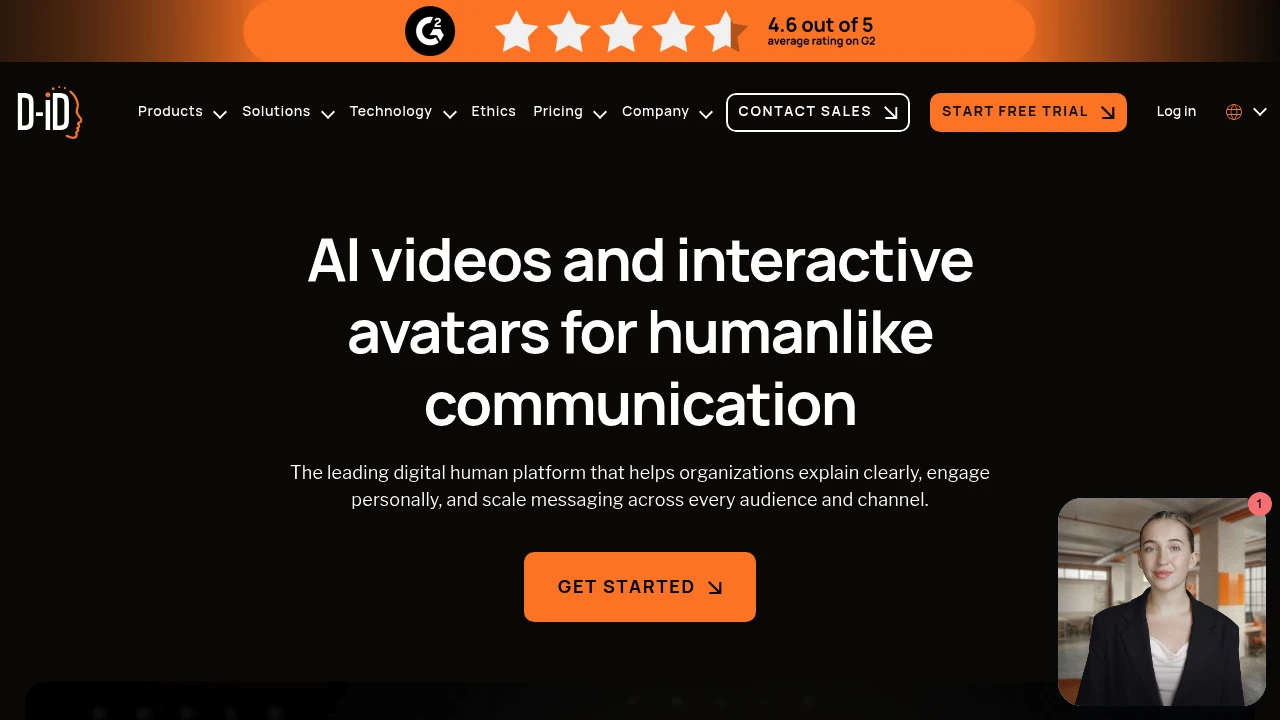
D-ID is a digital human platform for creating AI avatar videos, real-time visual agents, and avatar APIs. It is built for teams that need training, marketing, sales, or support content without filming every message.
Key Highlights
- Create avatar videos from scripts, briefs, decks, documents, images, or audio
- Deploy real-time Visual AI Agents that talk face to face and embed on a site
- Build AI Avatars from photos or video for recorded clips and live interactions
- Support video creation and real-time interactions in 120+ languages
- Connect through the API, Canva, PowerPoint, Google Slides, and mobile app
What Makes It Different
D-ID is broader than a simple talking-head generator. Its homepage puts Video Studio, Visual AI Agents, and AI Avatars under one product story, so teams can move from one-off explainer videos to embedded, conversational digital humans. Marketing teams can localize campaigns, learning teams can build lessons, sales teams can make demos, and developers can stream avatars or build agent experiences through the API.
Features & Capabilities
Video Studio generates avatar videos from scripts and business materials, with controls for avatar, voice, background, layouts, and media. D-ID supports photo and video avatars, personal avatars, uploaded audio, subtitles on paid tiers, background removal, and video translation.
For interactive work, Visual AI Agents respond in real time, work in multiple languages, and can be embedded into digital touchpoints. Developers get API access on every listed plan, including the trial, for creating avatars, videos, campaigns, agents, or streamed avatar experiences.
User Ratings and Testimonials
D-ID does not publish an independent average rating. D-ID's customer quotes highlight real-time photorealistic conversations, API documentation, technical support, faster course creation, and personalized marketing videos.
The pricing table shows clear limits: Trial and Lite are personal-use plans with watermarks, voice cloning starts on Pro, custom logo watermarking starts on Advanced, and SAML/SSO is only for Enterprise.
Pricing & Value
- Trial: $0 for 14 days, with 3 minutes, API access, personal use, and a full-screen watermark
- Lite: $4.70/month billed annually, with 10 minutes/month, 1 embedded agent, API access, and a D-ID watermark
- Pro: $16/month billed annually, with 15 minutes/month, premium voices, 1 voice clone, subtitles, and commercial use
- Advanced: $108/month billed annually, with 100 minutes/month, 3 voice clones, 3 embedded agents, custom logo watermarking, and premium support
- Enterprise: Custom pricing, with unlimited video minutes, custom API and agent minutes, enterprise security, team collaboration, and support
The trial is enough to test output quality, while Pro is the first plan that fits business use because it adds commercial rights and voice cloning.

Captions is an AI video editor for creators who make talking videos, AI actors, captions, and translations.
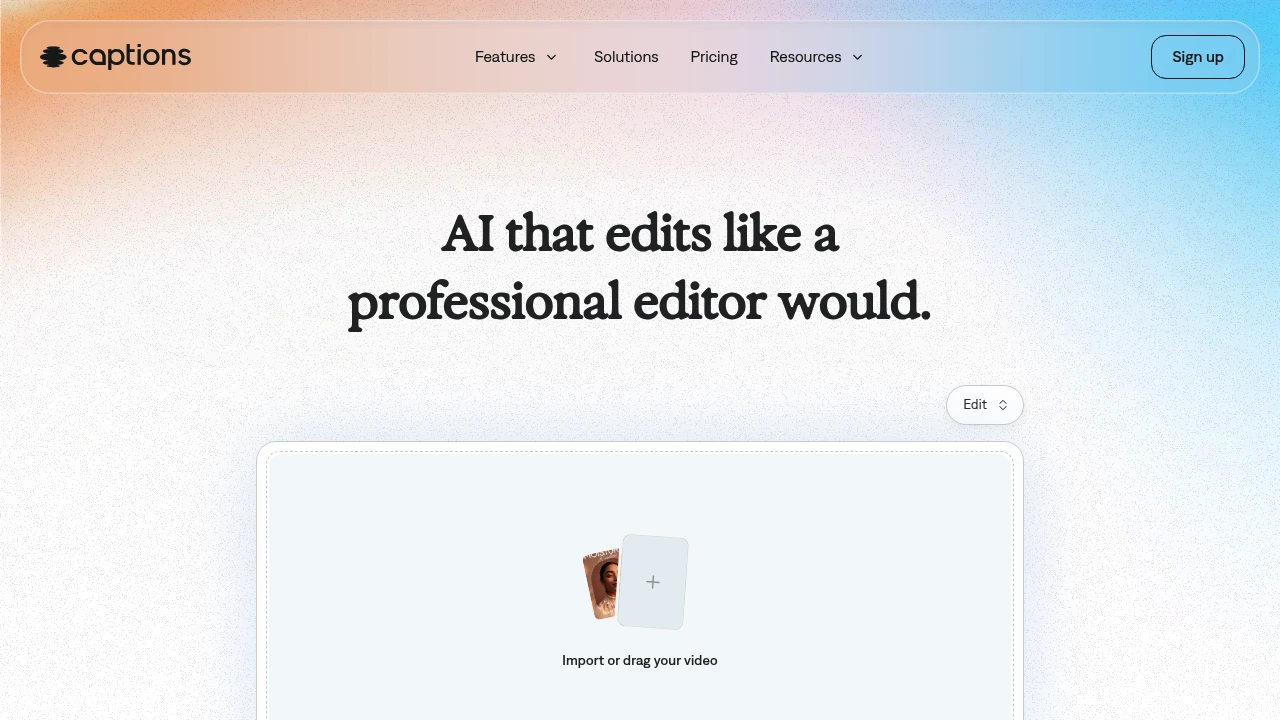
Captions is an AI video generator and editor for creators and teams making finished talking-head videos without a full edit timeline. Upload footage, choose a style, and the app can cut scenes, add B-roll, captions, and music. AI actors and custom avatars help produce new takes without recording every version.
Key Highlights
- Turns raw footage into a finished video with AI Edit
- Adds automatic captions
- Creates custom AI actors and digital twins
- Supports translation into 30+ languages
- Includes chat-based editing, eye contact correction, denoise, and pause trimming
What Makes It Different
Captions is built around one-tap production, not manual clip-by-clip editing. Its homepage says the AI reads the story in the footage, then tailors cuts and style choices.
The same workspace can edit uploaded footage, add captions and translations, create B-roll, generate music or sound effects, and reuse an AI actor across multiple videos.
Features & Capabilities
The main workflow starts with importing a video, choosing a style, and creating the edited version. AI Edit can cut scenes, overlay B-roll, and apply a style, while the chat-based editor handles plain-language change requests.
For talking-head content, Captions includes automatic captions, translation, eye contact correction, denoise, pause trimming, music, sound effects, and caption templates. Its avatar tools can generate talking videos from selfies, create custom AI actors, and change outfits, backgrounds, or product placement.
User Ratings and Testimonials
Captions does not publish third-party review scores or quoted customer testimonials. Captions does publish usage claims on its homepage: 100K+ daily users, 20M creators and businesses, and 3M+ monthly videos. Visible limits are that the free plan has no AI usage credits and only one caption template, while heavier generation work requires a paid tier.
Pricing & Value
- Free: $0, with limited tools, no AI usage credits, and one caption template
- Max: $24.99/mo, with 500 credits per month, AI Edit styles, AI actors, chat-based editing, and generative assets
- Scale: $69.99/mo, with 1,400 credits per month and Captions' most sophisticated generative AI models
- Scale 2x: $139.99/mo, with 2,800 credits per month for more output
- Scale 4x: $279.99/mo, with 5,600 credits per month for larger production volume
- Enterprise: Custom pricing, with bulk credit discounts, custom seats, account management, training data exclusion, onboarding, support, and early feature access
The pricing page says all listed prices are in USD and reflect iOS plans only, so buyers should confirm platform-specific billing before upgrading.

Synthesia turns scripts into studio-quality videos with AI avatars and voiceovers in 140+ languages, with no camera, mic, or film crew needed.
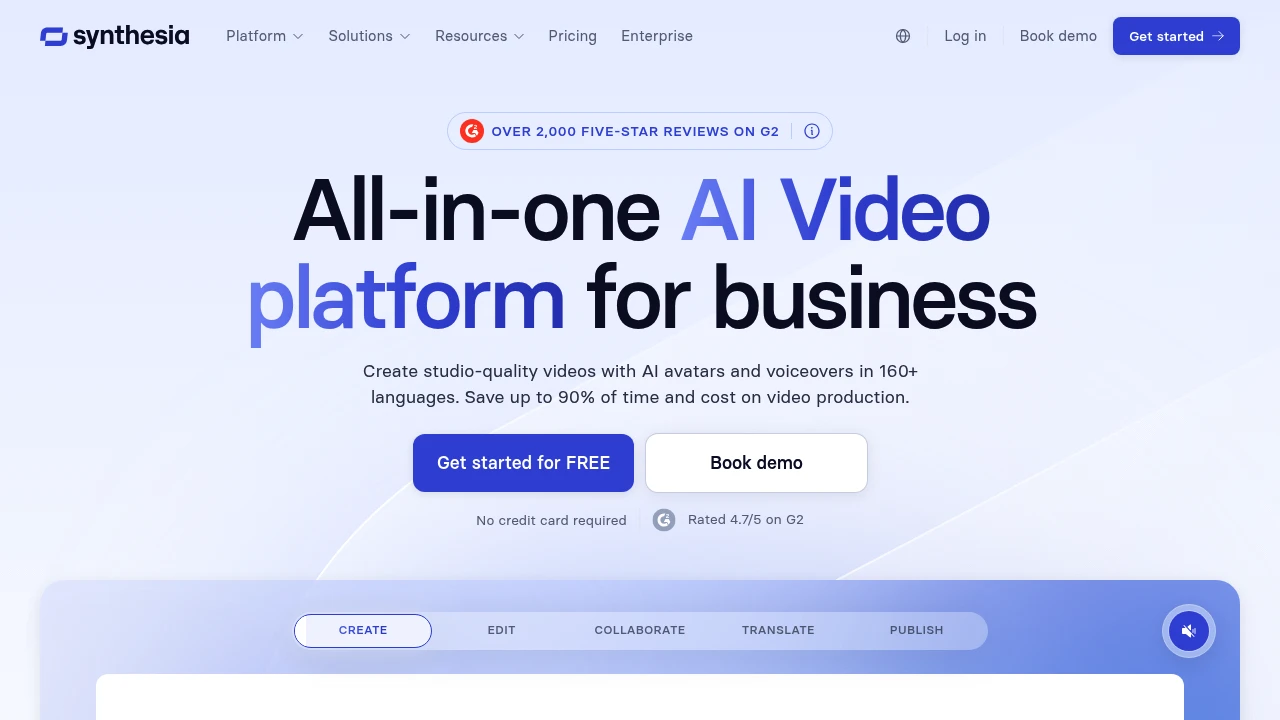
Synthesia is an AI video platform that creates studio-quality videos featuring lifelike AI avatars and voiceovers from a written script. It is built for business use (training, onboarding, product, and marketing videos) where teams need to produce and update content at scale without filming. You type or paste a script, pick an avatar and language, and Synthesia generates the video.
Key Highlights
- 230+ stock AI avatars plus custom and personal avatars
- Voiceovers and on-screen text in 140+ languages
- Script-to-video editor with templates and brand kits
- Easy updates, edit the script and re-render, no reshoot
- Collaboration, review, and LMS/SCORM export
- Enterprise-grade security and controls
What Makes It Different
Synthesia is the category leader for enterprise avatar video, used by a large share of the Fortune 100. Its strengths are avatar realism, the breadth of languages, and how cheap it makes updating content: changing a sentence is a script edit, not a new shoot.
Features & Capabilities
You build videos in a slide-like editor: choose an avatar, write the script, add media, captions, and branding, then generate. Localization is a core workflow: one video can be produced in dozens of languages from the same source.
For teams, Synthesia adds shared workspaces, review and approval, brand controls, and export into learning platforms, making it practical for large content libraries.
User Ratings and Testimonials
With over 2,000 five-star reviews on G2, users consistently praise how easy it is to produce professional videos and to localize them. Common criticisms are that avatars, while strong, can still feel slightly synthetic for emotional content, and that higher-volume plans get expensive.
Pricing & Value
- Free: a few minutes of video per month to try it
- Starter: around $18/month for regular creators
- Creator: around $64/month for more minutes and avatars
- Enterprise: custom pricing with custom avatars and security
The free plan is enough to test quality, while paid tiers pay off fastest for teams localizing or frequently updating training content.

Direct your AI co-editor to turn your vision into video, or do it yourself with intuitive editing tools. With Descript, making video is as easy as typing.
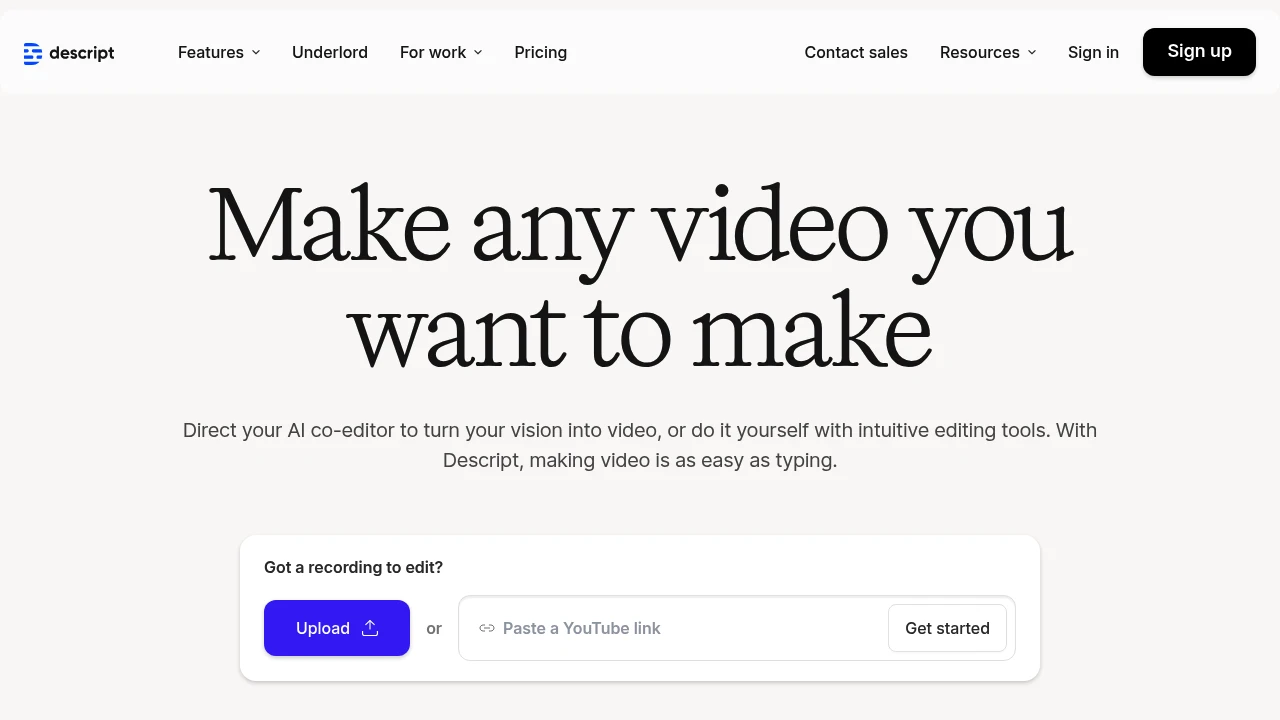
Descript transforms video and podcast editing by letting you edit media files like text documents. This AI-powered platform combines transcription, editing, and collaboration tools in one workspace. Content creators and podcasters use it to cut editing time by up to 90%.
Key Highlights
- Text-based video editing - edit by cutting and pasting transcript text
- Automatic filler word removal for cleaner audio
- AI voice cloning and overdub features
- Real-time collaboration tools for teams
- 4K video export capabilities
- Multi-track audio editing
- Screen recording built-in
- Automatic transcription in 22+ languages
What Makes It Different
Descript breaks the traditional video editing model. Instead of timeline-based editing, you edit videos by editing the transcript text. Cut a sentence from the transcript and the video cuts automatically. This approach makes video editing accessible to non-editors and speeds up the process for professionals.
Features & Capabilities
The platform handles the full content creation workflow. Record or upload your media, and Descript generates accurate transcripts. Edit by deleting text, rearranging sentences, or adding new content. The AI voice feature lets you create new audio by typing text.
Teams can collaborate in real-time with comments and suggestions. The platform exports to all major formats and integrates with popular tools like Slack and Zapier. Advanced features include green screen removal, automatic scene detection, and batch processing.
User Ratings and Testimonials
Descript has an average rating of 4.4 out of 5 stars from 137 reviews on Product Hunt.
Users praise the text-based editing feature for saving hours of work. Podcast creators highlight the filler word removal as a standout feature. Many report editing speeds 10 times faster than traditional tools. The transcript accuracy and AI voice quality receive positive feedback for sounding natural.
Some users report occasional slowness and bugs. Price concerns exist for smaller creators. Linux support remains limited, and some Mac users experience performance issues.
Pricing & Value
Descript offers several pricing plans:
- Hobbyist: $24/month for 10 transcription hours, 1080p watermark-free export, and 20 basic AI actions per month
- Creator: $35/month for 30 transcription hours, 4K export, unlimited AI actions, and 2 hours of AI speech
- Business: $65/month for 40 transcription hours, team collaboration features, and 5 hours of AI speech
Save up to 35% with annual billing.
The main value of Descript is its all-in-one video and podcast editing platform that lets you edit media files like text documents.
Similar proprietary alternatives:

 bisibility — Free beta: Track your website’s keywords, Google rankings, Search Console insights, and share of voice.


