
GitHub Copilot
GitHub Copilot adds code completion, chat, and coding agents to editors, GitHub, and the command line.
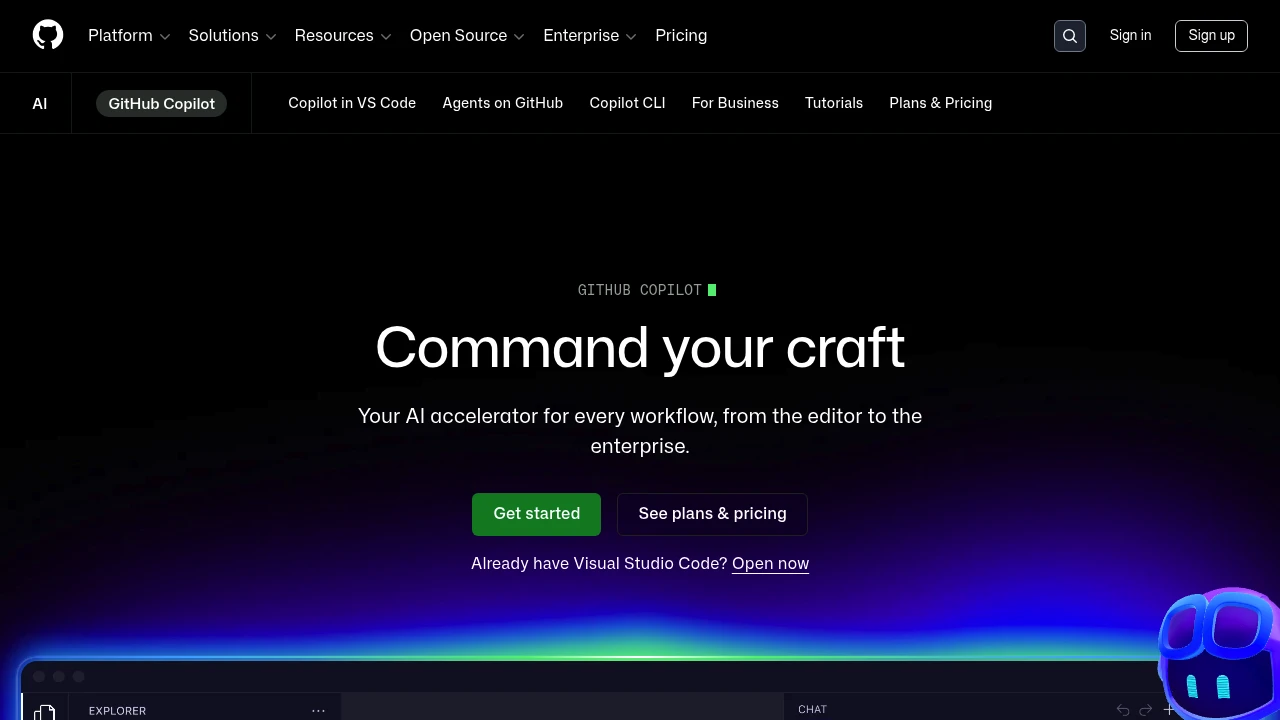
GitHub Copilot is an AI coding assistant that works directly in your editor, suggesting whole lines or entire functions as you type. It is built for developers and teams who want faster everyday coding, code-aware chat, and an agent that can complete multi-file tasks. It runs across VS Code, Visual Studio, JetBrains IDEs, Neovim, and the command line.
Key Highlights
- Inline code completion that understands your project context
- Copilot Chat for explanations, refactors, and test generation
- Agent mode that plans and edits across multiple files
- Choice of frontier models (GPT, Claude, and Gemini families)
- Pull request summaries and AI code review
- Works in major IDEs, GitHub.com, and the CLI
What Makes It Different
Copilot's advantage is its tight integration with the GitHub platform millions of developers already use: completions, chat, code review, and agents all live where the code and pull requests do. The model picker lets teams choose the best model per task instead of being locked to one vendor.
Features & Capabilities
Day to day, Copilot autocompletes code, answers questions about your repository, writes tests, and refactors selections. Agent mode goes further, taking a natural-language task and implementing it across files, then proposing a diff you review.
On GitHub itself it summarizes pull requests, suggests review comments, and helps triage issues, extending AI assistance beyond the editor into the whole workflow.
User Ratings and Testimonials
Evaluate suggestions and agent changes on your own repository, including correctness, review effort, and credit use. Editor support, available features, and models depend on the plan and environment.
Pricing & Value
- Free: limited completions and chat per month
- Pro: around $10/month for unlimited completions and agent access
- Pro+: $39/month with a larger AI credit allowance
- Max: $100/month with a larger allowance for heavier workloads
- Business / Enterprise: from $19-$39/user per month with admin controls
Chat, agents, review, and CLI use consume AI credits. Compare expected usage and spending controls alongside the subscription price.
Product facts
- Pricing
- Not yet verified
- Access
- Not yet verified
- Product status
- Not yet verified


FAQs
It assists with code completion, code-aware chat, review, and multi-file coding tasks in supported editors, GitHub, and the CLI.
A free plan is available. Pro includes unlimited code completions; chat and agents use a monthly credit allowance.
GitHub Copilot is focused on software development. Microsoft Copilot serves broader work and consumer tasks; their plans differ.

You might also like
 bisibility — Free beta: Track your website’s keywords, Google rankings, Search Console insights, and share of voice.

