Hugging Face Alternatives
A curated collection of the 6 best alternatives to Hugging Face.
The best alternative to Hugging Face is Together AI. If that doesn't suit you, we've compiled a ranked list of other Hugging Face alternatives to help you find a suitable replacement. Other interesting alternatives to Hugging Face are: LM Studio, Fal.ai, Ollama and Replicate.
Hugging Face alternatives are mainly AI Infrastructure tools but may also be Local and Self-Hosted AI tools. Browse these if you want a narrower list of alternatives or looking for a specific functionality of Hugging Face.


Together AI gives developers inference, fine-tuning, and GPU clusters for open-source model apps.
Together AI is an AI infrastructure cloud for teams building with open-source models. It combines inference, fine-tuning, GPU clusters, storage, and code sandboxes in one developer platform.
Key Highlights
- Serverless Inference for open-source models with no infrastructure to manage
- Batch Inference for asynchronous jobs, described at up to 30 billion tokens per model
- Dedicated Inference and containers for single-tenant model and media workloads
- GPU Clusters with NVIDIA H100, H200, and B200 capacity
- Fine-Tuning, Sandbox, and Managed Storage for model shaping, code execution, and storage
What Makes It Different
Together AI combines broad infrastructure with systems research. Its site claims 2x faster inference, 60% lower cost, and 90% faster pre-training through workload-specific optimization and the Together Kernel Collection. Instead of selling only an API, it lets teams move from serverless inference to dedicated endpoints or reserved clusters.
Features & Capabilities
Developers can run models on demand, submit batch jobs, deploy dedicated endpoints, or use containers for generative media. Compute spans self-serve clusters to thousands of GPUs, with object storage, parallel filesystems, and zero egress fees.
For model shaping, Together AI supports fine-tuning open-source models. The site says this can improve accuracy, reduce hallucinations, and control behavior without managing training infrastructure. Sandbox adds secure code execution and development environments.
User Ratings and Testimonials
Together AI does not publish a third-party rating, customer names, or customer reviews. The main buying caution is billing: estimates may combine token rates, GPU hours, sandbox compute, storage, and fine-tuning tokens.
Pricing & Value
The pricing page is usage-based and says teams can start free, but it does not document a full free plan. Published prices include:
- Serverless Inference: per 1M tokens, visible rows include $0.03 input/$0.12 output and $2.10 input/$4.40 output
- Dedicated Inference: 1x H100 80 GB at $6.49/hour, 1x HGX B200 180GB at $11.95/hour
- GPU Clusters: on-demand H100 at $5.49/hour, H200 at $6.79/hour, B200 at $9.95/hour
- Sandbox and Storage: $0.0446/hour per vCPU, $0.0149/hour per GiB RAM, $0.03 per 60 minute code session, and $0.16/GiB/month storage
- Fine-Tuning: up to 16B supervised fine-tuning starts at $0.48 per 1M tokens for LoRA and $0.54 for full fine-tuning
Looking for alternatives to other popular tools? Check out other posts in the alternatives series and flowtools.co, a directory of best AI tools with filters for tags and categories for easy browsing and discovery.

A desktop app to download and run open-source LLMs on your own computer, for users who want private, offline AI.
LM Studio is a desktop app for running open-source large language models directly on your own computer. It is built for developers and privacy-conscious users who want models like gpt-oss, Llama, Gemma, Qwen, and DeepSeek without sending data to the cloud. You download a model once, then chat with it or serve it to your apps, fully offline.
Key Highlights
- Runs local LLMs on Mac, Windows, and Linux from one app
- Built-in chat interface and a Hugging Face model browser for one-click downloads
- OpenAI-compatible API server on localhost so existing code points at a local model
- Document chat (RAG): attach a PDF, DOCX, or code file and ask questions about it
- JavaScript and Python SDKs, an lms command-line tool, and MCP support
- llmster, a headless build for servers, cloud boxes, and CI without a GUI
What Makes It Different
LM Studio combines a graphical app with real developer tooling. Most ways to run local models are command-line only, while LM Studio gives you a point-and-click model browser, a chat window, and a server you start with one toggle. On Apple Silicon it runs both GGUF models (via llama.cpp) and MLX models, which use Apple's framework and GPU cores for faster inference than llama.cpp on Metal.
Features & Capabilities
You search for a model inside the app, download it from Hugging Face, and start chatting in seconds. The same model can be exposed through a local, OpenAI-compatible API server, so you swap the endpoint in your existing SDK calls and run against a model that never leaves your machine.
For automation, LM Studio ships JavaScript (@lmstudio/sdk) and Python (lmstudio) SDKs, an lms CLI, and Model Context Protocol support. The headless llmster build runs the same core without a desktop interface, for Linux servers, cloud instances, and CI.
User Ratings and Testimonials
LM Studio is widely regarded as one of the easiest ways to run local LLMs, praised for its clean interface, simple model downloads, and the drop-in OpenAI-compatible server. Common criticisms are that large models demand a lot of RAM and a capable GPU, and that performance and output quality depend heavily on your hardware and the model.
Pricing & Value
- Free: $0, full app for home and work use, with all local inference, the API server, SDKs, and llmster
- Teams: self-serve plan for sharing artifacts privately within a team (contact LM Studio for current pricing)
- Enterprise: adds SSO, model and MCP gating, and private collaboration for larger organizations (contact sales)
The core app is free for personal and commercial use, so most individuals and developers pay nothing; teams and enterprises pay only for shared access and admin controls.

An inference cloud where developers call 1,000+ image, video, audio, and 3D models through one API, or rent GPUs by the hour.
Fal.ai is a generative media inference cloud built for developers. It lets you call more than 1,000 production-ready image, video, audio, and 3D models (including FLUX, Kling, and Hailuo) through one unified API, with no MLOps or GPU setup. You can also deploy fine-tuned models on serverless GPUs or rent dedicated clusters.
Key Highlights
- One API and SDK to run 1,000+ open image, video, audio, and 3D models
- Serverless GPUs that scale from zero to thousands of instances with no cold starts
- fal Inference Engine, described as up to 10x faster for diffusion models
- Hourly GPU rentals (H100, H200, B200, B300, RTX PRO 6000) for custom workloads
- Pay-per-output billing on Model APIs, plus SOC 2 compliance and SSO for teams
What Makes It Different
Most teams either stitch together separate model vendors or run their own GPU infrastructure. Fal.ai collapses both into one platform: a hosted catalog of ready-to-call models plus the compute underneath them. Its fal Inference Engine is tuned for diffusion models and is marketed as up to 10x faster than alternatives, with a claimed 99.99% uptime at scale. Use serverless per-output pricing for quick integration, or rent GPUs by the hour to run private weights at lower marginal cost.
Features & Capabilities
The core workflow is a single API call: pick a model endpoint such as fal-ai/fast-sdxl, pass a prompt, and stream results back with queue updates and logs. Official JavaScript and Python clients let you ship a feature in minutes, and the gallery spans text-to-image, image-to-video, voice, and 3D.
Beyond hosted models, you can bring your own weights or LoRAs and deploy private endpoints with one click. For frontier work, dedicated clusters offer the latest NVIDIA hardware across global regions for large-scale training, plus usage analytics and 24/7 priority support.
User Ratings and Testimonials
Fal.ai reports being trusted by over 1,500,000 developers and publishes endorsements from Canva, Perplexity, and Quora, which says fal powers 40% of Poe's official image and video generation bots. Developers praise the catalog breadth and inference speed. The main criticisms are that usage-based costs can climb quickly at high volume, and that per-model pricing takes study to predict.
Pricing & Value
- Signup credits: New accounts get promotional credits to test the platform. fal is prepaid pay-as-you-go, not a permanent free plan
- Model APIs (per output): Image models from about $0.02 per megapixel or $0.03 per image; video models from about $0.05 per second of output
- GPU Compute (hourly): H100 from $1.89/hr, H200 from $2.10/hr, B200 from $3.49/hr, B300 from $4.49/hr, RTX PRO 6000 from $1.10/hr (list prices run higher)
Pay-per-output pricing suits teams adding a single generative feature; hourly GPU rentals pay off once volume justifies your own deployments.

Ollama is the easiest way to download and run open-source LLMs locally, keeping your data private, with an optional cloud for larger models.
Ollama is an open-source tool that makes running large language models on your own computer simple. It is built for developers and privacy-conscious users who want to use open models like Llama, Qwen, DeepSeek, and Gemma without sending data to a third party. A single command downloads and runs a model, and a local API lets your apps talk to it just like a hosted service.
Key Highlights
- One-line install and one command to run any supported model
- Runs fully local, so your prompts and data stay on your machine
- Large library of open models (Llama, Qwen, DeepSeek, Gemma, and more)
- Local REST API compatible with common tooling
- Desktop app for macOS, Windows, and Linux
- Optional Ollama Cloud for larger models on datacenter hardware
What Makes It Different
Ollama removed the friction from local AI: no manual weight downloads, quantization juggling, or server setup, just ollama run. Because it exposes a standard local API, it has become the default backend for many local-first apps and coding agents, and the new cloud option lets you scale to bigger models without changing your workflow.
Features & Capabilities
You install Ollama, pull a model, and run it from the terminal or via its local API. It handles model management, GPU/CPU acceleration, and a familiar OpenAI-style endpoint that tools and agents can target.
Many apps (coding assistants, chat UIs, and automation tools) integrate Ollama directly. When local hardware isn't enough, Ollama Cloud runs the same models on larger machines, with parallel requests and optional web access.
User Ratings and Testimonials
Developers love Ollama for how trivial it makes local AI and for keeping data private and offline-capable. Criticisms are that running the largest models requires serious hardware, and that local inference is slower than hosted frontier APIs unless you pay for the cloud tier.
Pricing & Value
- Free: the local app and CLI are free and open-source
- Ollama Cloud / Pro: paid tiers for larger models and faster, parallel cloud inference
For private, offline, or cost-controlled AI, Ollama is among the best free tools available, with a paid cloud only when you need more horsepower.

Replicate lets you run and fine-tune thousands of open-source AI models through a cloud API, and deploy your own. Everything is billed per second.
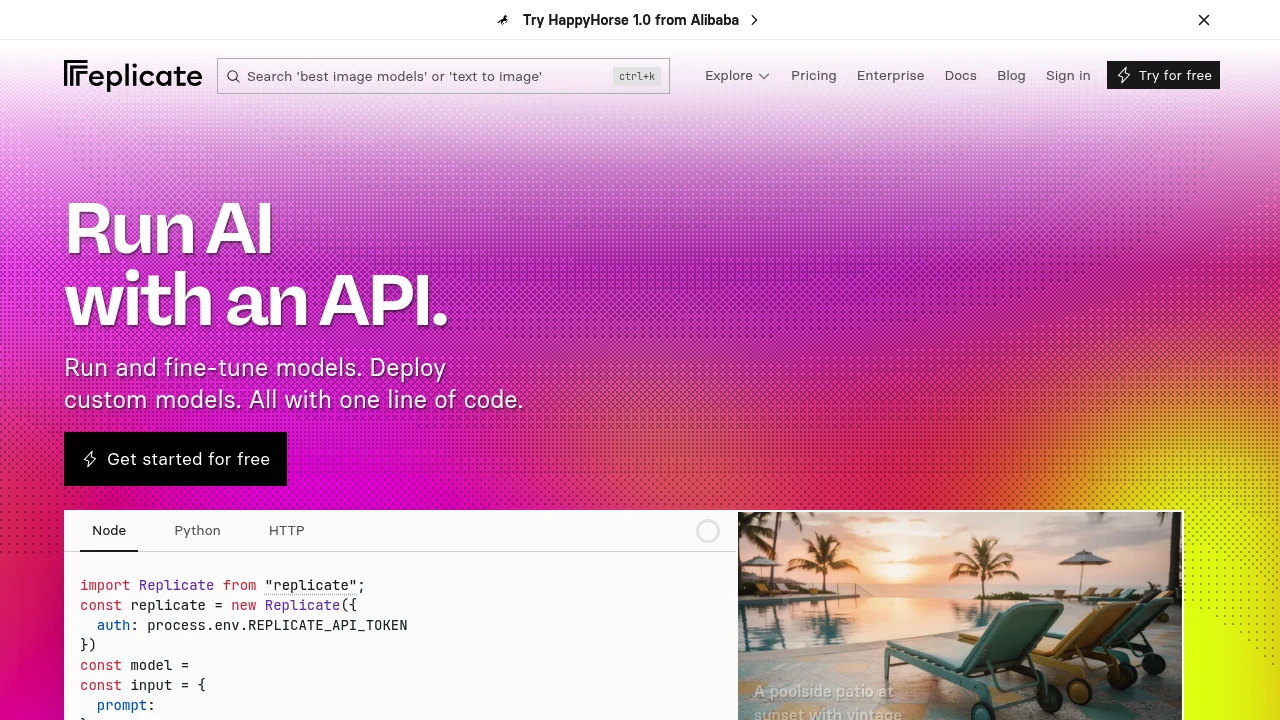
Replicate is a cloud platform for running machine-learning models through a simple API. It is built for developers who want to add AI features (image, audio, video, or language generation) without managing GPUs or infrastructure. You call a hosted model with a few lines of code, and Replicate handles the compute, scaling, and billing per second of usage.
Key Highlights
- Thousands of community and official open-source models, one API
- Run models in Node, Python, or plain HTTP
- Pay-per-second compute, no subscription or idle cost
- Fine-tune models on your own data
- Package and deploy custom models with Cog
- Autoscaling, including scale-to-zero
What Makes It Different
Replicate removed the hardest part of using open models: setup. Instead of provisioning GPUs and wrangling dependencies, you run a model with one line of code. Its open-source Cog tool standardizes how models are packaged, so deploying your own model works the same way as running a community one.
Features & Capabilities
You browse a large catalog of image generators, speech and music models, LLMs, and upscalers, then run any of them via API, passing inputs and getting outputs back. Versioned models make results reproducible.
For custom needs, you can fine-tune existing models or push your own with Cog, then call it through the same API with automatic scaling to match traffic.
User Ratings and Testimonials
Developers praise Replicate for how quickly it turns a model into a production API and for transparent per-second pricing. Criticisms include cold-start latency on infrequently used models and costs that can climb for high-volume, always-on workloads versus self-hosting.
Pricing & Value
- Pay as you go: billed per second of compute, priced by hardware type
- No subscription: you pay only for what you run, with scale-to-zero
- Enterprise: custom arrangements for volume and support
For prototyping and variable workloads, the pay-per-use model is excellent value; heavy steady traffic is where teams start comparing it to dedicated hosting.
Find and use the best AI models from any provider through one simple API. Compare prices and performance to optimize your prompts and save on costs.
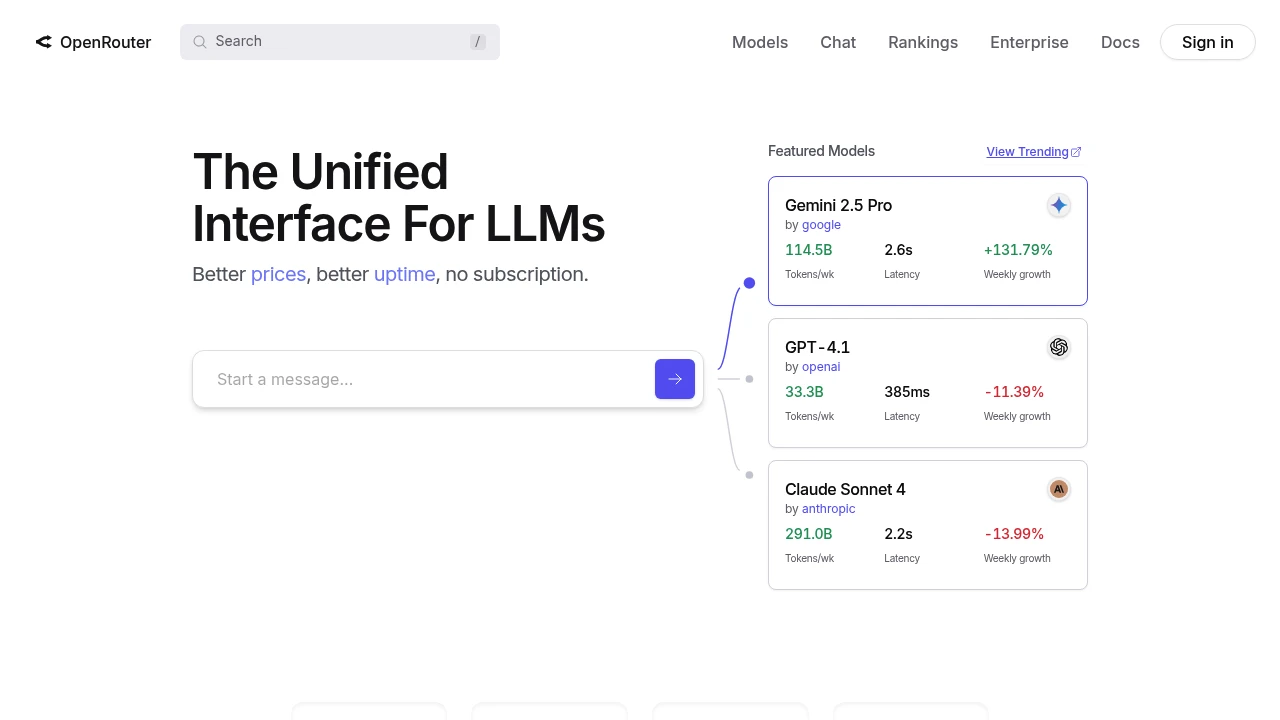
OpenRouter is a service that lets you access many large language models (LLMs) using just one API. It is for developers who want to use different AI models in their applications.
Key Highlights
-
Access to many popular LLMs with one API key.
-
Pay-as-you-go pricing model.
-
Standardized API format across all models.
-
Real-time performance and cost tracking.
What Makes It Different
OpenRouter simplifies using multiple LLMs. Instead of integrating with each model's API, developers use one. This makes it easy to switch models and compare performance.
Features & Capabilities
OpenRouter allows you to send requests to different LLMs. You can use it to power chatbots, generate text, or perform other AI tasks. The service handles the connection to each model provider.
Pricing & Value
OpenRouter charges based on the usage of each model. There are no monthly fees. This offers great value for developers. It gives them flexibility and helps them avoid vendor lock-in.
Similar proprietary alternatives:

 bisibility — Free beta: Track your website’s keywords, Google rankings, Search Console insights, and share of voice.


