Sora Alternatives
A curated collection of the 9 best alternatives to Sora.
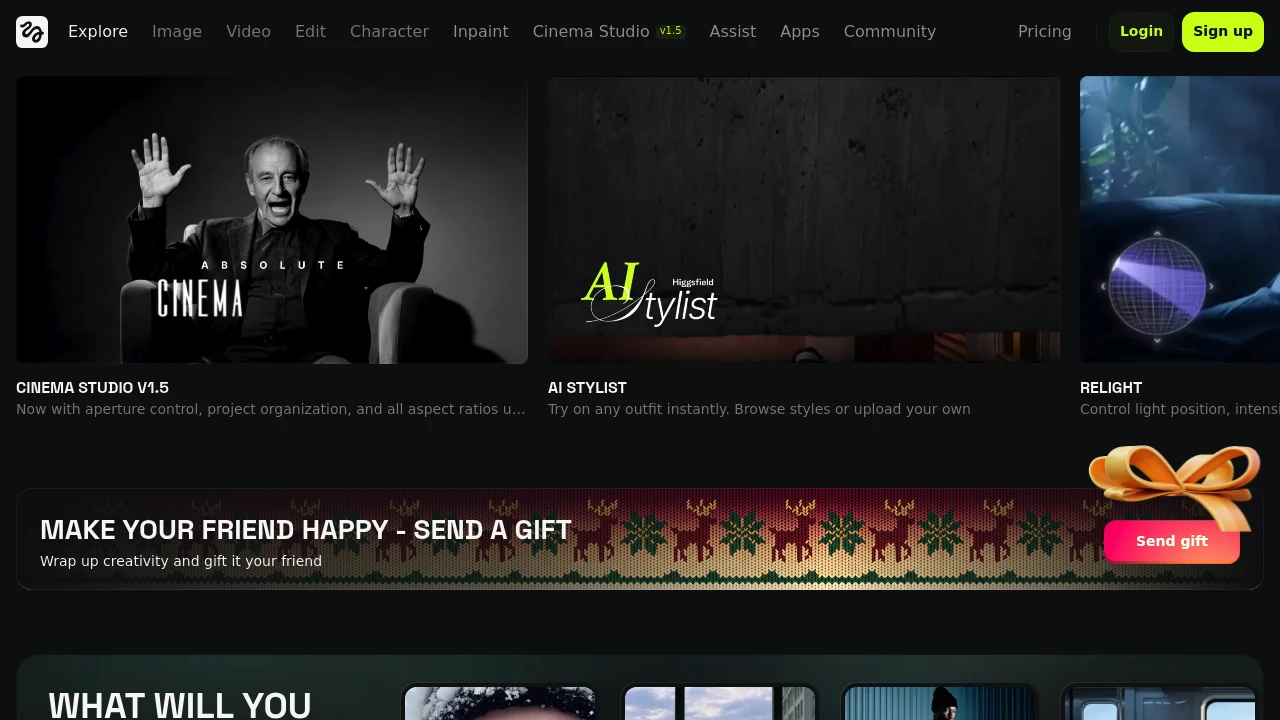
The best alternative to Sora is Veo 3. If that doesn't suit you, we've compiled a ranked list of other Sora alternatives to help you find a suitable replacement. Other interesting alternatives to Sora are: Vidu, Luma, Pika and Higgsfield.
Sora alternatives are mainly AI Video Tools tools but may also be AI Image Generation tools or AI Content Creation tools. Browse these if you want a narrower list of alternatives or looking for a specific functionality of Sora.


Create high-quality eight-second videos with Veo 3, our latest AI video generator. Simply describe what you have in mind or upload a photo and watch your ideas come to life with native audio generation.
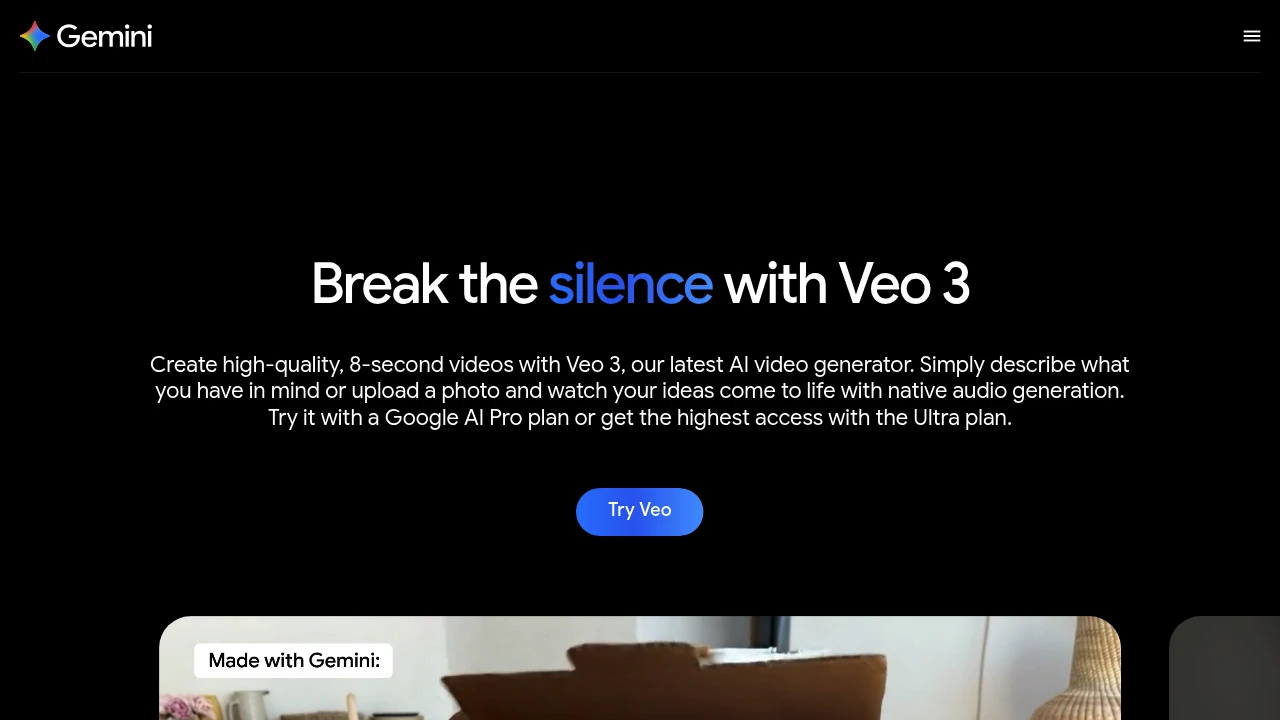
Try it with a Google AI Pro plan or get the highest access with the Ultra plan.
Looking for alternatives to other popular tools? Check out other posts in the alternatives series and flowtools.co, a directory of best AI tools with filters for tags and categories for easy browsing and discovery.

Vidu is an AI video generator for creators who turn text prompts, images, and visual references into short videos.
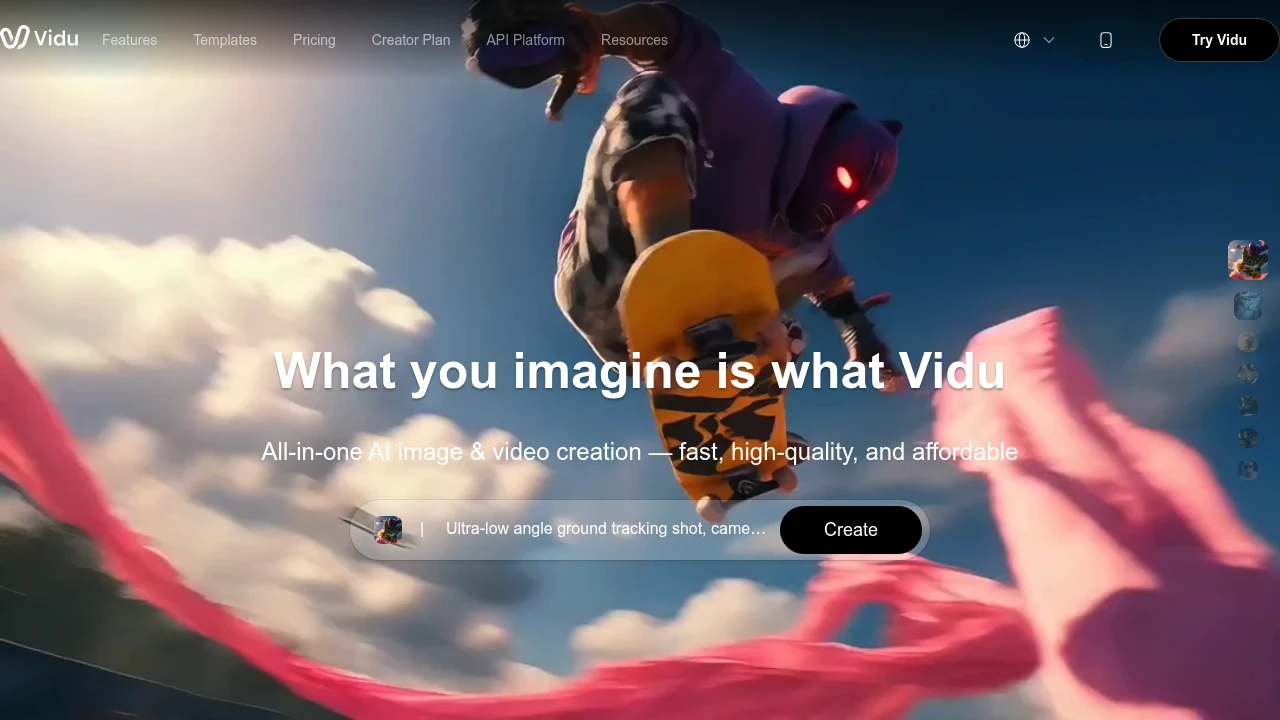
Vidu is an AI video generator for clips, ads, anime, and social posts. It turns text prompts, still images, and reference images into videos with consistency controls. It helps creators and teams draft videos without a studio workflow.
Key Highlights
- Generates videos from text prompts, images, and visual references
- Uses Reference to Video to align videos with uploaded people, objects, and scenes
- Supports up to 7 reference images for multi-reference consistency
- Adds first and last frame control for image-to-video transitions
- Includes anime-focused generation, templates, and Off-Peak Mode for free creation
What Makes It Different
The key differentiator is Vidu's reference workflow. Instead of using only a prompt or a single image, you can upload reference subjects and reuse saved characters, props, and scenes through My References. That helps with campaigns, recurring characters, and product visuals where consistency matters.
The site leans into speed and anime output. Vidu says videos can generate in about 10 seconds, and its homepage calls out natural character animation and 2D animation as strengths.
Features & Capabilities
Vidu has three main creation paths: Text to Video, Image to Video, and Reference to Video. Image workflows can animate a still image, set a first and last frame, or turn anime art into motion. Reference workflows can combine people, objects, and scenes from uploaded images, then save them for reuse.
The platform also includes templates for viral formats such as kissing, hugging, blossom effects, and AI outfits. Paid plans add commercial use rights, watermark-free downloads, pro encoding, 4-video batch generation, and 3 to 16 second clips.
User Ratings and Testimonials
The source does not list a public average rating. Its creator quotes praise fast anime generation, image-to-video quality, and multi-entity consistency when combining character and object references. The page is mostly positive social proof, with little detail about drawbacks or negative feedback.
Pricing & Value
- Free: $0/month, with 10 references per month plus free credits or Off-Peak Mode for no-credit generation
- Standard: $8/month with yearly billing ($96/year), 800 credits/month, up to 200 videos, fast generation, 50 subjects/month, and commercial use
- Premium: $28/month with yearly billing ($336/year), 4,000 credits/month, up to 1,000 videos, high-speed generation, 100 subjects/month, and early feature access
- Ultimate: $79/month with yearly billing ($948/year), 8,000 credits/month, up to 200 Off-Peak videos daily, ultra-fast generation, 300 subjects/month, and full Agent access
The free plan is enough to test the workflow, while Standard is the first paid tier for commercial rights and monthly credits.

Luma is an AI platform for creative teams that generates and edits video, image, and audio from a prompt using agents.
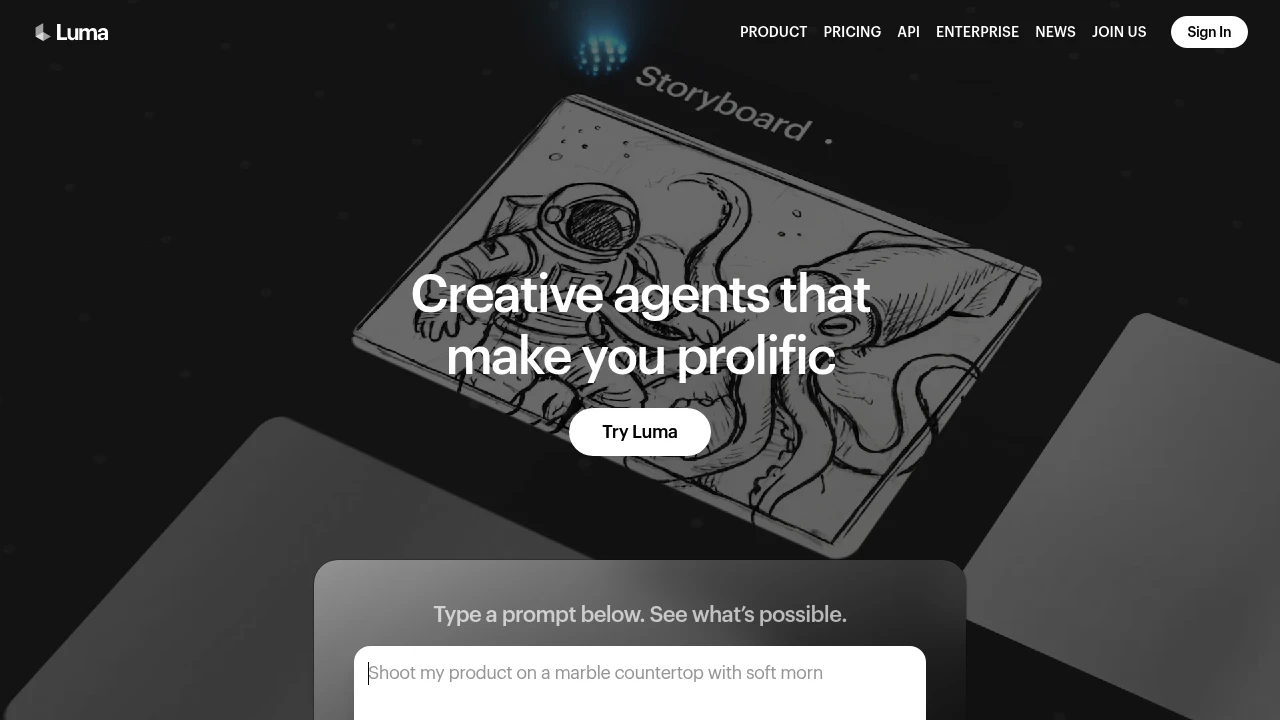
Luma is an AI platform for creative work that generates and transforms media across video, image, audio, and text from a prompt. It is built for creative teams, filmmakers, and marketers who want to move from concept to delivery in one tool. Agents coordinate the work, while the Dream Machine app and Ray video models handle generation.
Key Highlights
- Generate video, image, audio, and text from a single prompt
- Ray 3.2 video model with frame-level direction and cinematic control
- Agents that coordinate multi-step creative tasks across media
- Many third-party models (Veo, Kling, Seedance, Nano Banana) alongside Luma's own
- Image-to-video, video-to-video, and reframe workflows
- Commercial use rights on paid plans
What Makes It Different
Luma frames itself around agents rather than single-shot generation. Instead of asking one model for one clip, you describe a goal (a pitch deck, hero product shots, a cinematic cut) and agents generate and coordinate the media to deliver it. The Ray 3.2 model adds control over continuity and lets you direct individual frames, which matters for longer sequences.
Features & Capabilities
The core workflow runs through Dream Machine: type a prompt, generate, then refine with image-to-video, video-to-video, or reframe actions. Luma also exposes a wide model catalog, so you can route a job to its own Ray models or to third-party options like Veo 3.1, Kling, Seedance, and Nano Banana, each priced per generation in credits.
Beyond video, it covers image generation (Uni-1, GPT Image, Seedream) and audio via ElevenLabs models for speech, sound effects, and music. Background removal and reframing keep a project inside one tool.
User Ratings and Testimonials
Luma's Dream Machine is widely regarded as one of the stronger AI video generators for cinematic motion and image-to-video quality. Users praise the realism and the speed of iterating on shots. Common criticisms: the credit system burns through quickly at higher resolutions, the free tier is tight (daily credits, 720p, watermarked, no audio), and fine control over longer scenes still takes effort.
Pricing & Value
- Free: $0, with a small pool of daily credits, 720p output, and a watermark
- Plus: $30/month ($300 billed yearly) for Luma and third-party models, guest edit access, and commercial use
- Pro: $90/month ($900 billed yearly) for everything in Plus plus 4x usage with Luma Agents
- Ultra: $300/month ($3,000 billed yearly) for everything in Pro plus 15x usage with Luma Agents
- Team and Enterprise: custom pricing with shared credits, SSO, analytics, and fine-tuning
The free tier is enough to judge quality, while Plus is the entry point for commercial work. Heavy video output is metered in credits, so cost scales with resolution and model choice.

Pika is an idea-to-video platform for short, playful AI clips: animate a photo, apply effects like Pikaswaps, or build with its video agent.
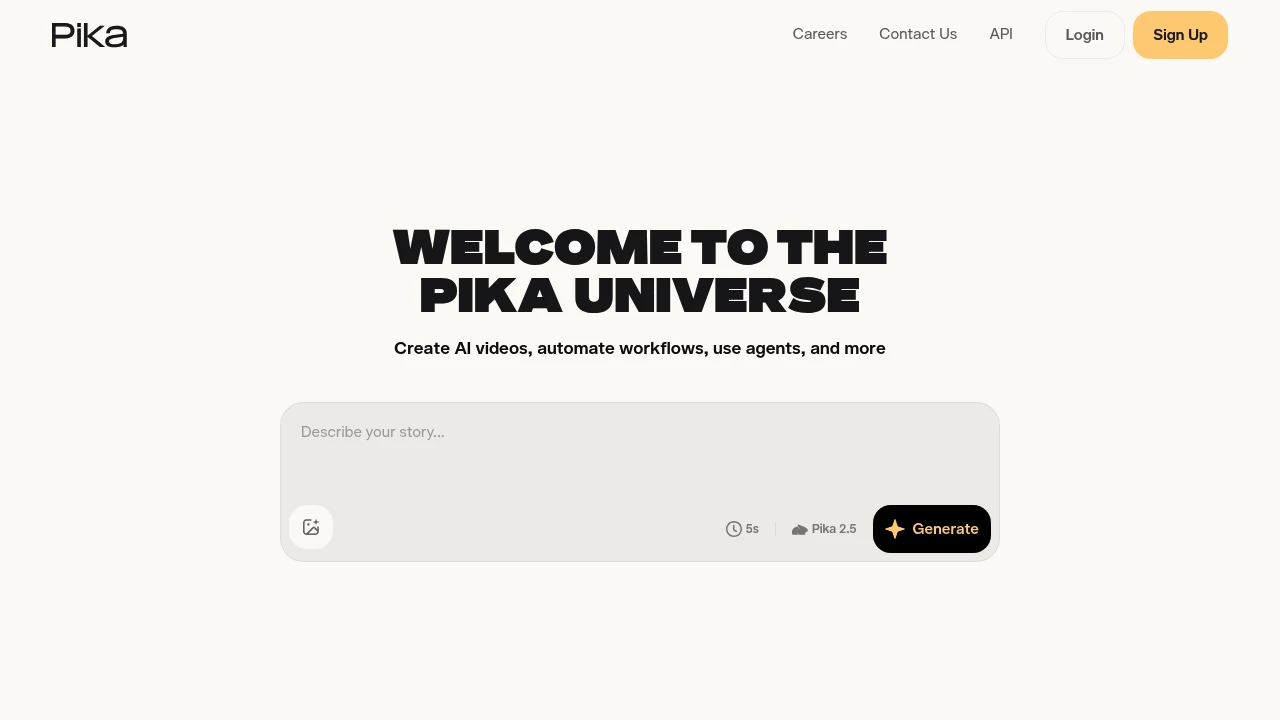
Pika is an AI video generator focused on short, creative, share-ready clips. It is built for social creators and casual users who want fast, playful results rather than long cinematic shots. You can generate video from a text prompt, animate a still photo, or use Pika's signature effects, and a mobile app makes it easy to create on the go.
Key Highlights
- Text-to-video and image-to-video with the Pika 2.5 model
- Signature effects: Pikaffects, Pikaswaps, and Pikascenes
- Animate any photo into a short, surprising clip
- Pika Agent and MCP support for automated creative workflows
- Fast generations tuned for short-form social content
- Web platform plus an official mobile app
What Makes It Different
Pika leans into fun and speed rather than maximum realism. Effects like "squish," "melt," and "cake-ify" and one-tap photo-to-video clips made it a viral favorite, and it renders quickly, which suits rapid iteration for social trends.
Features & Capabilities
You start from a prompt or an image, choose an effect or scene, and Pika produces a short clip you can refine and download. Pikascenes and Pikaswaps let you compose and swap elements within a shot for more control.
Beyond manual creation, Pika offers an agent and MCP integration so creative steps can be automated or triggered from other tools, and the mobile app brings the effects to your phone.
User Ratings and Testimonials
Users love Pika for speed, accessibility, and the novelty of its effects, which are ideal for short-form content. Critics note that clip length and fine control trail tools like Sora, Veo, and Kling, and that it is better for playful clips than polished, narrative video.
Pricing & Value
- Basic: free, 80 monthly credits, Pika 2.5 (480p), watermark-free downloads, and commercial use
- Standard: from ~$8/month, 700 monthly credits and more editing features
- Pro / Fancy: higher tiers for more credits, higher resolution, and faster generation
Pika is strong value for creators who want quick, eye-catching social clips rather than long-form cinematic output.


Unlock improved precision editing and control, state of the art text rendering and more with Google’s latest image model. Available in all paid plans.
 Read more
Looking for alternatives to other popular tools? Check out other posts in the alternatives series and flowtools.co, a directory of best AI tools with filters for tags and categories for easy browsing and discovery.

Join 10M+ Users Using Pollo AI to Create and Inspire
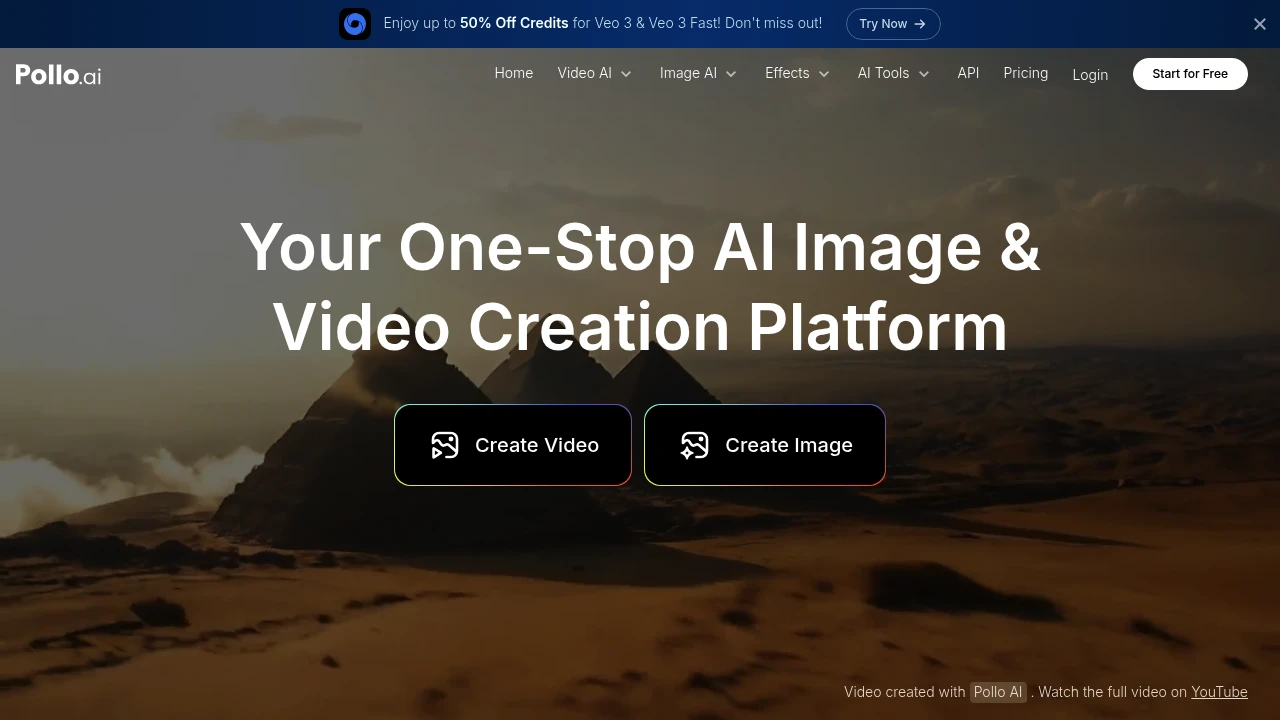
Pollo AI helps you create AI videos and images fast with avatars, templates, and custom LoRA styles.
It suits creators, marketers, and small businesses that want quick results without a complex setup.
Use it for social posts, ads, explainers, and product clips.
Key Highlights
- Multi-model support
- AI avatar generator
- 300+ templates and 3k+ custom LoRA models
- Video and image generation in one place
- Faster generation and no watermarks on paid plans
- Camera movement options and more parallel tasks on Pro
- Clear credit-based system with plan limits
- Free tier is useful for testing
What Makes It Different
- Combines avatars, templates, and an extensive LoRA library in one tool.
- Offers both video and image creation with straightforward pricing.
- Focuses on speed, watermark removal on paid plans, and camera moves for richer shots.
Features & Capabilities
- Generate short videos and images for ads, reels, and tutorials.
- Start from templates, pick models or LoRAs, and add an AI avatar.
- Use camera movement options on higher tiers for dynamic scenes.
- Credit-based workflow with monthly limits and parallel tasks on Pro.
Pricing & Value
Pollo AI offers three pricing plans:
- Free: 10 credits monthly with up to 1 video and 10 images. Includes watermarked outputs and regular support.
- Lite: $15/month for 300 credits, up to 30 videos and 300 images monthly. Features faster generation and no watermarks.
- Pro: $29/month for 800 credits, up to 80 videos and 800 images monthly. Adds more parallel tasks and camera movement options.
All plans include multi-model support, an AI avatar generator, and over 300 templates with 3k+ custom LoRA models.
The free tier provides good value for testing the platform with basic video creation needs.
Yearly plans offer 50% savings compared to monthly billing.

With Gen-4, you are now able to precisely generate consistent characters, locations and objects across scenes. Simply set your look and feel and the model will maintain coherent world environments while preserving the distinctive style, mood and cinematographic elements of each frame. Then, regenerate those elements from multiple perspectives and positions within your scenes.
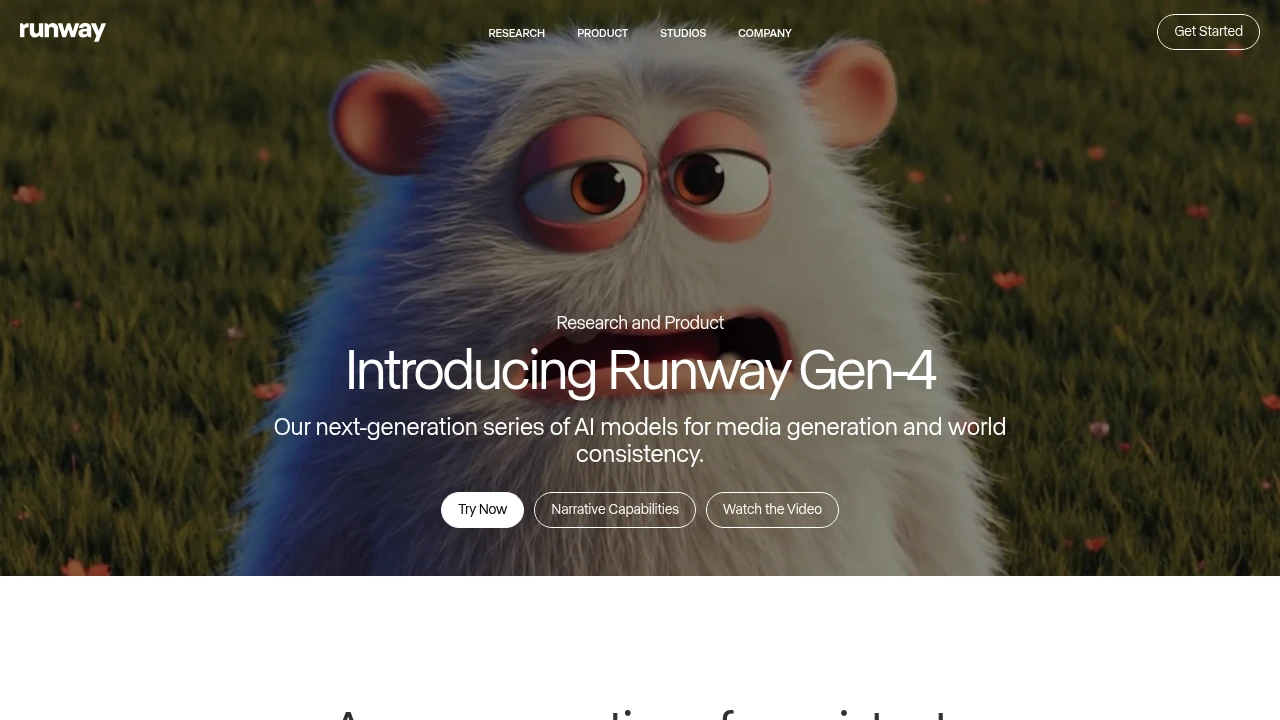
Runway is an AI video tool for creators, marketers, and teams.
Gen-4 brings higher quality and more coherent motion.
Runway Aleph adds a new way to edit, transform, and generate video from a single input clip.
Key Highlights
- Gen-4 quality and coherence improvements
- Aleph in-context edits: add, remove, and transform objects; change style and lighting; create new angles from one video
- Gen-4 Turbo image-to-video
- Generative image tools
- Custom voices on Pro plan
- Watermark removal on paid plans
- Unlimited generations in Explore mode on the Unlimited plan
- Service access limits for non-paying users during high demand
What Makes It Different
Runway blends generation and precise video editing in one place. Aleph works from a single input video and can reshape scenes, objects, and style, even switch angles.
Features & Capabilities
Create short videos from images with Gen-4 Turbo. Transform existing footage with Aleph to add or remove objects and restyle lighting and look. Utilize generative image tools and custom voices to refine your edits. Paid plans remove watermarks and increase storage.
User Ratings and Testimonials
Runway has an average rating of 3.8 out of 5 stars, based on 35 reviews, on Product Hunt.
Users praise the coherence and quality gains in Gen-4. Many say it offers a better experience than earlier versions and would recommend it. Some users are excited to try the new features.
Pricing & Value
- Free: Includes 125 one-time credits, Gen-4 Turbo image-to-video, and generative image tools.
- Standard: $15/month for 625 monthly credits, all video models, and watermark removal.
- Pro: $35/month for 2250 monthly credits, custom voices, and 500GB storage.
- Unlimited: $95/month with 2250 credits plus unlimited generations in Explore mode.
- Enterprise: Custom pricing with single sign-on, advanced security, and priority support.
Credits refresh monthly on paid plans. You can purchase extra credits.
The free tier offers 125 credits (equivalent to 25 seconds of Gen-4 Turbo) to test Runway's video generation capabilities before committing to a paid plan.

Streamlined workflow for storytelling from start to finish
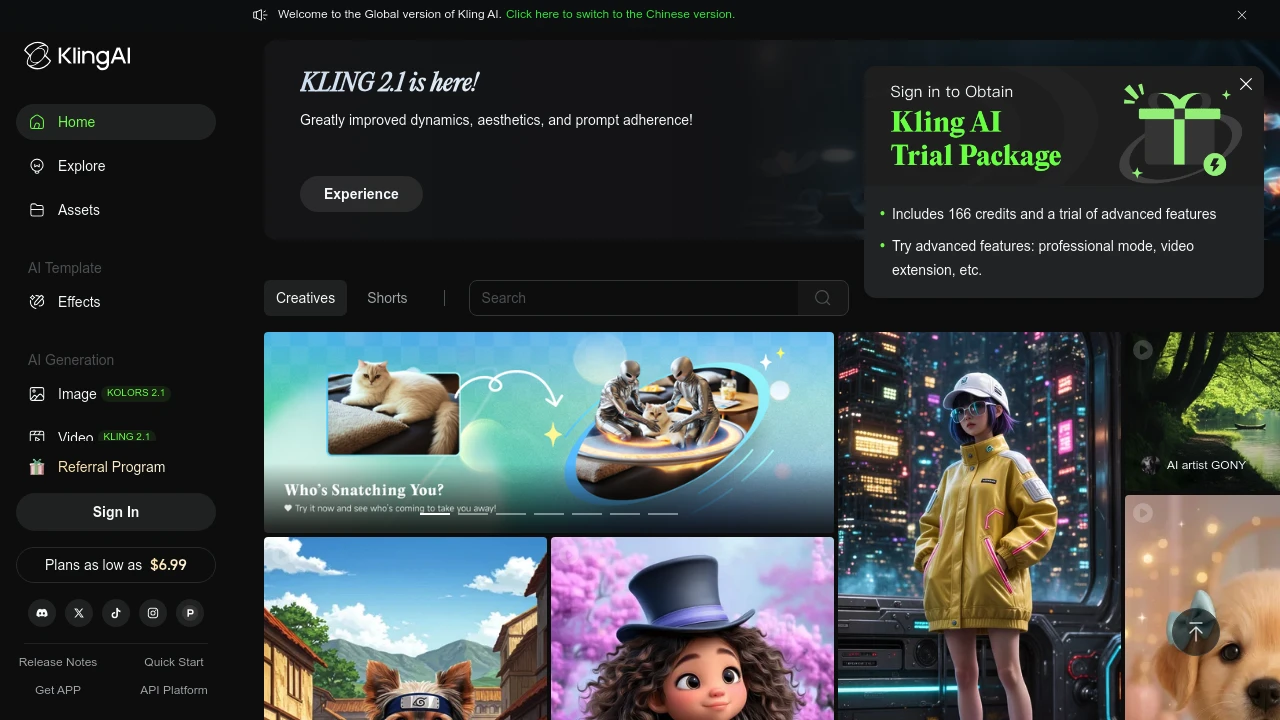
Kling AI is a video generation platform that turns your ideas into high-quality visual content in minutes. It serves content creators, marketers, and businesses who need quick video production without technical skills.
Key Highlights
- High-quality video generation with realistic output
- Fast processing speeds for quick content creation
- Image-to-video conversion with smooth transitions
- User-friendly interface for beginners
- Professional video modes for advanced users
- Watermark removal on paid plans
What Makes It Different
Kling AI focuses on video quality over quantity. While many AI video tools produce basic content, Kling AI creates professional-grade videos that look realistic. The platform balances ease of use with advanced features, making it suitable for both beginners and professionals.
Features & Capabilities
Kling AI offers text-to-video and image-to-video generation. Users can create marketing videos, social media content, and promotional materials. The platform includes professional video modes, fast-track generation for paid users, and member-exclusive features. Technical capabilities include smooth motion transitions and high-resolution output.
User Ratings and Testimonials
KLING AI has an average rating of 4.2 out of 5 stars from 29 reviews on Product Hunt.
Users praise the high-quality video generation and realistic output. Many find the image-to-video feature works well with smooth transitions. The platform is seen as user-friendly and fast for content creation.
Some users report technical issues with the free version not working properly. Others mention the service can be slow or "busy" during peak times. A few users experienced errors that prevented content generation.
Pricing & Value
Kling AI offers several pricing plans:
- Basic: Free with monthly login credits and access to member features
- Standard: $6.99/month for 660 credits, fast-track generation, and watermark removal
- Pro: $25.99/month for 3,000 credits, professional video mode, and priority feature access
- Premier: $64.99/month for 8,000 credits with all features and highest priority
New users get 166 trial credits to test the platform.
The main value of Kling AI is its ability to create professional-quality videos and images with fast processing speeds and no watermarks on paid plans.
Similar proprietary alternatives:

 bisibility — Free beta: Track your website’s keywords, Google rankings, Search Console insights, and share of voice.


