GitHub Copilot Alternatives
A curated collection of the 8 best alternatives to GitHub Copilot.
The best alternative to GitHub Copilot is Cursor. If that doesn't suit you, we've compiled a ranked list of other GitHub Copilot alternatives to help you find a suitable replacement. Other interesting alternatives to GitHub Copilot are: Windsurf, Claude Code, Codex and Augment Code.
GitHub Copilot alternatives are mainly AI Coding tools. Browse these if you want a narrower list of alternatives or looking for a specific functionality of GitHub Copilot.


Built to make you extraordinarily productive, Cursor is the best way to code with AI
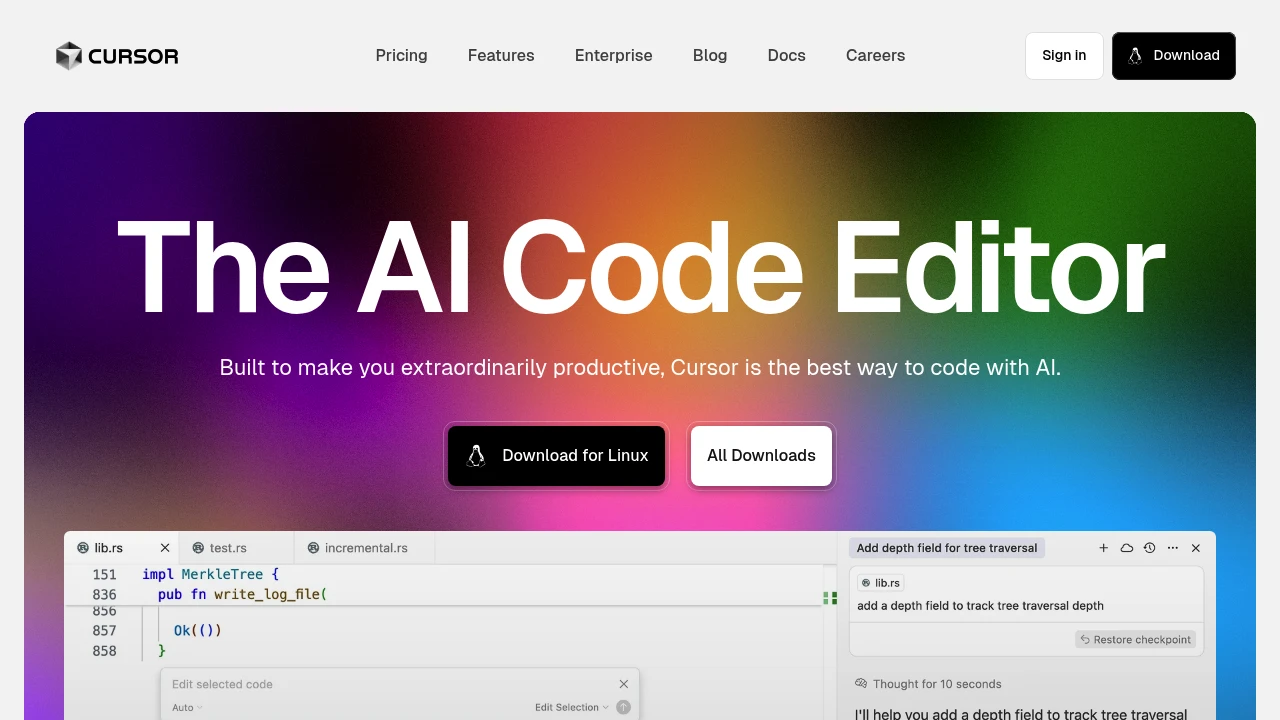
Cursor is an AI-powered code editor that transforms how developers write and edit code through intelligent automation. Built for modern development teams, it combines traditional editing with advanced AI assistance to speed up coding workflows. The platform targets developers who want smarter code completion and AI-driven editing without sacrificing control.
Key Highlights
- AI-powered code completion and editing suggestions
- Clean, responsive interface that integrates with existing workflows
- Real-time code analysis and intelligent recommendations
- Support for multiple programming languages and frameworks
- Seamless integration with popular development tools
- Background processing for faster performance
What Makes It Different
Cursor sets itself apart by offering context-aware AI assistance that goes beyond basic autocomplete. The editor learns from your codebase and coding patterns to provide relevant suggestions. Its AI agents can handle complex editing tasks while maintaining code quality and consistency.
Features & Capabilities
The platform offers intelligent code completion that understands project context and coding style. Users can leverage AI-powered editing for refactoring, bug fixes, and code optimization.
The editor supports collaborative development with real-time sharing and version control integration. Background agents work continuously to analyze code and suggest improvements without interrupting the development flow.
User Ratings and Testimonials
Cursor has an average rating of 4.8 out of 5 stars from over 1,200 reviews on various platforms.
Users praise the AI-powered code completion and editing features. They find the interface clean and responsive. Many appreciate the seamless integration with existing workflows. Some users mention occasional lag with large codebases. They also note that the AI suggestions can sometimes be overly aggressive for simple tasks.
Pricing & Value
Cursor offers several pricing plans:
- Hobby: Free with Pro two-week trial, limited Agent requests, and limited Tab completions
- Pro: $20/month for extended Agent limits, unlimited Tab completions, and Background Agents access
- Ultra: $200/month with 20x usage on all AI models and priority access to new features
Teams pricing starts at $40 per user monthly with Privacy Mode enforcement, admin dashboard, and centralized billing. Enterprise offers custom pricing with enhanced usage, SCIM management, and priority support.
The free Hobby plan includes a two-week Pro trial, making it easy to test premium features before committing to paid plans.
Looking for alternatives to other popular tools? Check out other posts in the alternatives series and flowtools.co, a directory of best AI tools with filters for tags and categories for easy browsing and discovery.

The first agentic IDE, and then some. The Windsurf Editor is where the work of developers and AI truly flow together, allowing for a coding experience that feels like literal magic.

Windsurf is an AI coding assistant that helps developers write code faster and more efficiently. This free tool integrates with popular IDEs like VS Code and JetBrains to boost coding productivity. It targets developers who want smart auto-completion and coding support without the cost.
Key Highlights
- Free AI coding assistant with premium features
- Works with VS Code, JetBrains, and other popular IDEs
- Auto-completion for code and tests
- Up to 30% productivity boost reported by users
- Active Discord community support
- 2-week Pro trial included with free plan
What Makes It Different
Windsurf stands out by offering a completely free tier while competing tools charge monthly fees. Users consistently compare it favorably to GitHub Copilot, noting similar functionality at no cost. The tool focuses on practical coding assistance rather than complex features, making it accessible for developers at all levels.
Features & Capabilities
The platform provides intelligent code completion, automatic boilerplate generation, and test writing assistance. It supports multiple programming languages and integrates seamlessly with existing development workflows.
The SWE-1 model powers the AI suggestions, helping with everything from simple functions to complex code structures. Developers can use it for rapid prototyping, debugging assistance, and learning new coding patterns.
User Ratings and Testimonials
Windsurf has an average rating of 4.5 out of 5 stars from 79 reviews on Product Hunt.
Users praise the AI coding assistant for boosting productivity by up to 30%. Many compare it favorably to GitHub Copilot, noting it's free and works well with various IDEs including VS Code and JetBrains.
Users appreciate the auto-completion features and find it easy to use for writing boilerplate code and tests. The team provides helpful support through Discord. Some users want more features like code refactoring and explanations.
Pricing & Value
Windsurf offers several pricing plans:
- Free: Includes 25 prompt credits per month, 2-week Pro trial, and unlimited SWE-1 model access.
- Pro: $15/month for 500 prompt credits, SWE-1 model, and 5 app deploys per day.
- Teams: $30 per user per month with 500 credits per user, Windsurf Reviews, and admin dashboard.
- Enterprise: Starting at $60 per user per month with 1,000 credits per user, RBAC, and SSO features.
Add-on credits are available: $10 for 250 credits on Pro, $40 for 1,000 credits on Teams and Enterprise.
The Free plan includes a 2-week Pro trial to test premium features before committing to a paid plan.

Unleash Claude’s raw power directly in your terminal. Search million-line codebases instantly. Turn hours-long workflows into a single command. Your tools. Your workflow. Your codebase, evolving at thought speed.
Claude Code brings AI-powered coding assistance directly into your development environment. This tool helps developers write and debug code faster without switching between separate AI chat applications. It targets professional developers working on projects of various sizes.
Key Highlights
- Direct integration with development environments
- Access to Claude Sonnet 4 and Claude Opus 4.1 models
- Multiple pricing tiers for different codebase sizes
- Faster coding workflow compared to external AI tools
- Built for both individual developers and teams
What Makes It Different
Claude Code eliminates context switching by embedding AI assistance directly in your coding environment. Unlike standalone AI chat tools, it provides coding help without breaking your development flow. The tiered pricing structure matches different usage patterns and codebase complexity levels.
Features & Capabilities
Claude Code offers AI-powered code generation, debugging assistance, and code review capabilities. It works with smaller codebases through the Pro plan and scales up to larger, more complex projects with the Max plans. The tool supports everyday coding tasks and intensive development work through different AI model access levels.
Pricing & Value
Claude Code offers several pricing plans:
- Pro: $20/month for coding sprints in smaller codebases with Claude Sonnet 4
- Max 5x: $100/month for everyday use in larger codebases with Claude Sonnet 4 & Claude Opus 4.1
- Max 20x: $200/month for power users with most access to Claude Opus 4.1
Annual Pro subscriptions get a discount at $17/month ($200 billed upfront).
Claude Code provides AI-powered coding assistance directly in your development environment, making it faster to write and debug code compared to switching between separate AI chat tools.

Delegate tasks to a software engineering agent in the cloud.
Codex transforms natural language descriptions into working code across multiple programming languages. This AI-powered coding assistant helps developers write, debug, and understand code faster than traditional methods. Built by OpenAI, it serves programmers of all skill levels who want to boost their coding productivity.
Key Highlights
- Supports dozens of programming languages including Python, JavaScript, Go, and SQL
- Generates complete functions from simple text descriptions
- Explains existing code in plain English
- Integrates directly with popular development environments
- Handles complex coding tasks like API integrations and data processing
- Works with both beginners learning to code and experienced developers
What Makes It Different
Codex stands out by understanding context better than other code generators. It can maintain conversation flow across multiple coding requests and adapt its suggestions based on your specific project needs. The model was trained on billions of lines of public code, giving it deep knowledge of programming patterns and best practices.
Features & Capabilities
Codex excels at code generation, completion, and explanation tasks. You can describe what you want in plain English, and it produces functional code snippets or entire programs.
The tool handles debugging by analyzing error messages and suggesting fixes. It also translates code between different programming languages and adds comments to explain complex logic.
Common use cases include building web applications, automating data tasks, creating APIs, and learning new programming concepts.
Pricing & Value
Codex is integrated into OpenAI's ChatGPT subscription tiers rather than sold separately.
- ChatGPT Plus: $20/month with limited Codex access
- ChatGPT Pro: $200/month with higher usage limits
- Business/Enterprise: Custom pricing with additional credit purchases available
The main value of Codex is its ability to generate functional code from natural language descriptions across multiple programming languages.

Augment Code is an AI coding platform for engineering teams running agents across triage, coding, review and verification.
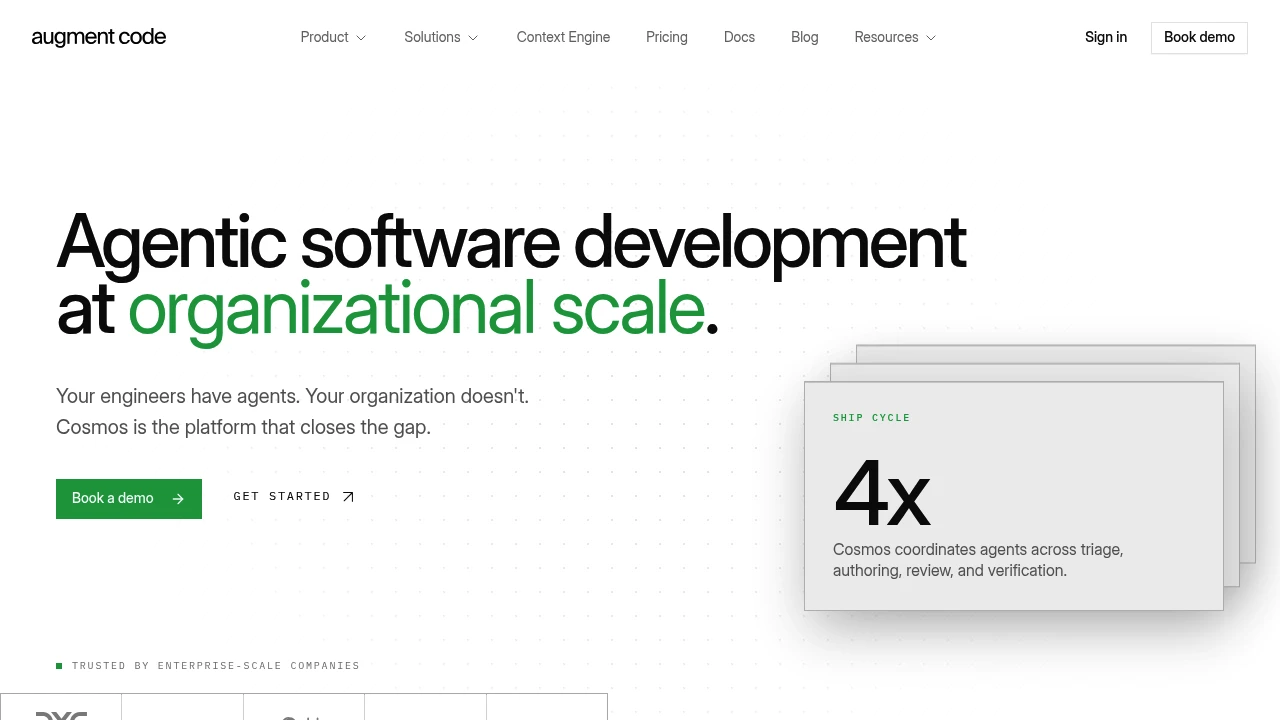
Augment Code is an AI coding platform for professional engineering teams that want agents to work across the software delivery loop, not just autocomplete code. Cosmos coordinates agents for triage, authoring, review and verification, with shared organization knowledge and controls for larger codebases.
Key Highlights
- Cosmos runs agents for triage, PR authoring, review, risk analysis and testing.
- Context Engine maps code by structure, including call paths and active code.
- Integrates with Slack, GitHub, Jira, CI, the CLI, MCP and native tools.
- Supports laptops, dev VMs, managed cloud and customer cloud deployment.
- Includes SOC 2 Type II, ISO/IEC 42001, SSO, RBAC, audit logs and SIEM.
- Paid plans state that Augment does not train AI on customer code.
What Makes It Different
Augment Code is positioned less like a single coding assistant and more like an organization-level agent system. The homepage describes specialized experts for each stage: Work Dispatcher, PR Author, Pair Review, Deep Code Review, PR Risk Analysis and Tester.
Its main technical differentiator is the Context Engine. Augment says it maps codebase structure and pulls only the slice relevant to the task, instead of sending broad keyword matches to a model. That matters for teams worried about token cost, context quality and large-repo changes.
Features & Capabilities
Teams can use shipped experts, fork them or build their own templates with separate environments, capabilities and memory. Cosmos adds an expert registry, human-in-the-loop escalation, organization knowledge, scheduling, sandboxes, shared file systems and lifecycle triggers.
The enterprise feature set includes zero data retention, CMEK encryption, VPC deployment, single-tenant instances, BYOK for models, data residency controls, replayable runs, on-prem deployment, HIPAA BAA availability and dedicated account support.
User Ratings and Testimonials
Augment Code does not publish independent star ratings or named third-party testimonials. Augment's homepage cites customer outcome metrics, including 70%+ of pages resolved before the on-call engineer joins and 60%+ of CVEs automatically remediated, but those are vendor-reported figures.
The clearest buyer tradeoff is fit. The product is aimed at teams that need shared agent workflows, policy controls and codebase context, not individuals looking for a low-cost personal assistant. Business support is community-based with tickets through the support portal, while Enterprise adds dedicated support.
Pricing & Value
- Business: $100/month, flat price for up to 50 seats, with $100/month of included usage across LLM, Context Engine and compute.
- Enterprise: Custom pricing for high-volume organizations, unlimited users, custom usage, multi-region compute, SSO, OIDC, SCIM, CMEK, ISO 42001 compliance and dedicated support.
Business usage is pooled across the team. Extra usage is handled with pay-as-you-go top-ups, and the pricing FAQ lists a 40% service fee on LLM usage plus Cosmos compute time.

Amp is a coding agent for developers who want CLI, editor, and web control over model-powered coding work.
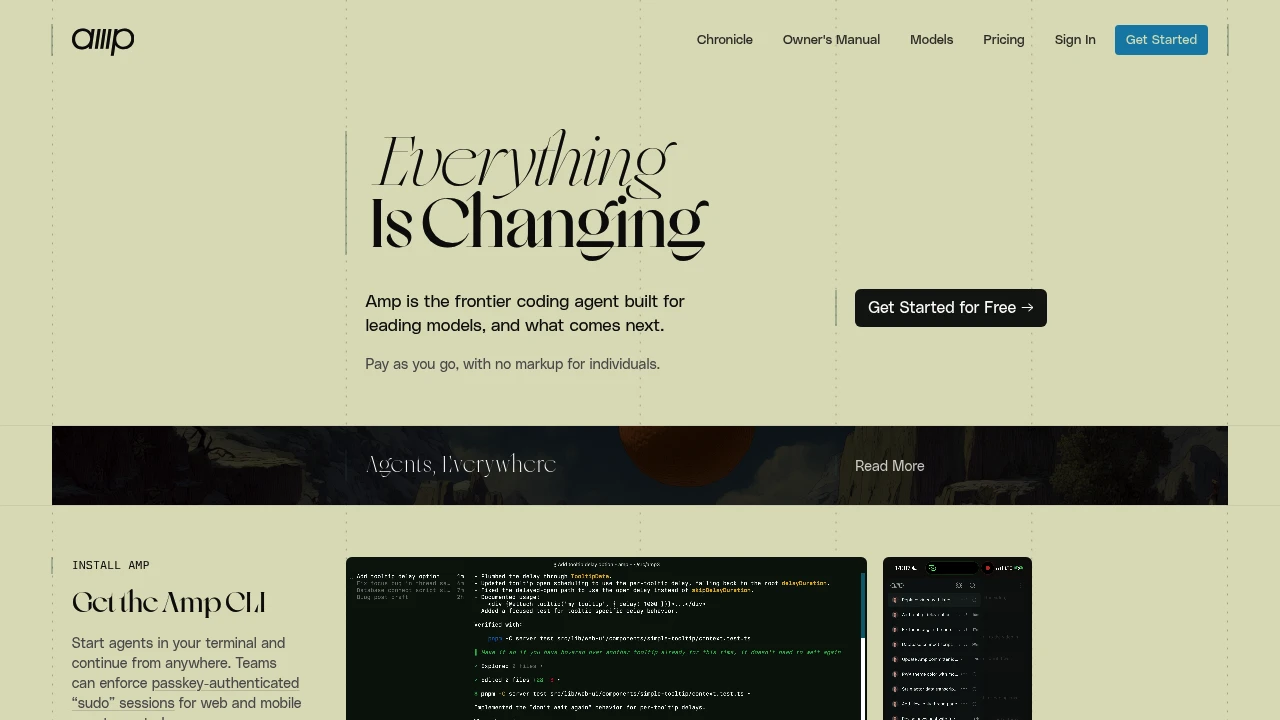
Amp is an AI coding agent for developers who want agent work in the terminal, editor, and web UI. Start in the CLI, connect an IDE, share a thread, and let Amp inspect code, edit files, and run commands. The site positions it as a coding agent for leading models rather than a fixed model wrapper.
Key Highlights
- Runs from the CLI with install paths for Mac, Linux, WSL, Windows, and Homebrew
- Connects to VS Code, VS Code-based editors, JetBrains IDEs, Neovim, and Zed
- Offers deep, smart, and rush modes for different task sizes
- Reads AGENTS.md guidance from project, user, and system locations
- Supports subagents, an Oracle review tool, Librarian code search, plugins, and MCP servers
- Shares, searches, archives, and continues agent threads from the web UI
What Makes It Different
Amp is opinionated about model use and workflow shape. Its docs describe a product that moves with new models and uses modes instead of asking users to wire every model choice themselves.
The other difference is the thread model. A coding session can be shared, searched, referenced from another thread, controlled from the web, or continued from mobile while the CLI keeps running.
Features & Capabilities
After signing in, install the CLI and run amp for an interactive coding session. You can also use amp -x for non-interactive prompts, pipe input into the CLI, mention files, paste images, and connect an IDE so Amp can see the active file and selection.
For larger teams and custom workflows, Amp can load AGENTS.md instructions, use MCP servers, and run TypeScript plugins that add commands, tools, prompts, permissions, modes, and event handlers. Threads can be private, unlisted, workspace-shared, or group-shared.
User Ratings and Testimonials
Amp does not publish a third-party rating. The homepage includes vendor-selected quotes praising its agent behavior, polished experience, repeat use, and diagram generation.
The docs also show caveats. Subagents work in isolation, users cannot steer them mid-task, and the main agent receives the final summary rather than step-by-step details.
Pricing & Value
- Individual and non-enterprise workspaces: pay as you go with no subscription or commitment. Amp passes through actual LLM and tool costs with zero markup, and the minimum credit purchase is $5.
- Enterprise: usage is 50% more expensive than individual and team usage. It adds SSO, directory sync, zero data retention for text inputs in LLM inference, analytics API access, cost controls, user groups, retention options, IP allowlisting, and regional endpoints.
- Enterprise upgrade credit: a one-time $1,000 USD purchase grants $1,000 USD of Enterprise usage and upgrades the workspace to Enterprise.
Unused credits expire after one year of account inactivity, and workspace credits are pooled across members.
Looking for alternatives to other popular tools? Check out other posts in the alternatives series and flowtools.co, a directory of best AI tools with filters for tags and categories for easy browsing and discovery.

Kiro is an agentic IDE, CLI, and web app for developers who turn prompts into specs, code, docs, and tests.
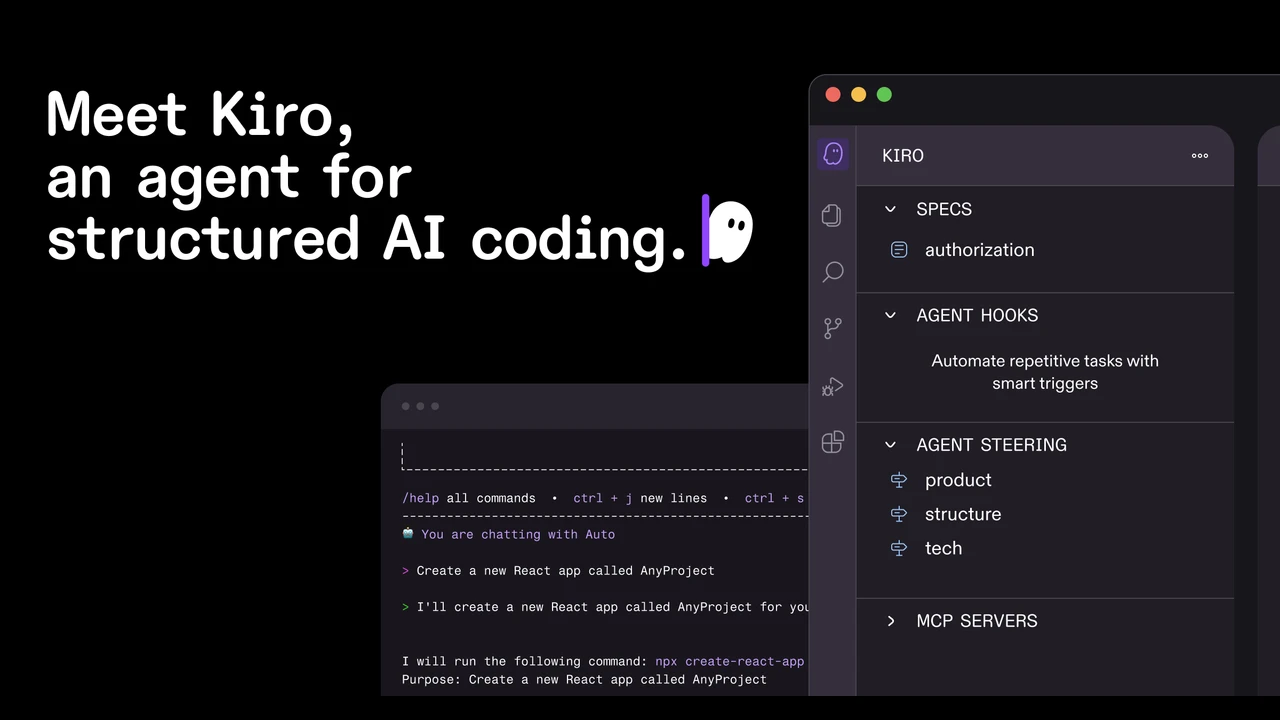
Kiro is an agentic coding environment for developers who want AI help with software delivery, not just code snippets. It turns a prompt into requirements, design notes, implementation tasks, code, docs, and tests across an IDE, CLI, and web.
Key Highlights
- Spec-driven development turns prompts into requirements, acceptance criteria, designs, and task lists
- IDE, CLI, and web agents for local work, terminal workflows, and cloud sessions
- Agent hooks run background tasks such as docs, tests, or performance checks
- Native MCP support connects Kiro to docs, databases, APIs, and other tools
- Built on Code OSS, with VS Code settings, themes, and Open VSX plugin import
- Per-prompt credit usage shows how much each request costs
What Makes It Different
Kiro is built around specs rather than chat alone. A natural language request becomes structured requirements, an architectural design, and sequenced tasks that map back to those requirements. That gives the agent a documented plan before it starts changing files.
The workflow also extends beyond the desktop editor. Kiro CLI brings agents into the terminal, while Kiro Web runs sessions in isolated cloud sandboxes against GitHub or GitLab repositories. Steering files carry project rules across the IDE, CLI, and web.
Features & Capabilities
In the IDE, developers can review live code diffs, approve changes, diagnose syntax and type errors, generate commit messages, and use image inputs for UI or architecture context. Autopilot mode can reduce step-by-step prompting while scripts and commands still stay under user control.
Kiro supports common languages including Python, JavaScript, TypeScript, Go, Rust, SQL, YAML, and HCL. The CLI installs on macOS, Linux, and Windows, and subscriptions also work in ACP compatible IDEs and development automation.
User Ratings and Testimonials
Kiro does not publish a public average rating. Customer quotes praise the spec-driven workflow, background hooks, Terraform and Python support, and stronger implementation plans. Practical limits are visible too: usage is credit-metered, premium model access depends on plan and country or region, and autonomous mode is only in Kiro Web today.
Pricing & Value
- Kiro Free: $0/month, 50 credits, open weight models and Claude Sonnet under limits
- Kiro Pro: $20/month, 1,000 credits, premium models, and optional $0.04/credit overage
- Kiro Pro+: $40/month, 2,000 credits, premium models, and optional $0.04/credit overage
- Kiro Pro Max: $100/month, 5,000 credits, premium models, and optional $0.04/credit overage
- Kiro Power: $200/month, 10,000 credits, premium models, and optional $0.04/credit overage
Team plans add centralized billing, usage analytics, SAML/SCIM SSO through AWS IAM Identity Center, organization management, and enterprise security controls.

Cline is an open-source AI coding agent for VS Code and the terminal, built for developers who want any model and no lock-in.

Cline is an open-source AI coding agent that runs inside VS Code, your terminal, CI pipelines, or your own product through its SDK. It is built for developers who want an autonomous agent that edits across a whole project, runs commands, and works with any model while you keep control of cost.
Key Highlights
- Coordinated multi-file edits with diffs, checkpoints, and one-click undo on every step
- Plan mode to agree a strategy first, then Act mode to execute with step approval or auto-approve
- Runs bash commands in your terminal and reacts to output live, including servers and tests
- Works with Claude, GPT, Gemini, local Ollama or LM Studio, and any OpenAI-compatible endpoint
- Extends through MCP servers and an SDK, plus Slack, Discord, Linear, and CI integrations
- Apache 2.0 licensed across the VS Code extension, CLI, SDK, and embeddable runtime
What Makes It Different
Cline is genuinely open source (Apache 2.0) and model-agnostic, so it never sells you inference at a markup. Its Plan-and-Act split is the core mechanism: Plan mode lists which files it will touch and the steps it will take, then Act mode carries them out one approval at a time, keeping the agent transparent and reviewable rather than a black box.
Features & Capabilities
You point Cline at a task and it reads the codebase, proposes a plan, then makes coordinated changes across many files while keeping imports, types, and behavior consistent. It runs tests, starts dev servers, and reacts to terminal output live. A .clinerules file teaches it your standards, architecture, and deployment conventions.
Beyond the editor, the CLI runs in scripts, cron jobs, and CI pipelines. You can register custom tools and MCP servers and set up multi-agent teams where a coordinator delegates to specialists. Cline is built by 250+ contributors and backed by a $32M seed and Series A round.
User Ratings and Testimonials
Cline is widely rated as one of the strongest open-source coding agents and is installed by more than 8 million developers. Reviewers praise the transparent Plan/Act workflow, the lack of vendor lock-in, and support for many providers, including local models. The common criticism is that it suits power users more than beginners, and that bring-your-own-key inference costs can add up on large tasks.
Pricing & Value
- Open Source: Free for individual developers. Includes the VS Code extension, CLI, MCP marketplace, and multi-root workspaces. You pay only for AI inference with your own API keys or Cline's at-cost provider; no subscription or seat fees.
- Enterprise: Custom pricing. Adds the JetBrains extension, SSO, role-based access control, centralized billing, a team dashboard, audit logs, and an SLA.
Because the tool is free and you pay model providers directly, Cline is one of the cheapest ways to run an autonomous coding agent, especially for developers who already hold API keys.
Similar proprietary alternatives:

 bisibility — Free beta: Track your website’s keywords, Google rankings, Search Console insights, and share of voice.


