
Rask AI
Rask AI translates and dubs video or audio for teams localizing marketing, education, podcasts, and training content.
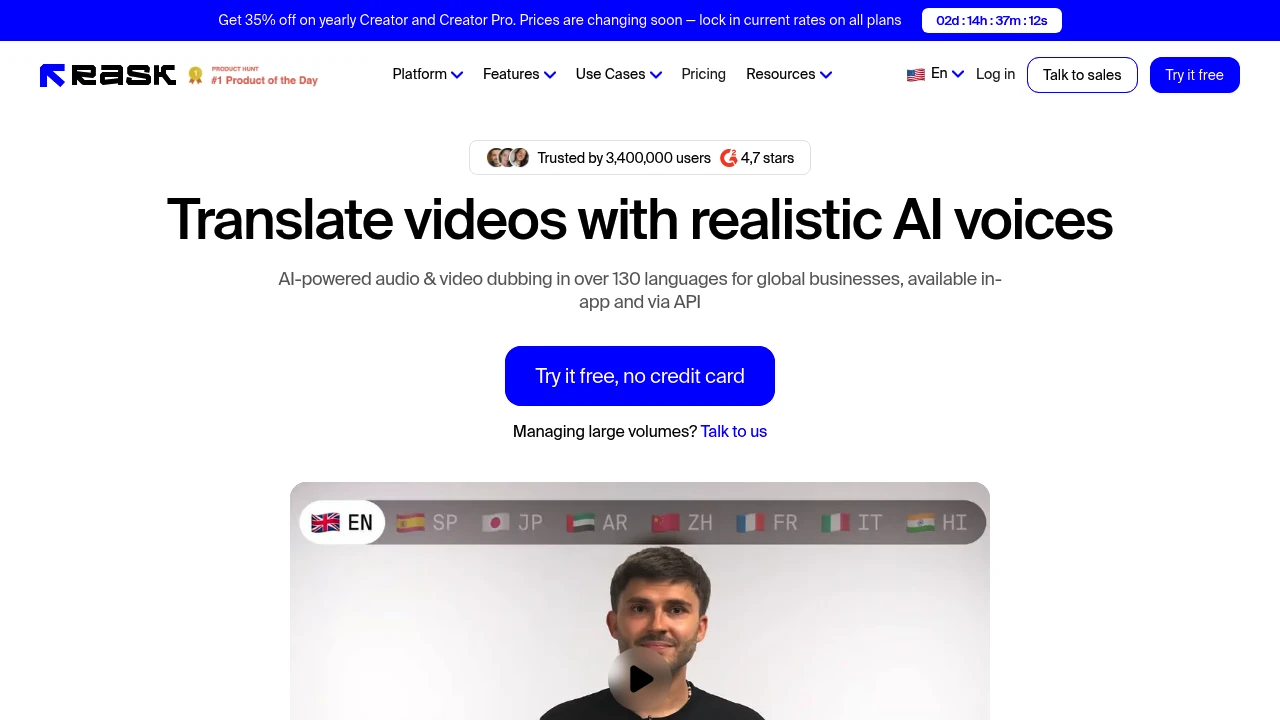
Rask AI is an AI video and audio localization platform for teams that need translated content at scale. It turns files into dubbed versions with AI voices, captions, lip-sync, editing controls, and API access.
Key Highlights
- Translate and dub media into 130+ languages
- Clone the original speaker's voice in 32 languages
- Detect multiple speakers and match translated audio with lip-sync
- Generate captions, edit transcripts, and import or export SRT files
- Use Translation Dictionary, prompting, Teamspaces, and voice presets
- Work in the web app or automate localization through the API
What Makes It Different
Rask AI covers the full localization workflow, not just text translation or voice generation. Teams can translate one video into several languages, edit scripts, timestamps, speaker labels, and voice settings, then redub without starting over.
Enterprise controls cover glossary consistency, batch projects, reviewer workflows, SSO/SAML, AI safety controls, human-in-the-loop review, SOC 2 Type II compliance, and GDPR support.
Features & Capabilities
The core flow starts with uploading video or audio, choosing target languages, and using the built-in editor to adjust transcripts, subtitles, speakers, and generated voices. VoiceClone, speaker detection, and lip-sync provide controls for matching localized output to the original. Review pronunciation, timing, and voice details before publication.
For large libraries, Rask AI includes folders, Teamspaces, voice presets, Translation Dictionary, translation prompting, and membership in C2PA and the Content Authenticity Initiative, according to Rask. API access is available for teams that need to process hours of content daily.
User Ratings and Testimonials
Feedback centers on ease of use, fast processing, editable translations, and helpful support. Use cases span marketing videos, course libraries, podcasts, lectures, YouTube content, healthcare education, and entertainment.
Evaluate cloned voices, translated scripts, and lip-sync with your own recordings. Plan review time for pronunciation, speaker matching, and timing before publishing brand-sensitive or studio-grade output.
Pricing & Value
- Free trial: $0, with 3 minutes included and no credit card required
- Creator: $39/month billed monthly, with 25 minutes per month
- Creator Pro: $99/month billed monthly, with 100 minutes per month, lip-sync, and translation controls
- Business: $249/month billed monthly, with 250 minutes per month, team review, consistent terminology, and batch translation
- Enterprise: Custom pricing, with custom minutes, API integrations, SLA, managed quality assurance, and security review
Plans use monthly or annual subscriptions with different minute allowances. Choose a plan around video volume, lip-sync, team review, and batch translation needs.
FAQs
It translates and dubs video or audio into 130+ languages, with voice cloning, captions, lip-sync, editing controls, and API access.
It is built for serious localization work, with API, lip-sync, captions, glossary tools, and team features. Voice cloning may still need review.
A free trial includes 3 minutes and needs no credit card. Paid monthly and annual subscriptions have different allowances and features.
Alternatives include HeyGen, ElevenLabs Dubbing, Papercup, and Dubverse. Compare languages, voice cloning, lip-sync, API, and review workflow.
Tags:

You might also like
 bisibility — Free beta: Track your website’s keywords, Google rankings, Search Console insights, and share of voice.

