Beautiful.ai Alternatives
A curated collection of the 4 best alternatives to Beautiful.ai.
Read the Beautiful.ai overview
The best alternative to Beautiful.ai is Plus AI. If that doesn't suit you, we've compiled a ranked list of other Beautiful.ai alternatives to help you find a suitable replacement. Other interesting alternatives to Beautiful.ai are: Genspark, Gamma and Canva AI.
Beautiful.ai alternatives are mainly AI Presentation Maker tools but may also be AI Design tools or AI Agents tools. Browse these if you want a narrower list of alternatives or looking for a specific functionality of Beautiful.ai.


Plus AI creates and edits slide decks inside Google Slides and PowerPoint for teams, consultants, and educators.
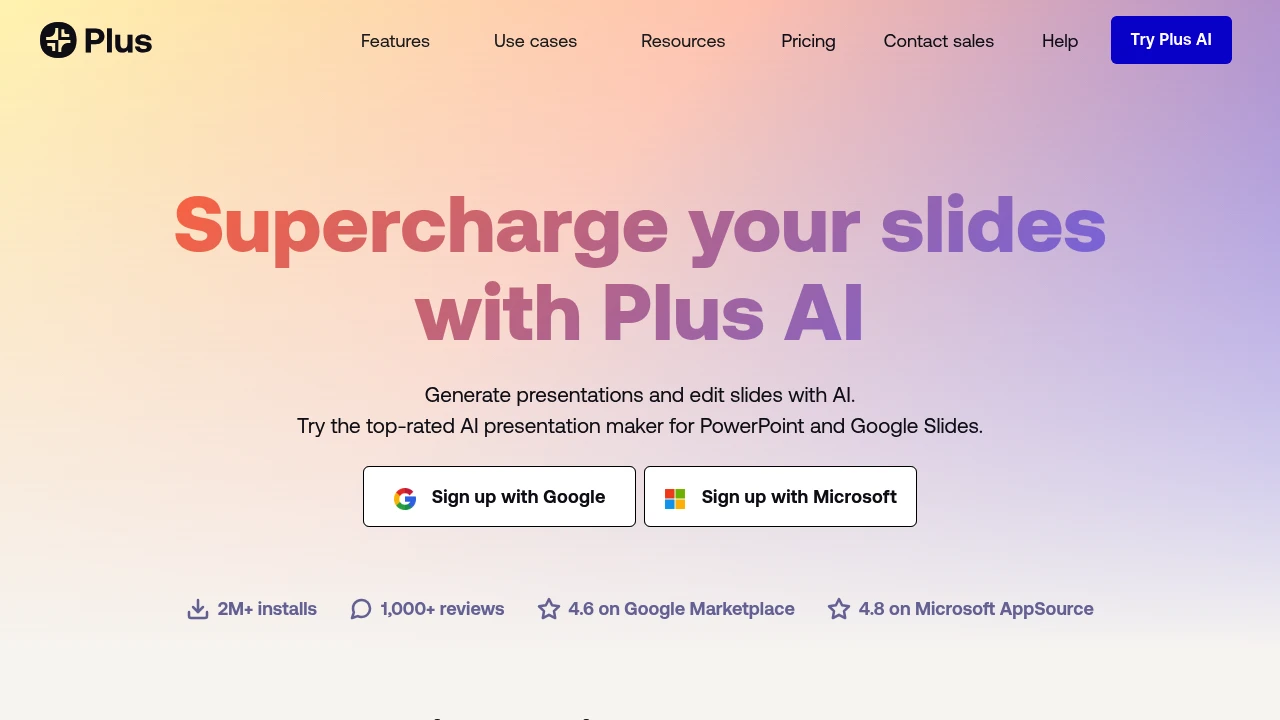
Plus AI is a presentation maker for Google Slides and PowerPoint. It creates, rewrites, and reformats decks without a separate app. Start from prompts or files.
Key Highlights
- Generates presentations from prompts, presets, or files
- Converts PDFs, Word, PowerPoint, and text into decks
- Works inside Google Slides and PowerPoint
- Rewrites, summarizes, and remixes existing slides
- Adds AI images, icons, charts, editable tables, branding, and team templates
What Makes It Different
Plus AI's main difference is where it works. Many AI presentation tools make you build in a separate editor and export later, while Plus AI creates native Google Slides presentations and PowerPoint files. Custom instructions, reusable presets, custom branding, imported templates, and enterprise slide libraries help teams keep decks on brand.
Features & Capabilities
The core workflow starts with a prompt, a preset, or an uploaded document. Plus AI can generate a deck, insert one slide, rewrite text, remix a rough slide into a chosen layout, and translate or draft in nearly any language.
For visual work, it can generate images, add icons, and turn data into charts or editable tables. Team adds logos, colors, fonts, shared presets, and custom instructions. Enterprise adds custom template conversion, asset libraries, SSO, user management, and onboarding. The pricing FAQ also mentions a PowerPoint API, Zapier, and an MCP server.
User Ratings and Testimonials
Plus AI cites 2M+ installs, 1,000+ reviews, a 4.6 rating on Google Marketplace, and a 4.8 rating on Microsoft AppSource. Testimonials praise the Google Slides and PowerPoint integrations, Remix, and turning outlines or detailed prompts into usable structure.
Plus AI does not publish a complaint summary. Limits include credit caps on Basic, Pro, and Team plans. The 7-day trial requires a credit card and bills automatically if not canceled.
Pricing & Value
- Basic: $10/user/month billed annually, or $15 monthly, with 1,500 AI credits, generation, single-slide insert, rewrite, and remix
- Pro: $20/user/month billed annually, or $25 monthly, with 3,000 AI credits, document uploads, 100K+ character prompts, AI images, and unlimited team members
- Team: $30/user/month billed annually, or $40 monthly, with 6,000 AI credits, custom branding, advanced image models, shared presets, and custom instructions
- Max: $200/user/month billed annually, or $240 monthly, with unlimited AI credits and priority email support
- Enterprise: custom pricing for custom templates, asset libraries, automated workflows, SSO, user management, and onboarding
All plans start with a 7-day free trial that includes 1,000 AI credits and access to both Google Slides and PowerPoint.
Looking for alternatives to other popular tools? Check out other posts in the alternatives series and flowtools.co, a directory of best AI tools with filters for tags and categories for easy browsing and discovery.

An all-in-one AI workspace whose autonomous agent builds slides, sheets, media, and code from a single prompt.
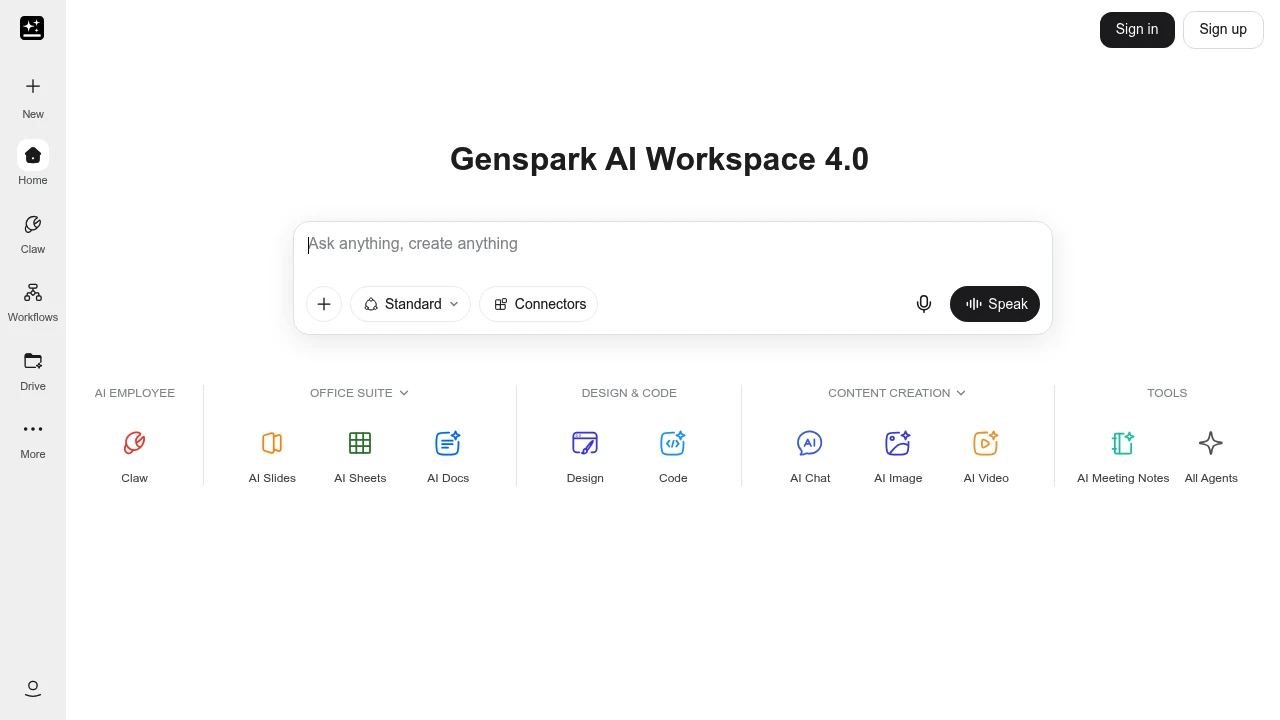
Genspark is an all-in-one AI workspace built around an autonomous agent that plans and carries out multi-step tasks from a single prompt. It is made for knowledge workers, marketers, and small teams who want one tool to research a topic, build a deck, fill a spreadsheet, and generate images or video. You describe the job, and the agent does the rest.
Key Highlights
- Autonomous Super Agent that runs research, slides, sheets, design, and code tasks on its own
- AI office suite with AI Slides, AI Sheets, and AI Docs
- Image, video, music, and audio generation in one place
- Plugins for Google Workspace and Microsoft 365 (PowerPoint, Excel, Word)
- Places real phone calls with an AI voice for bookings and inquiries
- Free tier with daily credits, on web and mobile
What Makes It Different
Genspark is built on a Mixture-of-Agents design: instead of relying on one model, it routes a task through several large language models (GPT, Claude, Gemini) and a library of toolkits, then combines the strongest results. A single prompt can trigger a full chain of work, such as pulling sources into a cited report and exporting it as a deck or spreadsheet.
The agent also reaches outside the browser: it can place real phone calls with an AI voice to handle reservations or scheduling, which most chat assistants cannot.
Features & Capabilities
The workflow starts with a prompt. The Super Agent decides which tools to use, runs them, and shows progress so you can step in mid-task. Built-in apps span the office suite, content creation (chat, image, video, music, audio, and meeting notes), and design and code.
Plugins bring Genspark's generation into Google Workspace and Microsoft 365. A newer addition is reusable Skills: saved AI tools for specific jobs you can build, share with a team, or pick from the community.
User Ratings and Testimonials
Genspark is well reviewed on Product Hunt, where users praise its cited research reports and the time it saves on decks and marketing outlines. The Mixture-of-Agents routing is often called sharper than any single model. Common criticisms are that some advanced agents still feel like beta, credits run out quickly on heavy tasks, and the agent can hallucinate or cite links that do not back its claims.
Pricing & Value
- Free: $0, with 200 credits that refresh daily and 1 GB of storage
- Plus: $24.99/month, or $19.99/month billed yearly, with 10,000 credits per month and 50 GB of storage
- Pro: $249.99/month, or $199.99/month billed yearly, with 125,000 credits per month and 1 TB of storage
The free tier is generous enough to test the agent, Plus suits regular work, and Pro suits heavy daily use. On paid plans, AI chat and image generation currently do not consume credits.

Gamma creates presentations, documents, and simple web pages from prompts, with editing and sharing tools.
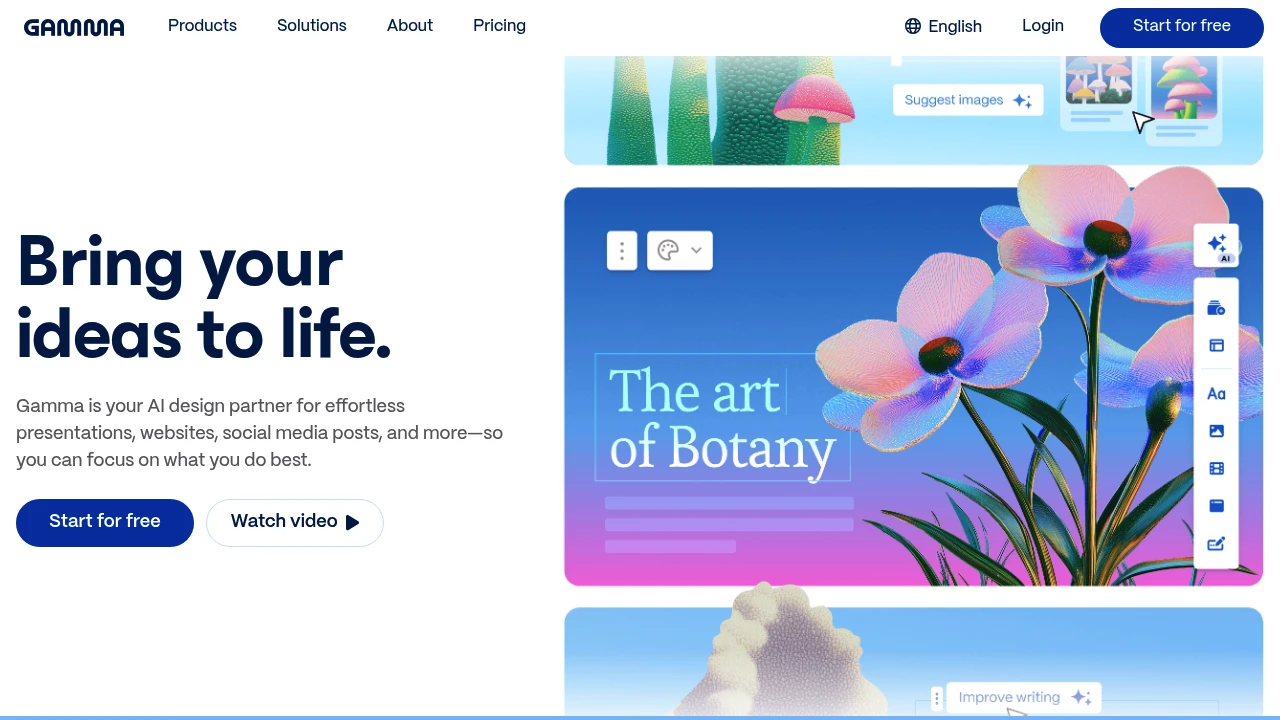
Gamma creates presentation, document, and web-page drafts from prompts or supplied material. Its card-based editor combines text and visual content, letting users revise the structure before presenting or sharing. It serves people preparing business, educational, or other visual communication.
Key Highlights
- AI generates complete presentations from text prompts
- No design experience needed - templates handle the visuals
- Flexible format blends documents and slides
- Real-time collaboration with team members
- Quick export options for sharing and presenting
- Free plan with limited AI usage
What Makes It Different
Gamma breaks the traditional slide-by-slide creation model. Instead of building presentations piece by piece, you describe what you want and the AI creates the entire deck. The platform treats content as flexible cards that work as slides, documents, or web pages depending on your needs.
Features & Capabilities
Gamma provides AI assistance for drafting content and layouts. You input your topic or outline, and it generates structured presentations with relevant visuals. The platform includes built-in templates, stock photos, and design elements that automatically match your content.
The card-based system lets you rearrange content easily. Each card can contain text, images, videos, or interactive elements. You can present in full-screen mode or share as a web link that viewers can scroll through like a document.
User Ratings and Testimonials
Test a deck with your own outline and data. Review generated facts, visual hierarchy, and exports before presenting. A useful draft can still need editing, and plan allowances affect how much iteration is available.
Pricing & Value
Free creates up to 10 slides per prompt and supports imports and exports. Plus raises the limit to 100 slides per prompt, removes Gamma branding, and adds advanced image models. Pro adds premium image models, API access, analytics, and custom branding. Ultra increases AI usage and access to advanced models.
AI usage remains subject to plan limits. Compare the selected billing offer and expected number of revisions before subscribing.

Canva combines design templates, AI creation tools, editing, and collaboration for individuals and teams.
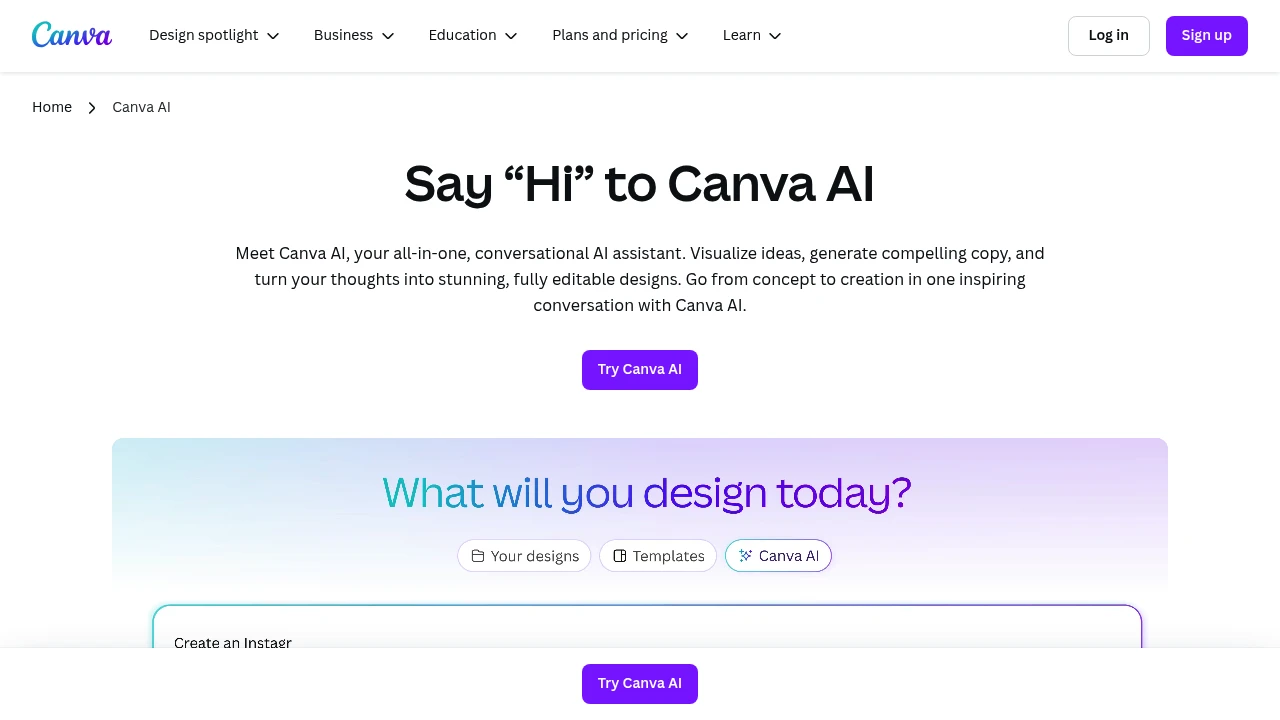
Canva combines a visual design editor with AI assistance for graphics, presentations, and marketing materials. Individuals and teams can start from a template or generated draft, then refine text, images, and layout before exporting or sharing.
Key Highlights
- AI-powered content creation - Generate text, images, and designs with simple prompts
- Templates across design formats - Ready-made layouts for several design formats
- Drag-and-drop simplicity - No design experience required
- Team collaboration tools - Share and edit projects in real-time
- Multi-format export - Create content for social media, print, and web
- Media libraries - Availability varies between free and paid plans
What Makes It Different
Canva combines template editing, image tools, and AI drafting in one workspace. Users can revise generated content with the same visual controls used for ordinary designs. The available content library, brand tools, and AI allowances differ by plan, so the Free offer does not include every paid capability.
Features & Capabilities
Canva AI offers comprehensive design and content creation tools. Users can generate custom graphics, write marketing copy, create presentations, and design social media posts.
The AI assistant helps with brainstorming, content suggestions, and automatic resizing for different platforms. The platform supports video editing, photo enhancement, and brand kit management.
Integration options include social media scheduling and team workflow management.
User Ratings and Testimonials
Test a representative design and export format before choosing a plan. Check whether the templates, editing controls, and available AI allowance meet your needs. More advanced brand and team functions depend on the subscription.
Pricing & Value
- Free: $0 with the drag-and-drop editor, 1.6M+ templates, and limited AI access
- Pro: paid individual access to premium content and editing features
- Business: paid access for individuals and teams, with collaboration, stronger brand controls, and higher AI allowances
- Enterprise: custom organizational offer with governance and security features
Canva Teams is unavailable for new sign-ups or upgrades. Existing subscribers can remain on Teams unless they switch or cancel. Compare the selected US plan and billing period before subscribing.
This month’s top products
Ranked by total paid bids this month.
Similar proprietary alternatives:

 bisibility — Free beta: Track your website’s keywords, Google rankings, Search Console insights, and share of voice.


