
Shadow
Shadow is a macOS meeting assistant for people who want bot-free notes, follow-ups, and screen-aware AI actions.
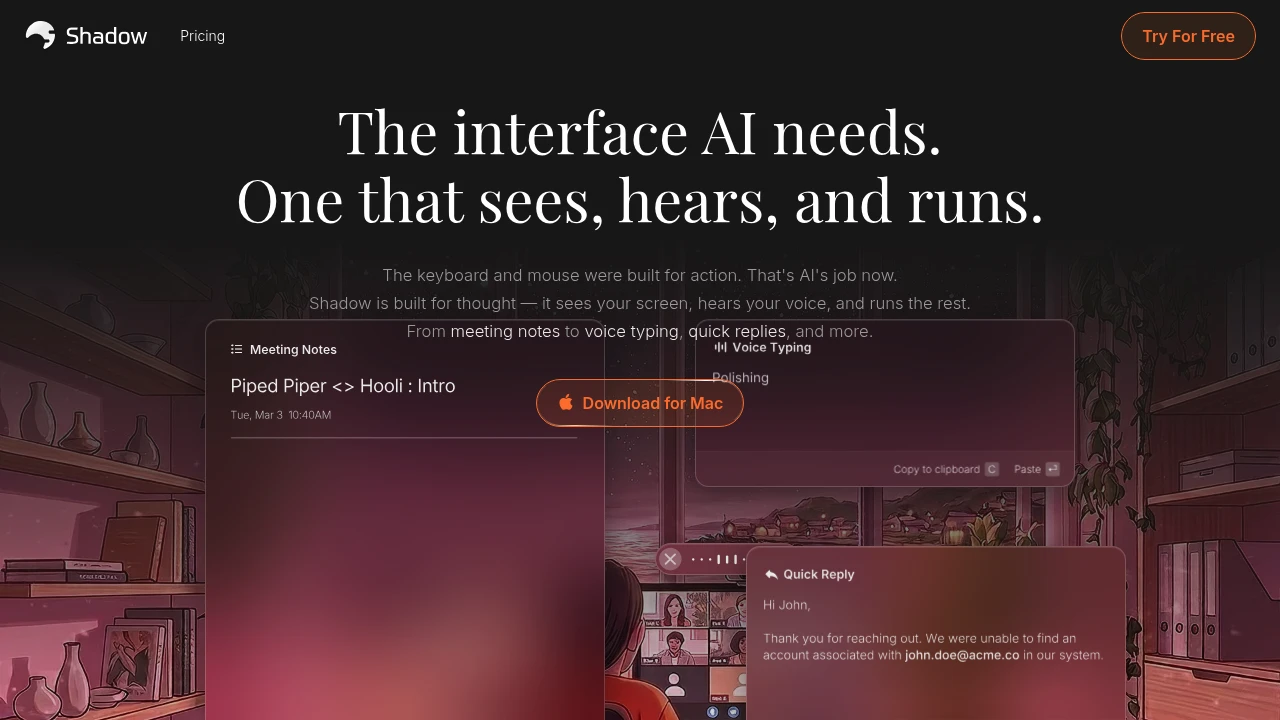
Shadow is a macOS AI assistant that records meetings without joining as a bot, captures screen context, and turns calls into useful outputs. It is built for professionals who want notes, follow-up emails, action items, or quick replies without adding another participant.
Key Highlights
- Runs in the background with No Bots, so it never joins calls as a participant
- Auto-starts and ends with meetings, then structures key takeaways
- Captures meeting windows with Smart Screenshot so notes include what was shown
- Lets you create editable Meeting Skills and Action Skills from prompts
- Sends transcripts and Skill results to Zapier, n8n, and Make through Webhook support
- Keeps transcription on your Mac, with audio and meetings stored locally
What Makes It Different
Most meeting note tools join the call as a bot. Shadow takes the opposite route: it runs on your Mac, listens to meeting audio, detects the meeting window, and captures screenshots in the background. That helps teams get notes and follow-ups without changing the room experience.
Shadow also goes beyond meetings. Press a shortcut, speak instructions, include selected text or a screenshot, and run a Skill that can paste the result into the app you are using. The same prompt system handles notes, BANT breakdowns, feedback summaries, quick replies, code, and custom outputs.
Features & Capabilities
In meetings, Shadow can auto-detect calls, transcribe, label speakers, capture the meeting screen, and run a chosen Skill when the call ends. You can ask about what was said and shown, save clean .md files, or send results through webhooks.
For everyday work, Quick Access opens Shadow from anywhere. Voice Input lets you describe the result you want, while Screenshot and Selected Text add visible context. Shadow says Skills only call LLM APIs when triggered, and meeting content and Skill outputs are not used to train AI models.
User Ratings and Testimonials
Shadow is best suited for Mac users who want private, bot-free capture plus editable AI prompts. Main tradeoffs are platform fit, consent rules for audio and screen capture, and automatic meeting detection with your call setup.
Pricing & Value
- Free: $0, free forever, with unlimited transcription, unlimited audio recording, unlimited smart screenshots, and two weeks of Plus with no card required
- Plus: $8/month, with everything in Free plus unlimited Action Skills, AI Meeting Notes, Meeting Skills, and AI Chat
The free plan is enough to test recording, transcription, and screenshots. Plus is for users who want unlimited AI outputs from meetings and shortcut-driven Skills.
FAQs
Shadow is a macOS AI assistant that records meetings without a bot, adds screen context, and turns calls into notes and actions.
Shadow has a free plan. Plus costs $8/month and adds unlimited AI meeting notes, Action Skills, Meeting Skills and AI chat.

You might also like
 bisibility — Free beta: Track your website’s keywords, Google rankings, Search Console insights, and share of voice.

