
brave
Ask Brave combines online search, AI answers, supporting links, and follow-up chat in a free consumer search interface.
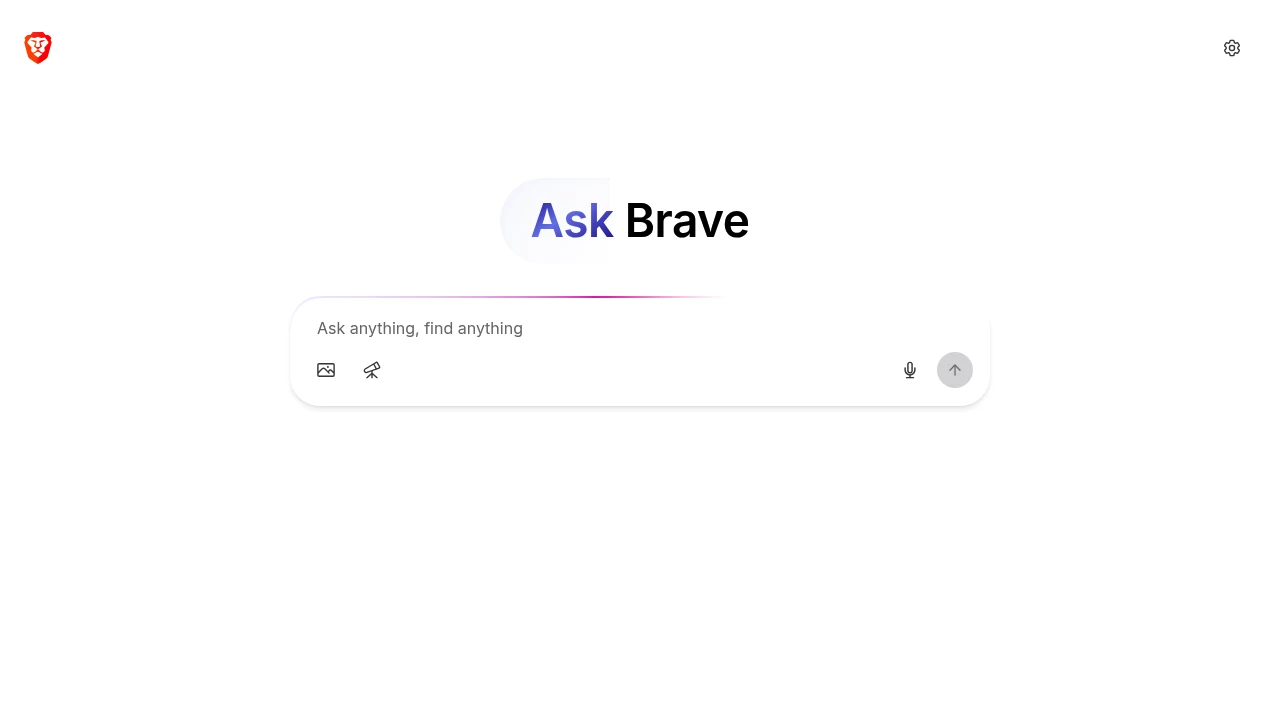
Ask Brave combines online search and AI chat inside Brave Search. It is for people who want an answer they can discuss further while keeping links to the web pages behind it. The interface brings search results and conversational follow-up into the same place.
Key Highlights
- AI answers alongside online search
- Follow-up questions in the same conversation
- Supporting links for exploring the underlying information
- Contextual web pages, videos, and products
- Available in any browser or platform
What Makes It Different
Ask Brave connects the familiar search-results workflow with a chat interface. Instead of moving between a search engine and a separate AI conversation, users can ask follow-up questions from the search experience. Brave Search provides the search foundation; Ask Brave is distinct from the Leo assistant built into the Brave browser.
Features & Capabilities
Open Brave Search, enter a query, and choose Ask from the results page. Users can also start directly through brave.ai. The answer can include additional elements such as pages, videos, or products, depending on the question.
Follow-up questions can narrow the topic or explore part of an answer. Open the linked pages to assess the information in context, especially when details affect a decision or may have changed.
User Ratings and Testimonials
Judge the service by the questions you actually ask. Compare supporting pages with the generated answer, check whether important qualifications are preserved, and inspect the freshness of time-sensitive information. An AI summary is a useful starting point, but supporting links remain valuable when checking a specific claim.
Pricing & Value
Ask Brave is free for consumer search and chat and works outside the Brave browser. This offer is separate from paid Brave products and developer access to the Brave Search API. API pricing and browser add-ons should not be treated as the price of Ask Brave.
Product facts
- Pricing
- Not yet verified
- Access
- Not yet verified
- Product status
- Not yet verified

Analytics
Deep dive into AI Tool performance and audience insights.
Growth Trend
GrowingTraffic growth over last 30 days
Traffic & Engagement
Traffic Sources
Top Countries

You might also like
 bisibility — Free beta: Track your website’s keywords, Google rankings, Search Console insights, and share of voice.

