Perplexity Alternatives
A curated collection of the 8 best alternatives to Perplexity.
The best alternative to Perplexity is ChatGPT. If that doesn't suit you, we've compiled a ranked list of other Perplexity alternatives to help you find a suitable replacement. Other interesting alternatives to Perplexity are: Phind, Genspark, Microsoft Copilot and brave.
Perplexity alternatives are mainly AI Chats tools but may also be AI Search Engines tools or AI Agents tools. Browse these if you want a narrower list of alternatives or looking for a specific functionality of Perplexity.


A conversational AI system that listens, learns, and challenges
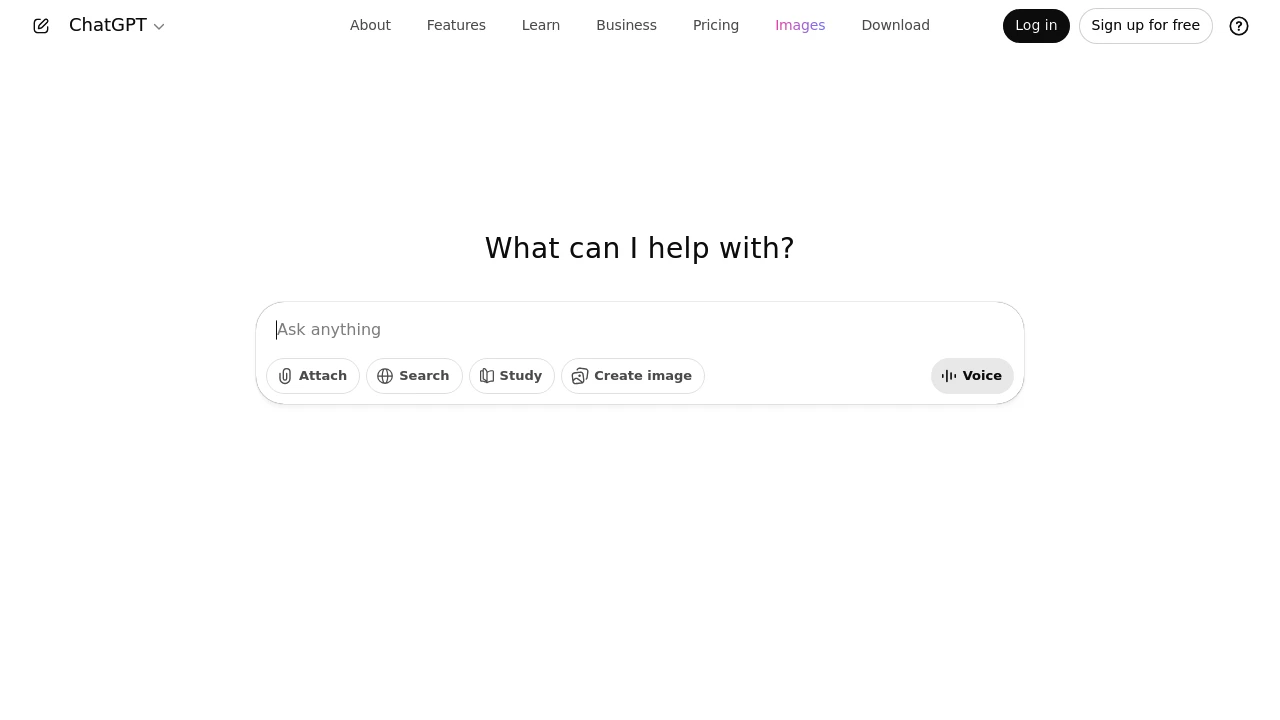
ChatGPT helps you work better by making communication and tasks easier. It boosts your efficiency with dynamic content creation. It provides valuable insights and personalized experiences.
Use ChatGPT as your trusted partner. Boost your productivity with advanced AI features. You'll see your operations run with greater smoothness and effectiveness than ever before.
Brief Overview
ChatGPT is a top AI tool. It boosts efficiency and improves productivity in many workplaces.
It improves communication and automates simple tasks. This makes it a helpful tool for busy professionals and tech lovers.
It has powerful AI features. It uses natural language processing and works well with other tools. This helps improve decision-making and manage workflows better.
Users can improve operations with both the free and premium plans. ChatGPT is a valuable tool for businesses that want smarter automation. It's also great for tech-savvy people who want to boost their productivity.
Key Highlights
-
ChatGPT uses AI to make complex tasks easier. It helps you focus on strategy by handling and understanding large datasets.
-
Works well with current tools. It offers helpful tips and personalized experiences to boost productivity.
-
Offers advanced AI-powered conversations, reducing misunderstandings and enhancing clarity with personalized user interactions.
-
Flexible pricing offers free to premium plans. These plans fit various professional needs and budgets.
Understanding ChatGPT's Role in Productivity
ChatGPT is revolutionizing how professionals manage their time and tasks. It boosts workplace productivity by streamlining communication and automating routine tasks. ChatGPT's AI solutions can make your daily tasks easier. This works for both teams and individuals.
This section explores how ChatGPT boosts productivity. It also explains why it’s a must-have in your AI toolkit.
How ChatGPT Enhances Workplace Efficiency
When it comes to enhancing workplace efficiency, ChatGPT is a game changer. It makes tough tasks easier with smart AI tools. This lets professionals spend more time on important strategies. One of its significant advantages is managing and interpreting vast sets of data. Users can get useful insights without the hassle of manual data collection.
ChatGPT's NLP abilities help teams communicate with clarity and efficiency. This accuracy cuts down on the time spent clarifying instructions or fixing misunderstandings. So, it leads to a smoother workflow.
The integration of ChatGPT into your daily tasks allows for more efficient decision-making.
Businesses can use tools like ChatGPT to automate responses. This helps cut down the time it takes to answer important questions. It's not just a tool. It improves productivity and reduces stress in many workplaces and for various jobs.
Moreover, it plays a significant role in meetings. By summarizing discussions and extracting key points quickly, it saves a lot of time. This reduces the hours spent on lengthy recaps and meeting minutes.
ChatGPT's tools are essential for any organization looking to improve workflow. They take care of time-consuming tasks. This lets teams focus on creative and strategic projects.
Top Benefits for Busy Professionals
Busy professionals often find themselves juggling many tasks and priorities. ChatGPT offers a wealth of benefits that help manage this juggling act with ease.
One of its best features is turning complex information into easy-to-understand formats. This helps users spend less time managing tasks and more time getting things done. This streamlining helps professionals lower costs and boost productivity. This is a big advantage in any tough job.
ChatGPT provides quick insights on business operations and strategies. It offers concise summaries and clear action steps. This enables users to make fast, informed choices. By reducing mental load, busy professionals can stay productive. This also helps avoid burnout, a major issue in fast-paced jobs.
Innovation rarely comes without a reliable support system. ChatGPT’s support features help users by providing fast access to information. This enhances their capacity for creative thinking and problem-solving. This is highly valuable for professionals who often shift between projects.
Also, it fits right into current workflows. This cuts down on the learning curve and leads to quick productivity gains. ChatGPT's adaptability and wide range of tools make it an essential AI partner. It's perfect for anyone wanting to boost their efficiency and output.
Key Features and Capabilities
ChatGPT has strong features that change how professionals work. It uses advanced AI technology with comprehensive creative and analytical capabilities. ChatGPT allows for smooth conversations and has flexible integration options. It creatively adapts to many different needs with ease.
This includes:
- Image creation
- Advanced reasoning
- Deep research
- Searching the web
- A collaborative interactive canvas
- Video generation (for paid plans)
This segment shows how AI-powered conversations can change things. It also explores ways to integrate them to boost user productivity. ChatGPT is essential for enhancing productivity in tech-friendly spaces. It offers easy-to-use tools and integrations that expand its capabilities.
AI-Powered Conversations with ChatGPT
ChatGPT excels at improving conversations through advanced thinking and reasoning capabilities. It uses advanced natural language processing to create smooth, human-like chats. It also has strong research skills, thanks to real-time web search. These interactions are intuitive and efficient. AI-driven dialogues cut down on misunderstandings and ensure clarity.
ChatGPT's voice features make it easy for users to share information. They can also tailor their experience with just a little effort.
The interactive canvas lets users edit documents and brainstorm visually with AI.
Custom GPTs offer unique conversations tailored to specific industries or user preferences.
ChatGPT's flexibility lets it understand context and nuances. This keeps the experience engaging and consistent.
ChatGPT boosts traditional communication with AI insights. This leads to smarter, more rewarding conversations in both professional and personal settings.
Integration Possibilities and Plugin Support
ChatGPT offers many integration options, showing its multipurpose nature. This tool has web search features and the possibility to run deep research. Together, these make it great for streamlining processes. It functions effectively with various platforms and integrates into existing systems without difficulty. This minimizes disruption and boosts functionality.
Developers access OpenAI models through its API. You can add features to apps. These include image generation and advanced reasoning skills. This easy integration makes ChatGPT a top choice for businesses of all sizes. It helps improve efficiency.
One key feature is robust plugin support. Users can personalize their experience with plugins. This allows ChatGPT to connect with other software. It expands capabilities to include CRM systems and project management tools. As a result, data flow improves, helping to align all tools with productivity goals.
Users on Plus plans or higher can deploy custom GPTs. This lets them customize integrations for their specific needs. Paid plans offer premium features like video generation and AI agent access.
ChatGPT's ability to use plugins shows that AI will help with daily tasks in many industries. It streamlines tough tasks. It makes images, dives into the deep web, and collaborates on a canvas. This way, it offers personalized solutions. ChatGPT is a helpful tool for organizations aiming to enhance their AI systems.
Community Feedback and User Experiences
ChatGPT has great app store ratings based on user feedback from 2025. It holds 4.9 stars from 3.2 million ratings on Apple's App Store, ranking #1 in Productivity. On Google Play Store, it has 4.8 stars from 23.2 million reviews.
Users often highlight ChatGPT's flexibility. It's a great research partner, a helpful writing assistant, and a creative teammate. Many call it their "daily companion." It helps with brainstorming, problem-solving, and even therapy-like talks. It’s also great for learning support. Users are often amazed by what the AI can do. It handles tasks ranging from complex calculations to creative writing with ease.
What Users Appreciate Most about the GPT Model
Users value the ChatGPT model for its language skills and adaptability. They often highlight the AI's human-like conversation abilities. The model maintains context during chats, which reduces misunderstandings and improves clarity. This precision boosts the quality of digital communication.
Another feature users enjoy is ChatGPT's easy integration into various platforms and workflows. Besides using ChatGPT through its web interface, users can access OpenAI models via API. This allows seamless integration into custom applications. No-code automation tools like Make and n8n enhance this capability. They enable users to connect ChatGPT to different services without coding skills.
Users also praise ChatGPT for its continuous learning. The model learns from user interactions. This way, it keeps important information. Models update their knowledge during version releases or web searches. Also, storing insights from user interactions helps keep responses accurate and relevant.
This is especially helpful in fast-moving areas like tech and finance. In these fields, information can become outdated quickly. Users can trust ChatGPT for current and reliable information without extra effort. Users value how ChatGPT mixes advanced tech with practical use. This makes it an important tool in their work.
Pricing and Value for Money
ChatGPT has a tiered pricing model. It starts with a strong free plan and goes up to enterprise solutions. The pricing ranges from $0 for basic access to $200/month for professional users, with a team plan at $25/month per user.
Each tier offers better features. Higher plans offer unlimited access to premium models. You also get better collaboration tools and strong security features for businesses.
Comparing Free and Premium ChatGPT Plans
Choosing between free and premium ChatGPT plans means understanding their features and value. The free version has some limits but still offers good utility. Users can access core ChatGPT features, making it a solid choice for those new to AI.
Premium plans offer advanced features for power users and professionals. You can create and manage tasks, projects, and custom GPTs. They also offer limited access to Sora video generation. Plus, you get early access to experimental tools like AI agents.
Upgrading depends on your specific needs. A premium plan offers the bandwidth and support you need for frequent queries. The free plan is great for tech fans or small business owners. It lets them explore AI and gain useful insights into ChatGPT without spending much. Both options boost productivity and cater to different needs and budgets.
Choosing the Right Plan for Your Needs
Choose a ChatGPT plan that fits your needs and goals. People and small businesses can opt for either the free tier or the basic premium plan. Both are good options. The free version lets you explore ChatGPT at no cost—perfect for those new to AI tools. It handles everyday tasks and highlights how AI can streamline your workflow.
Premium plans suit heavy use, speed up processing, and offer advanced features. These plans are great for users who handle a lot of data or need tasks done faster. When choosing a plan, consider how often you rely on AI, your budget, and how your needs might grow over time. Premium options enhance productivity and can scale with your goals.
Both free and premium plans offer key privacy controls. You can opt out of model training, delete chat history, and manage memories.
ChatGPT is a top AI tool for professionals looking for smart solutions. It integrates advanced artificial intelligence with a user-friendly interface. This improves teamwork and task management. The platform offers insights that save time and make work easier. ChatGPT can improve your solo work or help your team perform better. It adapts to your needs and supports lasting success.
Looking for alternatives to other popular tools? Check out other posts in the alternatives series and flowtools.co, a directory of best AI tools with filters for tags and categories for easy browsing and discovery.
Phind is an AI answer engine for developers who need sourced help with coding, debugging, and technical research.
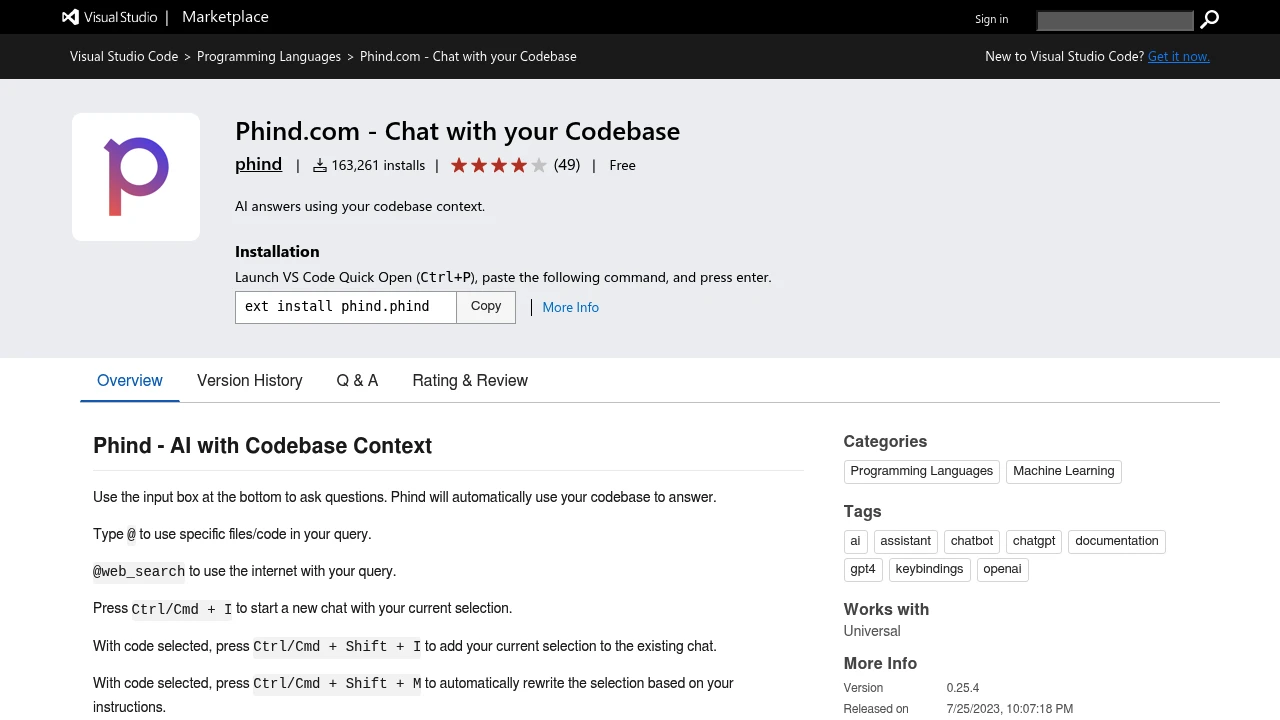
Phind is an AI answer engine for technical search, coding questions, and developer research. It generated direct answers with source links and code-focused context instead of only returning search results. Current signals are mixed: YC marks Phind inactive, but phind.com still loads a limited app shell.
Key Highlights
- Developer-focused AI answers for programming and technical questions
- Online lookup with source links instead of plain search results
- VS Code extension that can answer with codebase context
- File mentions, terminal-output questions, rewrites, and tab completion in the extension
- Public model selector for Phind Fast, Phind Large, GPT-5.2, Claude, and Gemini
- Current pricing and long-term availability need verification before serious use
What Makes It Different
Phind's original angle was narrow: make AI search useful for programmers by returning direct technical answers with source links, not just summaries.
The VS Code extension carries that idea into the editor. It can use codebase context, selected code, terminal output, specific files, and online lookup in the same chat, so the workflow feels more like code-aware research than a standalone search box.
Features & Capabilities
In the browser, Phind centers on technical questions and AI-written answers. The public page exposes research and implementation model choices, including Phind Fast, Phind Large, GPT-5.2, Claude, and Gemini, plus labels for online lookup, deep research, and maximum reasoning.
In VS Code, developers can type @ to reference files or code, use @web_search for internet context, and use shortcuts for selections, terminal output, rewrites, and tab completion. The extension requires an account and says chats may be saved unless history or no-data-retention settings are disabled.
User Ratings and Testimonials
G2 lists Phind at 5.0/5, but that score is based on only one review, so it is too thin to treat as a stable market rating. The VS Code Marketplace listing gives a stronger adoption signal, with more than 160,000 installs and 49 ratings.
User sentiment is thin and mixed. The only G2 review praises technical answers but criticizes chat history management, while availability and pricing remain uncertain.
Pricing & Value
- Web app: pricing not publicly verified, usage limits are visible on the live page but exact paid tiers were not available from the official pricing capture
- VS Code extension: Free to install, requires a Phind account
Do not rely on older price snippets without checking a signed-in Phind account. G2 says pricing details are not available, and Phind pricing should be checked in a signed-in account.

An all-in-one AI workspace whose autonomous agent builds slides, sheets, media, and code from a single prompt.
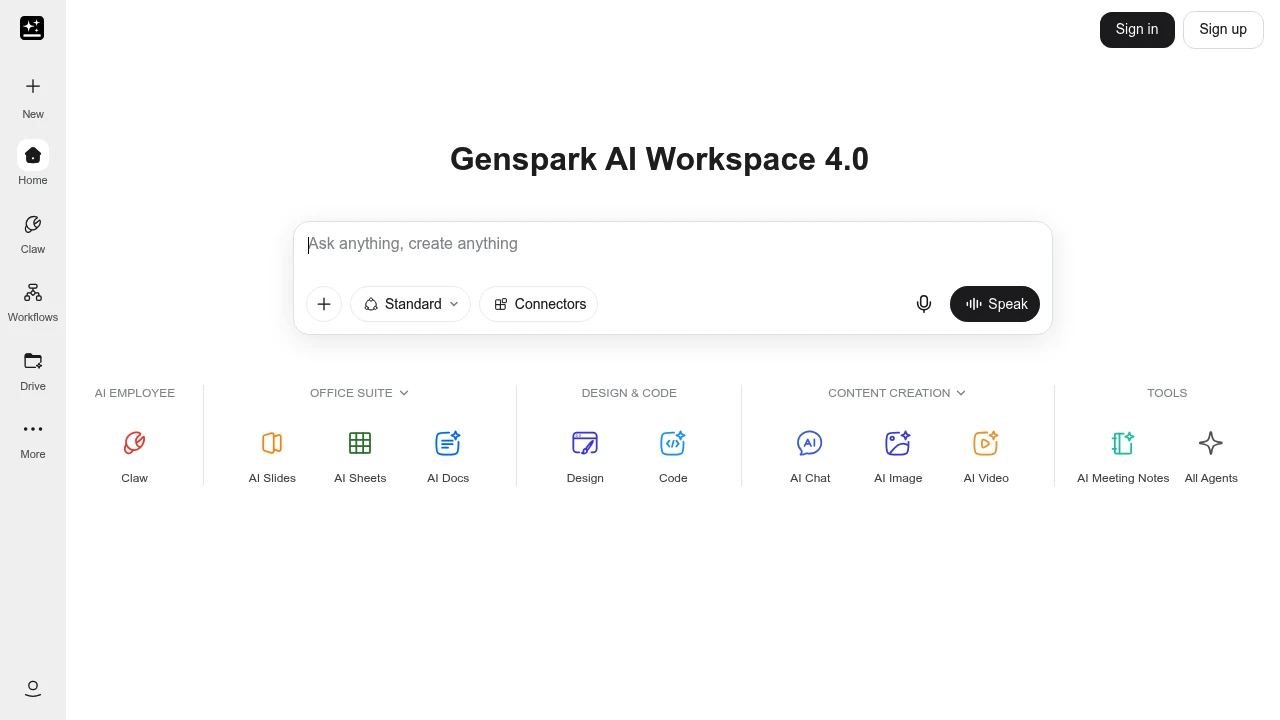
Genspark is an all-in-one AI workspace built around an autonomous agent that plans and carries out multi-step tasks from a single prompt. It is made for knowledge workers, marketers, and small teams who want one tool to research a topic, build a deck, fill a spreadsheet, and generate images or video. You describe the job, and the agent does the rest.
Key Highlights
- Autonomous Super Agent that runs research, slides, sheets, design, and code tasks on its own
- AI office suite with AI Slides, AI Sheets, and AI Docs
- Image, video, music, and audio generation in one place
- Plugins for Google Workspace and Microsoft 365 (PowerPoint, Excel, Word)
- Places real phone calls with an AI voice for bookings and inquiries
- Free tier with daily credits, on web and mobile
What Makes It Different
Genspark is built on a Mixture-of-Agents design: instead of relying on one model, it routes a task through several large language models (GPT, Claude, Gemini) and a library of toolkits, then combines the strongest results. A single prompt can trigger a full chain of work, such as pulling sources into a cited report and exporting it as a deck or spreadsheet.
The agent also reaches outside the browser: it can place real phone calls with an AI voice to handle reservations or scheduling, which most chat assistants cannot.
Features & Capabilities
The workflow starts with a prompt. The Super Agent decides which tools to use, runs them, and shows progress so you can step in mid-task. Built-in apps span the office suite, content creation (chat, image, video, music, audio, and meeting notes), and design and code.
Plugins bring Genspark's generation into Google Workspace and Microsoft 365. A newer addition is reusable Skills: saved AI tools for specific jobs you can build, share with a team, or pick from the community.
User Ratings and Testimonials
Genspark is well reviewed on Product Hunt, where users praise its cited research reports and the time it saves on decks and marketing outlines. The Mixture-of-Agents routing is often called sharper than any single model. Common criticisms are that some advanced agents still feel like beta, credits run out quickly on heavy tasks, and the agent can hallucinate or cite links that do not back its claims.
Pricing & Value
- Free: $0, with 200 credits that refresh daily and 1 GB of storage
- Plus: $24.99/month, or $19.99/month billed yearly, with 10,000 credits per month and 50 GB of storage
- Pro: $249.99/month, or $199.99/month billed yearly, with 125,000 credits per month and 1 TB of storage
The free tier is generous enough to test the agent, Plus suits regular work, and Pro suits heavy daily use. On paid plans, AI chat and image generation currently do not consume credits.

Microsoft Copilot is a free AI assistant for chat, online answers, writing, and image generation, woven into Windows, Edge, and Microsoft 365.
Microsoft Copilot is a general-purpose AI assistant for asking questions, drafting text, generating images, and getting things done. It is aimed at everyday users and businesses already in the Microsoft ecosystem, and it shows up across Windows, the Edge browser, Bing, and the Microsoft 365 apps. The consumer version is free, with paid tiers for heavier use and deeper Office integration.
Key Highlights
- Free AI chat with web-grounded answers and citations
- Image generation built in
- Native app on Windows plus integration in Edge and Bing
- Voice and vision input for natural interaction
- Copilot Pro unlocks priority access and Office features
- Microsoft 365 Copilot embeds it in Word, Excel, PowerPoint, Outlook, and Teams
What Makes It Different
Copilot's edge is distribution: it is the AI layer of the Microsoft stack, so it sits one click away inside the tools people already use at work. For Microsoft 365 customers, that means AI that can act on your documents, email, and meetings rather than living in a separate tab.
Features & Capabilities
In the consumer app you can chat, search the web, summarize pages, generate and edit images, and use voice. Copilot Pro adds priority model access and Copilot features inside the consumer Office apps.
For organizations, Microsoft 365 Copilot connects to your work data through the Microsoft Graph, drafting documents, analyzing spreadsheets, and summarizing meetings directly inside the 365 suite.
User Ratings and Testimonials
Users value that Copilot is free, fast, and deeply integrated with Windows and Office. Criticisms include answer quality that can trail ChatGPT or Gemini on hard tasks, and a confusing lineup of consumer vs. enterprise "Copilot" products.
Pricing & Value
- Free: chat, search, and image generation
- Copilot Pro: around $20/month for priority access and Office integration
- Microsoft 365 Copilot: around $30/user per month for work-data integration
For anyone living in Windows and Office, the free tier is an easy default and Pro is a low-cost upgrade.

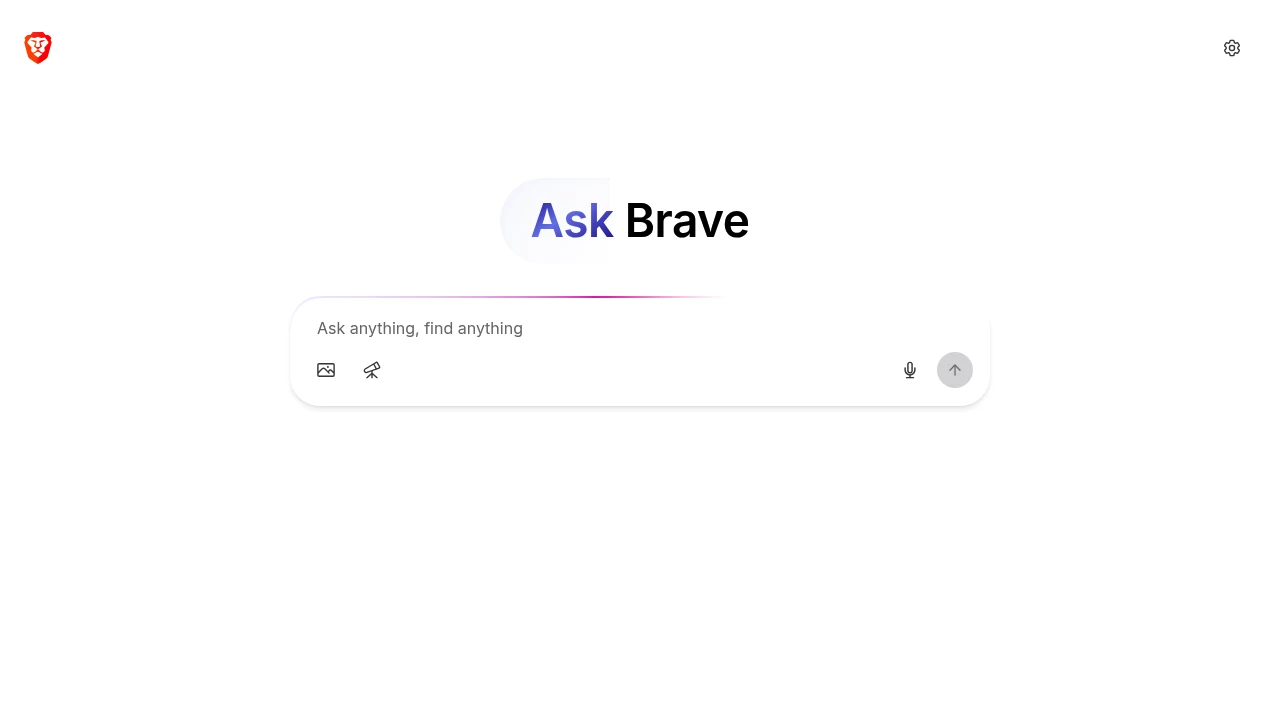
A single interface that consolidates search and AI chat. It's free and available on any browser.
 Read more
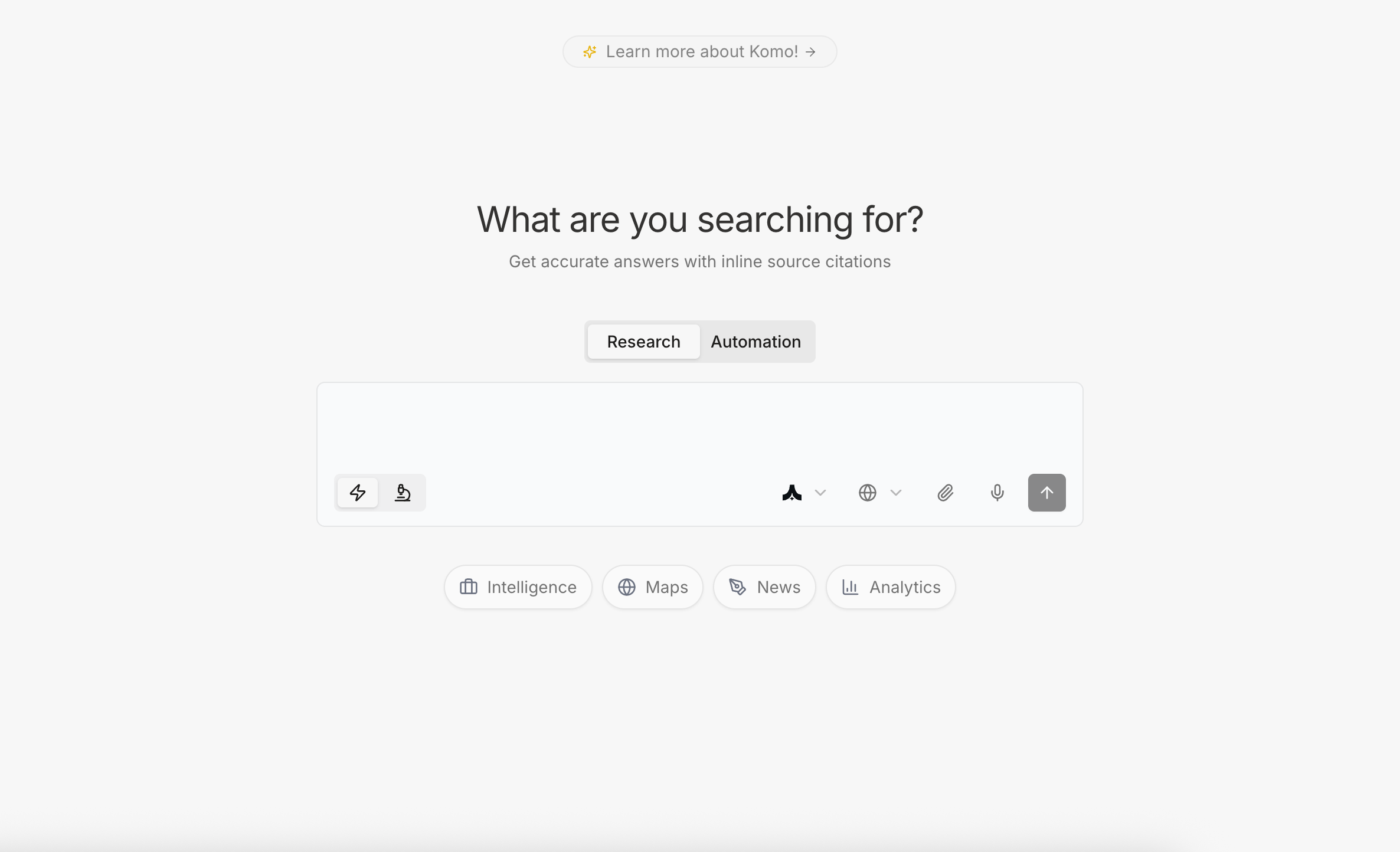
AI search engine. AI built for professionals to streamline routine research, automate workflows, and free your team to focus on what truly matters
 Read more
Looking for alternatives to other popular tools? Check out other posts in the alternatives series and flowtools.co, a directory of best AI tools with filters for tags and categories for easy browsing and discovery.

Gemini is an interface to a multimodal LLM (handling text, audio, images and more).
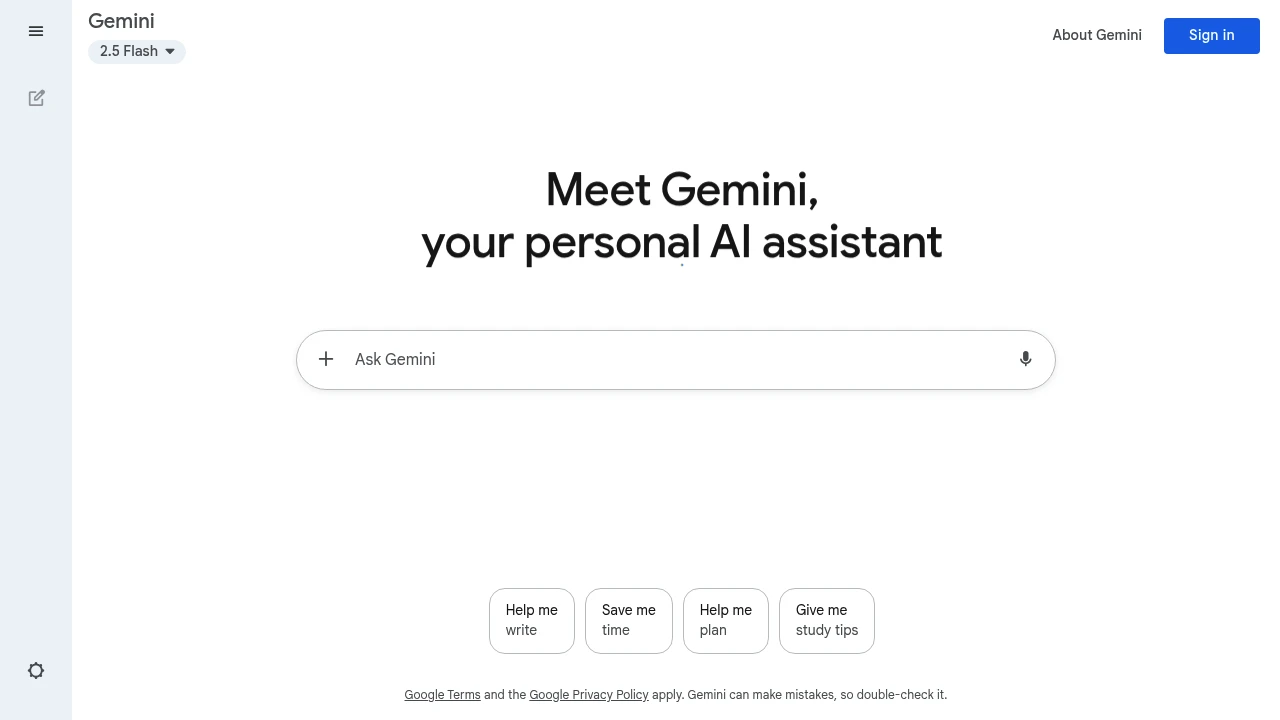
Gemini is a conversational AI tool from Google that helps users with writing, coding, research, and creative tasks across multiple platforms. It connects directly with Gmail, Docs, and other Google services for smooth workflow integration.
Key Highlights
- Fast response times for quick task completion
- Multi-language support for global users
- Direct integration with Google Workspace apps
- Free tier available with solid basic features
- Advanced reasoning capabilities with Deep Think model
- Video generation through Veo 3 technology
- Canvas feature for visual project collaboration
- Nano Banana model - Google's state-of-the-art image generation and editing model
What Makes It Different
Gemini stands out through its deep Google ecosystem integration. Unlike standalone AI tools, it works directly inside Gmail, Google Docs, and Chrome browser. This creates seamless workflows without switching between apps.
The tool offers three distinct AI models - Flash for speed, Pro for balance, and Deep Think for complex reasoning tasks.
Features & Capabilities
Gemini handles text generation, code writing, image creation, and video production. Users can chat with documents, generate emails, create presentations, and solve coding problems.
The Canvas feature lets teams collaborate on visual projects. NotebookLM helps with research tasks by analyzing documents and sources. Gemini Live enables voice conversations for hands-free interaction.
User Ratings and Testimonials
Gemini has an average rating of 4.4 out of 5 stars from 162 reviews on G2.
Users praise the clean interface and quick Google service integration. Many find it helpful for daily writing tasks and basic coding projects. The fast response times and multi-language features get positive feedback.
However, some users report that image generation lags behind competitors like DALL-E. Others mention occasional spelling mistakes and incomplete answers for complex coding tasks.
Pricing & Value
Gemini offers three pricing plans:
- Free: $0/month with access to Gemini 2.5 Flash, limited 2.5 Pro access, and image generation with Imagen 4.
- Google AI Pro: $19.99/month for more access to Gemini 2.5 Pro, video generation with Veo 3 Fast, and integration across Google apps.
- Google AI Ultra: $249.99/month with highest access to Veo 3 video generation, Gemini 2.5 Deep Think reasoning model, and exclusive features like Project Mariner.
All plans include access to Gemini Live, Canvas, Gems, and NotebookLM research assistant.
The Free plan offers solid basic AI capabilities for everyday tasks. College students get the Pro plan free for one year.
Pro plan includes a free one-month trial, while Ultra offers 50% off for the first three months.
The main value comes from Google ecosystem integration, making AI accessible directly in Gmail, Docs, Search, and Chrome.

Meet Grok by xAI: your truth-seeking AI companion for honest answers and insightful analysis.
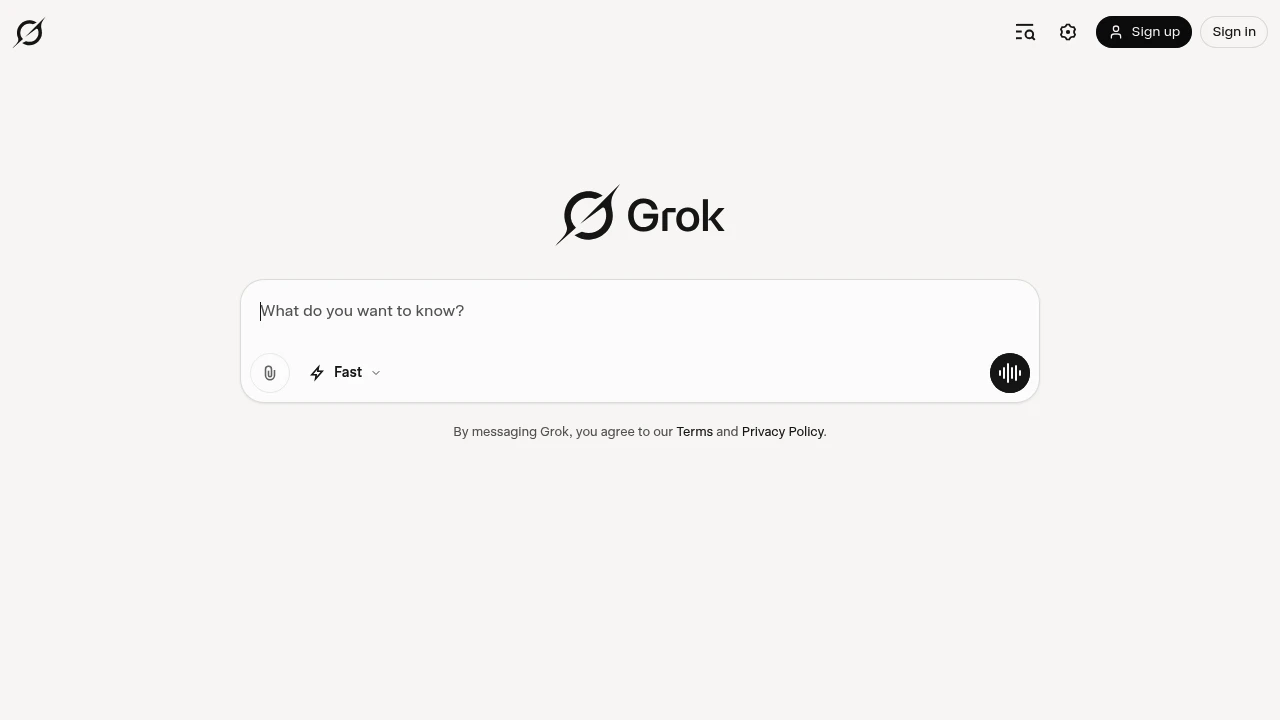
Grok is xAI's conversational AI assistant that combines real-time data access with advanced reasoning capabilities. Built for professionals and curious minds who want unfiltered insights and practical help with coding, research, and creative tasks.
Key Highlights
- Real-time search integration with X platform data
- Advanced reasoning through "Think" mode for complex problems
- Voice conversation capabilities with natural dialogue
- Image and video generation from text prompts
- Code writing and debugging assistance
- Document analysis and summarization
- Multi-platform availability (web, mobile, X integration)
- Uncensored responses with witty personality
What Makes It Different
Grok stands out with its direct access to real-time X data, giving it current information that other AI models lack. The AI takes a "rebellious" approach with unfiltered responses and witty personality.
Its Think mode provides deep reasoning for complex problems, while Grok Heavy offers extended processing time for challenging tasks. The integration across X's ecosystem makes it unique among AI assistants.
Features & Capabilities
Grok offers conversation, coding, and creative capabilities in one platform. Users can generate images and videos, analyze documents, write and debug code, and get real-time insights from social media trends.
The voice mode allows natural conversations, while the Think feature tackles complex reasoning tasks. Document processing helps summarize lengthy reports and extract key insights.
The AI handles everything from casual questions to professional coding projects and creative writing tasks.
User Ratings and Testimonials
Grok has an average rating of 4.9 out of 5 stars from over 1 million reviews on the Play Store.
Users praise the AI's quality and conversational abilities. Many find it helpful for research, writing, and problem-solving tasks. The voice mode gets positive feedback for its natural feel and multiple personality options.
Common complaints include app stability issues. Users report crashes, screen orientation problems that erase prompts, and voice mode cutting out unexpectedly. Some Android users feel the app lacks features available on iOS.
Technical issues like text input glitches and photo upload problems are frequently mentioned. Several users find the $30 monthly subscription expensive, especially when features don't work properly.
Pricing & Value
Grok offers three pricing plans:
- Basic: Free with limited access to Grok 3, limited context memory, Aurora model, projects, and tasks.
- SuperGrok: $30/month for increased access to Grok 4, increased Grok 3 access, and 128,000 token context memory.
- SuperGrok Heavy: $300/month with exclusive Grok 4 Heavy preview, extended Grok 4 access, and 256,000 token context memory.
The SuperGrok plan includes voice with vision capabilities and replaces Grok 3 Think and DeepSearch features.
Grok provides a free tier with basic AI access, making it accessible for users to test before upgrading to paid plans with more advanced models and larger context windows.
Similar proprietary alternatives:

 bisibility — Free beta: Track your website’s keywords, Google rankings, Search Console insights, and share of voice.


