
BrowserSkill
Connect AI agents to your logged-in browser with a CLI and extension for web workflows, data capture, and debugging.
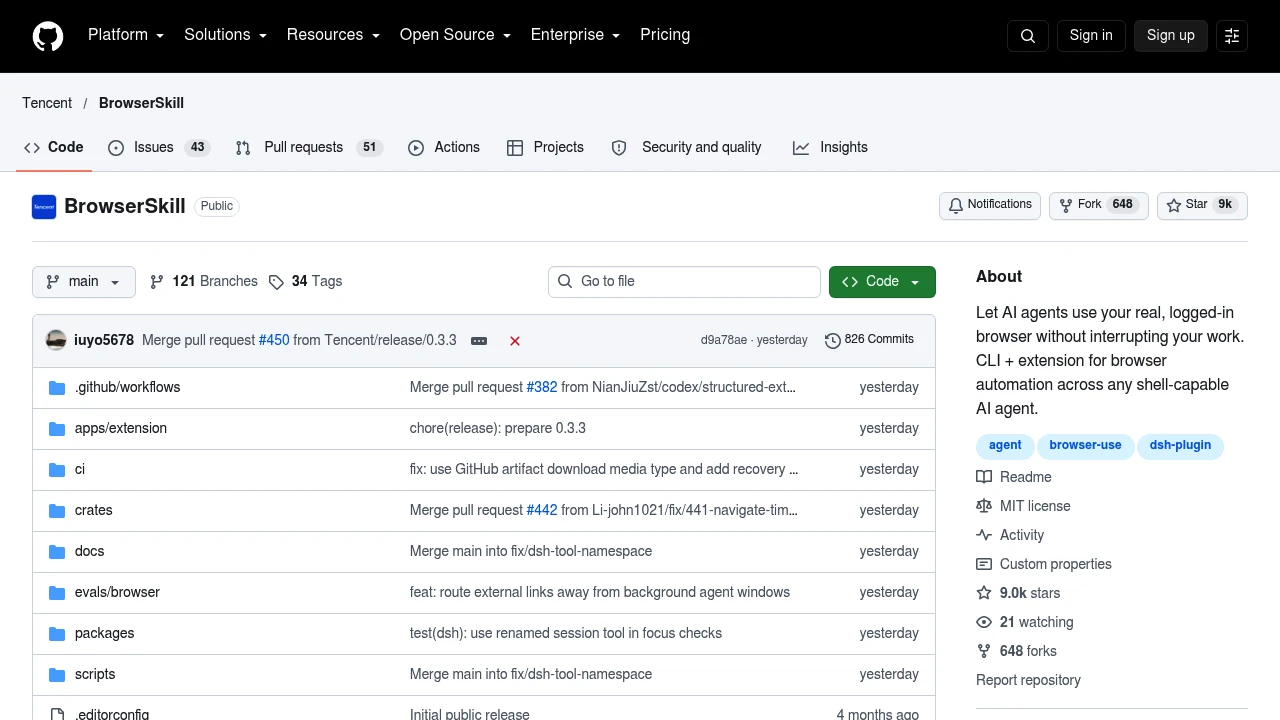
BrowserSkill is Tencent's CLI and browser extension for connecting AI agents to an already logged-in browser. It helps developers and people automating web workflows read pages, fill forms, and investigate website problems. Tasks run in a separate, visible Agent Window using the selected profile's accounts.
Key Highlights
- Reuse existing logins in Chrome or Microsoft Edge
- Connect shell-capable agents through the bsk CLI
- Borrow existing tabs with confirmation enabled by default
- Capture screenshots and inspect requests and console output
- Run locally without a mandatory cloud service
What Makes It Different
BrowserSkill provides the browser connection while you choose the agent and model. Cursor, Claude Code, Codex, and other shell-capable agents can use it; DeepSeek Harness has a dedicated plugin. The Agent Window shares your profile's permissions, so it is not an account sandbox. Automation results go to your chosen daemon or gateway and agent.
Features & Capabilities
Agents can inspect controls, click, type, manage tabs, and capture full-page screenshots. Website debugging connects actions with requests, response bodies, and console messages. Local mode supports file uploads and downloads; remote pairing connects a server-side agent to the browser on your computer.
The CLI supports macOS on Apple Silicon and Intel, Linux x64 and ARM64, and Windows x64. Installers are supplied for macOS/Linux and Windows, with extensions distributed through the Chrome Web Store and Edge Add-ons. Chrome and Edge require Chromium 125 or later; other Chromium browsers have no compatibility guarantee. Store builds can lag behind repository features.
User Ratings and Testimonials
Evaluate it on the signed-in sites you actually use, including tab borrowing and human handoffs. Native popups can briefly activate a browser window, and full-page screenshots have limits with nested scrolling panels and virtualized lists. These constraints matter when assessing whether a workflow can run while you keep working.
Pricing & Value
- Open-source software: Free to use under the MIT license, with no mandatory BrowserSkill cloud service.
- Agent and hosting costs: Your chosen model provider, agent subscription, or optional server hosting may carry separate charges.
The software license does not include model usage or hosting. Local use suits people who already have a compatible agent and browser.
Product facts
- Pricing
- MIT-licensed software; model, agent, and host costs are separate.Verified Official source
- Access
- CLI and browser extension for an existing logged-in browser.Verified Official source
- Product status
- An active product is offered through the official product or repository pages.Verified Official source

You might also like
 bisibility — Free beta: Track your website’s keywords, Google rankings, Search Console insights, and share of voice.

