
Google Stitch
A free Google Labs tool that turns text prompts, sketches, or screenshots into mobile and web UI designs you can export to Figma or code.
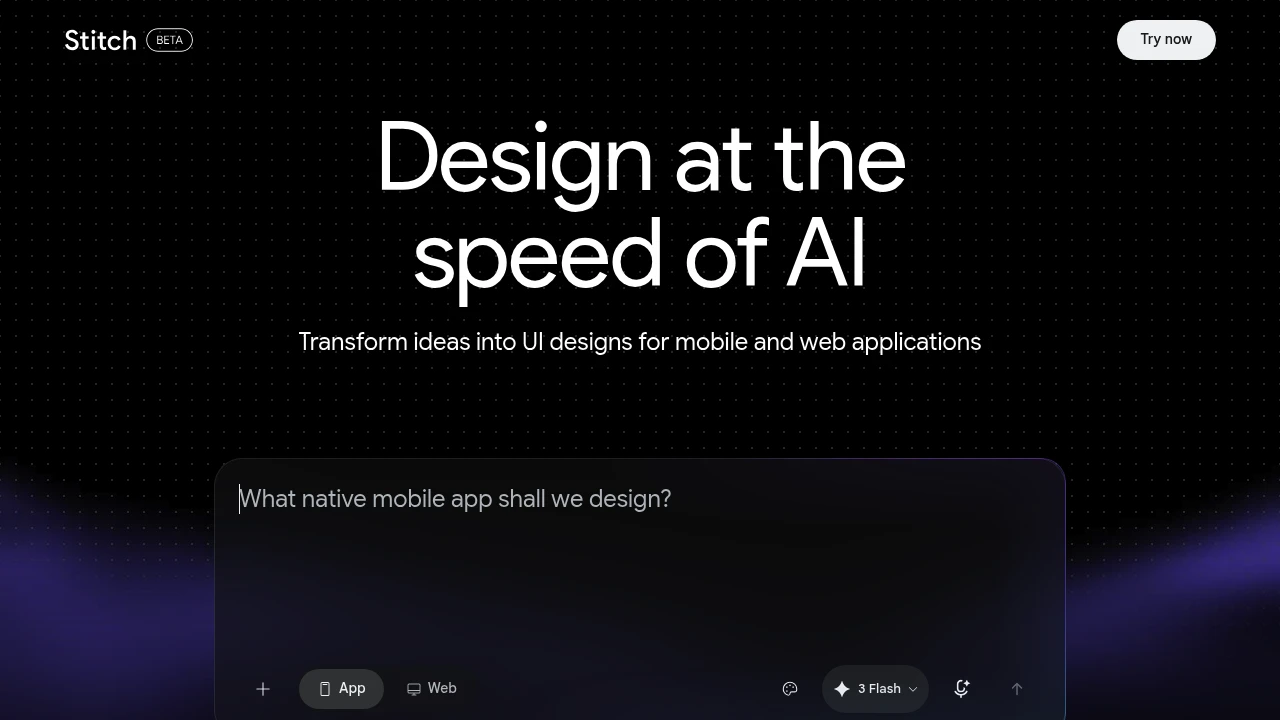
Google Stitch is a free AI design tool from Google Labs that turns text prompts, sketches, or screenshots into user interfaces for mobile and web apps. It is built for designers, founders, and developers who want to move from idea to a working layout in minutes. Stitch is the relaunch of Galileo AI, which Google acquired in 2025 and rebuilt around its Gemini models.
Key Highlights
- Generates full mobile and web UI screens from a plain text prompt
- Accepts sketches, wireframes, and screenshots as references in Experimental Mode
- Exports clean, responsive HTML and Tailwind CSS code
- Sends designs to Figma with Auto Layout and named, editable layers
- Connects to coding agents (Claude Code, Cursor, Gemini CLI) over an MCP server
- Runs on Google's Gemini models, free with just a Google account
What Makes It Different
Stitch covers both ends of the design-to-build handoff. Standard Mode uses a faster Gemini model and supports Figma export, while Experimental Mode uses a stronger Gemini model and accepts image inputs like sketches and screenshots. The Figma output is not a flat image: it arrives with proper Auto Layout, grouped components, and editable text, so it works as a real starting file rather than a reference picture.
Features & Capabilities
You describe a screen or flow in plain language, pick a mode, and Stitch produces responsive UI you can refine through follow-up prompts. From any screen you can copy or download the generated HTML and Tailwind CSS, or paste straight into Figma. The 2.0 update added newer Gemini models and a multi-screen canvas for exploring several directions at once.
Stitch also ships an MCP server with official skills for Claude Code, Cursor, and the Gemini CLI, so a coding agent can pull a screen's code and assets into a development workflow. It is an ideation tool that shortens early layout work rather than replacing a designer.
User Ratings and Testimonials
Reviewers in 2026 generally rate Stitch well for a free tool, praising fast ideation, sketch-to-design conversion, and the clean Figma and code exports. Common criticisms are that generated layouts can fail basic accessibility checks (color contrast, touch target sizes), that outputs lean on familiar patterns and look similar, and that credit usage per prompt is hard to predict.
Pricing & Value
- Free beta: $0, just a Google account, no credit card. Daily free credits (roughly 400 design and 15 redesign credits per day on Stitch 2.0) that reset at midnight UTC
- Standard Mode: included free, faster Gemini model, supports Figma export, no image uploads
- Experimental Mode: included free, stronger Gemini model and image inputs, with a lower daily generation limit
Stitch is free while it stays a Labs experiment, making it one of the lowest-cost ways to test AI UI generation. Its predecessor Galileo AI was a paid subscription, so the current no-cost access is a notable change.
Product facts
- Pricing
- Not yet verified
- Access
- Not yet verified
- Product status
- Not yet verified


FAQs
Google Stitch is a free Google Labs tool that turns text prompts, sketches, or screenshots into mobile and web UI designs. It is the relaunch of Galileo AI.
Yes. Stitch is free during its public beta. You only need a Google account, no credit card, and it runs on daily free credits that reset each day.
Go to stitch.withgoogle.com and sign in with a Google account. There is no install or signup fee; you can start generating UI screens right away.
Yes, anyone with a Google account can use it. It is aimed at designers, founders, and developers, but no design or coding background is required to start.
Reviewers rate it well for fast ideation and Figma or code export. Common gripes are accessibility gaps and outputs that lean on similar, familiar patterns.
It depends on your needs. Tools like Figma, Uizard, or Banani may suit production work better, but few free options match Stitch for quick AI UI ideation.

You might also like
 bisibility — Free beta: Track your website’s keywords, Google rankings, Search Console insights, and share of voice.
