Figma Alternatives
A curated collection of the 4 best alternatives to Figma.
The best alternative to Figma is Google Stitch. If that doesn't suit you, we've compiled a ranked list of other Figma alternatives to help you find a suitable replacement. Other interesting alternatives to Figma are: Visily, Uizard and UX Pilot.
Figma alternatives are mainly AI Design tools. Browse these if you want a narrower list of alternatives or looking for a specific functionality of Figma.


A free Google Labs tool that turns text prompts, sketches, or screenshots into mobile and web UI designs you can export to Figma or code.
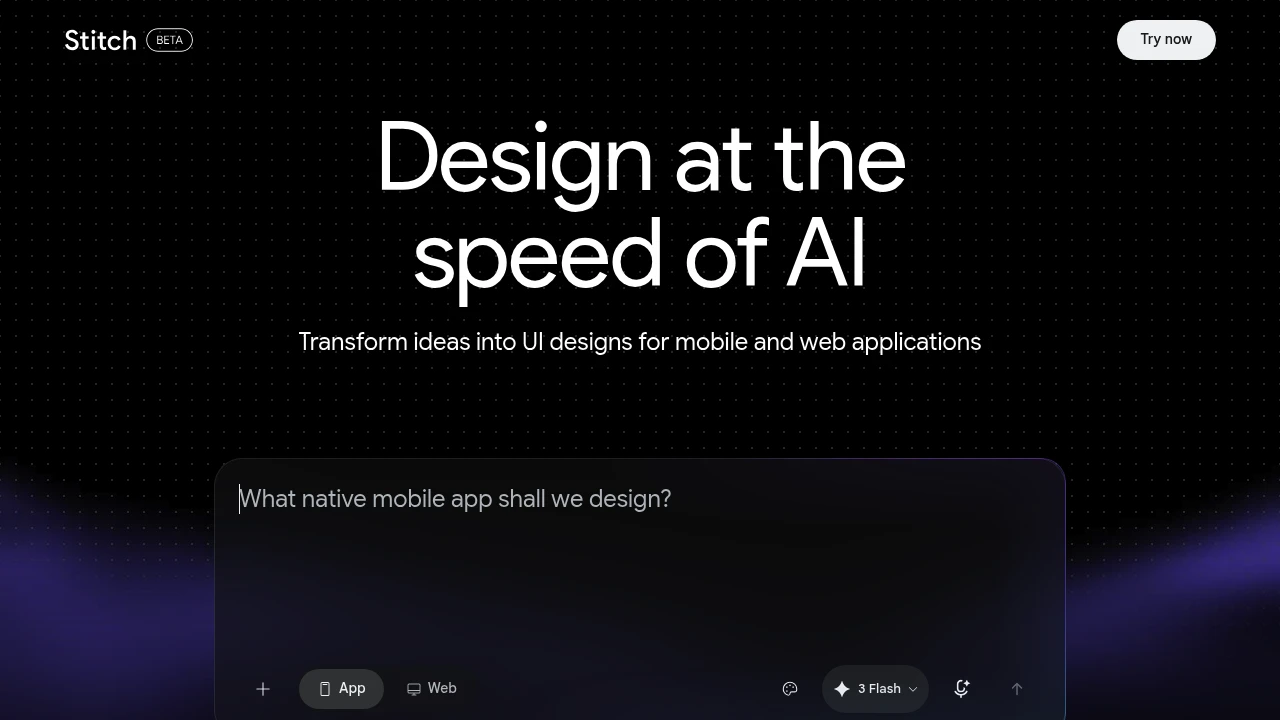
Google Stitch is a free AI design tool from Google Labs that turns text prompts, sketches, or screenshots into user interfaces for mobile and web apps. It is built for designers, founders, and developers who want to move from idea to a working layout in minutes. Stitch is the relaunch of Galileo AI, which Google acquired in 2025 and rebuilt around its Gemini models.
Key Highlights
- Generates full mobile and web UI screens from a plain text prompt
- Accepts sketches, wireframes, and screenshots as references in Experimental Mode
- Exports clean, responsive HTML and Tailwind CSS code
- Sends designs to Figma with Auto Layout and named, editable layers
- Connects to coding agents (Claude Code, Cursor, Gemini CLI) over an MCP server
- Runs on Google's Gemini models, free with just a Google account
What Makes It Different
Stitch covers both ends of the design-to-build handoff. Standard Mode uses a faster Gemini model and supports Figma export, while Experimental Mode uses a stronger Gemini model and accepts image inputs like sketches and screenshots. The Figma output is not a flat image: it arrives with proper Auto Layout, grouped components, and editable text, so it works as a real starting file rather than a reference picture.
Features & Capabilities
You describe a screen or flow in plain language, pick a mode, and Stitch produces responsive UI you can refine through follow-up prompts. From any screen you can copy or download the generated HTML and Tailwind CSS, or paste straight into Figma. The 2.0 update added newer Gemini models and a multi-screen canvas for exploring several directions at once.
Stitch also ships an MCP server with official skills for Claude Code, Cursor, and the Gemini CLI, so a coding agent can pull a screen's code and assets into a development workflow. It is an ideation tool that shortens early layout work rather than replacing a designer.
User Ratings and Testimonials
Reviewers in 2026 generally rate Stitch well for a free tool, praising fast ideation, sketch-to-design conversion, and the clean Figma and code exports. Common criticisms are that generated layouts can fail basic accessibility checks (color contrast, touch target sizes), that outputs lean on familiar patterns and look similar, and that credit usage per prompt is hard to predict.
Pricing & Value
- Free beta: $0, just a Google account, no credit card. Daily free credits (roughly 400 design and 15 redesign credits per day on Stitch 2.0) that reset at midnight UTC
- Standard Mode: included free, faster Gemini model, supports Figma export, no image uploads
- Experimental Mode: included free, stronger Gemini model and image inputs, with a lower daily generation limit
Stitch is free while it stays a Labs experiment, making it one of the lowest-cost ways to test AI UI generation. Its predecessor Galileo AI was a paid subscription, so the current no-cost access is a notable change.
Looking for alternatives to other popular tools? Check out other posts in the alternatives series and flowtools.co, a directory of best AI tools with filters for tags and categories for easy browsing and discovery.

Visily AI gives you the freedom to express ideas however they come - then helps you turn them into real, visual outputs you can build on
 Read more
Visualize, communicate, and iterate on wireframes and prototypes in minutes. Empower your product team with AI.
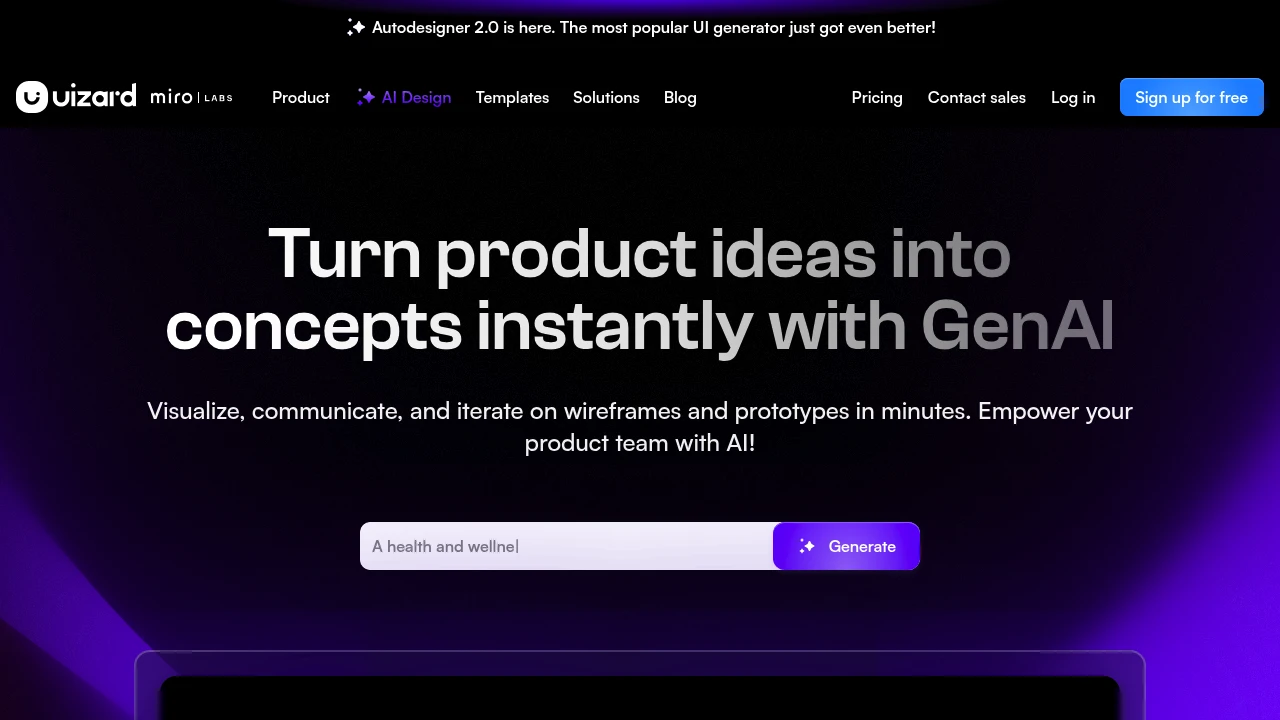
Uizard transforms sketches and ideas into interactive prototypes using AI-powered design tools. This platform helps designers, product managers, and developers create mockups and wireframes without extensive design experience. Teams can build functional prototypes in minutes rather than hours.
Key Highlights
- AI converts hand-drawn sketches into digital designs
- Drag-and-drop interface for quick prototyping
- Pre-built templates and design components
- Real-time collaboration features
- Export to developer-friendly formats
- Mobile and web app design support
What Makes It Different
Uizard stands out with its sketch-to-design AI technology that reads hand-drawn wireframes and converts them into clickable prototypes. The platform bridges the gap between initial concepts and functional designs, making prototyping accessible to non-designers while still offering professional-grade output.
Features & Capabilities
The platform offers AI-powered design generation, collaborative workspaces, and extensive template libraries. Users can create mobile apps, web interfaces, and desktop applications with built-in components like buttons, forms, and navigation elements. The tool supports team workflows with commenting, version control, and stakeholder sharing features.
User Ratings and Testimonials
Uizard has an average rating of 4.2 out of 5 stars from over 300 reviews on G2.
Users praise the drag-and-drop interface and quick prototyping features. They find the AI design suggestions helpful for creating mockups fast. Some users mention the limited customization options for advanced designs. They also note that export formats could be more flexible.
Pricing & Value
Uizard offers several pricing plans:
- Free: $0 for students and hobbyists with 3 AI generations per month, 2 projects, and 10 free templates
- Pro: $12/month with 500 AI generations per month, Autodesigner 2.0 AI engine, and developer handoff React CSS
- Business: $39/month with 5,000 AI generations per month, faster AI generation, and custom brand kit
- Enterprise: Custom pricing with unlimited AI generations, unlimited teams, and design system setup
Pro plan offers 40% savings when billed annually. Business and Enterprise plans are billed annually only.
The free plan gives users a good starting point to test the platform's AI design capabilities before upgrading to paid features.

Stop wasting weeks, launch designs faster than ever.
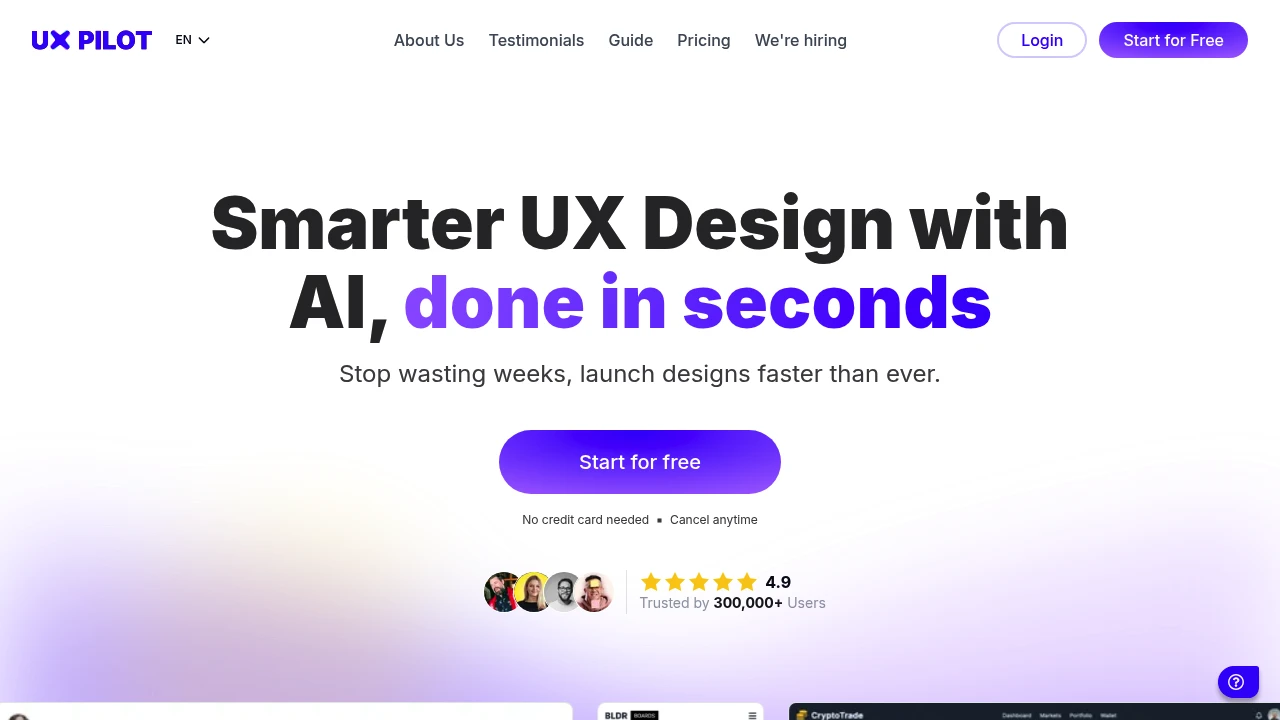
UX Pilot transforms design concepts into working prototypes using AI automation. This tool helps UX designers create wireframes, high-fidelity interfaces, and user flows without starting from scratch. Perfect for design teams who need to move fast from idea to testable prototype.
Key Highlights
- AI-powered wireframe and UI generation from text prompts
- Direct Figma export for seamless workflow integration
- Predictive heatmap analysis for user behavior insights
- Code export functionality for developer handoff
- Free tier with 90 credits to test core features
What Makes It Different
UX Pilot combines wireframing with predictive analytics in one platform. Most design tools focus on creation alone, but this tool adds behavioral prediction through heatmap analysis. The AI understands design patterns and generates layouts that follow UX best practices automatically.
Features & Capabilities
The platform generates complete design systems from simple text descriptions. Users can create up to 200 screens per month on higher plans, with automatic layout suggestions and component libraries.
The tool exports clean code and integrates with existing Figma workflows. Advanced features include image-to-design conversion and custom design system imports for enterprise teams.
Pricing & Value
UX Pilot offers several pricing plans:
- Free: 90 credits (one-time) for up to 15 screens with Hi-fi UI, wireframes, design review, and predictive heatmap
- Standard: $15/month for 420 credits (up to 70 screens) with export to Figma, code export, design files (max 5), and screen flows (max 5 screens)
- Pro: $29/month for 1200 credits (up to 200 screens) with Figma component import, image-to-design, section edit, and unlimited screen flows
- Teams & Enterprise: From $39/user with on-demand credits, shared credit pools, full design system import, custom integration, and priority support
The Free plan gives you a good starting point to test the tool's core features.
Similar proprietary alternatives:

 bisibility — Free beta: Track your website’s keywords, Google rankings, Search Console insights, and share of voice.


