
Opera Neon
Opera Neon combines browsing with AI chat, task execution, research agents, and connections to external AI tools.
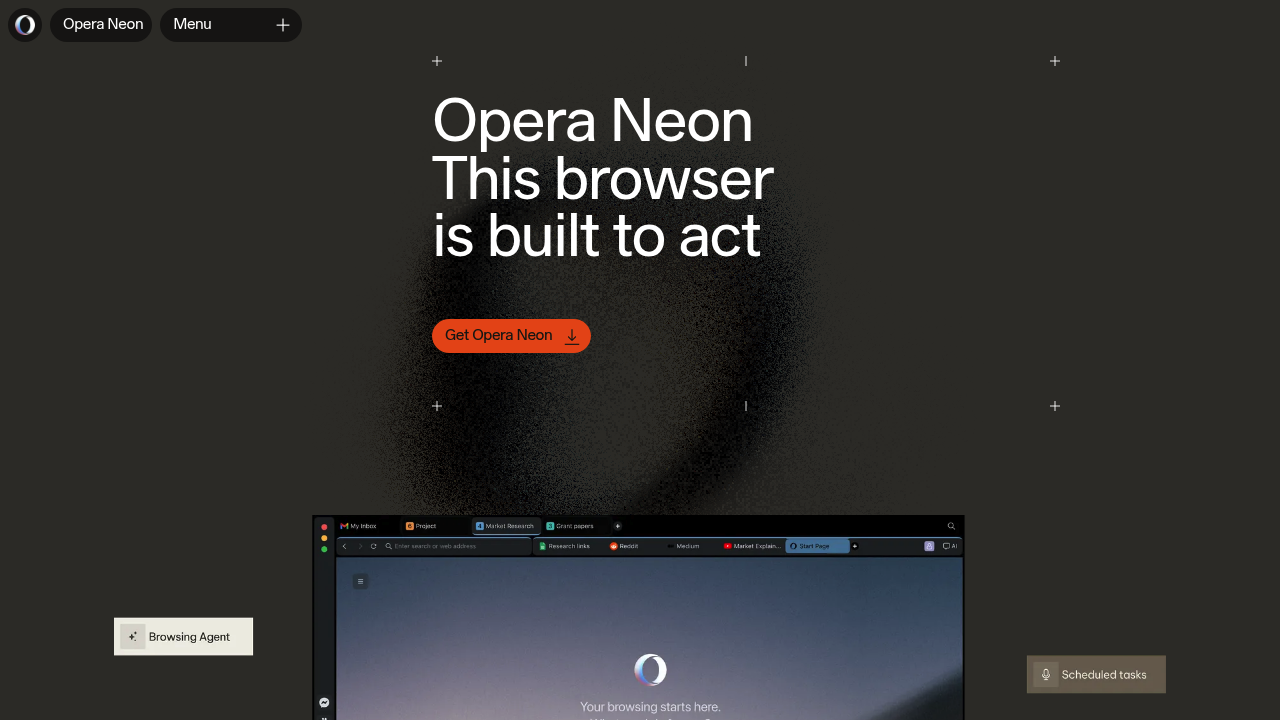
Opera Neon is Opera's agentic desktop browser for macOS and Windows. It combines ordinary browsing with AI agents that use page and tab context to answer questions, research topics, create content, and carry out tasks. Agentic features require a paid subscription.
Key Highlights
- Neon Chat with context from open pages
- Neon Do for actions inside the browser
- Deep, quick, and local research agents
- Reusable task instructions through Neon Cards
- MCP access for compatible external AI tools
What Makes It Different
Neon puts agents inside a browser session where users already have tabs and accounts. Neon Do interacts with pages locally, while cloud models produce its plans. External tools can connect through MCP, with read-only access by default and permission required for browser actions.
Features & Capabilities
Neon Chat compares pages, summarizes tab content, and supports creative tasks. Neon Do works on the current page, manages tabs, and supports scheduled tasks. Users can watch its planned steps, pause execution, or take over.
Research agents serve different needs: detailed reports, quick overviews, or research using local browsing context. Cards save repeatable instructions for reuse across agents. The browser also includes Opera features such as tab management, ad blocking, and a built-in VPN. Model availability changes as Opera updates the product.
User Ratings and Testimonials
Opera describes Neon as an experimental browser developed with its early-access community. Evaluate it on tasks whose results you can inspect, such as comparing documents or organizing a research project. Review external actions before accepting them. Local browser interaction does not mean all AI processing stays on the device; chat and planning use cloud services.
Pricing & Value
- Subscription: Opera advertises Neon at $19.90/month.
An Opera account is required. The paid agentic browser is a separate product from Opera's other browsers and their free AI features. Compare the included agents and actual usage needs with existing AI subscriptions. Do not assume a future mobile edition is available today.
FAQs
No. Opera Neon requires a paid subscription, advertised at $19.90/month. Its free VPN does not make the agentic browser free.
Tags:

You might also like
 bisibility — Free beta: Track your website’s keywords, Google rankings, Search Console insights, and share of voice.

