
Fellou

Fellou is an AI browser for people who want to run research, cross-site workflows, and desktop tasks from prompts.
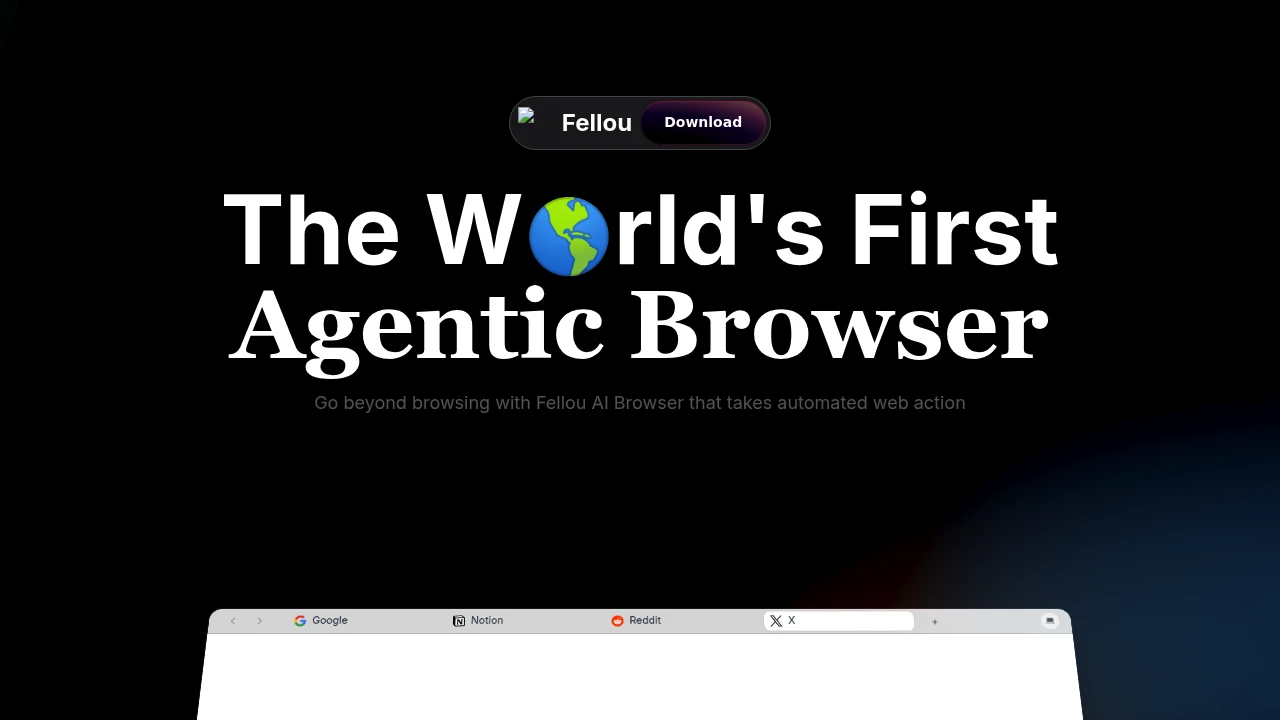
Fellou is an agentic AI browser that turns a written goal into an action plan, then runs web and desktop steps for you. It is built for research, data gathering, reports, and recurring online workflows that would usually require many tabs. You can review the plan, monitor progress, and step in during execution.
Key Highlights
- Builds an editable step-by-step plan before running a task
- Automates multi-step workflows across websites from one prompt
- Researches multiple sources, including logged-in sites
- Uses Browser Use and Computer Use for web actions, local apps, and files
- Supports scheduled tasks, concurrent tasks, and report generation
- Offers an open-source Eko 2.0 framework for custom agents
What Makes It Different
Fellou is closer to a task-running browser than a chat assistant. The site positions it around Deep Action, Deep Search, and Agentic Memory: it can plan a workflow, run it in a back-end workspace, and use your saved context when you allow it.
The important control layer is visibility. Fellou shows the workflow before execution, lets you edit or approve it, and gives you a way to intervene while the agent is working on real websites.
Features & Capabilities
You can ask Fellou to produce research reports, compare competitors, gather pricing data, fill forms, manage social or data-entry work, and move information between services. The homepage examples mention Google, Notion, Reddit, and X, plus reports with verifiable sources.
For deeper automation, Computer Use can operate local apps and desktop files with permission. Fellou can also create presentations, spreadsheets, images, music, code, and visual research reports.
User Ratings and Testimonials
Fellou does not publish an independent average rating. Fellou's homepage includes curated social testimonials that praise report depth, autonomous browsing, and hands-off task execution.
The tradeoffs are worth noting. Fellou may need access to the sites, accounts, and files involved in a workflow. The pricing page also says Spark consumption varies by workflow complexity, so usage is less predictable than a flat browser subscription.
Pricing & Value
- Free: $0/month, 1000 new-user Sparks, about 4 tasks, 2 scheduled tasks, and limited-time unlimited concurrent tasks
- Plus: $19.0/month, 2000 Sparks/month, about 8 tasks, 3 scheduled tasks, priority support, and early feature access
- Pro: $39.9/month, 5000 Sparks/month, about 20 tasks, 5 scheduled tasks, priority support, and early feature access
- Ultra: $199.9/month, limited-time unlimited Sparks, unlimited scheduled tasks, unlimited concurrent tasks, and exclusive priority support
The free plan is enough to test the agentic workflow. Paid plans mainly buy more Sparks, more scheduled tasks, and support priority.
FAQs
It includes plan review, live monitoring, and intervention controls. Review permissions carefully because it can use logged-in sites and local apps.
Fellou lists hi@fellou.ai as contact, but does not publicly name founders or a parent company.
Fellou does not publicly state a headquarters or country. It provides the fellou.ai site and contact email.
Plans listed are Free, Plus $19/month, Pro $39.9/month, and Ultra $199.9/month, with annual discounts for paid tiers.
Yes. The pricing page lists a Free plan at $0/month with a new-user 1000 Spark bonus and 2 scheduled tasks.
Its site highlights praise for research reports and autonomous task execution, but those are curated testimonials rather than ratings.
Tags:

You might also like
 bisibility — Free beta: Track your website’s keywords, Google rankings, Search Console insights, and share of voice.

