Phind

Phind is an AI answer engine for developers who need sourced help with coding, debugging, and technical research.
Phind is an AI answer engine for technical search, coding questions, and developer research. It generated direct answers with source links and code-focused context instead of only returning search results. Current signals are mixed: YC marks Phind inactive, but phind.com still loads a limited app shell.
Key Highlights
- Developer-focused AI answers for programming and technical questions
- Online lookup with source links instead of plain search results
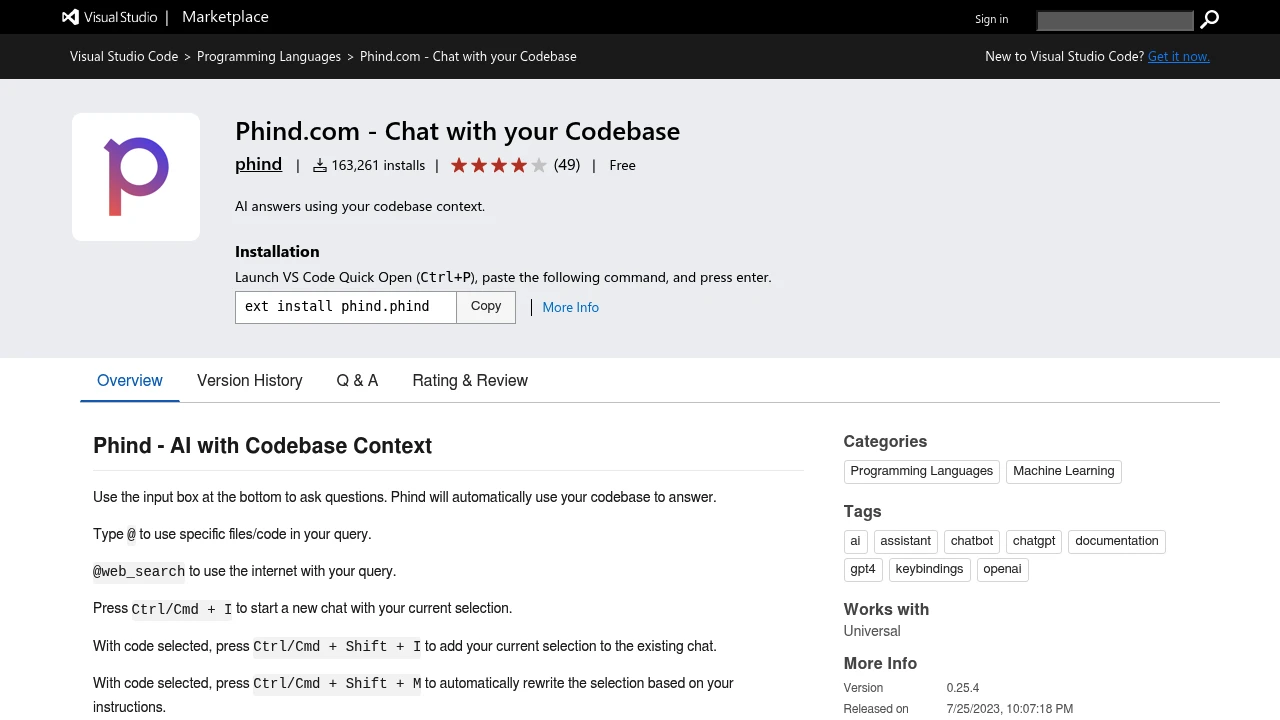
- VS Code extension that can answer with codebase context
- File mentions, terminal-output questions, rewrites, and tab completion in the extension
- Public model selector for Phind Fast, Phind Large, GPT-5.2, Claude, and Gemini
- Current pricing and long-term availability need verification before serious use
What Makes It Different
Phind's original angle was narrow: make AI search useful for programmers by returning direct technical answers with source links, not just summaries.
The VS Code extension carries that idea into the editor. It can use codebase context, selected code, terminal output, specific files, and online lookup in the same chat, so the workflow feels more like code-aware research than a standalone search box.
Features & Capabilities
In the browser, Phind centers on technical questions and AI-written answers. The public page exposes research and implementation model choices, including Phind Fast, Phind Large, GPT-5.2, Claude, and Gemini, plus labels for online lookup, deep research, and maximum reasoning.
In VS Code, developers can type @ to reference files or code, use @web_search for internet context, and use shortcuts for selections, terminal output, rewrites, and tab completion. The extension requires an account and says chats may be saved unless history or no-data-retention settings are disabled.
User Ratings and Testimonials
G2 lists Phind at 5.0/5, but that score is based on only one review, so it is too thin to treat as a stable market rating. The VS Code Marketplace listing gives a stronger adoption signal, with more than 160,000 installs and 49 ratings.
User sentiment is thin and mixed. The only G2 review praises technical answers but criticizes chat history management, while availability and pricing remain uncertain.
Pricing & Value
- Web app: pricing not publicly verified, usage limits are visible on the live page but exact paid tiers were not available from the official pricing capture
- VS Code extension: Free to install, requires a Phind account
Do not rely on older price snippets without checking a signed-in Phind account. G2 says pricing details are not available, and Phind pricing should be checked in a signed-in account.

FAQs
It is used for AI answers to coding, debugging, technical research, and codebase questions through its VS Code extension.
Avoid sharing secrets, review generated code, and check sources. The extension says chats may be saved unless history is disabled.
Current limits are hard to verify. Public signals cite availability uncertainty, sparse pricing, bugs, and incomplete answers.
Perplexity, ChatGPT with search, Claude with online lookup, and Google are common alternatives for technical research.
Phind has not published a shutdown reason. YC marks Phind inactive, but phind.com still loads a limited app shell.

You might also like
 bisibility — Free beta: Track your website’s keywords, Google rankings, Search Console insights, and share of voice.

