
Vizard
A web video editor that helps creators and marketers turn long recordings into captioned clips for social channels.
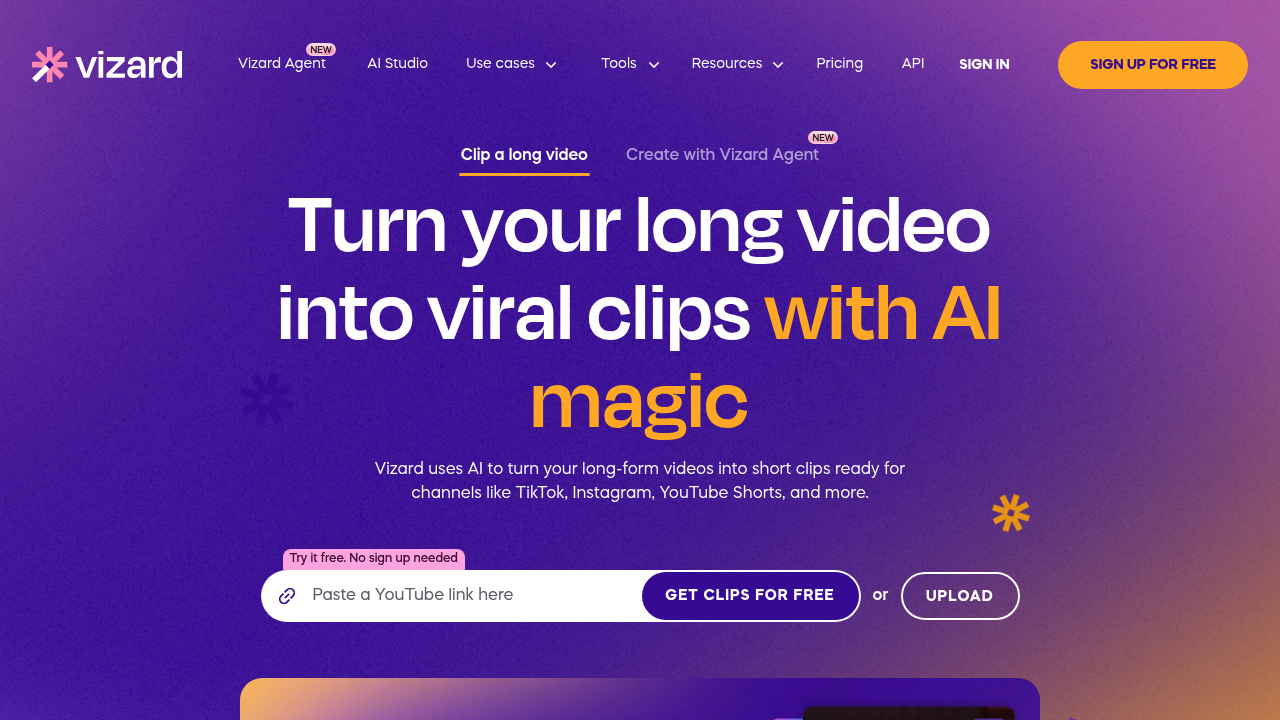
Vizard is a web-based video editor for creators, podcasters and marketing teams. It turns long recordings into short clips for TikTok, Instagram and YouTube Shorts, with AI highlight selection and tools to refine the result.
Key Highlights
- AI clipping selects highlights from longer videos.
- Auto reframing keeps key subjects in vertical clips.
- Text-based editing trims footage through its transcript.
- Caption translation supports over 100 languages.
- Brand templates keep recurring video designs consistent.
What Makes It Different
Clipping, transcript editing and publishing sit in one workflow. Vizard finds candidate highlights and reframes the subject, then lets you adjust the cut, captions and layout for each social channel. Its focus is turning existing recordings into multiple posts.
Features & Capabilities
Upload a video, generate AI clips and refine them using the transcript or timeline. Change aspect ratios, translate captions and apply templates before downloading, sharing a link or publishing directly from Vizard.
Teams can share projects in a workspace. Vizard Agent adds a prompt-based creation path alongside clipping, with templates for product ads, tutorials, photo stories and other video projects.
User Ratings and Testimonials
Customer testimonials praise quick workshop-to-clip editing and simple text edits. View-growth stories describe individual outcomes, so evaluate the clips on their content. Check captions, framing and whether each cut preserves the speaker's meaning before posting.
Pricing & Value
Video-clipping plans use upload credits: one credit covers one minute of uploaded video.
- Free: $0, with 60 credits per month, 720p exports, editor access and three-day storage.
- Creator: Paid, with allowances starting at 600 monthly credits, watermark-free 4K exports, post scheduling and 100 GB of storage.
- Business: Paid, adds shared projects, a brand kit and connections for 20 social media accounts.
Paid pricing varies with credit allowance and billing period. Free is useful for testing clips; its export resolution and short storage window matter when planning ongoing work.
FAQs
No. A free plan includes 60 monthly upload credits, 720p exports and three days of storage. Creator and Business are paid plans.
It turns long recordings into short social clips, with AI highlight selection, automatic reframing, captions and transcript editing.

You might also like
 bisibility — Free beta: Track your website’s keywords, Google rankings, Search Console insights, and share of voice.

