
Composio
Tool execution and authentication infrastructure that connects AI agents to business apps through SDKs and MCP.
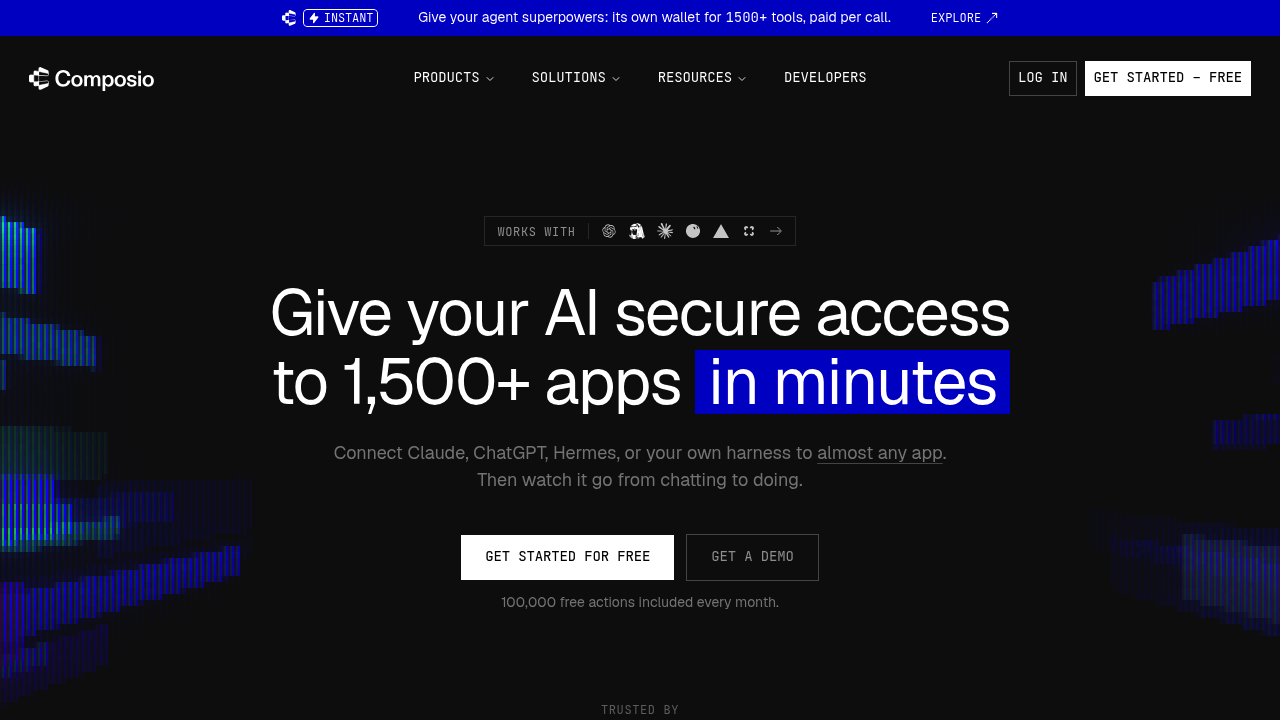
Composio connects AI agents to applications and handles the authentication needed to take actions. Developers can use its SDKs, CLI, or managed MCP connections to give an agent access to tools such as email, issue trackers, and CRM systems. It supports custom tools alongside its existing integration catalog.
Key Highlights
- Tool discovery and execution across connected apps
- Managed OAuth consent, token refresh, and account scopes
- Agent Sessions for tool configuration and execution
- Trigger events delivered to application webhooks
- Custom tools, MCP servers, and developer SDKs
What Makes It Different
Authentication and tool selection sit between the agent and the connected service. Composio loads relevant actions instead of requiring every tool definition in the model's context. Developers can bring their own OAuth applications or use Composio-managed apps; those choices have different included allowances and rates.
Features & Capabilities
Create a Session, connect the user's accounts, and expose the actions needed for a task. An agent can read records, create an issue, or update a business system using the permissions granted to that connection. Managed credential refresh reduces the application's token maintenance work.
Triggers support event-driven workflows rather than repeated polling by your application. Custom tools and existing MCP servers can be used alongside catalog integrations. Instant tools run on provider accounts and draw from a separate balance; their provider charges are distinct from the normal tool-call allowance.
User Ratings and Testimonials
Evaluate a complete connection lifecycle, including initial consent, expired credentials, revoked access, and failed actions. Compare execution logs with the target application's records. Broad catalog coverage does not mean that each integration supports every endpoint or permission your workflow needs.
Pricing & Value
- Hobby: free, hard-capped allowances and three team members.
- Pro: $29/month with $29 monthly usage credit and unlimited team members.
- Enterprise: custom volume and governance terms.
Own-app/API-key/MCP usage includes 100,000 tool calls and 50,000 triggers monthly, with Pro overages of $0.0003/call and $0.003/event. Composio-managed apps have lower free allowances. Instant tools and optional add-ons cost extra; unused Pro credit does not roll over.
FAQs
Hobby is a free plan. Pro costs $29/month with $29 monthly usage credit; overages, managed-app rates, Instant tools, and add-ons can cost extra.
Composio's public SDK repository uses the MIT license. Its managed execution and authentication service has separate cloud plans.
Hobby is a free plan with hard-capped allowances. Own-app/API-key/MCP use includes 100,000 monthly tool calls; managed apps have lower limits.

You might also like
 bisibility — Free beta: Track your website’s keywords, Google rankings, Search Console insights, and share of voice.

