
Dropbox Dash
Dropbox Dash helps teams search connected apps, ask AI questions and organize project files into shared collections.
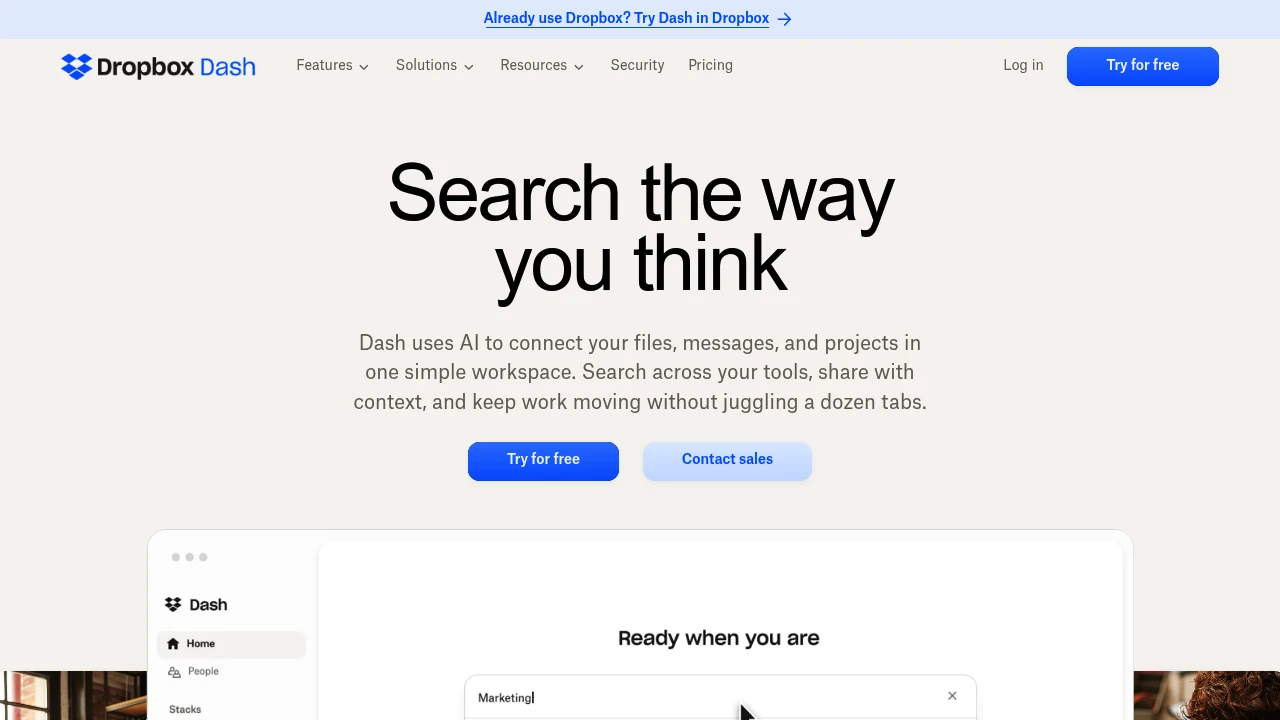
Dropbox Dash is an AI search and organization workspace for teams using multiple work apps. It helps find information, answer questions and summarize connected content. Shared collections let a team assemble project context without copying every file into a new location.
Key Highlights
- Search across supported connected apps
- AI answers and content summaries
- Smart collections for shared project material
- Team administration and app management
- Web, mobile and desktop access
What Makes It Different
Dash connects information that is scattered across work tools and organizes it around questions and projects. Collections provide a shared place to curate related material. Access remains subject to the permissions of the connected applications rather than granting every teammate access to every file.
Features & Capabilities
Connect supported work apps, then search or ask a question about the information available to your account. Dash can summarize material such as meeting notes and campaign briefs. Image search supports describing an image when its filename is unknown.
Teams can curate and share collections, track updates and manage members and administrators. The administration features help control which apps are connected. Review the relevant app permissions and sharing settings before making a collection available to a wider group.
User Ratings and Testimonials
Dropbox offers demonstrations and customer examples for assessing Dash. Search usefulness depends on the apps connected, the quality of the underlying content and the permissions available to each user. Review an AI answer against its linked material before using it in a decision.
Pricing & Value
- Dash for Teams: $19/user/month, or $15/user/month billed yearly, for up to 100 users
- Dash for Business: $35/user/month billed yearly, for more than 100 users
A 30-day trial is advertised. Eligible Dropbox customers may receive promotional discounts; account eligibility and renewal terms affect the final price.

Analytics
Deep dive into AI Tool performance and audience insights.
Growth Trend
StableTraffic growth over last 30 days
Traffic & Engagement
Traffic Sources
Top Countries
FAQs
It connects supported work apps for search, AI answers and shared collections. It may help teams with information spread across several tools.
Visit dash.dropbox.com. Dash supports web, mobile and desktop access; connect supported apps to search your work information.
Dash respects connected-app permissions and provides administration controls. Review app access and sharing settings for your team.
Tags:

You might also like
 bisibility — Free beta: Track your website’s keywords, Google rankings, Search Console insights, and share of voice.