Notion AI Alternatives
A curated collection of the 7 best alternatives to Notion AI.
The best alternative to Notion AI is Gemini Notebook. If that doesn't suit you, we've compiled a ranked list of other Notion AI alternatives to help you find a suitable replacement. Other interesting alternatives to Notion AI are: Dropbox Dash, Evernote, Taskade and Capacities.
Notion AI alternatives are mainly AI Knowledge Management tools but may also be AI Research Assistants tools or AI Universal Search tools. Browse these if you want a narrower list of alternatives or looking for a specific functionality of Notion AI.


Gemini Notebook, formerly NotebookLM, grounds AI answers in notebook sources and creates summaries, mind maps, and Audio Overviews.
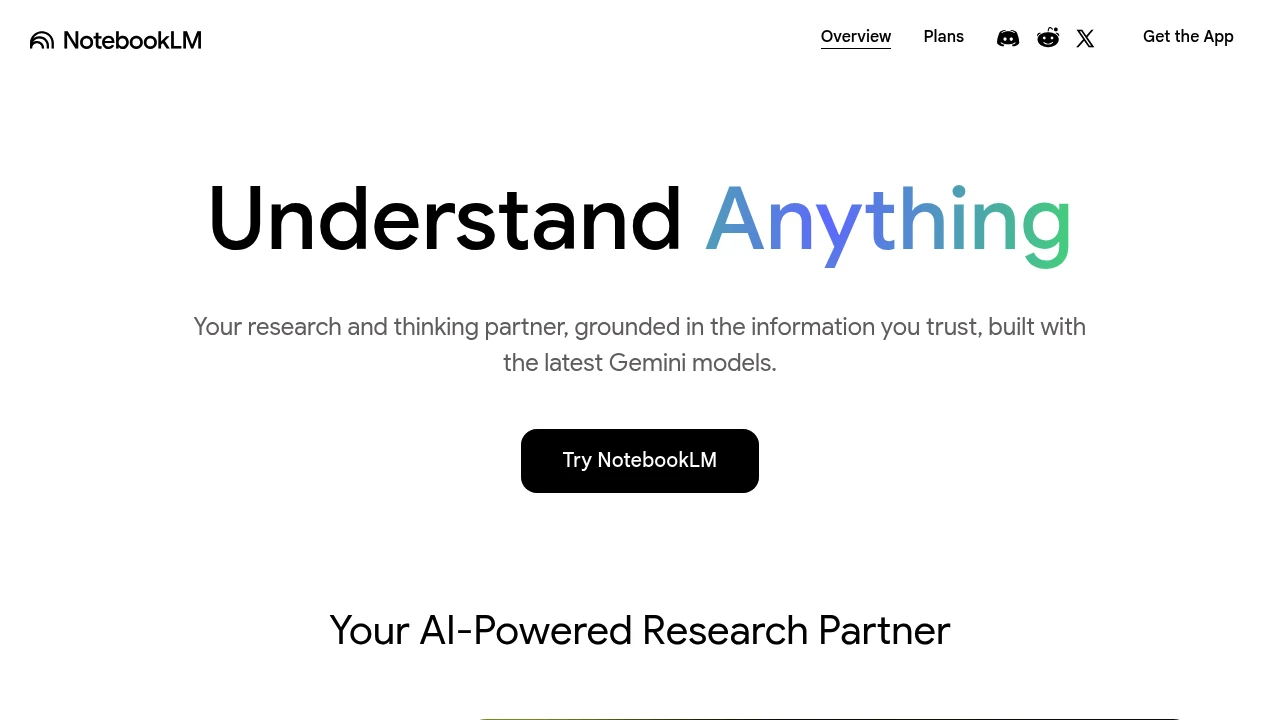
Gemini Notebook, formerly NotebookLM, is Google's AI research tool and thinking partner, with answers grounded in notebook sources. It is built for students, researchers, and professionals who want grounded, citable answers about their own material. You can upload material or discover sources from the web and Google Drive. The app helps you explore that content using Google's Gemini models.
Key Highlights
- Source-grounded chat with citations to notebook material
- Fast Research and Deep Research to discover and import sources
- Accepts PDFs, Google Docs/Slides, websites, YouTube videos, and audio
- Audio Overviews that turn your sources into a podcast-style discussion
- Mind maps and summaries that surface connections across documents
- Notebooks you can organize and share
- Built on the latest Gemini multimodal models
What Makes It Different
Unlike a general chatbot, Gemini Notebook grounds answers in your notebook sources, which makes citations traceable back to the original text. Answers still need review. Audio Overviews turn notebook material into spoken discussions for hands-free review.
Features & Capabilities
You create a notebook, upload sources, and then ask questions, request summaries, or generate study guides, and answers can cite the passages they use. Mind maps help you see how ideas across documents relate.
Audio Overviews convert a notebook into a listenable discussion, and you can steer or interact with them, which is useful for reviewing material hands-free.
User Ratings and Testimonials
Evaluate citations against the original material and review generated Audio Overviews for accuracy. Source quality, notebook limits, and the material selected for a question affect how useful the results are.
Pricing & Value
- Free: full core features with standard source and notebook limits
- Upgraded access: higher limits or premium features through eligible Google AI, Google Workspace, or Google Cloud plans
Compare the standard limits with your notebook sizes and research workload before choosing upgraded access.
Looking for alternatives to other popular tools? Check out other posts in the alternatives series and flowtools.co, a directory of best AI tools with filters for tags and categories for easy browsing and discovery.

Dropbox Dash helps teams search connected apps, ask AI questions and organize project files into shared collections.
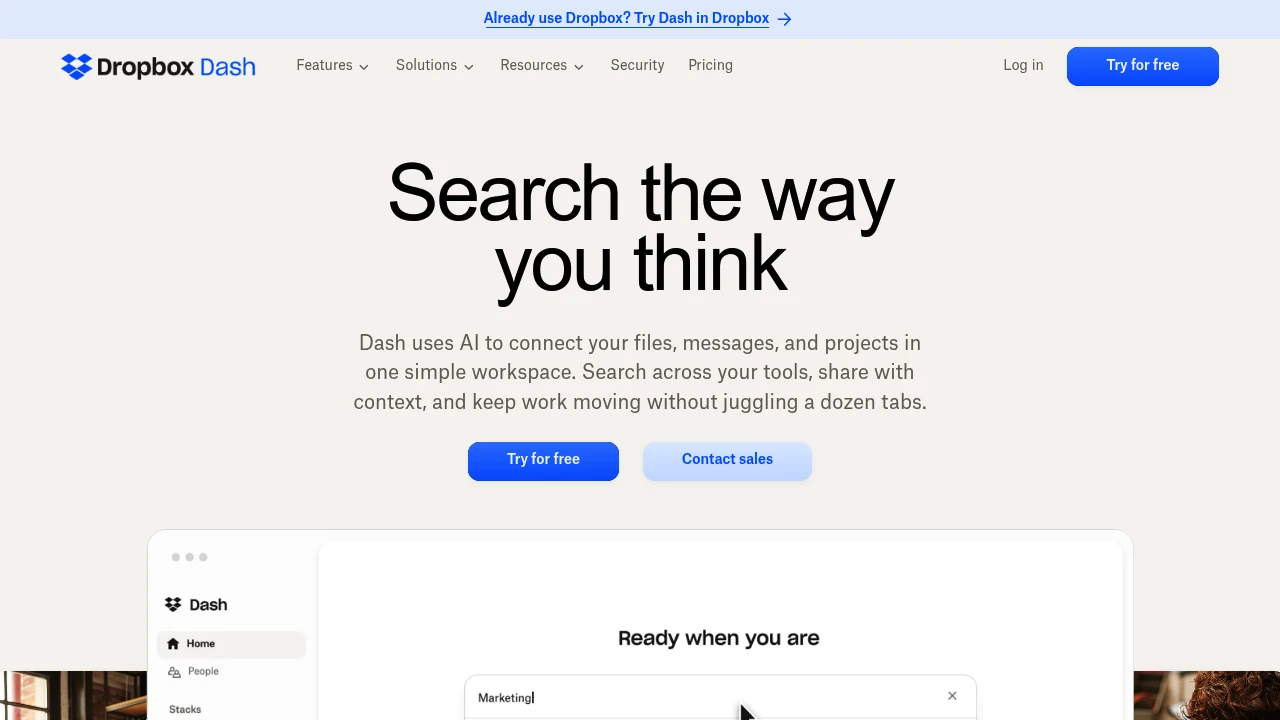
Dropbox Dash is an AI search and organization workspace for teams using multiple work apps. It helps find information, answer questions and summarize connected content. Shared collections let a team assemble project context without copying every file into a new location.
Key Highlights
- Search across supported connected apps
- AI answers and content summaries
- Smart collections for shared project material
- Team administration and app management
- Web, mobile and desktop access
What Makes It Different
Dash connects information that is scattered across work tools and organizes it around questions and projects. Collections provide a shared place to curate related material. Access remains subject to the permissions of the connected applications rather than granting every teammate access to every file.
Features & Capabilities
Connect supported work apps, then search or ask a question about the information available to your account. Dash can summarize material such as meeting notes and campaign briefs. Image search supports describing an image when its filename is unknown.
Teams can curate and share collections, track updates and manage members and administrators. The administration features help control which apps are connected. Review the relevant app permissions and sharing settings before making a collection available to a wider group.
User Ratings and Testimonials
Dropbox offers demonstrations and customer examples for assessing Dash. Search usefulness depends on the apps connected, the quality of the underlying content and the permissions available to each user. Review an AI answer against its linked material before using it in a decision.
Pricing & Value
- Dash for Teams: $19/user/month, or $15/user/month billed yearly, for up to 100 users
- Dash for Business: $35/user/month billed yearly, for more than 100 users
A 30-day trial is advertised. Eligible Dropbox customers may receive promotional discounts; account eligibility and renewal terms affect the final price.

Organize, find, and summarize notes with AI Assistant, Semantic Search, and AI Meeting Notes.
Evernote combines a note workspace with AI tools for finding, organizing, and summarizing information. Its AI Assistant, Semantic Search, and AI Meeting Notes are available to Evernote users. The assistant has monthly and per-chat usage limits, so access should not be confused with unlimited use.
Key Highlights
- AI Assistant for working with notes through chat
- Semantic Search for finding related content
- AI Meeting Notes for transcripts and summaries
- Notes, tasks, and calendar features in one workspace
- Individual AI features can be disabled in Settings
What Makes It Different
The AI features work alongside the notes users already keep in Evernote. Semantic Search can find relevant content from a description when the exact note title is forgotten. Meeting transcripts and summaries provide material to revisit after a conversation, with human review still useful for names, decisions, and context.
Features & Capabilities
AI Assistant can retrieve relevant notes, generate content, organize notes, and add tags. It also supports exploring online information within Evernote. Semantic Search surfaces related notes based on their content. AI Meeting Notes records, transcribes, and summarizes conversations.
Evernote offers apps for iOS, Android, the web, Windows, and Mac. Note storage, notebook counts, and device synchronization allowances vary by plan. Users can enable or disable individual AI features in the AI features section of Settings.
User Ratings and Testimonials
Try the features with your own notes and a meeting transcript. Assess whether related-note retrieval finds the material you need, and review summaries against the conversation. Device and storage limits are practical considerations when choosing a plan for an existing notebook collection.
Pricing & Value
Free is a continuing plan with 50 notes, one notebook, one synchronized device, and 1GB of storage. Starter raises capacity to 1,000 notes, 20 notebooks, and three devices. Advanced and Enterprise provide other capacity and administration options. Compare the current paid subscription terms and assistant allowances before upgrading.

Taskade combines projects, AI agents, app building and automations, with plan-specific users and AI credit allowances.
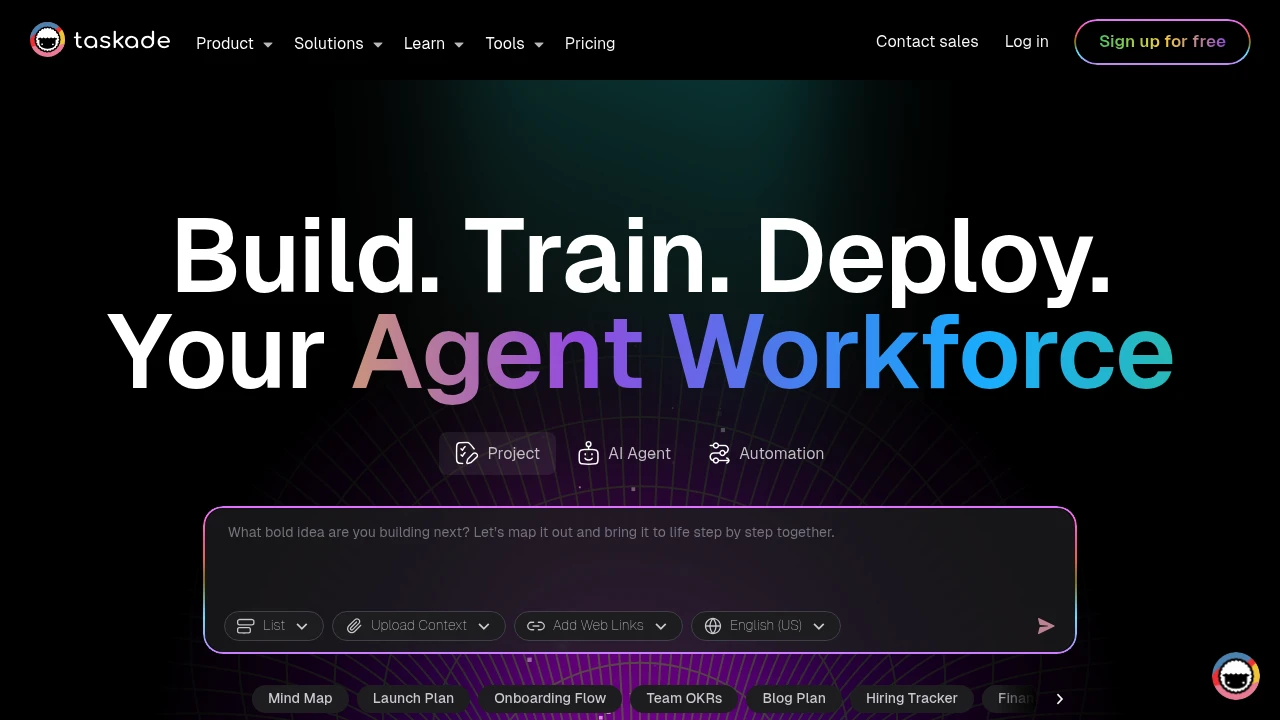
Taskade combines AI-powered project management with real-time team collaboration in one platform. This tool helps teams organize work through dynamic views, automated workflows, and custom AI agents. Perfect for remote teams and project managers who need smart automation.
Key Highlights
- AI Project Studio with custom agents and automations
- Real-time collaboration across multiple project views
- Template library for quick project setup
- Cross-platform sync (web, mobile, desktop)
- Free plan supports two users and up to three Genesis apps
- Dynamic views (lists, boards, calendar, mind maps)
What Makes It Different
Taskade stands out by integrating AI directly into project workflows. Unlike basic project tools, it offers custom AI agents that can automate tasks and generate content. The platform combines traditional project management with AI assistance, making it both a planning tool and an intelligent work assistant.
Features & Capabilities
The platform offers multiple project views including lists, kanban boards, calendars, and mind maps. Teams can create custom AI agents for specific tasks like content generation or data analysis. Real-time collaboration lets multiple users edit simultaneously. The automation system connects different tools and triggers actions based on project changes. Templates cover various use cases from marketing campaigns to software development sprints.
User Ratings and Testimonials
Taskade provides project and app examples for exploring its workspace. Test a representative project, agent and automation before extending the workflow to a team. Check generated outputs and connected actions, and measure how credit use changes with repeated builds or agent runs.
Pricing & Value
- Free: two users, up to three Genesis apps and 6,000 one-time signup credits, issued after verification and the first app build
- Pro: ten users and 50,000 monthly AI credits
- Business: unlimited users and 150,000 monthly AI credits
- Max: unlimited users and 400,000 monthly AI credits
- Enterprise: custom pricing and controls
AI apps, agents and automations consume credits. Free signup credits do not renew monthly. Choose the billing option before comparing paid prices; extra credit packs and plan-specific automation limits also matter.

Capacities is more than a note-taking app. It's a calm place to make sense of the world and create amazing things. Like an artist's studio, it's your creative space for all your knowledge and ideas.
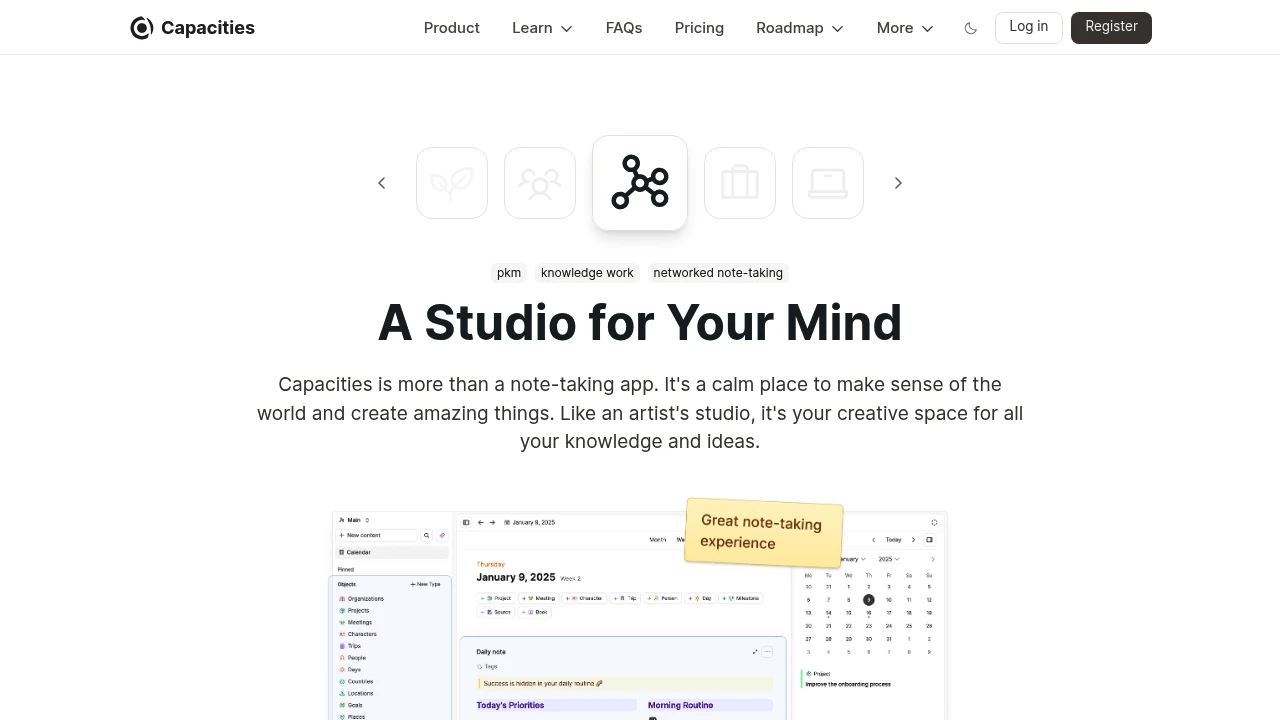
Capacities transforms how you organize and connect information using an object-based approach that mirrors natural thinking patterns.
This knowledge management platform helps professionals, researchers, and teams build interconnected knowledge systems without rigid folder structures. It's designed for people who need flexible note-taking that grows with their ideas.
Key Highlights
- Object-based structure that connects related information automatically
- Clean, intuitive interface with excellent mobile performance
- Daily notes feature for consistent knowledge capture
- Cross-device sync with unlimited spaces and objects
- AI assistant integration for enhanced productivity
- Calendar connections to link time-based information
What Makes It Different
Capacities breaks away from traditional folder-based organization by treating every piece of information as an object that can link to other objects. This creates a web of knowledge that reflects how your brain actually works. Unlike rigid note-taking apps, it adapts to your thinking style rather than forcing you into preset structures.
Features & Capabilities
The platform centers around objects - people, projects, ideas, or any concept you define. These objects connect naturally, creating a knowledge graph that reveals relationships between your information. Daily notes anchor your thoughts to specific dates while maintaining connections to relevant objects.
Core features include unlimited spaces for different projects, flexible templates, media storage, and powerful search capabilities. The system works across all devices with real-time sync, making your knowledge accessible anywhere.
User Ratings and Testimonials
Capacities has an average rating of 4.8 out of 5 stars from 134 reviews on Product Hunt.
People love the object-based approach and find it easy to link notes together. They praise the clean interface and flexible structure. Many switched from Notion and appreciate the better performance on mobile devices. The daily note feature gets positive feedback.
Some concerns include limited offline access and the need for bulk import features. A few worry about future pricing for mobile apps. People also want a web clipper and better table functionality.
Pricing & Value
Capacities offers several pricing plans:
- Free: Unlimited spaces and objects, sync across devices, and 5 GB media storage with 100 MB monthly limit after.
- Pro: $11.99/month with AI assistant, calendar integrations, and unlimited media uploads.
- Believer: From $14.99/month with beta access to new features plus all Pro benefits.
14-day free trial available for Pro plan without credit card required.
The main value of Capacities is its flexible knowledge management system that adapts to how you think and work.

Mem is the AI Thought Partner that captures your ideas, meetings, and research - and brings them back to you exactly when you need them.
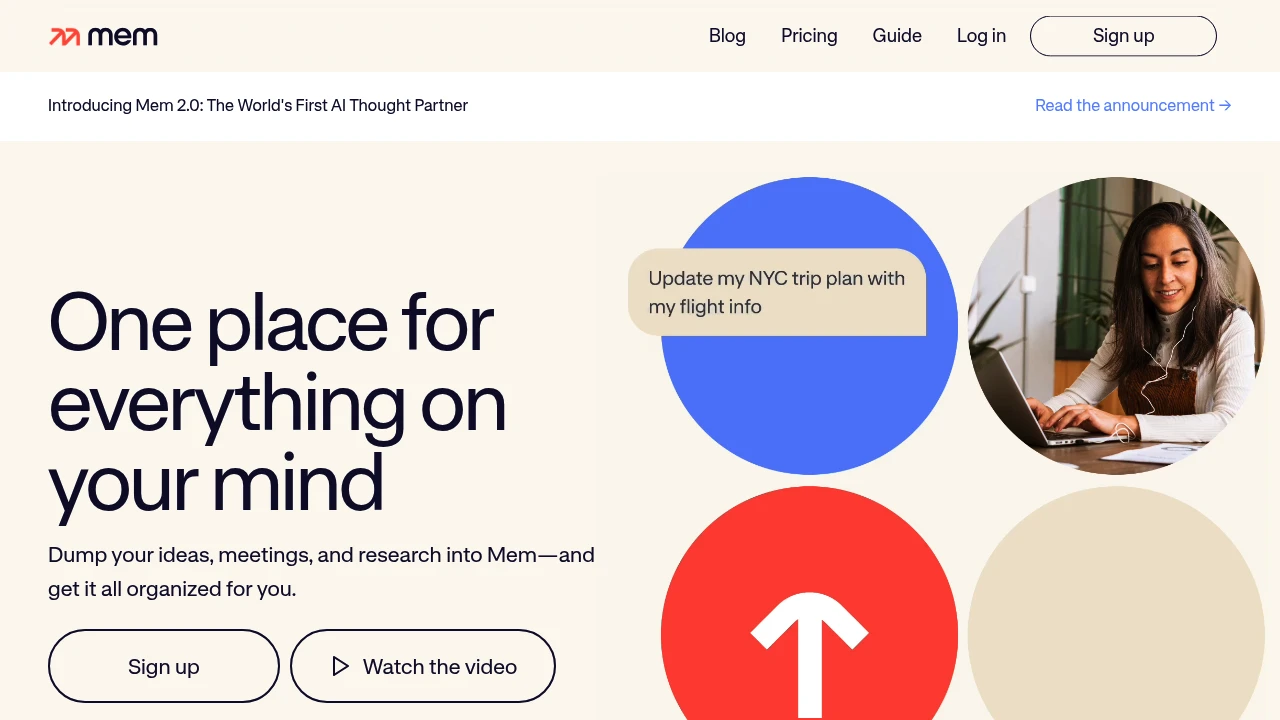
Mem is an AI-powered knowledge management system that automatically captures, organizes, and retrieves information for professionals and researchers. The platform connects related ideas and surfaces relevant content when you need it most. It targets users who want smarter note-taking without manual organization.
Key Highlights
- AI-powered automatic organization and connection of notes
- Fast search functionality across all stored content
- Ligature-supported fonts for improved readability
- Free plan with limited notes, messages and Voice Mode
- Automatic information retrieval based on context
What Makes It Different
Mem focuses on AI-driven knowledge management rather than traditional folder-based organization. The system automatically links related concepts and surfaces relevant information without manual tagging or categorization.
Features & Capabilities
Mem offers AI writing assistance and automatic note organization. The platform includes fast search capabilities and contextual information retrieval. Users can capture thoughts and ideas while the AI handles connections between concepts. The system works best for knowledge workers who need quick access to related information across their notes.
User Ratings and Testimonials
Mem provides AI-assisted note capture and retrieval. Test how it finds related information in a representative set of your notes, rather than assuming automatic organization will suit every project. Compare the monthly note and message allowances, task tracking and supported connections before choosing a plan.
Pricing & Value
Options include the following plans:
- Free: limited monthly messages, new notes, task tracking and Voice Mode.
- Mem Pro: $29/month with 100 messages, 100 new notes, task tracking for 100 notes, 50 open tasks and projects, one custom routine, one connection and 25 hours of Voice Mode per month.
The main value of Mem is its ability to organize and search through your notes using AI-powered connections.
Looking for alternatives to other popular tools? Check out other posts in the alternatives series and flowtools.co, a directory of best AI tools with filters for tags and categories for easy browsing and discovery.

Reflect Open is a local Markdown note app with backlinks, daily notes, optional AI, and iCloud or Git sync.
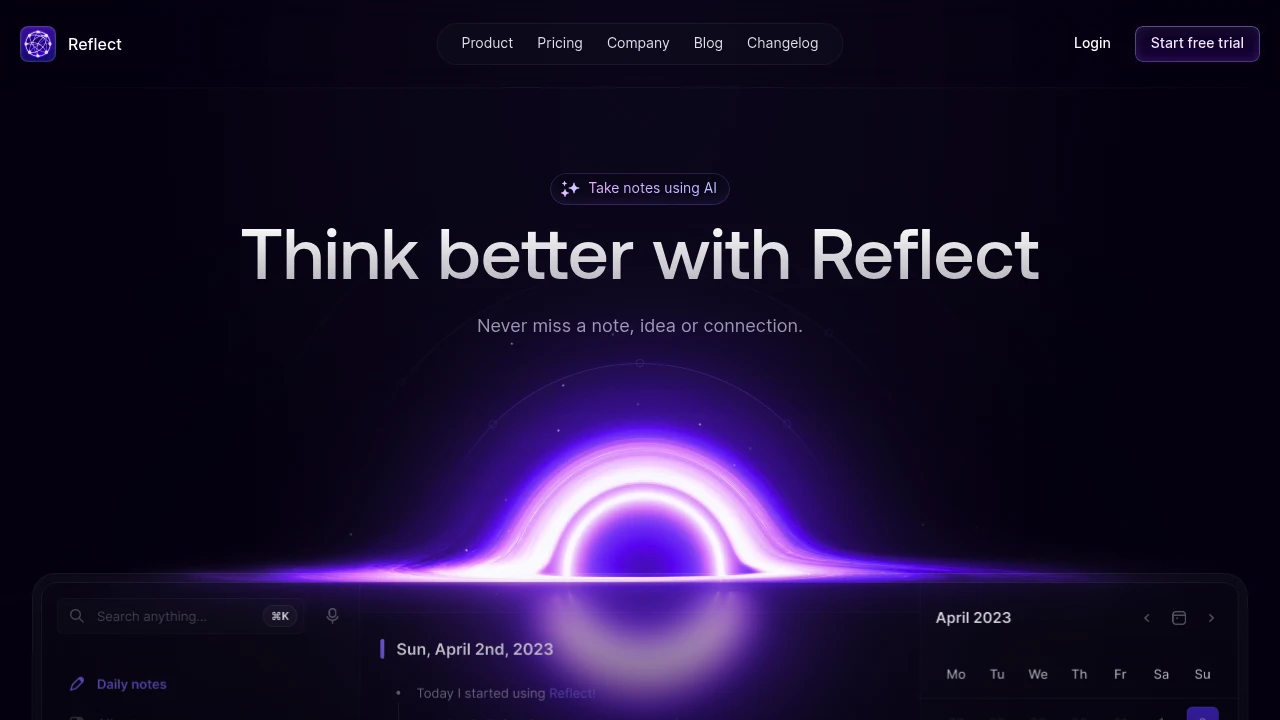
Reflect Open is a note-taking app with daily notes, backlinks, and local Markdown files. It is free on Mac and has a paid iPhone and iPad subscription. Optional AI uses your own provider API key, with provider charges billed separately. Reflect Classic remains a separate maintained product.
Key Highlights
- Notes stored in a local folder you choose
- Daily notes and backlinks for connecting ideas
- Mac, iPhone, and iPad apps
- Sync through iCloud Drive or Git
- Optional AI for questions, summaries, and writing
- Voice-note transcription through your chosen provider
What Makes It Different
Reflect Open separates local notes from optional model use. You choose the folder and sync method rather than relying on an AI assistant to create every relationship automatically. Backlinks connect notes; they should not be described as guaranteed automatic semantic linking of all ideas.
Features & Capabilities
Capture notes, web clips, and audio memos, then use search and backlinks to revisit the material. The Mac browser extension can keep the original link alongside a clip. Device synchronization requires setting up iCloud Drive or Git.
The optional assistant can answer questions with links to notes, summarize text, and help improve writing. It can extract key takeaways and action items from meeting notes, but that does not mean connecting a calendar automatically records every meeting. AI requests go directly to the chosen provider, so review that provider's terms and billing.
User Ratings and Testimonials
Testimonials on the website describe user experiences with Reflect. They do not establish one combined rating for Open and Classic. For an evaluation, consider note portability, sync setup, and whether optional AI fits the material you store.
Pricing & Value
- Mac: free, with no subscription required
- iPhone and iPad: paid subscription at the local App Store price
- Optional AI: separately billed by your provider
Reflect Classic remains maintained with its own subscription. Moving a copy of notes to Open does not automatically cancel a Classic subscription.
This month’s top products
Ranked by total paid bids this month.
Similar proprietary alternatives:

 bisibility — Free beta: Track your website’s keywords, Google rankings, Search Console insights, and share of voice.


