DALL-E Alternatives
A curated collection of the 9 best alternatives to DALL-E.
The best alternative to DALL-E is Ideogram. If that doesn't suit you, we've compiled a ranked list of other DALL-E alternatives to help you find a suitable replacement. Other interesting alternatives to DALL-E are: Krea, Recraft, OpenArt and Flux AI.
DALL-E alternatives are mainly AI Image Generation tools but may also be AI Video Tools tools or AI Design tools. Browse these if you want a narrower list of alternatives or looking for a specific functionality of DALL-E.


Ideogram (pronounced "eye-dee-oh-gram") is a free-to-use AI tool that turns your ideas into stunning images, in a matter of seconds.
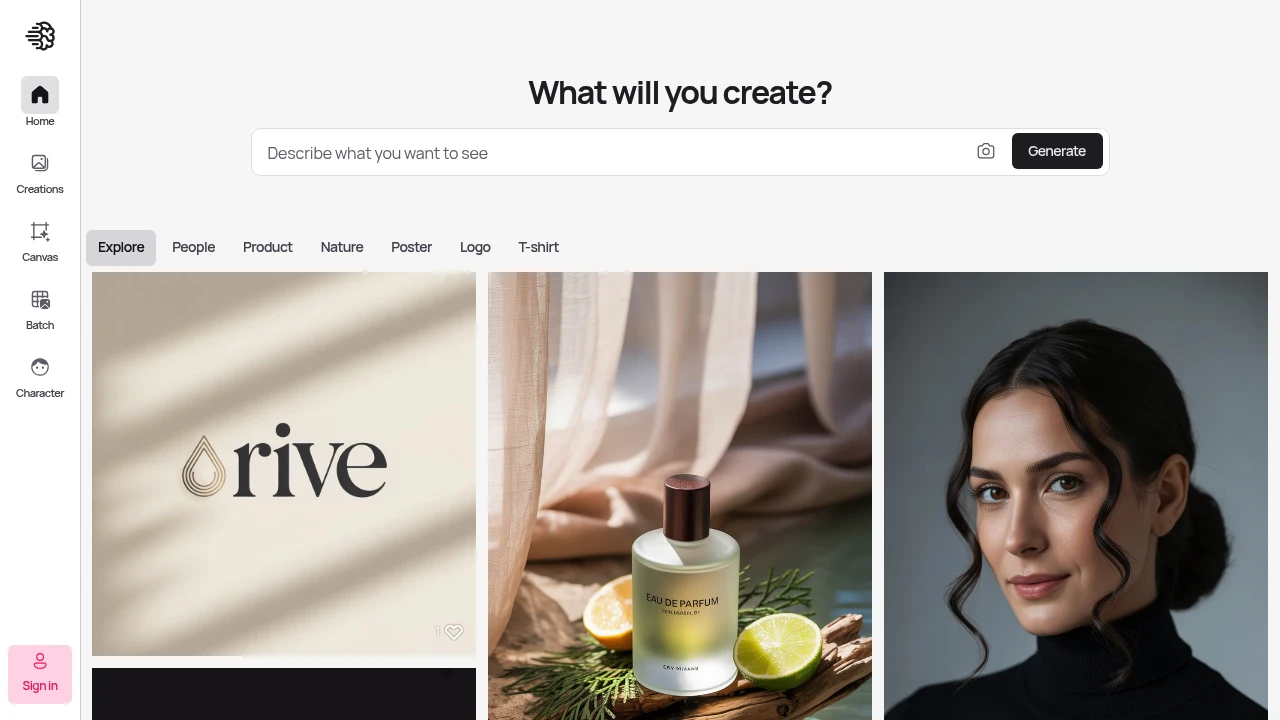
Ideogram creates high-quality visuals with sharp, clean results that match what you're thinking. This platform helps designers and creators make professional images faster than traditional methods.
Key Highlights
- Superior prompt understanding compared to other AI image tools
- Canvas editing feature for post-generation modifications
- Character consistency tools for brand work
- High-quality, sharp visual output
- Fast generation speeds with priority credits
- Team collaboration features available
What Makes It Different
Ideogram sets itself apart with its Canvas editing system. You can modify generated images directly within the platform. The tool also excels at character consistency - keeping the same people or objects looking identical across multiple images. This makes it perfect for brand work and storytelling projects.
Features & Capabilities
Ideogram generates images from text prompts with strong accuracy. The Canvas feature lets you edit images after creation without starting over. You can upload reference images for style matching.
The platform handles various image types including vectors, photos, and illustrations. Batch generation saves time for large projects. Team workspaces allow multiple users to collaborate on visual projects.
User Ratings and Testimonials
Ideogram has an average rating of 5.0 out of 5 stars from 4 reviews on Product Hunt.
Users praise the high image quality and sharp, clean visuals. They find the platform understands prompts better than other AI image tools. Many users report increased creativity and faster development times. Some mention it helps create unique vectors and improves their creative workflow.
Pricing & Value
Ideogram offers several pricing plans:
- Free: $0 - Limited slow credits and basic Canvas access
- Basic: $8/month - 400 priority credits monthly, 100 slow credits daily, and Canvas editing without image upload
- Plus: $20/month - 1,000 priority credits monthly, unlimited slow credits, and image upload for editing
- Pro: $60/month - 3,500 priority credits monthly, batch generation, and best cost per credit
- Team: $30 per user/month (minimum 2 users) - 1,500 priority credits per user and team collaboration features
- Enterprise: Custom pricing with private models, custom credit amounts, and API volume discounts
All paid plans offer 12-20% savings with annual billing.
The free plan provides basic access to test the platform.
Ideogram stands out with its Canvas editing feature and character consistency tools, making it valuable for designers who need reliable AI image generation with editing capabilities.
Looking for alternatives to other popular tools? Check out other posts in the alternatives series and flowtools.co, a directory of best AI tools with filters for tags and categories for easy browsing and discovery.

Krea is a creative AI studio for generating, editing, and upscaling images, video, and 3D, with real-time tools for creators.
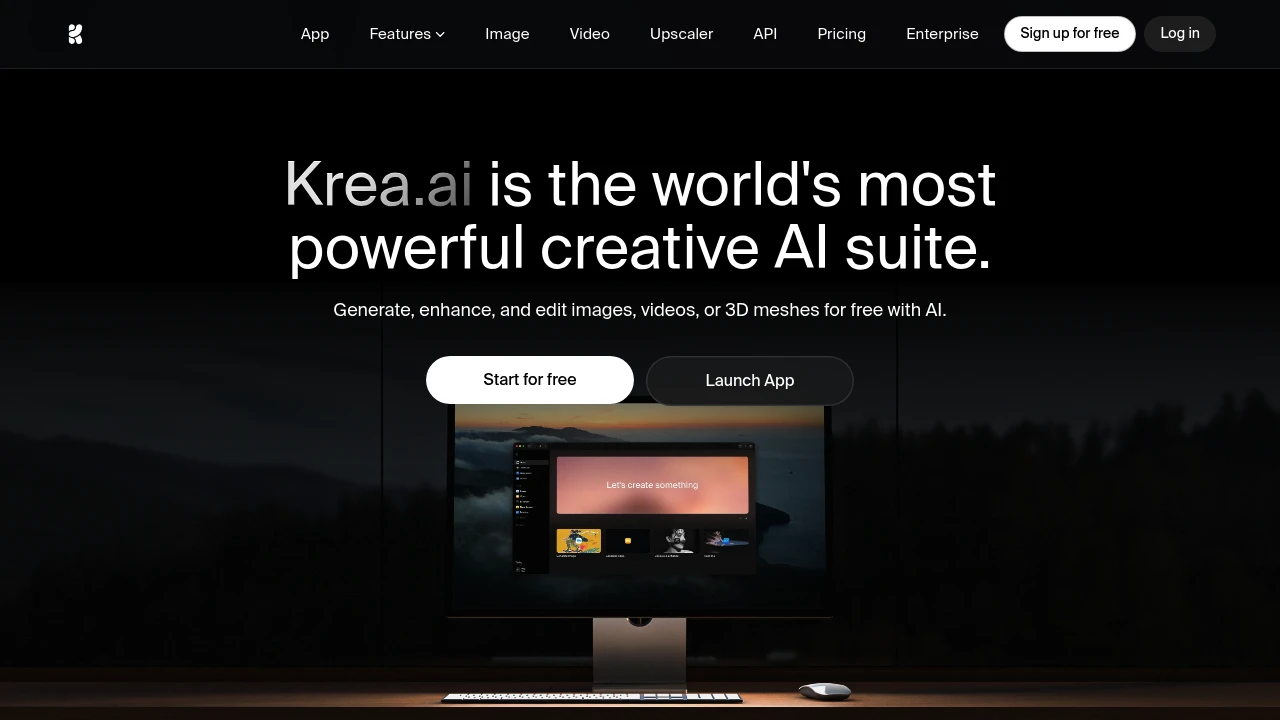
Krea is a creative AI studio that brings image, video, and 3D generation into one workspace. It is built for designers, marketers, and creators who want to generate, edit, upscale, and fine-tune visuals without juggling separate tools. The standout is real-time generation: you draw or type and Krea renders a result almost instantly.
Key Highlights
- Real-time image generation that updates in under 50ms as you type or draw
- 64+ models, including Flux, Veo, Runway, Kling, Ideogram, and Krea's own Krea 2
- Native 4K generation and image upscaling up to 22K
- LoRA fine-tuning on your own face, product, or style
- AI video generation, video upscaling to 8K, and generative editing (Nano Banana, Flux Kontext, Qwen)
What Makes It Different
Most AI image tools lock you to a single model. Krea bundles dozens of leading image, video, and 3D models behind one subscription and one interface, so you can compare Flux, Ideogram, Veo, and others without separate accounts. The real-time canvas is the other differentiator: you manipulate primitives and watch a photorealistic result form live (Krea cites about 3 seconds for a 1024px Flux image).
Features & Capabilities
The workflow covers four areas: generate (images, video, 3D, lipsync), edit (add or remove objects, change lighting, merge images), enhance (upscale and restore photos or footage with Topaz upscalers), and customize (train LoRA models from a few reference images). Over 1,000 styles control composition.
For advanced users, Krea adds Nodes and Apps for workflow automation, plus an AI-powered Nodes Agent that builds workflows from natural language. New models arrive on release day, paid plans include a commercial license, and Krea reports over 30 million users across brands like Lego, Samsung, and Nike.
User Ratings and Testimonials
Krea is well regarded for its speed and for putting many top models in one place, and its minimalist interface is praised as approachable for newcomers. The most common criticism is the compute-unit model: heavy video and upscaling work burns through credits quickly, and the free tier's daily allowance is modest.
Pricing & Value
- Free: $0, 100 compute units per day, real-time models, limited image, video, 3D, and upscaling, no card
- Basic: about $9/month, 5,000 compute units, commercial license, full image and 3D models, LoRA training, and 4K upscaling
- Pro: about $35/month, 20,000 compute units, all video models, Nodes automation, and 8K upscaling
- Max: about $105/month, 60,000 compute units, unlimited concurrency, and 22K upscaling
- Business: about $200/month, 80,000 compute units, up to 50 seats, and team controls
Annual billing lowers the effective monthly cost, and one-time compute packs (valid for 90 days) cover overflow. Basic is the cheapest tier that unlocks commercial use.

Recraft is a text-to-image and design platform for photorealistic images, editable vector art, custom styles, and mockups.
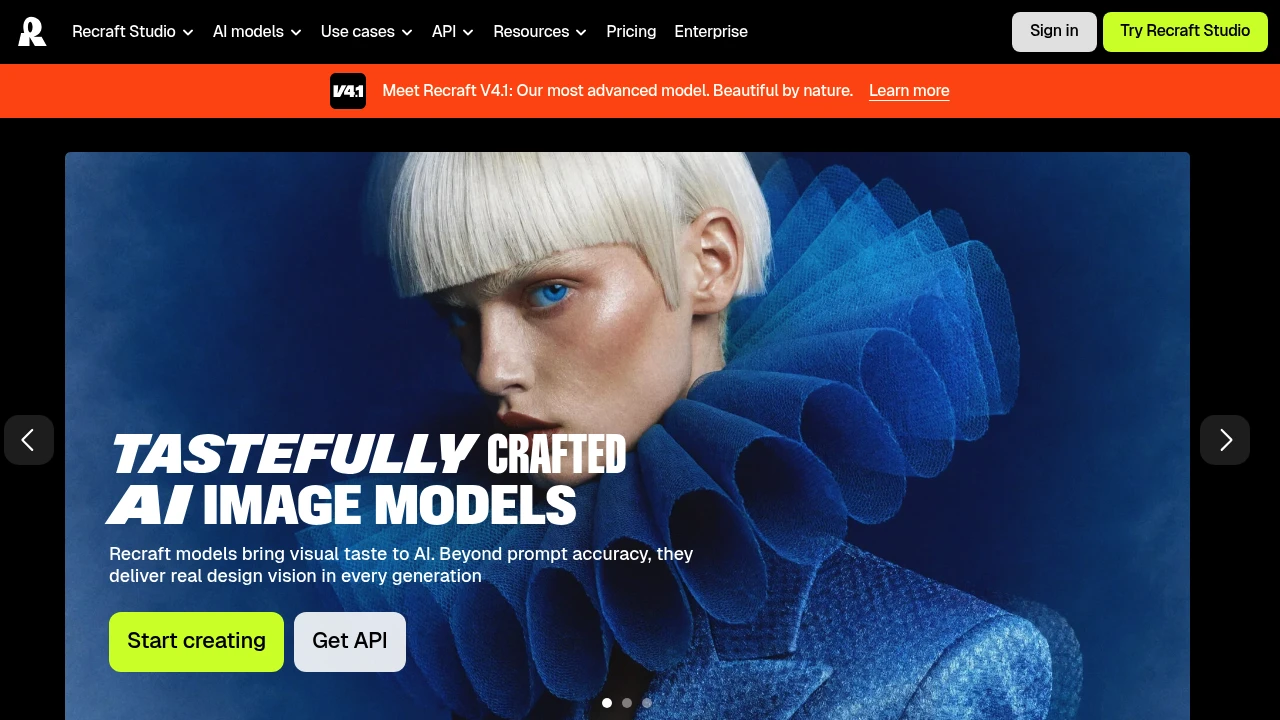
Recraft is an AI image and design platform that generates photorealistic images, editable vector graphics, and product mockups from a text prompt. It is built for designers, marketers, sellers, and teams who need brand-consistent visuals rather than one-off art. You can create a reusable custom style from your own reference images, so every generation stays on-brand.
Key Highlights
- Generates photoreal raster images and fully editable vector graphics
- Recraft V4.1, the platform's most advanced in-house model
- Create reusable custom styles from your own reference images, no model training required
- Built-in editing tools, mockups, and design-ready typography
- Recraft's own models plus frontier models like Nano Banana, Seedream, GPT Image, and Flux
- Video generation on higher tiers through Kling, Veo, Sora, Seedance, and Grok Imagine
- API access for generating images programmatically
What Makes It Different
Recraft's main differentiator is native vector output. Most AI generators produce only raster images, while Recraft can generate complex, editable vector graphics with consistent styles and clean typography, which matters for logos, icons, and print work. Its second edge is custom styles: upload a few reference images and Recraft turns them into a reusable style, keeping a brand look without training a model.
Features & Capabilities
In Recraft Studio you generate and edit images, vectors, and mockups, then refine them with custom color palettes, a magic wand, creative upscale, and prompt extraction. It pairs Recraft's own models with other top models, so you switch engines in one workspace.
Paid tiers add video generation, parallel generations for faster batches, and unlimited custom style usage. Teams plans add a shared workspace, shared styles, SSO, and 24/7 support. Developers can call Recraft through its API using a key from the profile section.
User Ratings and Testimonials
Recraft is well regarded by professional designers, who praise how customizable it is compared with tools like Midjourney and the rare ability to generate directly in vector format. The common trade-offs: the Free plan makes all images public with no commercial use, and subscription credits do not roll over month to month.
Pricing & Value
- Free: $0, 30 credits per day, Recraft models only, all images public, no commercial use
- Basic: $10/month billed annually ($120/year), 1,000 credits/month, commercial rights, private generations, and additional models
- Pro: $16/month billed annually ($192/year), 2,000 credits/month, video generation, priority and parallel image generation
- Teams: $18/month per seat billed annually ($211/year), 2,000 credits per seat, shared workspace, SSO, and centralized billing
An image generation or edit uses 1 to 2 credits. The Free tier is enough to test quality, while Basic is the entry point for commercial rights and private images.

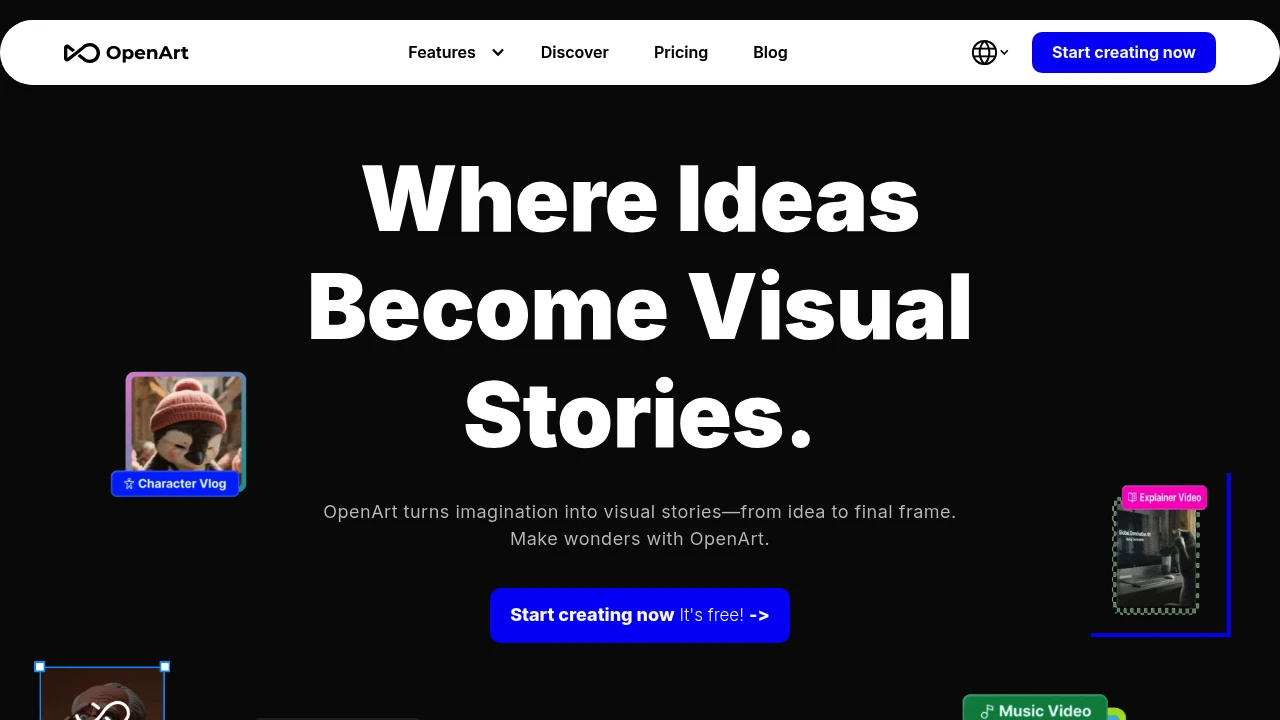
We are lovers of generative art ourselves and want to create a new platform for AI artists and enthusiasts.
 Read more
Advanced Flux AI Image Generator powered by Flux 2. 4MP photorealistic output with exceptional prompt following.
 Read more
Leverage generative AI with a unique suite of tools to convey your ideas to the world.
Leonardo is an AI platform for generating images and videos. It helps creators, teams, and small businesses produce high-quality visuals fast with flexible controls and model training. Go from prompt to production assets in minutes.
Key Highlights
- Fast Tokens for quick, high-priority renders
- Unlimited relaxed generation on upper plans
- Train personal AI models to match your style
- Community AI models for rapid experimentation
- Private or public creations based on your needs
- Team workspaces with shared token pools
- Strong quality controls and outputs
- Fits marketing, product, and web design workflows
What Makes It Different
Leonardo’s token-based system gives you precise control over speed and cost. You can move from fast bursts to relaxed, unlimited generation without guesswork.
Personal model training and team features make it worthwhile for both solo creators and groups. The combination of privacy options, community models, and flexible pacing supports a wide range of workflows.
Features & Capabilities
- Image and video generation from text prompts
- Flexible quality and pacing controls via tokens
- Access to community AI models for style variety
- Train personal AI models (plan limits apply)
- Private creations for sensitive projects
- Team collaboration with shared token pools
- Use cases: concept art, ads, social posts, product visuals, website mockups, and wireframes
User Ratings and Testimonials
Leonardo has an average rating of 4.9 out of 5 stars, based on 95 reviews, on Product Hunt.
- Users like the free Figma kit and say it speeds up website building.
- The AI tools create real content for wireframes, which helps the client buy in.
- Some reports indicate that one-third of components can have issues, more so with complex ones.
- The team earns praise for steady improvements and pushing design forward.
- Many say it saves significant time and works well with Webflow.
Pricing & Value
- Free: 150 Fast Tokens daily, public images only, community AI models, and basic quality settings.
- Apprentice: $12/month for 8,500 Fast Tokens monthly, private creations, and the ability to train 10 personal AI models.
- Artisan Unlimited: $30/month for 25,000 Fast Tokens monthly, unlimited image generation at a relaxed pace, and the ability to train 20 personal AI models.
- Maestro Unlimited: $60/month for 60,000 Fast Tokens monthly, unlimited image and video generation at a relaxed pace, and the ability to train 50 personal AI models.
- Leonardo for Teams: Starting at $24 per seat for shared token pools, unlimited generation for all members, and team collaboration features.
The free tier gives 150 daily tokens for casual creators to explore AI art generation. Many tools lock the basics behind paywalls, so this is generous for testing.
Leonardo’s core value comes from the token system. It gives flexible control over speed and volume, with options for both solo work and team collaboration.
Looking for alternatives to other popular tools? Check out other posts in the alternatives series and flowtools.co, a directory of best AI tools with filters for tags and categories for easy browsing and discovery.

Create images, video, audio, and vector graphics. Ideate, create, and collaborate with Firefly Boards. And work with the latest commercially safe Firefly generative AI models.
Adobe Firefly is a creative AI suite for images, video, audio, and vectors. It helps designers, marketers, and small teams produce high‑quality assets fast with commercial usage rights. It works closely with Adobe Creative Cloud apps.
Key Highlights
- Seamless integration with Photoshop and Illustrator
- Generative Fill delivers strong, realistic edits
- Simple interface with clear prompting
- Commercial usage rights for generated content
- Content Credentials watermarking for transparency
- Text to Video and video generations in higher tiers
- Audio/video translation in Premium
- Credits-based system that scales with needs
What Makes It Different
Firefly stands out for tight Creative Cloud integration and an interface that feels familiar to Adobe users. It focuses on safe, commercially usable outputs and traceable content credentials. Prompting is straightforward, which reduces the need for trial and error.
Features & Capabilities
- Image: generative fill, background replace, object add/remove, style control
- Vector: generate vector graphics and editable assets for Illustrator
- Text to Video: create short clips and variations, plus video generations
- Audio/Video translation: translate and localize content in Premium
- Use cases: marketing visuals, product photos, social posts, concept art, brand assets, quick video shots
- Workflow: works inside Creative Cloud with generative credits per month
User Ratings and Testimonials
Average rating: 4.2 out of 5 stars from 9 reviews on Product Hunt.
- Pros: smooth Creative Cloud integration; impressive generative fill; simple UI; better prompting than some rivals.
- Cons: watermark can annoy some users; occasional prompt handling and color accuracy issues, including Pantone.
Pricing & Value
- Firefly Standard: $9.99/month with 2,000 generative credits, unlimited standard image features, and up to 20 five-second video generations.
- Firefly Pro: $29.99/month with 7,000 generative credits, premium features like Text to Video, and up to 70 five-second video generations.
- Firefly Premium: $199.99/month with 50,000 generative credits, unlimited video access, and up to 166 minutes of audio/video translation.
- Creative Cloud Pro: $69.99/month includes 4,000 generative credits plus 20+ creative apps and Acrobat Pro.
Adobe Firefly offers a free tier with limited access to both standard and premium creative AI features.
The primary value of Adobe Firefly lies in its comprehensive creative AI suite, which generates images, videos, audio, and vector graphics with commercial usage rights.

Stable Diffusion is a latent text-to-image diffusion model capable of generating photo-realistic images given any text input, cultivates autonomous freedom to produce incredible imagery, empowers billions of people to create stunning art within seconds.
Stable Diffusion is an open-source AI image generator for creators, teams, and small businesses. It turns text prompts into polished images with firm control and flexibility. Use it for mockups, ads, and concept art.
Key Highlights
- Open-source and free to start
- High control over style, subject, and composition
- Large library of community models and LoRAs
- Runs locally or in the cloud
- Commercial use on all plans
- Fast generations with batch output
- Image upscaling and private images
What Makes It Different
- Own your workflow with local runs and no lock-in
- Rich ecosystem of models, checkpoints, and extensions
- Low cost per image with a generous free tier
- Works with code or no-code stacks
Features & Capabilities
Text-to-image, image-to-image, inpainting, and outpainting. ControlNet, negative prompts, seeds, and prompt weighting for fine control. Face fix, background removal, and upscaling.
Typical uses: product shots, concept art, social posts, thumbnails, and storyboards. Suitable for rapid iterations and A/B variants.
Runs on a GPU machine for best speed. Can be used via web, desktop, or API-based tools.
User Ratings and Testimonials
Stable Diffusion has an average rating of 4.6 out of 5 stars, based on 14 reviews, on Product Hunt.
Users praise its flexibility and creative freedom for generating visual content. Many appreciate that it's open-source and free to use.
The tool helps people without artistic skills create professional-looking images.
Some users note that it requires powerful hardware to run smoothly. A few mention that the results can sometimes look less realistic than expected.
Pricing & Value
-
Free: $0/month
-
10 image generations per day
-
Generates 2 images at once
-
Commercial license included
-
Pro: $10/month
-
2,000 fast image generations per month
-
Generates 4 images at once
-
No ads or watermarks
-
Max: $20/month
-
4,000 fast image generations per month
-
Generates 4 images at once
-
All Pro features included
All plans include commercial licensing, image upscaling, and private images.
The free tier offers solid value for casual users, providing 10 daily generations. This compares well to other AI image generators that often limit free users to just a few images per day.

Midjourney is an independent research lab exploring new mediums of thought and expanding the imaginative powers of the human species.
Midjourney creates high-quality artwork from simple text prompts. It's perfect for designers, marketers, and creative professionals who need unique images fast.
Key Highlights
- Creates photorealistic and artistic images from text descriptions
- Simple prompt-based interface requires no design skills
- Works directly through Discord for easy access
- Produces high-resolution outputs suitable for professional use
- Strong community support and shared inspiration
- Fast generation times with GPU-powered processing
What Makes It Different
Midjourney stands out with its artistic focus and community-driven approach. Unlike other AI image generators, it operates exclusively through Discord, creating a social creative environment.
The tool excels at producing stylized, artistic images rather than just realistic photos. Its unique aesthetic and consistent quality have made it a favorite among digital artists and creative professionals.
Features & Capabilities
Midjourney generates images in multiple styles including photorealistic, artistic, and conceptual art. Users can create marketing materials, concept art, social media content, and illustrations.
The tool supports various aspect ratios and resolutions. Advanced features include image variations, upscaling, and style blending. The Discord integration allows users to see others' creations and learn from community prompts.
User Ratings and Testimonials
Midjourney has an average rating of 4.4 out of 5 stars from 87 reviews on G2.
Users love the high-quality images and creative output. The tool is easy to use with simple prompts. Discord integration makes it accessible for many people. Images work well for concept art, marketing materials, and creative projects.
Some users find Discord-only access limiting. Human faces and hands often need multiple attempts to get right. Pricing seems expensive to some users. Creating consistent images can be challenging. The tool has trouble with specific details and text generation.
Pricing & Value
Midjourney offers four subscription plans:
- Basic: $10/month for 3.3 hours of fast GPU time, standard video resolution, and 3 concurrent image prompts.
- Standard: $30/month for 15 hours fast GPU time, unlimited image generation in Relax Mode, and 3 concurrent prompts.
- Pro: $60/month for 30 hours fast GPU time, unlimited images and videos in Relax Mode, Stealth Mode for privacy, and HD video resolution.
- Mega: $120/month for 60 hours fast GPU time, unlimited images and videos in Relax Mode, Stealth Mode, and 12 concurrent fast prompts.
Extra GPU time costs $4/hour across all plans. Annual plans offer 20% savings.
No free tier is available. Midjourney requires a paid subscription to generate any images or videos, making it more expensive than competitors like DALL-E or Stable Diffusion that offer free usage tiers.
Similar proprietary alternatives:

 bisibility — Free beta: Track your website’s keywords, Google rankings, Search Console insights, and share of voice.


