Poe Alternatives
A curated collection of the 9 best alternatives to Poe.
The best alternative to Poe is ChatGPT. If that doesn't suit you, we've compiled a ranked list of other Poe alternatives to help you find a suitable replacement. Other interesting alternatives to Poe are: Qwen Chat, Microsoft Copilot, Mistral Vibe and Gemini.
Poe alternatives are mainly AI Chats tools but may also be AI Research Assistants tools or Research Agents tools. Browse these if you want a narrower list of alternatives or looking for a specific functionality of Poe.


Use conversational AI for writing, learning, coding, research, and work with files or connected services.
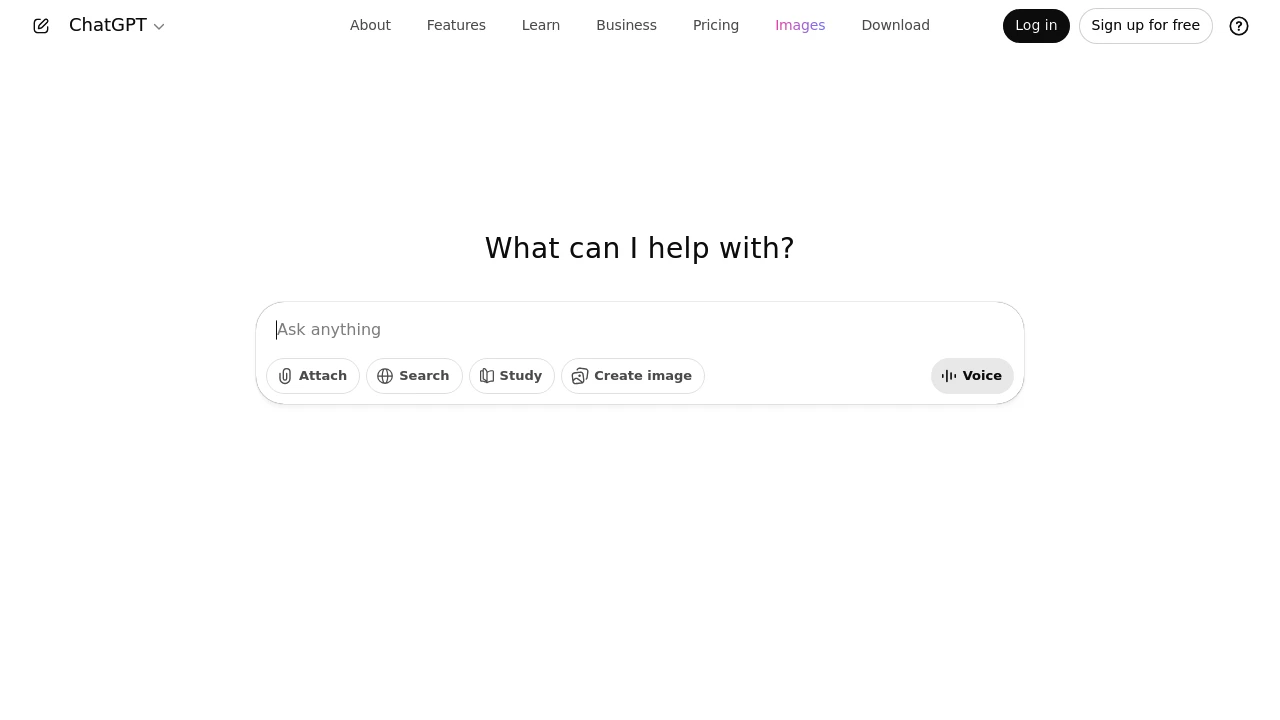
ChatGPT is OpenAI's conversational AI service for writing, learning, coding, research, and everyday work. Users can ask questions, refine drafts, and work with supported tools in a conversation. Available models, features, and usage allowances depend on the account and plan.
Key Highlights
- Conversational drafting and problem solving
- Help with writing and coding tasks
- File and other supported input workflows
- Memory for personalization when enabled
- Apps connecting eligible accounts to external services
What Makes It Different
ChatGPT combines a conversation with tools and optional personal context. When memory is enabled, it can use relevant past context to personalize replies. This is separate from changing model weights or the settings governing whether content may be used to improve models.
Features & Capabilities
Provide a question, draft, file, or task, then review the response and ask for revisions. Connected apps can bring information from services such as Google Drive or Slack into the conversation. Supported actions depend on the app and the permissions granted to it.
Memory, model training, app permissions, and workspace controls are separate settings. Review each according to the information and services you use. App availability can depend on the plan, region, workspace, role, model, and interface. Connecting an account does not grant access beyond its existing permissions.
User Ratings and Testimonials
Evaluate ChatGPT on representative tasks rather than assuming every answer is correct. Check factual claims, calculations, citations, and generated code before relying on them. Personalization can be helpful, but it is useful to review remembered information and the controls available for the account.
Pricing & Value
- Free: limited access to available features and models
- Paid individual plans: different model access and usage allowances
- Business and organization plans: workspace features and administration controls
Any unlimited allowance remains subject to its stated guardrails. A ChatGPT subscription and separately billed API usage are different products; compare the limits relevant to the work you intend to do.
Looking for alternatives to other popular tools? Check out other posts in the alternatives series and flowtools.co, a directory of best AI tools with filters for tags and categories for easy browsing and discovery.

Qwen Chat gives users and developers a web chat for Qwen models, files, images, voice, video, and artifacts.
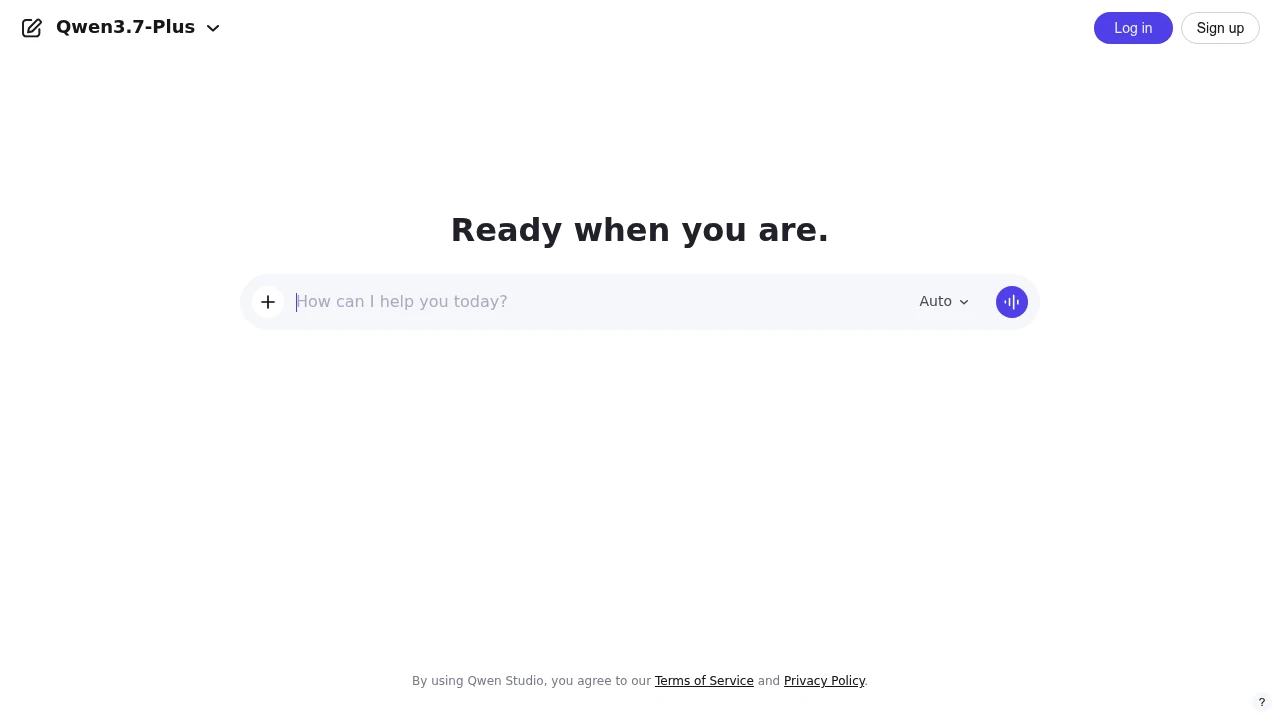
Qwen Chat is the official Qwen chat platform for users and developers who want direct access to Qwen's model family in a browser. It combines chatbots, multimodal understanding, image generation and editing, document processing, tool use, voice and video chat, and artifacts.
Key Highlights
- Unified access to open-source and proprietary Qwen models
- Chat interface with sign-up and login from the web app
- Image and video understanding for multimodal prompts
- Image generation and editing from the same product surface
- Document processing, tool use, voice and video chat, and artifacts
- Mobile app prompt for users who want the native experience
What Makes It Different
Qwen Chat's main difference is that it is tied directly to Qwen's own model family. Instead of routing between many third-party providers, the product presents Qwen models and related tools in one official interface.
The product is also positioned for both casual users and developers. That matters if you want to test how Qwen handles normal chat, files, images, video, voice, and tool-style tasks before deciding whether to build around the broader Qwen ecosystem.
Features & Capabilities
The basic workflow is familiar: open the web app, sign up or log in, choose the available mode, and prompt the assistant. The page covers image and video understanding, image creation and editing, document processing, tool use, voice and video chat, and artifacts.
Qwen also pushes users toward a mobile app. The public page does not detail file limits, model quotas, or workspace administration, so those should be checked inside the live account flow.
User Ratings and Testimonials
Qwen's public page does not include review scores, customer quotes, or testimonial claims. For now, the safest evaluation is hands-on testing with your own prompts, especially for document work, image and video understanding, and any task where model behavior matters.
The main caveat is transparency: the pages checked show the product surface and capability areas, but they do not explain usage limits, paid tiers, or how different Qwen models are metered in the chat product.
Pricing & Value
- Self-serve access: no public USD price was confirmed on the pages checked. The web app shows sign-up, login, model access, and a mobile app prompt.
Qwen Chat is a low-friction way to try Qwen models, but teams should verify account limits, data terms, and paid options before regular use.

Microsoft Copilot offers AI chat and assistance in supported Microsoft apps, with features and usage limits that vary by plan.
Microsoft Copilot provides AI assistance for conversations and work in Microsoft apps. The consumer chat experience and Copilot inside Microsoft 365 have different subscriptions and usage allowances. Choose the product and account that match the task before assuming access to a particular app or work document.
Key Highlights
- Chat and content assistance in the Microsoft ecosystem
- Copilot features in Word, Excel, PowerPoint, and Outlook on eligible plans
- Higher usage allowances with paid Microsoft 365 subscriptions
- Researcher and Analyst features on eligible higher tiers
- Separate offerings for individuals and organizations
What Makes It Different
Copilot connects AI assistance with familiar Microsoft applications. For individual subscribers, this includes working on drafts, spreadsheets, presentations, and email within supported apps. That makes the subscription's app access and usage limits as relevant as the standalone chat experience when deciding whether it fits a workflow.
Features & Capabilities
Copilot in Word helps develop a draft from instructions and notes. In Excel it supports analysis, while PowerPoint supports presentation creation and Outlook provides summaries. Eligible Premium and Pro plans include advanced research and analytics features. Availability depends on the plan, account, and supported application; a free chat account does not automatically grant every Microsoft 365 capability.
Microsoft also offers Copilot for organizational work content. Compare that offering separately when deciding how colleagues will access company files and applications.
User Ratings and Testimonials
Evaluate Copilot with representative documents and tasks from the apps you use. Check whether a proposed summary preserves important details and whether generated spreadsheet analysis matches the underlying data. The ability to generate a draft does not remove the need to review it before sharing.
Pricing & Value
The US individual plan page lists Microsoft 365 Personal at $9.99/month, Family at $12.99, Premium at $19.99, and Pro at $99.99. Personal, Family, and Premium also offer annual billing. Family shares non-AI benefits with up to six people, while its AI benefits are for the subscription owner. Paid plans raise usage allowances; they should not be described as unlimited.
Check regional pricing and the selected billing interval before subscribing. Compare the included apps and allowance to the free experience, rather than assuming that the most expensive tier is needed.

Mistral Vibe, formerly Le Chat, combines AI chat, research, connected-tool actions, and coding agents for individuals and teams.
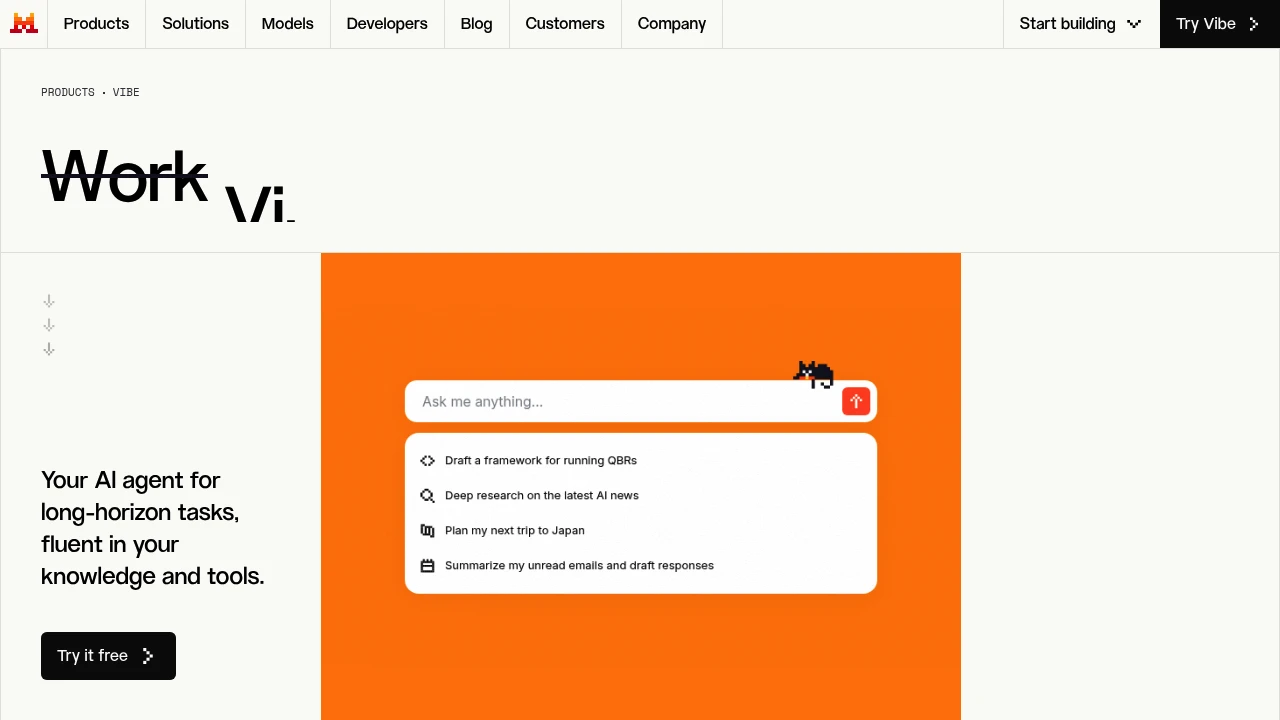
Mistral Vibe, formerly Le Chat, brings Mistral's chat assistant and coding agent into one product. Individuals and teams can use it for online research, documents, connected-tool tasks, and software work. The free plan supports everyday tasks, while paid plans add capacity and more agentic workflows.
Key Highlights
- AI chat on web and mobile
- Online research and document analysis
- Image generation and voice input
- Connectors and MCP compatibility for tool access
- Coding through terminal, IDE, and remote agents
- Enterprise options for private infrastructure
What Makes It Different
Vibe connects conversational work and coding agents within Mistral's product family. Teams can bring knowledge and tools into research and recurring workflows. Enterprise deployments can use Mistral Cloud, private cloud, or on-premises infrastructure; deployment choices and data residency need to be checked for the selected plan.
Features & Capabilities
The assistant can research topics across online and connected sources, analyze uploaded files, and prepare documents or meeting briefs. Tool connections support actions across existing systems, with capabilities depending on the connector and plan.
For coding, Vibe provides terminal and IDE access, plus remote agents for tasks such as multi-file changes and tests. Developers should review generated changes and test them in their own project. Access to Mistral's model API is part of the broader platform, with its own usage conditions.
User Ratings and Testimonials
Evaluate Vibe on representative research, document, and coding tasks. Check whether the integrations and deployment options meet your team's needs, and compare output quality and usage limits before standardizing a workflow.
Pricing & Value
- Free: web and mobile access with limits on messages, online research, and coding sessions
- Pro: $14.99/month before tax, with higher usage and coding access, subject to fair usage limits
- Team: $24.99/user per month before tax, with shared workspace controls, storage, domain verification, and data export
- Enterprise: custom deployments, workflows, models, and support
Choose a plan by workload, team controls, and deployment needs. Check current limits and billing details before purchasing.

Google AI assistant for writing, research, code, and media, with web, mobile, and desktop apps and plan-dependent access.
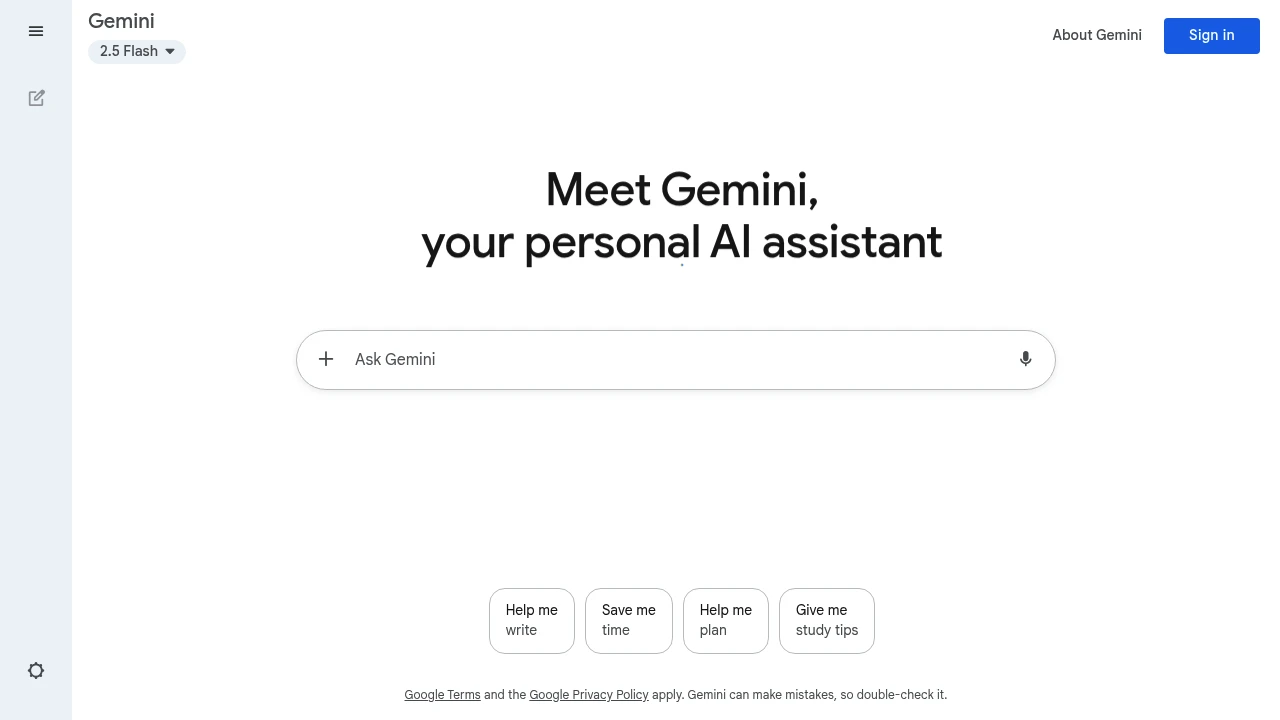
Gemini is Google's AI assistant for writing, research, coding, and creative work. It is available through web, mobile, and desktop apps. Models and features vary by plan, region, and account eligibility, so app availability and access to a particular model should be considered separately.
Key Highlights
- Chat with text, documents, and other supported inputs
- Voice conversations through Gemini Live
- Writing and prototyping through Canvas
- Optional connections to supported Google apps
- Native Mac and Windows apps
- Gemini 3.8 Flash access for Google AI Pro and Ultra
- Gemini 4 Argon announced with staged access
What Makes It Different
Gemini connects AI assistance with Google's consumer ecosystem. The app is distinct from Gemini CLI and the developer API. A consumer subscription does not automatically include every API, CLI, Workspace, or model entitlement. Deep Think is a reasoning mode, rather than one of exactly three universal models.
Features & Capabilities
The Mac app launched in April 2026, and the Windows app in September. Skills are rolling out in chat for reusable instructions. Gemini can help with documents, code, images, and video, with the available controls depending on the account and product.
Gemini Omni is replacing Veo inside the Gemini app. Google announced Gemini 4 Argon on September 30, 2026, initially for selected testers and cyber defenders. Broader access is planned, starting with paid API customers and Google AI Ultra subscribers; this is not a promise of immediate access for every user.
User Ratings and Testimonials
Check answers against important material and review generated media before use. User reports about one model or plan should not be generalized to every Gemini experience.
Pricing & Value
A free Gemini app experience and paid Google AI Plus, Pro, and Ultra plans are available. Model limits, regional prices, and feature eligibility vary. Developer API billing is separate. Compare the plan available to your account rather than relying on older model names, universal student offers, or expired promotions.

Grok offers conversational AI for questions, writing, and other tasks, with features and usage limits tied to your account.
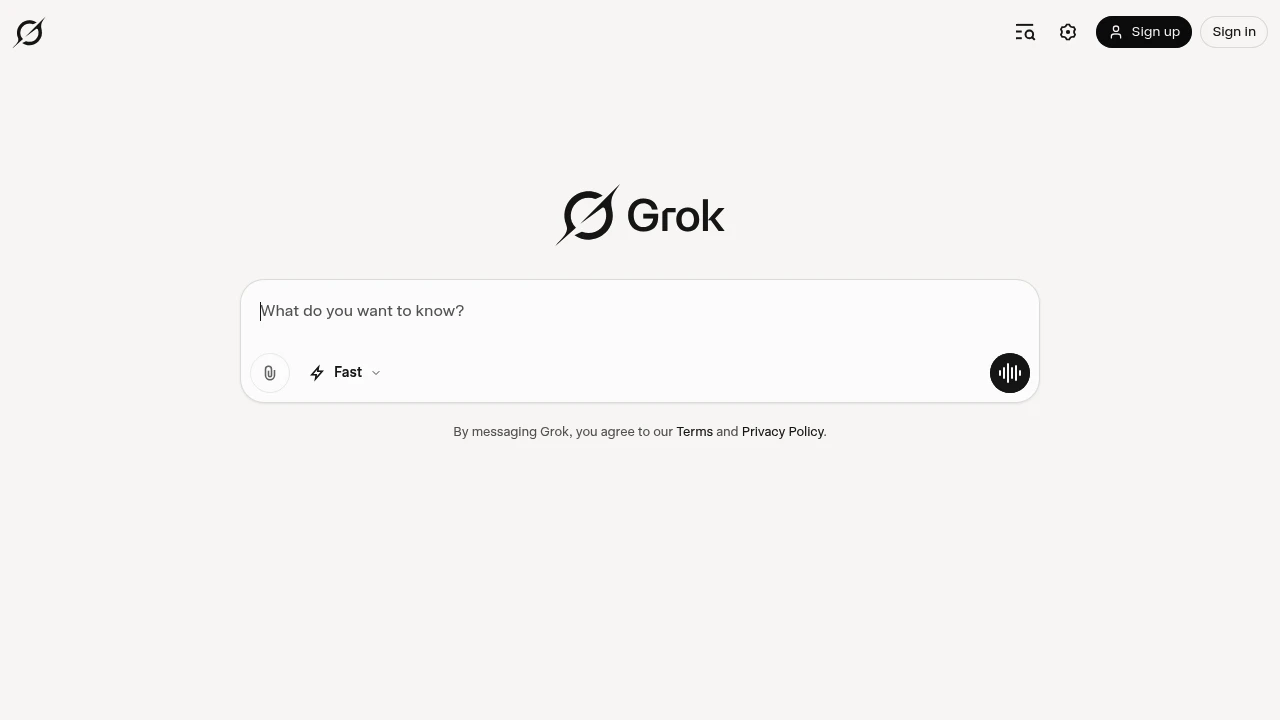
Grok is a conversational AI assistant for questions, writing, coding, and creative work. Its web and mobile experiences provide features that vary by account and product. The current consumer terms identify SpaceXAI LLC as the service provider. Important answers still need independent review.
Key Highlights
- Chat and voice conversations
- Work with supported file attachments
- Image and video creation in supported products
- Account-specific feature and usage limits
- Responses subject to acceptable-use policies
What Makes It Different
Grok combines several forms of interaction in one product family. A user can choose a chat, voice, or supported creative workflow rather than treating every task as the same kind of request. Access and consumption differ across products, so a subscription should be assessed against the tasks actually needed.
Features & Capabilities
Ask a question, provide relevant context, or attach a supported file. Inspect the answer and ask for revisions where needed. Creative tools provide additional ways to generate media, with their own settings and consumption. Review generated images or video for unwanted details before sharing.
Account settings show usage and reset information. Task complexity and the selected feature affect how much of the allowance a request consumes. Consumer access and developer API billing are separate offers, with different controls and commercial terms.
User Ratings and Testimonials
Test representative questions and check important factual answers. Compare the usefulness of the response with the revision effort. A distinctive conversational style does not guarantee accuracy, unrestricted responses, or suitability for every professional task.
Pricing & Value
Free-tier Chat and Voice have limited usage. Paid SuperGrok subscriptions provide a shared weekly usage pool across products. When paid usage is exhausted, free-tier Chat and Voice limits remain separate. Additional credits or a higher plan can provide more paid usage. Compare the current account offer before subscribing.
Looking for alternatives to other popular tools? Check out other posts in the alternatives series and flowtools.co, a directory of best AI tools with filters for tags and categories for easy browsing and discovery.

Chat, analyze documents, write, and work with code using Anthropic’s AI assistant and plan-dependent tools.
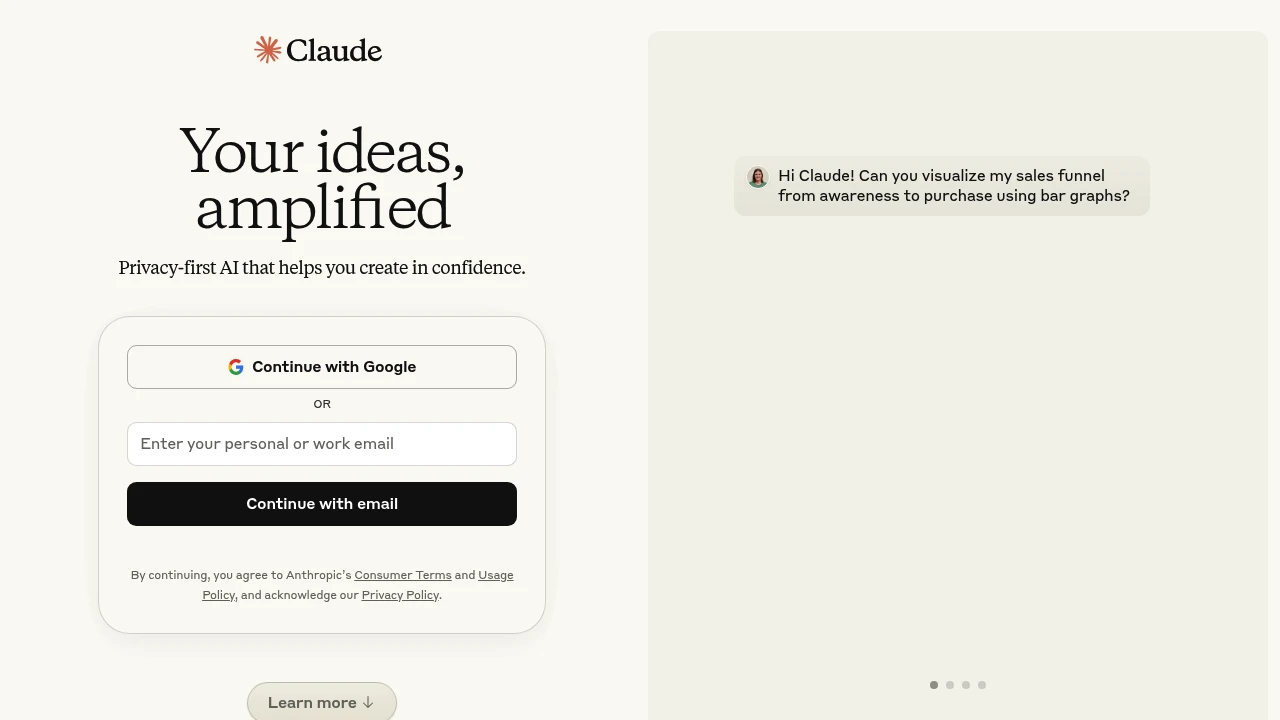
Claude is Anthropic's AI assistant for conversation, document analysis, writing, and code. It is available through consumer apps and organizational plans. Developers can also use the Claude API, which has separate usage-based billing.
Key Highlights
- Chat and content drafting
- Document and image analysis
- Code assistance and Claude Code access on eligible plans
- Projects and research tools
- Individual, Team, and Enterprise subscriptions
What Makes It Different
Claude combines general conversation with tools for working on documents and software. A project can organize related context, while research and integrations support selected workflows. These features do not guarantee an accurate answer: Claude can produce incorrect or misleading information.
Features & Capabilities
Users can ask questions, upload material, and refine a response through follow-up instructions. Code tools support work beyond an isolated chat answer. Available features and usage allowances differ by subscription, model, task, and current demand.
Team plans offer centralized billing and organizational access. Standard and Premium seats have different prices and allowances. Enterprise adds organizational controls and bills model usage separately at API rates, so the seat price is not the total expected bill.
User Ratings and Testimonials
Test Claude with representative documents and code, then inspect its outputs. A confident explanation can still contain errors or omit context. Compare the amount of review needed and the available usage with your workflow before choosing a subscription.
Pricing & Value
- Free: limited access
- Pro: $20/month, with a discounted annual option
- Max: starts at $100/month
- Team: 2 to 150 users; Standard $25/month or $20/month annually; Premium $125/month or $100/month annually
- Enterprise: $20/seat/month billed annually, plus model usage at API rates
Sales-assisted organizational options are also available. Consumer subscriptions and API credits are separate purchases.
Research online information with AI answers, linked sources, follow-up questions, and file analysis subject to plan limits.
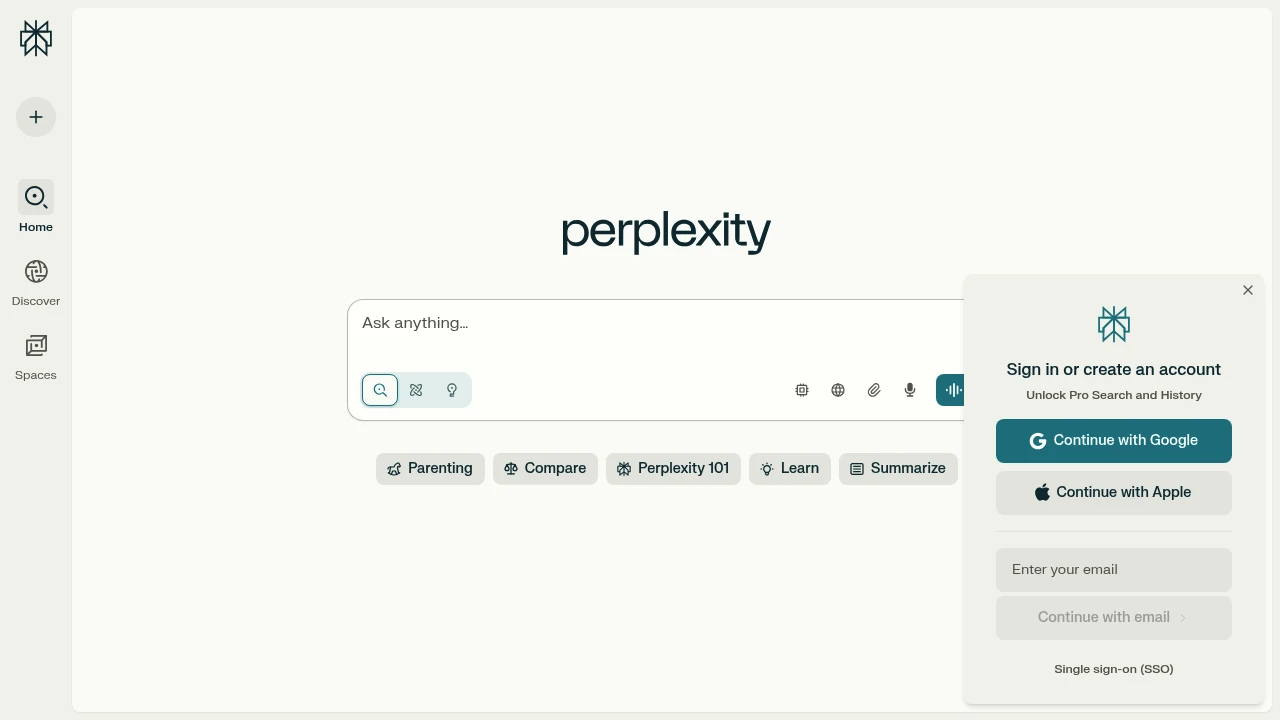
Perplexity helps users research questions through AI-assisted online retrieval, linked sources, and follow-up questions. It also supports file analysis. The free Standard plan and paid subscriptions differ in model access and usage allowances, so the appropriate plan depends on the work you need to do.
Key Highlights
- Research responses with links to supporting material
- Follow-up questions for exploring a topic
- File and attachment analysis with plan limits
- Paid access to additional models and research modes
- A separately billed API platform for developers
What Makes It Different
The product combines retrieval and answer generation in one research workflow. Source links provide a route to inspect the underlying material, but they do not guarantee that an answer is correct or that every statement has a suitable citation. For consequential work, read the referenced material and check how it supports the answer.
Features & Capabilities
Pro expands access to research and Pro Search, increases file upload and analysis allowances, and offers advanced AI models. It also includes limited Create files and apps queries. Model and mode choices affect the available capacity.
Advanced AI queries can face limits during heavy usage. Best mode is described separately as having no query quota; that does not make every feature, upload, or research mode unlimited. Enterprise subscriptions add organization-focused capabilities, while API access is a separate product and billing arrangement.
User Ratings and Testimonials
Evaluate Perplexity with questions whose answers you can check against primary documents. Compare citation relevance, file analysis, and follow-up quality. Consider whether the plan's allowances cover your research workload rather than assuming a paid subscription removes all restrictions.
Pricing & Value
Standard is a free plan with limited Pro Searches and basic file uploads. Pro, Max, Education Pro, and enterprise options provide different access levels. Check the current subscription terms for model and feature limits. API usage is billed separately from consumer subscriptions. The useful comparison is the research capacity and features your tasks require.

DeepSeek provides an AI chat app and developer APIs for reasoning, coding, and general language tasks.
DeepSeek provides a free AI chat app and developer APIs for language, coding, and reasoning tasks. The app suits people who want conversational assistance, while the API supports developers integrating models into their own software. Chat availability and API billing are separate.
Key Highlights
- Web and mobile chat access
- Developer APIs with token-based billing
- deepseek-flash and deepseek-v4-pro API models
- Thinking and non-thinking modes on both API models
- A published 1M-token API context window
- Off-peak API rates at half the peak price
What Makes It Different
DeepSeek combines a chat interface with a usage-based API. The published API model table distinguishes Flash and Pro, rather than separating a general-purpose model from a reasoning-only model. Compare model behavior and cost on your own prompts before choosing one for a workflow.
Features & Capabilities
The chat app supports conversations and document analysis. Developers can use the API for language and coding tasks, with JSON output, function calling, and chat prefix completion on the listed models.
Both API models support thinking and non-thinking modes. Their published context window is 1M tokens, with a maximum output length of 384K tokens. These are API specifications and do not guarantee the same limits or model selection in the chat app. Long context also does not guarantee that every detail will be used correctly.
User Ratings and Testimonials
For a practical evaluation, check the app's current store reviews and test response quality on your own tasks. Assess availability, document handling, and response reliability before relying on it for recurring work. API workloads need their own latency and cost measurements.
Pricing & Value
The chat app offers free access, subject to availability and limits. Developer APIs charge for input and output tokens at model-specific rates, so app access does not include unlimited API usage.
For the published Flash and Pro models, off-peak rates are 50% of peak rates. Peak periods are 01:00-04:00 and 06:00-10:00 UTC on weekdays, excluding Chinese public holidays. Compare the current model rate table and your expected token volume when estimating cost.
This month’s top products
Ranked by total paid bids this month.
Similar proprietary alternatives:

 bisibility — Free beta: Track your website’s keywords, Google rankings, Search Console insights, and share of voice.


