OpusClip Alternatives
A curated collection of the 6 best alternatives to OpusClip.
The best alternative to OpusClip is quso.ai. If that doesn't suit you, we've compiled a ranked list of other OpusClip alternatives to help you find a suitable replacement. Other interesting alternatives to OpusClip are: Munch, Klap, Kapwing and Captions.
OpusClip alternatives are mainly AI Video Tools tools but may also be AI Marketing Tools tools. Browse these if you want a narrower list of alternatives or looking for a specific functionality of OpusClip.


quso.ai turns long videos into short clips, captions, social posts, and schedules for creators and teams.
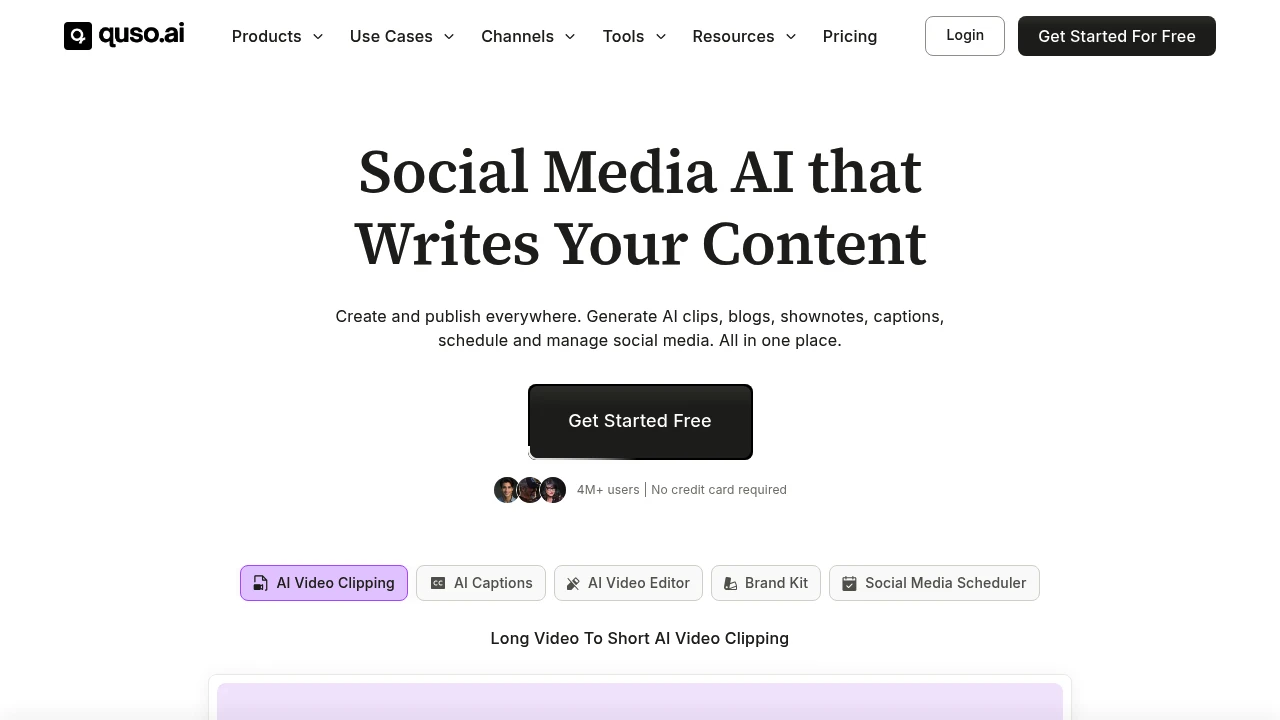
quso.ai is an AI video clipping, editing, and social media scheduling platform formerly known as vidyo.ai. It is built for coaches, podcasters, business owners, creators, and marketing teams that want to turn long videos into short clips, captions, posts, blogs, and shownotes.
Key Highlights
- Long video to short clip generation for Reels, TikTok, Shorts, and social posts
- AI captions and subtitles with animated styles in English, Spanish, German, and French
- Text-based video editing with logos, fonts, b-roll, music, templates, and brand assets
- Social media scheduling across 7 platforms
- AI writing tools for blogs, shownotes, social captions, hooks, hashtags, and video ideas
What Makes It Different
quso.ai is not only a clip generator. The site positions it as a broader Social Media AI suite that combines clipping, editing, captioning, content planning, analytics, and publishing.
The former vidyo.ai angle also matters. Its source says the product expanded from AI video editing and clipping into social media management, so the workflow covers creation and distribution.
Features & Capabilities
The main workflow starts with a long video upload or import. quso.ai can create clips and chapters, add captions, resize video, remove filler words and silence, generate transcripts, and create shownotes, blogs, metadata, captions, and hashtags.
For publishing, quso.ai connects to TikTok, YouTube, LinkedIn, Pinterest, Facebook, Instagram, and Twitter (X). Paid tiers add scheduling, bulk publishing, analytics, custom templates, brand kits, storage, stock media, and folder management.
User Ratings and Testimonials
quso.ai does not publish a third-party average rating. quso.ai claims 4M+ users and includes testimonials from coaches, podcasters, founders, and marketing teams who praise faster repurposing, clip selection, and posting output.
The practical limits are visible in the plan details. The free plan includes a watermark, 720p render quality, and 75 credits per month. Language support is listed as English, Spanish, German, and French.
Pricing & Value
- Free: $0/month hosted plan, 75 credits per month, 720p quality, AI clips and captions, YouTube chapters, TikTok publishing, and a watermark
- Lite: $24/month, with AI clips, captions, AI video generator, resizing, and unlimited 1080p exports
- Essential: $32/month, adding 10+ AI tools, filler and silence removal, AI Influencer, AI Writer, planner, and scheduling
- Growth: $40/month, adding unlimited social scheduling, bulk publishing, analytics, templates, brand kit, and priority support
- Custom: listed from $42 to $83/month when billed annually, with higher monthly minute limits and Growth features
The plan cards support a free hosted entry point and paid tiers for heavier clipping, branding, scheduling, and analytics.
Looking for alternatives to other popular tools? Check out other posts in the alternatives series and flowtools.co, a directory of best AI tools with filters for tags and categories for easy browsing and discovery.

Munch is an AI social media platform for businesses that turns brand assets into posts, videos, calendars, and dashboards.

Munch is an AI social media platform for businesses and agencies that want regular posts without building a full content team. It learns from a website, uploaded videos, photos, and Zoom recordings, then creates a content strategy, post ideas, video scripts, generated videos, and a posting calendar.
Key Highlights
- Builds a brand-specific content strategy from your website and assets
- Turns videos, photos, and calls into social posts, scripts, posters, carousels, and generated videos
- Publishes to Instagram, Facebook, LinkedIn, YouTube, and TikTok
- Includes a smart content planner for weekly or quarterly scheduling
- Tracks post performance across platforms in one dashboard
What Makes It Different
Munch is positioned less like a clip editor and more like a managed social media workspace. The starting point is not only a video file. You can give it a website, brand materials, video assets, photos, and recordings so the content plan reflects the business.
That makes it a fit for founders, local businesses, and agencies that need a steady social calendar. Multi-brand plans keep each client in a separate workspace.
Features & Capabilities
The core flow starts with business learning, then moves into content generation and approval. Munch can create video scripts, generated videos, posters, carousels, and ready-to-post social content, while still letting users edit output before publishing.
Every plan includes business learning, tailored strategy, generated posters and carousels, publishing, a smart planner, and a performance dashboard. Higher plans raise limits for minutes, videos, storage, seats, brands, and support.
User Ratings and Testimonials
Munch publishes case studies and customer commentary, but does not list a third-party rating average. Treat vendor-side performance claims as directional until you test your own channels. The main practical limit is quota planning.
Pricing & Value
- Essential: $48/month for 1 brand, 500 repurposing minutes, 5 scripts per week, 10 generated videos, 100 GB storage, and Pro support
- Premium: $75/month for 1 brand, 1,000 minutes, unlimited scripts, 30 generated videos, 1 TB storage, unlimited team members, and Ultimate support
- Studio: $148/month for up to 5 brands, 2,500 minutes, unlimited scripts, 50 generated videos, 400 GB storage, and Ultimate support
- Scale: $398/month for up to 15 brands, 7,500 minutes, unlimited scripts, 150 generated videos, 1 TB storage, and Ultimate support
The value is strongest when one team needs strategy, creation, scheduling, and reporting together instead of only a video clipping tool.

Klap turns long videos, podcasts, and webinars into short social clips with AI captions, reframing, and scheduling.
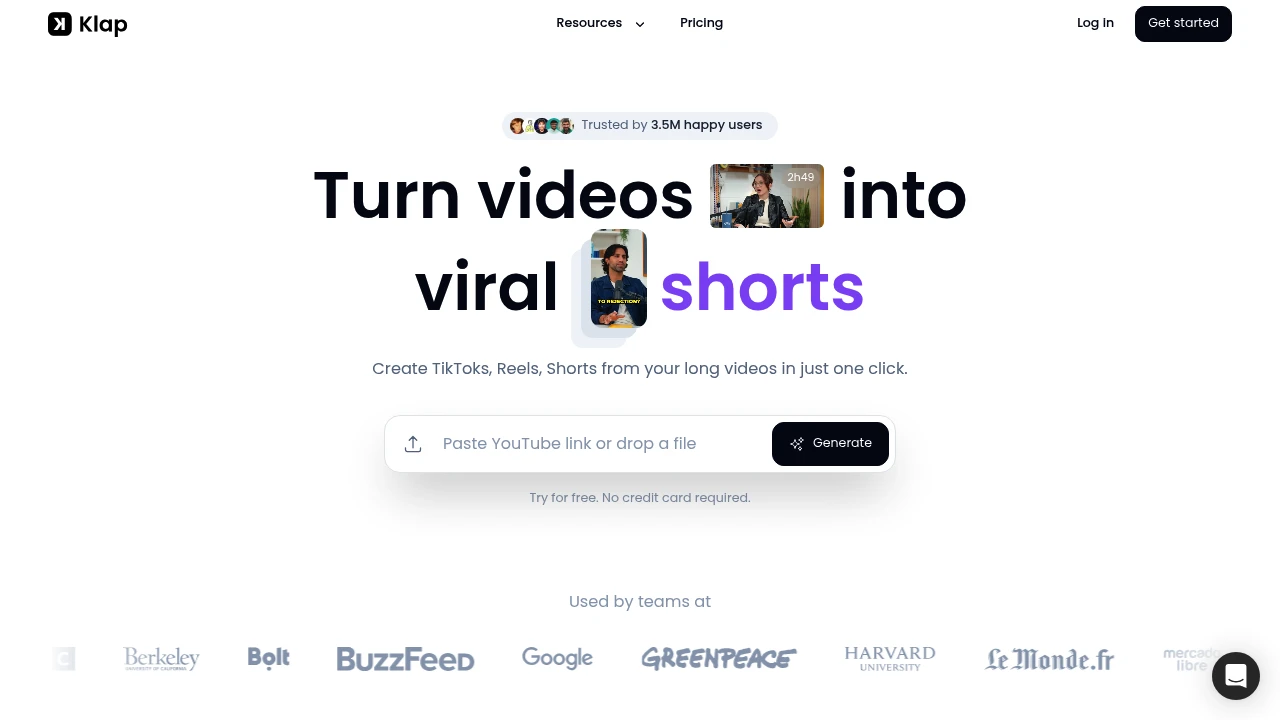
Klap is an AI video clipping tool for creators, marketers, podcasters, educators, and teams that already have long videos. It turns YouTube videos or uploaded files into short-form clips for TikTok, Instagram Reels, YouTube Shorts, and LinkedIn.
Key Highlights
- Turns long videos, podcasts, webinars, trainings, and reviews into short-form clips
- Creates TikToks, Reels, and Shorts from a YouTube link or uploaded video file
- Uses AI Editing to extract strong topics and cut them into multiple clips
- Applies Auto Reframing and facial recognition to keep the subject in frame
- Adds subtitles, recommended captions, logos, fonts, colors, and framing
- Supports direct sharing or scheduling to TikTok, YouTube, Instagram, and LinkedIn
What Makes It Different
Klap is built around repurposing spoken long-form video, not general timeline editing. Its own guidance says it works best for content with speech, such as podcasts, interviews, educational videos, product reviews, and trainings, because the algorithm relies heavily on speech detection.
The newer AI Reframe 2 feature also makes layout a bigger part of the workflow. Klap says it analyzes scenes and applies layouts such as Split Screen, Screencasts, and Gaming.
Features & Capabilities
The workflow starts by pasting a YouTube link or uploading a video file. Klap identifies topics, turns them into short vertical videos, generates subtitles, and gives each clip a viral-potential score.
After generation, you can make final edits, customize captions and branding, export in high resolution, and publish or schedule clips across social channels. Klap also lists transcription and editing support for 52 languages.
User Ratings and Testimonials
Klap does not include a third-party rating. Klap does claim broad usage, with 8.5M clips made by 3.5M creators, and positions the tool around saving editing time for people who post short clips daily.
The main limitation is also clear from Klap's own FAQ: it works best when the original video includes speech. Music-only footage, silent screen recordings, or highly visual videos with little spoken structure may need more manual editing after the AI pass.
Pricing & Value
- Free trial: $0, create 1 video for free with no credit card required
- Klap Pro: $29/month for continued use after the free video
The free video is enough to test whether Klap can find useful moments in your content. The paid plan fits creators or teams that already publish long videos.

Kapwing is an online AI video editor for creators and teams making social, training, and marketing videos.
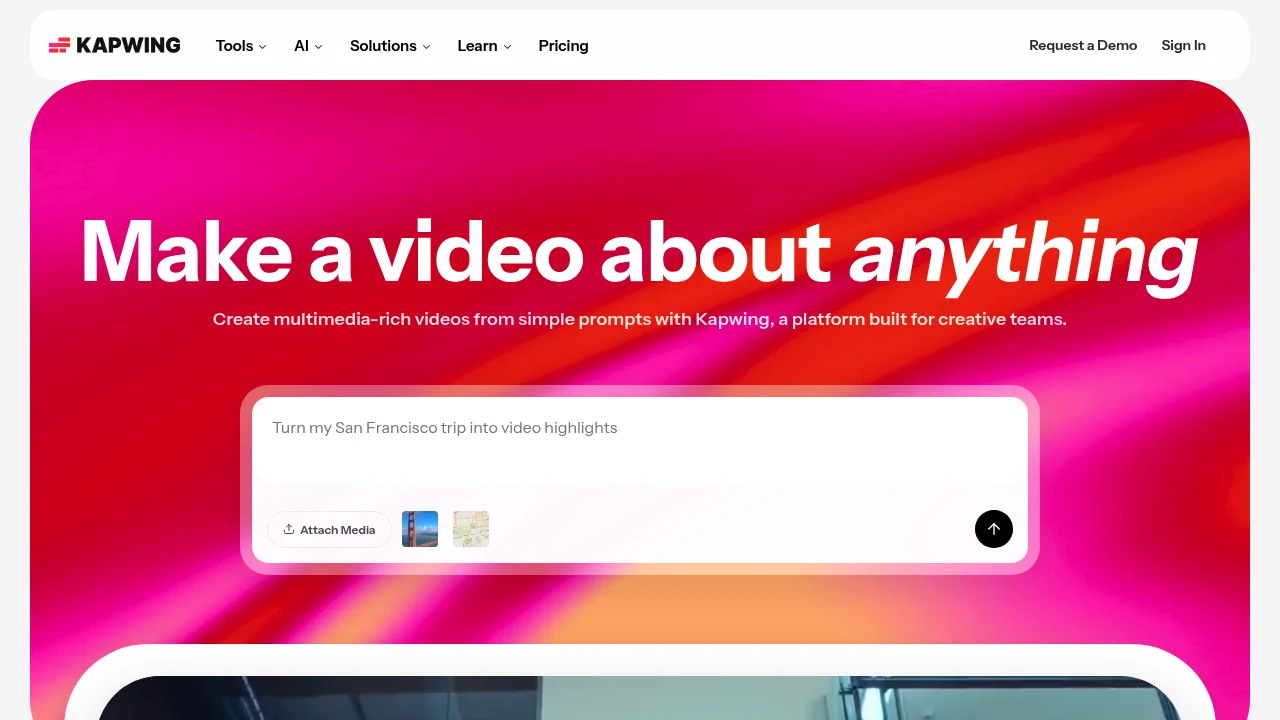
Kapwing is an online video creation and editing platform for creators, marketers, educators, and internal teams. It combines a browser editor with AI tools that turn a prompt into a layered video project.
Key Highlights
- Prompt-to-video with script, visuals, voiceover, subtitles, and music
- Drag-and-drop editor for clips, media, overlays, and timelines
- AI subtitle, translation, dubbing, clean audio, and text-to-speech tools
- Smart Cut and repurposing tools for faster social clips and short-form edits
- Shared workspaces, comments, brand kits, fonts, and collaboration
What Makes It Different
Kapwing is built around browser-based team video production rather than desktop editing. The homepage positions the product as a way to move from a rough idea to a first draft and keep editing in the same project.
Its strongest fit is lightweight production for teams that publish often. The editor includes templates and timeline controls, while AI tools handle subtitles, translation, audio cleanup, and silence removal.
Features & Capabilities
You can attach media or write a prompt, then edit generated or uploaded video in a shared timeline. Kapwing supports video, image, audio, and GIF exports, link imports, recording, transitions, stock assets, chroma key, resizing, subtitles, and transcripts.
Paid workspaces add higher upload limits, 4K exports, longer videos, unlimited projects, brand kits, fonts, shared workspaces, and folders. Business and Enterprise add credits, voice clones, lip sync, SAML SSO, onboarding, and account support.
User Ratings and Testimonials
Kapwing does not publish a third-party average rating. Its testimonials praise the editor for being easy to learn, useful for subtitles, and practical for social video work.
The free hosted plan keeps Kapwing's watermark, limits finished videos to 1 minute, exports at 720p, and stores projects for 3 days. The pricing FAQ says paid plans have no free trial and subscriptions recur.
Pricing & Value
- Free: $0 hosted plan, with 10 credits, 2GB storage, watermarked exports, 1-minute videos, 720p quality, and limited AI usage
- Pro: $16 per member/month billed annually or $24 billed monthly, with 1,000 credits/month, 100GB storage, no watermark, 4K exports, and 2-hour projects
- Business: $50 per member/month billed annually or $64 billed monthly, with 4,000 credits/month, 500GB storage, voice clones, lip sync, and extra credits
- Enterprise: Custom pricing, with custom credits and storage, custom billing, account support, onboarding, and SAML SSO
The free hosted plan tests short watermarked exports. Pro is the first serious plan for watermark-free 4K video, while Business is aimed at heavier AI and voice use.

Captions is an AI video editor for creators who make talking videos, AI actors, captions, and translations.
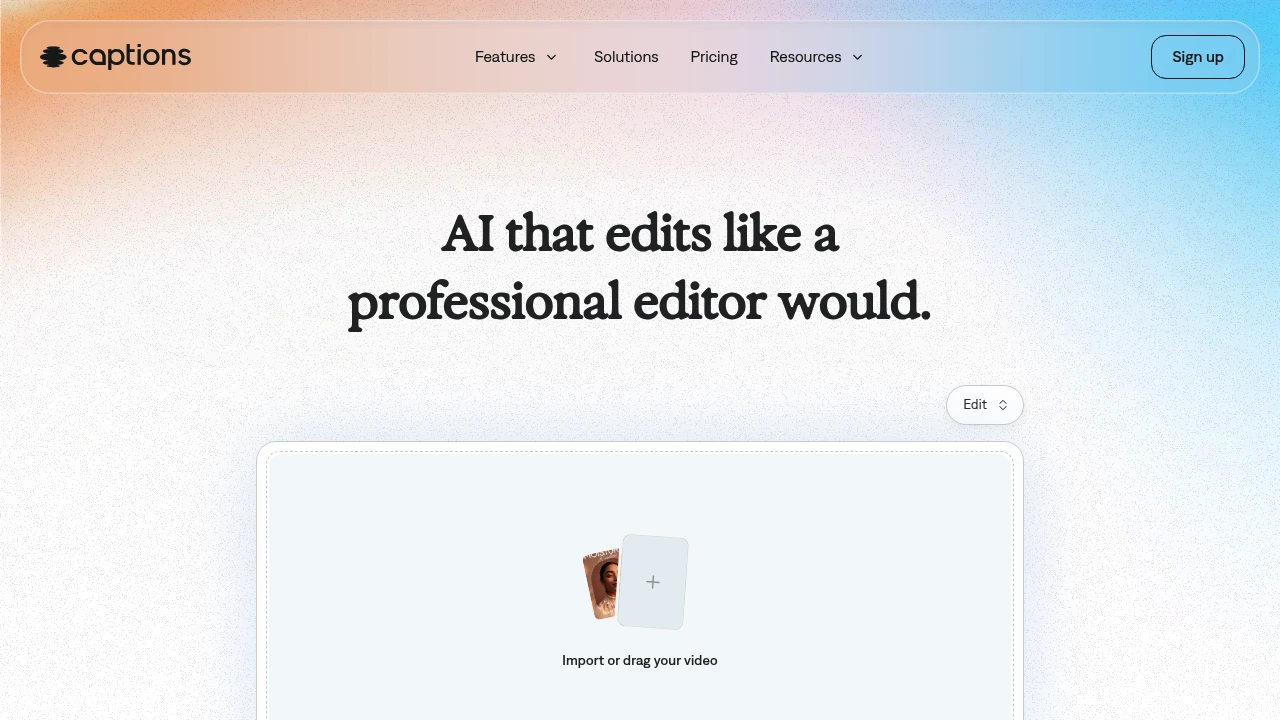
Captions is an AI video generator and editor for creators and teams making finished talking-head videos without a full edit timeline. Upload footage, choose a style, and the app can cut scenes, add B-roll, captions, and music. AI actors and custom avatars help produce new takes without recording every version.
Key Highlights
- Turns raw footage into a finished video with AI Edit
- Adds automatic captions
- Creates custom AI actors and digital twins
- Supports translation into 30+ languages
- Includes chat-based editing, eye contact correction, denoise, and pause trimming
What Makes It Different
Captions is built around one-tap production, not manual clip-by-clip editing. Its homepage says the AI reads the story in the footage, then tailors cuts and style choices.
The same workspace can edit uploaded footage, add captions and translations, create B-roll, generate music or sound effects, and reuse an AI actor across multiple videos.
Features & Capabilities
The main workflow starts with importing a video, choosing a style, and creating the edited version. AI Edit can cut scenes, overlay B-roll, and apply a style, while the chat-based editor handles plain-language change requests.
For talking-head content, Captions includes automatic captions, translation, eye contact correction, denoise, pause trimming, music, sound effects, and caption templates. Its avatar tools can generate talking videos from selfies, create custom AI actors, and change outfits, backgrounds, or product placement.
User Ratings and Testimonials
Captions does not publish third-party review scores or quoted customer testimonials. Captions does publish usage claims on its homepage: 100K+ daily users, 20M creators and businesses, and 3M+ monthly videos. Visible limits are that the free plan has no AI usage credits and only one caption template, while heavier generation work requires a paid tier.
Pricing & Value
- Free: $0, with limited tools, no AI usage credits, and one caption template
- Max: $24.99/mo, with 500 credits per month, AI Edit styles, AI actors, chat-based editing, and generative assets
- Scale: $69.99/mo, with 1,400 credits per month and Captions' most sophisticated generative AI models
- Scale 2x: $139.99/mo, with 2,800 credits per month for more output
- Scale 4x: $279.99/mo, with 5,600 credits per month for larger production volume
- Enterprise: Custom pricing, with bulk credit discounts, custom seats, account management, training data exclusion, onboarding, support, and early feature access
The pricing page says all listed prices are in USD and reflect iOS plans only, so buyers should confirm platform-specific billing before upgrading.

Direct your AI co-editor to turn your vision into video, or do it yourself with intuitive editing tools. With Descript, making video is as easy as typing.
Descript transforms video and podcast editing by letting you edit media files like text documents. This AI-powered platform combines transcription, editing, and collaboration tools in one workspace. Content creators and podcasters use it to cut editing time by up to 90%.
Key Highlights
- Text-based video editing - edit by cutting and pasting transcript text
- Automatic filler word removal for cleaner audio
- AI voice cloning and overdub features
- Real-time collaboration tools for teams
- 4K video export capabilities
- Multi-track audio editing
- Screen recording built-in
- Automatic transcription in 22+ languages
What Makes It Different
Descript breaks the traditional video editing model. Instead of timeline-based editing, you edit videos by editing the transcript text. Cut a sentence from the transcript and the video cuts automatically. This approach makes video editing accessible to non-editors and speeds up the process for professionals.
Features & Capabilities
The platform handles the full content creation workflow. Record or upload your media, and Descript generates accurate transcripts. Edit by deleting text, rearranging sentences, or adding new content. The AI voice feature lets you create new audio by typing text.
Teams can collaborate in real-time with comments and suggestions. The platform exports to all major formats and integrates with popular tools like Slack and Zapier. Advanced features include green screen removal, automatic scene detection, and batch processing.
User Ratings and Testimonials
Descript has an average rating of 4.4 out of 5 stars from 137 reviews on Product Hunt.
Users praise the text-based editing feature for saving hours of work. Podcast creators highlight the filler word removal as a standout feature. Many report editing speeds 10 times faster than traditional tools. The transcript accuracy and AI voice quality receive positive feedback for sounding natural.
Some users report occasional slowness and bugs. Price concerns exist for smaller creators. Linux support remains limited, and some Mac users experience performance issues.
Pricing & Value
Descript offers several pricing plans:
- Hobbyist: $24/month for 10 transcription hours, 1080p watermark-free export, and 20 basic AI actions per month
- Creator: $35/month for 30 transcription hours, 4K export, unlimited AI actions, and 2 hours of AI speech
- Business: $65/month for 40 transcription hours, team collaboration features, and 5 hours of AI speech
Save up to 35% with annual billing.
The main value of Descript is its all-in-one video and podcast editing platform that lets you edit media files like text documents.
Similar proprietary alternatives:

 bisibility — Free beta: Track your website’s keywords, Google rankings, Search Console insights, and share of voice.


