
Flow by Google
Google Flow is an AI creative workspace for video and images, with access and generation allowances tied to your account.
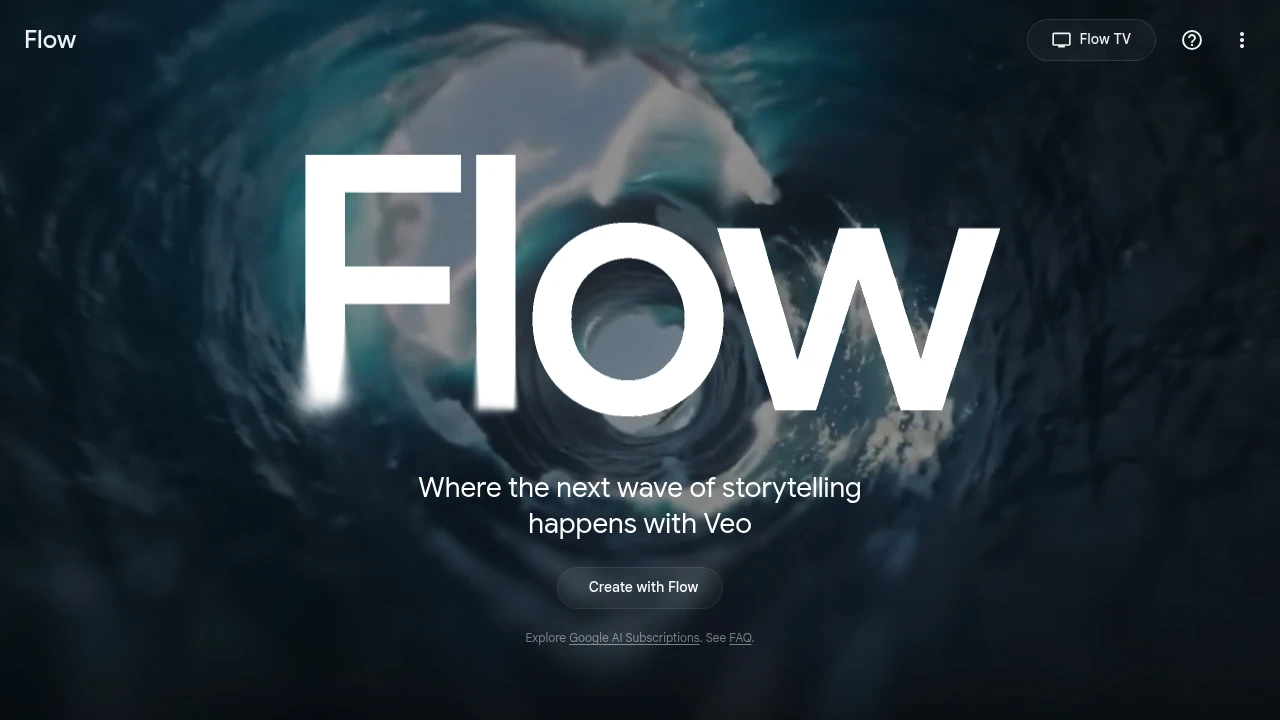
Google Flow is an AI creative workspace for making images and videos. It is designed for people developing visual ideas and short scenes with generative models. Access, model options, and generation allowances depend on the Google account, region, and subscription used.
Key Highlights
- Create video with supported generative models
- Generate images for visual projects
- Work within a Google creative workspace
- Use plan-specific AI credit allowances
- Compare generation quality across available options
What Makes It Different
Flow places visual generation within a workspace rather than presenting a single model as the whole product. The available models and usage allowance are part of the account offer, so the workflow can differ between free access and paid Google AI subscriptions.
Features & Capabilities
Begin with a visual idea and supply the prompts or other inputs supported by the chosen mode. Generate a draft, inspect the result, and adjust the next attempt. Select a model and settings appropriate for the project instead of assuming every generation has the same cost or behavior.
Review movement, continuity, composition, and unwanted details before using a clip. A convincing short scene does not establish reliable results for every prompt. Keep important creative decisions and publication review with the person responsible for the project.
User Ratings and Testimonials
For an evaluation, repeat a small scene with controlled changes to the prompt. Compare the usable results with the credits spent and the revision effort. Judge examples against your own intended style rather than treating a demonstration as a promise of identical output.
Pricing & Value
Google AI subscriptions include different Flow access levels and AI credit allowances. Credits, model availability, and account eligibility affect the amount of work possible. Check the selected Google AI plan and current Flow terms before subscribing. Buying a subscription does not imply unlimited generation across every model or setting.
Product facts
- Pricing
- Not yet verified
- Access
- Not yet verified
- Product status
- Not yet verified


Analytics
Deep dive into AI Tool performance and audience insights.
Growth Trend
GrowingTraffic growth over last 30 days
Traffic & Engagement
Traffic Sources
Top Countries
Tags:
You might also like

 bisibility — Free beta: Track your website’s keywords, Google rankings, Search Console insights, and share of voice.


