
Guideless
Guideless turns browser workflows into narrated video guides and step-by-step documentation for software teams.
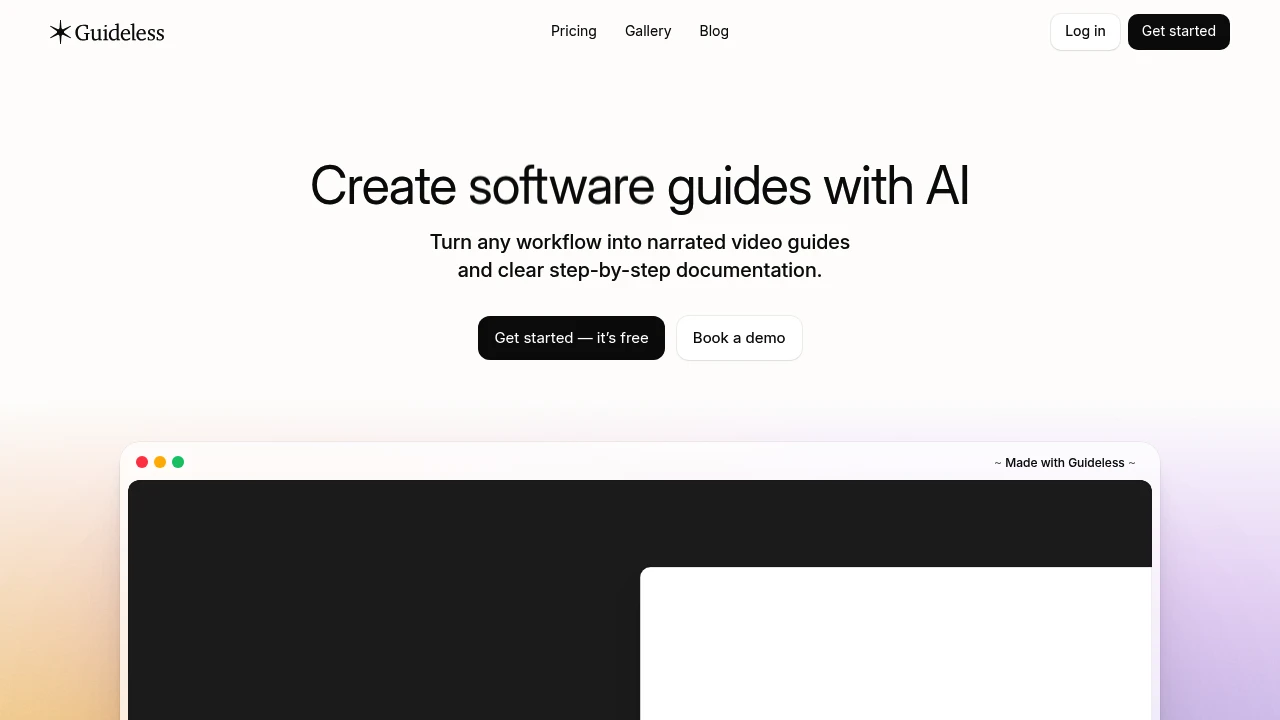
Guideless captures browser workflows and turns them into narrated video guides and step-by-step documentation. It is built for software teams creating training, onboarding, product walkthroughs, SOPs, and help content. Capture a task naturally, then review the AI-generated guide before sharing it.
Key Highlights
- Captures browser workflows step by step, without narrating while recording
- Writes instructions, generates narration, and adds captions with AI
- Lets editors update steps, regenerate content, annotate screenshots, and blur sensitive details
- Applies workspace themes, layouts, captions, animations, and brand kits across guides
- Creates multilingual guides with AI narration and voiceovers in more than 40 languages
- Shares guides through links, embeds, MP4, PDF, and Markdown exports
What Makes It Different
Guideless combines workflow capture, written instructions, narration, captions, and presentation effects in one editing flow. The capture starts with the task itself, so the person creating the guide does not need to explain each action as they perform it.
The editor is designed for maintenance as well as first drafts. Teams can change a step, replace a screenshot, or adjust narration without recreating the whole guide, then keep its visual presentation aligned with the workspace brand.
Features & Capabilities
After capture, edit AI-generated steps and voiceover, add annotations, apply themes, and translate each guide. Folders, collections, search, shared workspaces, roles, and invitations keep team documentation organized.
Share guides by link, embed them in a website or help center, or export them as MP4, PDF, or Markdown for Notion, GitHub, and docs. Analytics show views, play rate, completions, and drop-off. Guideless lists Slack, Notion, and Confluence among its integrations.
Pricing & Value
- Free: $0 for one user, up to 3 guides, unlimited views, AI-written narration, AI voiceover, and sharing through links and embeds.
- Pro: $29 per user per month, billed annually, for unlimited guides, guide and workspace insights, watermark-free sharing, and unlimited MP4 exports up to 4K.
- Enterprise: Custom annual pricing for organizations that need SSO, multiple workspaces, custom domains, custom data residency, and dedicated support and training.
The Free plan is a permanent free plan rather than a time-limited trial, so an individual can create a small set of guides before moving to a paid workspace.
Product facts
- Pricing
- Not yet verified
- Access
- Not yet verified
- Product status
- Not yet verified

You might also like
 bisibility — Free beta: Track your website’s keywords, Google rankings, Search Console insights, and share of voice.

