CapCut Alternatives
A curated collection of the 5 best alternatives to CapCut.
How to choose a replacement
The useful replacement depends on what you do in CapCut. A timeline editor, a transcript editor, and a quick captioning workflow solve different parts of video production. Start with your existing footage rather than comparing generated demo clips.
Compare by
- Browser versus desktop editing
- Timeline control versus transcript editing
- Captions, reframing, and audio cleanup
- Watermarks, export resolution, and project portability
Which alternative fits your workflow?
- Descript: Transcript-based editing for spoken video and audio.
- VEED: Browser-based video editing with captions and AI-assisted production.
- Filmora: A desktop video editor for a more traditional timeline workflow.
- Captions: Creator-focused video production and caption workflows.
- Kapwing: Collaborative browser editing and content repurposing.
What to test before switching
Import a representative project and check caption corrections, audio changes, aspect ratios, and final export. Confirm which export features require a paid plan. A tool that makes short clips quickly may still be a poor fit for longer, layered edits.


Filmora is a desktop and mobile video editor for creators who want AI tools, captions, effects, and templates.
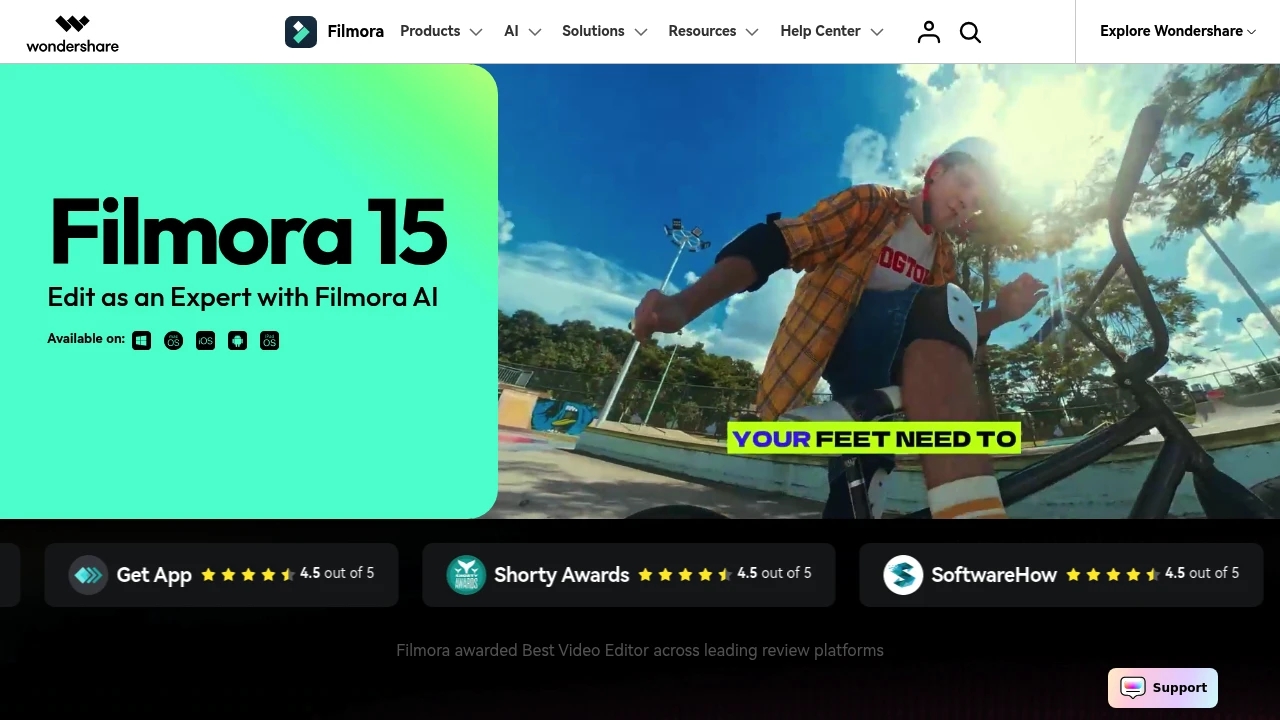
Filmora is an all-in-one video editor for desktop and mobile creators who want timeline editing, AI tools, and ready-made assets in one app. It is built for social videos, marketing clips, tutorials, and personal projects that still need motion, audio, captions, and export control.
Key Highlights
- Desktop and mobile editing across Windows, Mac, tablet, and phone
- AI tools for video, image, audio, captions, speech, and text
- Motion paths, speed control, keyframes, planar tracking, and multi-camera editing
- 2.9M+ creative assets, templates, effects, music, sound effects, and stock media on paid plans
- Direct YouTube export, social video planning, 4K export, and formats such as MP4, MOV, AVI, MKV, and MPEG
What Makes It Different
Filmora sits between simple template-first editors and heavier professional suites. Its main value is breadth: you can move from an idea to timeline editing, captions, audio work, motion, and export without switching tools.
That mix matters for creators who want drag-and-drop editing but still need dual timelines, source and sequence preview, AI color matching, screen recording, animated charts, and a large built-in asset library.
Features & Capabilities
You can build a project from imported media, screen recordings, templates, stock assets, and AI-generated material, then refine it with keyframes, color tools, speed control, transitions, titles, filters, and effects. AI features include dynamic captions, text-to-speech, speech-to-text, translation, voice cloning, music, sound effects, object removal, video enhancement, and smart short clips.
For publishing, paid plans remove the export watermark, support 4K HD export, and can export directly to YouTube. Plans also include cloud storage, AI Mate conversations, and AI credits on Advanced.
User Ratings and Testimonials
Filmora shows 4.5 out of 5 ratings from G2 Crowd, Capterra, Get App, Shorty Awards, and SoftwareHow on its homepage. Testimonials praise the clean interface, drag-and-drop workflow, templates, music, transitions, animated text, audio sync, and multi-layer editing.
The tradeoffs are mostly around plan limits and rights. Free exports include a watermark, many AI features use credits, the Perpetual license covers Filmora 15 updates only, and some AI-generated assets are not cleared for commercial use.
Pricing & Value
- Free: $0, with basic editing features and watermarked exports
- Basic: $49.99/year, with watermark-free export, 4K export, 1GB cloud storage, 2.9M+ assets, 100+ advanced features, and 500 AI Mate conversations
- Advanced: $59.99/year, with everything in Basic plus 1,000 Filmora AI credits/month, 10GB cloud storage, and continued AI feature updates
- Perpetual: $79.99 one-time payment, with watermark-free export, 4K export, 1,000 AI credits, 1GB cloud storage, and Filmora 15 updates only
The free edition is useful for testing the editor, while Advanced is the clearer fit for regular AI use.
Looking for alternatives to other popular tools? Check out other posts in the alternatives series and flowtools.co, a directory of best AI tools with filters for tags and categories for easy browsing and discovery.

Kapwing is an online AI video editor for creators and teams making social, training, and marketing videos.
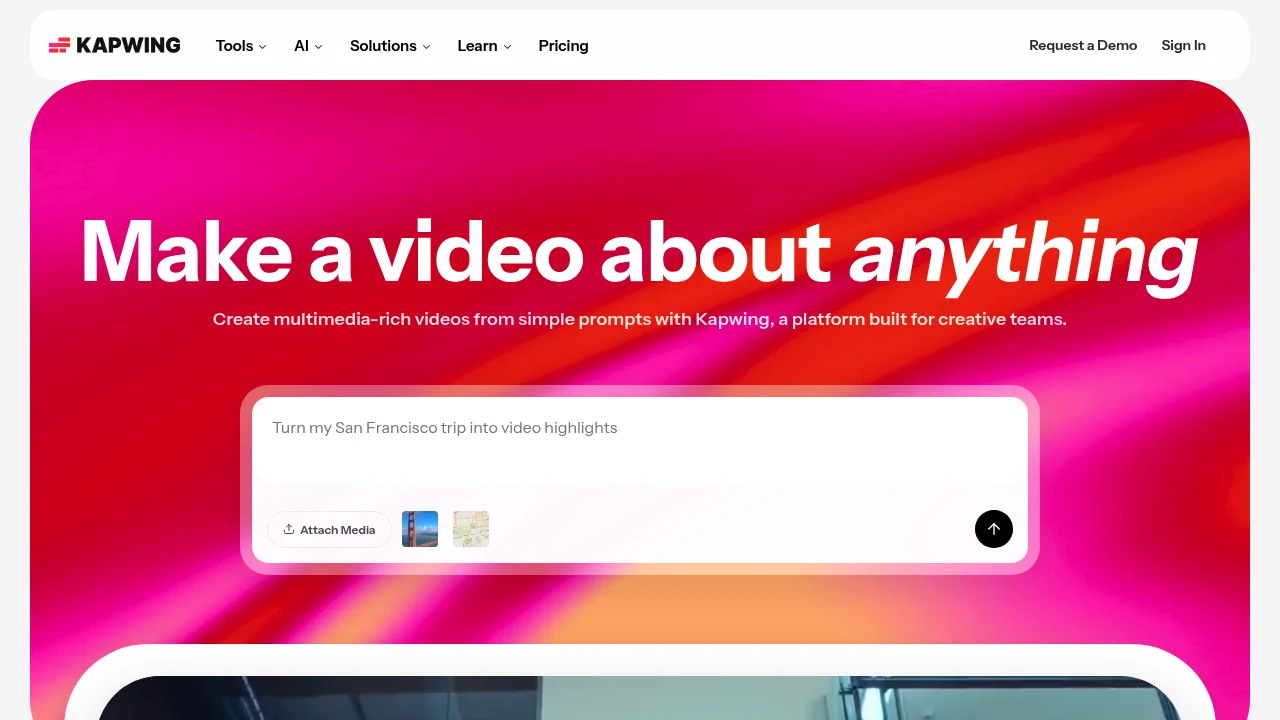
Kapwing is an online video creation and editing platform for creators, marketers, educators, and internal teams. It combines a browser editor with AI tools that turn a prompt into a layered video project.
Key Highlights
- Prompt-to-video with script, visuals, voiceover, subtitles, and music
- Drag-and-drop editor for clips, media, overlays, and timelines
- AI subtitle, translation, dubbing, clean audio, and text-to-speech tools
- Smart Cut and repurposing tools for faster social clips and short-form edits
- Shared workspaces, comments, brand kits, fonts, and collaboration
What Makes It Different
Kapwing is built around browser-based team video production rather than desktop editing. The homepage positions the product as a way to move from a rough idea to a first draft and keep editing in the same project.
Its strongest fit is lightweight production for teams that publish often. The editor includes templates and timeline controls, while AI tools handle subtitles, translation, audio cleanup, and silence removal.
Features & Capabilities
You can attach media or write a prompt, then edit generated or uploaded video in a shared timeline. Kapwing supports video, image, audio, and GIF exports, link imports, recording, transitions, stock assets, chroma key, resizing, subtitles, and transcripts.
Paid workspaces add higher upload limits, 4K exports, longer videos, unlimited projects, brand kits, fonts, shared workspaces, and folders. Business and Enterprise add credits, voice clones, lip sync, SAML SSO, onboarding, and account support.
User Ratings and Testimonials
Its testimonials praise the editor for being easy to learn, useful for subtitles, and practical for social video work.
The free hosted plan keeps Kapwing's watermark, limits finished videos to 4 minutes, exports at 720p, and stores projects for 3 days. The pricing FAQ says paid plans have no free trial and subscriptions recur.
Pricing & Value
- Free: $0 hosted plan, with 10 credits, 5GB storage, watermarked exports, 4-minute videos, 720p quality, and limited AI usage
- Pro: $16 per member/month billed annually or $24 billed monthly, with 1,000 credits/month, 200GB storage, no watermark, 4K exports, and 2-hour projects
- Business: $50 per member/month billed annually or $64 billed monthly, with 4,000 credits/month, 800GB storage, voice clones, lip sync, and extra credits
- Enterprise: Custom pricing, with custom credits and storage, custom billing, account support, onboarding, and SAML SSO
The free hosted plan tests short watermarked exports. Pro is the first serious plan for watermark-free 4K video, while Business is aimed at heavier AI and voice use.

Captions is an AI video editor for creators who make talking videos, AI actors, captions, and translations.
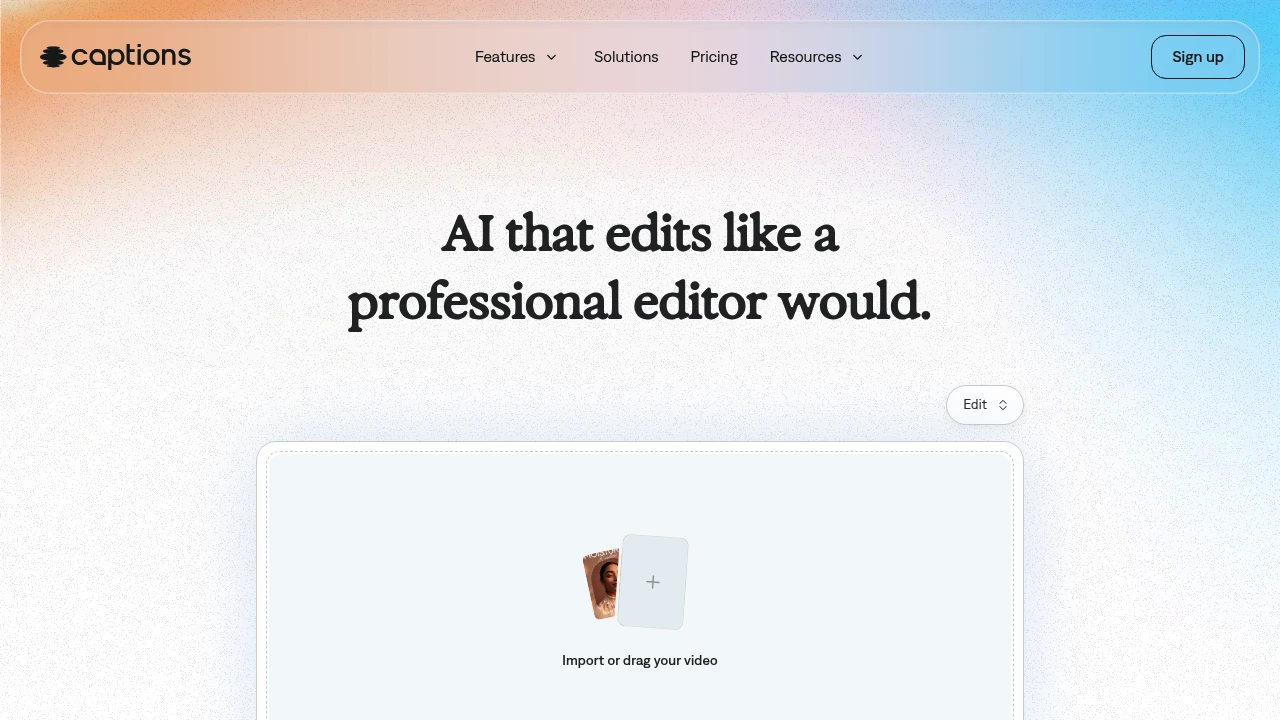
Captions is an AI video generator and editor for creators and teams making finished talking-head videos without a full edit timeline. Upload footage, choose a style, and the app can cut scenes, add B-roll, captions, and music. AI actors and custom avatars help produce new takes without recording every version.
Key Highlights
- Turns raw footage into a finished video with AI Edit
- Adds automatic captions
- Creates custom AI actors and digital twins
- Supports translation into 30+ languages
- Includes chat-based editing, eye contact correction, denoise, and pause trimming
What Makes It Different
Captions is built around one-tap production, not manual clip-by-clip editing. Its homepage says the AI reads the story in the footage, then tailors cuts and style choices.
The same workspace can edit uploaded footage, add captions and translations, create B-roll, generate music or sound effects, and reuse an AI actor across multiple videos.
Features & Capabilities
The main workflow starts with importing a video, choosing a style, and creating the edited version. AI Edit can cut scenes, overlay B-roll, and apply a style, while the chat-based editor handles plain-language change requests.
For talking-head content, Captions includes automatic captions, translation, eye contact correction, denoise, pause trimming, music, sound effects, and caption templates. Its avatar tools can generate talking videos from selfies, create custom AI actors, and change outfits, backgrounds, or product placement.
User Ratings and Testimonials
Captions does publish usage claims on its homepage: 100K+ daily users, 20M creators and businesses, and 3M+ monthly videos. Visible limits are that the free plan has no AI usage credits and only one caption template, while heavier generation work requires a paid tier.
Pricing & Value
- Free: $0, with limited tools, no AI usage credits, and one caption template
- Max: $24.99/mo, with 500 credits per month, AI Edit styles, AI actors, chat-based editing, and generative assets
- Frontier: $69.99/mo, with 1,400 credits per month and Captions' most sophisticated generative AI models
- Frontier 2x: $139.99/mo, with 2,800 credits per month for more output
- Frontier 4x: $279.99/mo, with 5,600 credits per month for larger production volume
- Enterprise: Custom pricing, with bulk credit discounts, custom seats, account management, training data exclusion, onboarding, support, and early feature access
The pricing page says all listed prices are in USD and reflect iOS plans only, so buyers should confirm platform-specific billing before upgrading.

Generate and edit videos with AI footage, avatars, subtitles, dubbing, and browser-based production tools.
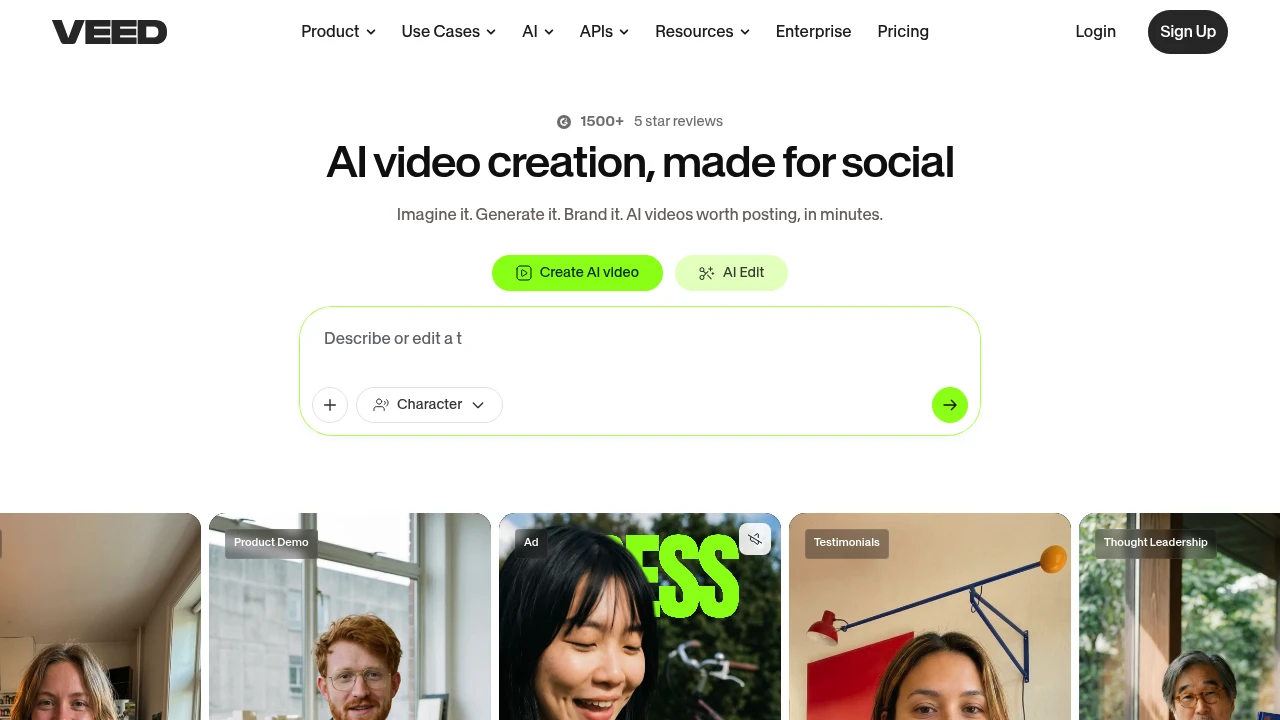
VEED is a browser video platform for creators, marketers, and teams. It combines video generation with editing, subtitles, dubbing, and other production tools. Users can start with a prompt or footage and refine the result before sharing it.
Key Highlights
- AI Playground for text- and image-to-video
- Browser video editing tools
- Subtitle and transcription workflows
- Dubbing and translation options
- Voice and avatar creation tools
What Makes It Different
VEED combines generation with tools for finishing a video. A creator can work on generated footage and then edit, subtitle, or dub it within the same product. The available models, credits, and export options depend on the account and selected plan.
Features & Capabilities
AI Playground lets users choose a model, supply a prompt or image, and see the credit cost before generation. Every generation consumes AI credits. The product also provides workflows for social clips, explainers, demonstrations, and other video formats.
Editing tools support preparing the footage for publication. Subtitles, dubbing, and translation address language and accessibility needs. Check the output after editing: captions and generated speech can require correction, and a short preview may not reveal every issue in a final export.
User Ratings and Testimonials
Evaluate VEED with the aspect ratios, languages, and file formats used by your team. Inspect generated clips, subtitle accuracy, speech timing, and exported quality. A useful trial includes the review work needed for a finished video as well as the initial generation.
Pricing & Value
- Free: selected tools with account and regional limits
- Creator: $20/user/month, billed monthly, with 500 credits/month
- Pro: $44/user/month, billed monthly, with 2,500 credits/month
- Studio: $70/user/month, billed monthly, with 15,000 credits/month
- Enterprise: custom pricing and AI credits, with team and privacy controls
Annual billing totals $116/user/year for Creator, $257 for Pro, and $414 for Studio, with 6,000, 30,000, and 180,000 yearly credits respectively. Credit consumption varies by generation. On Free, AI Playground credits are region-dependent; where included, clips can be up to 12 seconds.

Descript edits audio and video through transcripts, with recording, collaboration and credit-based AI features.
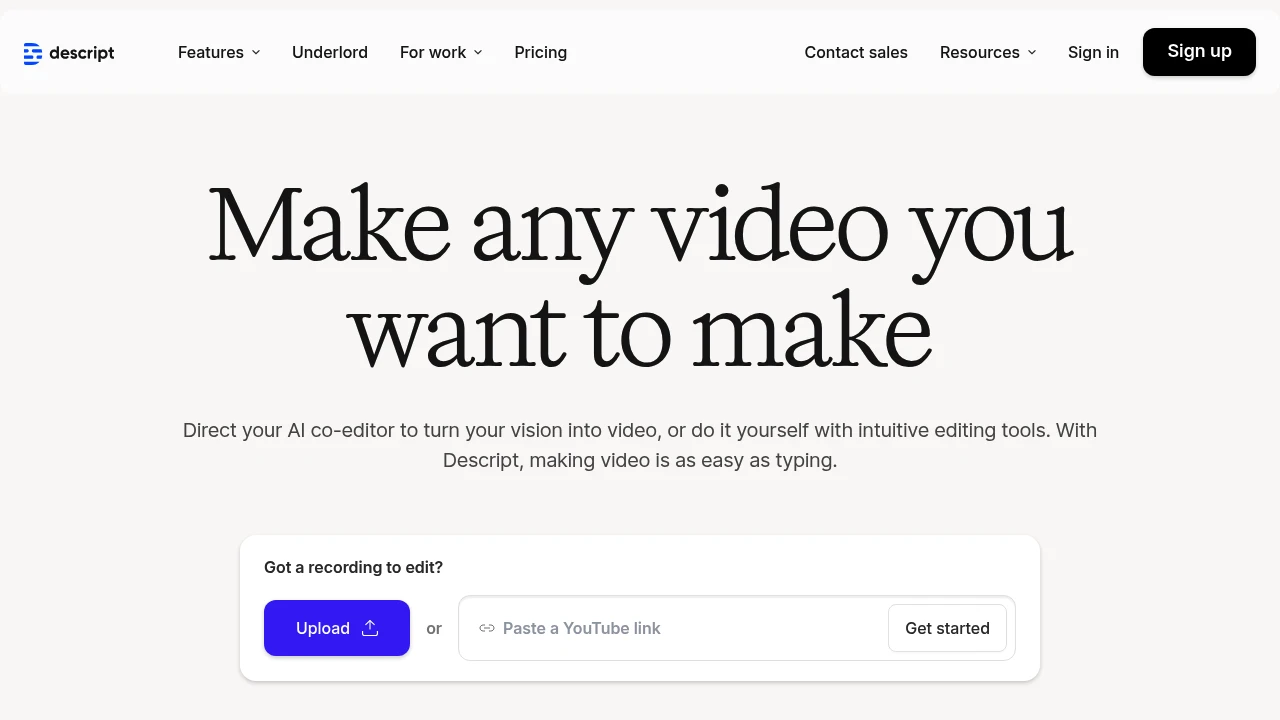
Descript transforms video and podcast editing by letting you edit media files like text documents. This AI-powered platform combines transcription, editing, and collaboration tools in one workspace. Creators and podcasters use its transcript-based workflow to revise recordings and prepare videos.
Key Highlights
- Text-based video editing - edit by cutting and pasting transcript text
- Automatic filler word removal for cleaner audio
- AI voice cloning and overdub features
- Real-time collaboration tools for teams
- 4K video export capabilities
- Multi-track audio editing
- Screen recording built-in
- Automatic transcription in 25 languages
What Makes It Different
Descript breaks the traditional video editing model. Instead of timeline-based editing, you edit videos by editing the transcript text. Cut a sentence from the transcript and the video cuts automatically. This approach makes video editing accessible to non-editors and speeds up the process for professionals.
Features & Capabilities
The platform handles the full content creation workflow. Record or upload your media, and Descript generates accurate transcripts. Edit by deleting text, rearranging sentences, or adding new content. The AI voice feature lets you create new audio by typing text.
Teams can collaborate in real-time with comments and suggestions. The platform exports to all major formats and integrates with popular tools like Slack and Zapier. Advanced features include green screen removal, automatic scene detection, and batch processing.
User Ratings and Testimonials
Descript demonstrates transcript-based editing and AI media tools. Test it with a representative recording to assess transcript quality, editing control and export requirements. Check important spoken details and the final audio before publishing, especially when generating or replacing speech.
Pricing & Value
Descript offers several pricing plans:
- Hobbyist: $24 per person/month, billed monthly, for 10 media hours per editor/month, 1080p watermark-free export, and 400 AI credits per month
- Creator: $35 per person/month, billed monthly, for 30 media hours per editor/month, 4K export, 800 AI credits per month, with speech using the same credit allowance
- Business: $65 per person/month, billed monthly, for 40 media hours per editor/month, team collaboration features, and 1,500 monthly AI credits for features including speech
Save up to 35% with annual billing.
The main value of Descript is its all-in-one video and podcast editing platform that lets you edit media files like text documents.
Similar proprietary alternatives:

 bisibility — Free beta: Track your website’s keywords, Google rankings, Search Console insights, and share of voice.


