
Napkin AI
Napkin AI turns pasted text into editable diagrams, charts and infographics for presentations, docs and social posts.
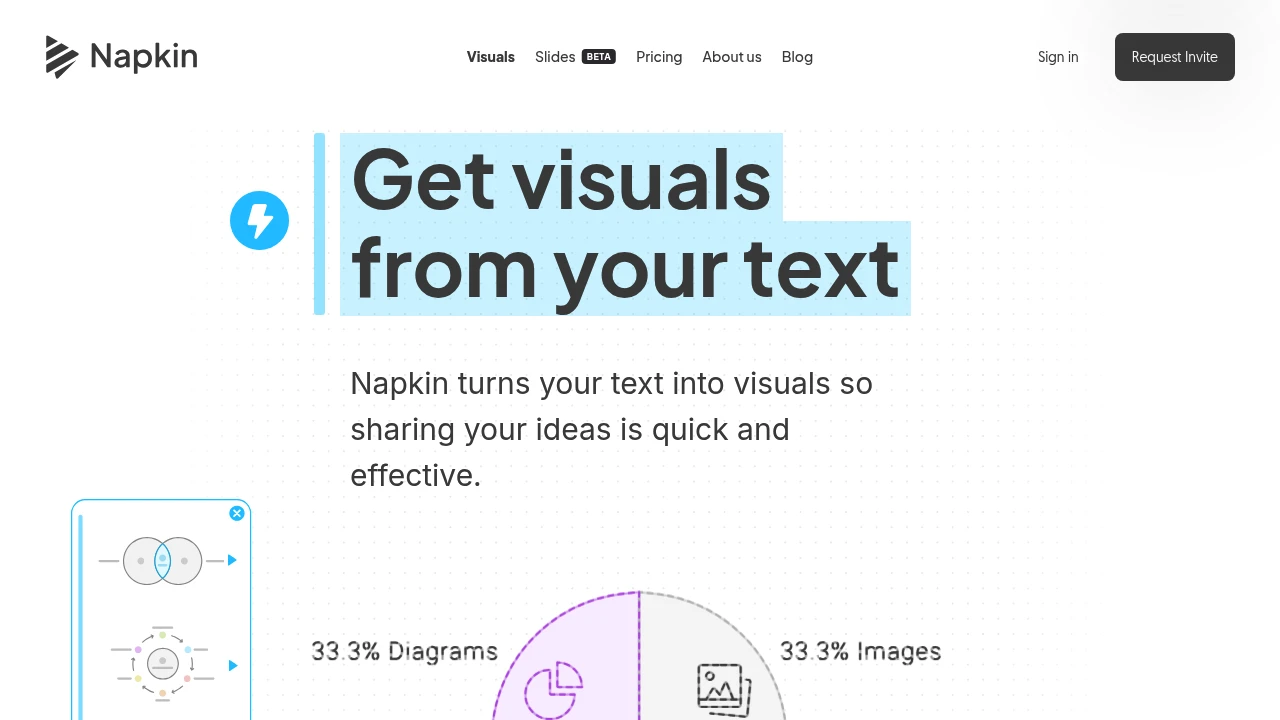
Napkin AI turns written ideas into presentation-ready graphics. Business teams, educators, marketers and creators can turn pasted or imported text into diagrams, charts, mind maps and infographics without writing a prompt first.
Key Highlights
- Generates visual options from pasted, imported or AI-written text
- Creates diagrams, flowcharts, mind maps, data charts and infographics
- Lets you edit colors, fonts, icons, layouts and individual visual elements
- Exports visuals as PPT, PNG, PDF or SVG files
- Supports teamspaces, real-time editing, comments and feedback
- Creates visuals in 60+ languages, with an English interface
What Makes It Different
Napkin AI focuses on text-to-visual generation rather than slide generation from a blank prompt. You bring a paragraph, outline, article section or document, click to generate visuals, then choose the version that best explains the idea.
The output is editable: change colors, reshape elements, match brand styling on paid plans and export visuals for presentations, documents or social content.
Features & Capabilities
The workflow starts with importing or pasting text. Napkin AI reads the selection, generates visual options and lets you pick one to refine. It supports PPT, DOC, PDF, HTML and Markdown imports, with outputs used as exports or inside a shared Napkin document.
Editing controls cover colors, fonts, icons and layout elements. Collaboration features include Teamspace, real-time co-editing, comments, highlights and share links for showing text and visuals together.
User Ratings and Testimonials
Napkin AI highlights feedback from project managers, professors, teachers, founders and consultants. Users praise how quickly it turns concepts into visuals for presentations, articles, teaching material and diagrams.
Tradeoffs: creating and editing is desktop-only for now, the free plan includes Napkin branding, and advanced export or brand controls require a paid plan.
Pricing & Value
- Free: $0 forever, with 500 AI credits per week, unlimited editing, PNG and PDF export, built-in styles, standard icons, and Napkin branding
- Plus: $9 per person/month, with 10,000 AI credits, PPT and SVG export, 3 Brand Styles, bold icons, branding removal, and team billing
- Pro: $22 per person/month, with 30,000 AI credits, exclusive designs, unlimited Custom Branding, font uploads, billing, and optional top-ups
- Enterprise: custom sales plan for larger teams
Annual billing saves 25%. The free plan is useful for lightweight visual creation, while Plus is the practical entry point if you need PPT or SVG export without Napkin branding.
FAQs
It has a free plan with 500 AI credits per week. Paid Plus and Pro plans start at $9 per person/month and remove more limits.
It turns text into diagrams, charts, infographics and presentation graphics for slides, docs, blogs and social posts.
Use the free plan: sign up on desktop, paste or import text, generate visuals, edit them, and export PNG or PDF with Napkin branding.
It is strongest for turning existing text into editable business visuals. Creation and editing are desktop-only for now.

You might also like
 bisibility — Free beta: Track your website’s keywords, Google rankings, Search Console insights, and share of voice.

