
Notion AI
Write, search team knowledge, capture meeting notes, and run agent tasks inside Notion and connected apps.
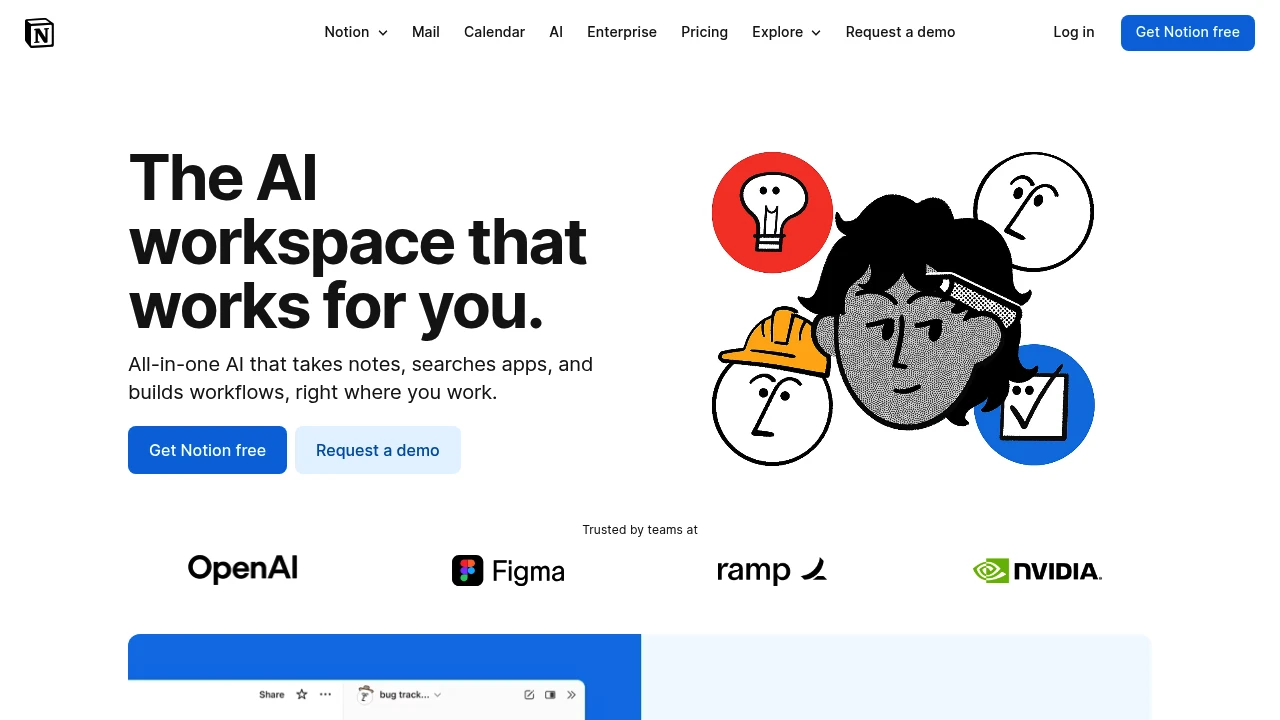
Notion AI works inside Notion pages, documents, tasks, and databases. Teams can use it to draft content, find information, capture meeting notes, and carry out agent tasks. Connected apps add context when enabled, so the available information depends on the workspace and its integrations.
Key Highlights
- Notion Agent for multi-step tasks
- Custom Agents for recurring work
- Search across the workspace and connected apps
- AI Meeting Notes with summaries and action items
- Writing, translation, and database assistance
What Makes It Different
Notion combines AI assistance with the workspace where a team keeps its documents and structured information. An agent can create or edit pages and databases using that context. Custom Agents add triggered or scheduled work for recurring processes rather than only responding to a chat prompt.
Features & Capabilities
Use an agent to draft a document, update structured information, or investigate a topic. Search can bring together information from Notion and supported connections such as Slack, Google Drive, and GitHub.
AI Meeting Notes transcribe conversations and summarize key points. Set up integrations and access appropriately, then review notes and generated changes. An agent answer can only be useful if the underlying workspace information is relevant and current.
User Ratings and Testimonials
Notion publishes selected accounts from teams such as Ramp and Braintrust. Those stories describe particular setups. Evaluate answer quality, access boundaries, and the actions an agent takes with your own workspace before automating a recurring process.
Pricing & Value
Core AI features are included in Business and Enterprise. Free and other plans offer limited trial access. Custom Agents use separately purchased Notion credits, advertised at $10 per 1,000 credits after trial use. Included AI access and Custom Agent usage are separate billing considerations.


Analytics
Deep dive into AI Tool performance and audience insights.
Growth Trend
DecliningTraffic growth over last 30 days
Traffic & Engagement
Traffic Sources
Top Countries
Tags:

You might also like
 bisibility — Free beta: Track your website’s keywords, Google rankings, Search Console insights, and share of voice.

