
Screenpipe
Screenpipe records screen and audio activity locally so people and teams can search work history with AI.
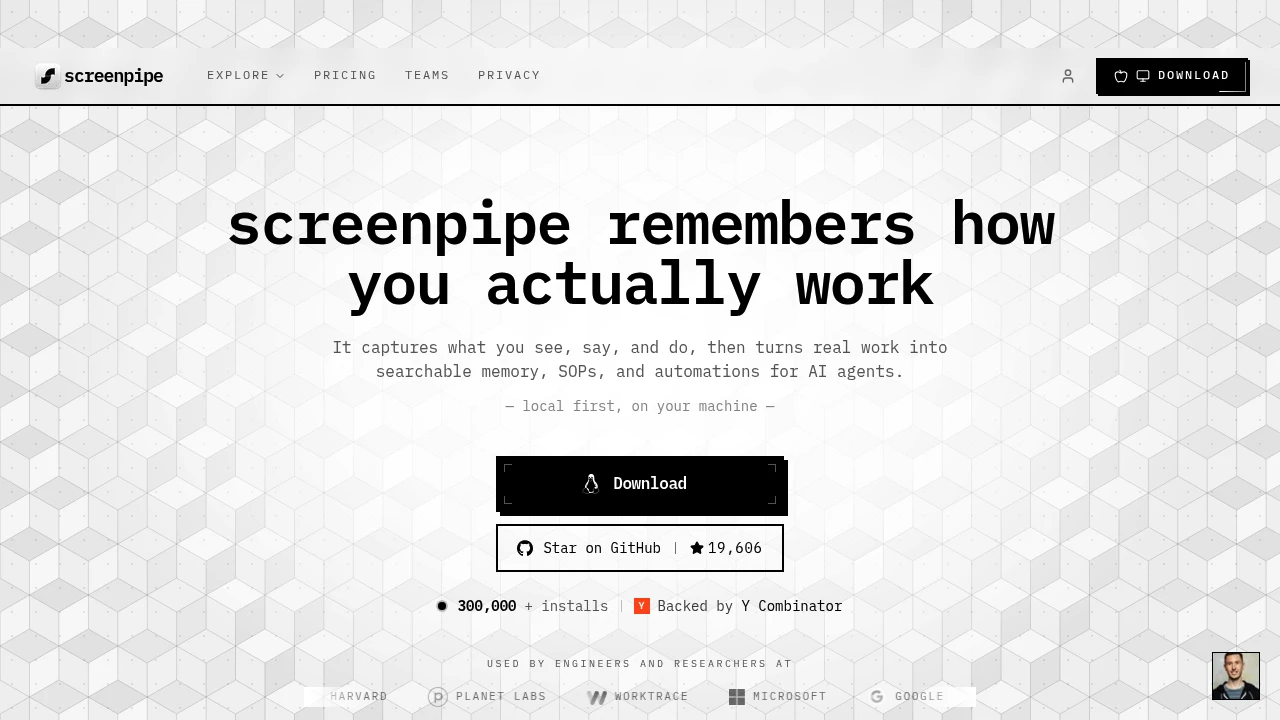
Screenpipe is a local-first AI memory app for desktop work. It captures screen and audio activity and turns it into searchable memory, meeting notes, SOPs, reports, and automations for teams that want AI agents grounded in real work context.
Key Highlights
- Captures what you see, say, and do on macOS, Windows, and Linux
- Lets you ask AI about meetings, accounts, tickets, and handoffs
- Turns repeated work into pipes for notes, CRM updates, follow-ups, and SOPs
- Keeps capture local by default, with app, window, and URL exclusions
- Runs on-device PII redaction before data is saved
What Makes It Different
Most AI memory tools ask users to trust a hosted recorder. Screenpipe records locally, stores memory on disk, and lets users drop sensitive apps, windows, and URLs before they reach storage. The company also publishes the recorder code and exposes open APIs, so teams can inspect the capture layer and query memory.
Screenpipe treats work memory as infrastructure, not just search. Pipes can trigger from events like a meeting ending, summarize what happened, and push structured output into the tools a team already uses.
Features & Capabilities
The workflow is simple: install the desktop app, let it capture screen and audio, then search or ask AI about what happened. It can answer questions about meetings, pricing discussions, progress, account context, or past decisions using captured context.
For automation, pipes create meeting notes, CRM updates, follow-ups, time tracking, SOPs, deal spotting, and contact dossiers. Teams can connect more than 50 tools, including Notion, Slack, Linear, GitHub, Zoom, HubSpot, Salesforce, OpenAI, Claude, Ollama, and Gemini. Enterprise deployment adds managed seats, SSO or SAML, MDM controls, on-prem storage, retention, workflow reports, and custom agents.
User Ratings and Testimonials
No public average customer rating is presented. The company lists developer and community signals, including 19k GitHub stars and 3k Discord members.
The main tradeoff is resource use. Requirements list 600 MB to 4 GB RAM depending on settings, 10-30% CPU on Apple M3, similar behavior on modern Intel or AMD machines, and about 30 GB of storage per month with configurable retention.
Pricing & Value
- Basic: $21/month annually, or $25/month monthly, for local capture, AI search, meeting notes, replay, PII blur, and local storage.
- Business: $42/seat/month annually, or $50/seat/month monthly, adding sync, cloud AI, 50+ integrations, one bill, and managed seats.
- Enterprise: custom pricing for on-prem storage, retention, SSO or SAML, MDM, device control, workflow reports, custom agents, and dedicated support.
The core is source-available and free to build or self-host for personal, non-commercial use. Paid plans cover the signed app, updates, support, sync, integrations, and team features.
FAQs
Data stays on device by default, is encrypted at rest, and can be filtered by app, window, URL, plus on-device PII redaction.
It can use noticeable resources: requirements list 600 MB to 4 GB RAM, 10-30% CPU on Apple M3, and configurable storage.
The core is source-available and free to build or self-host for personal, non-commercial use. Monthly paid plans include a 7-day trial.
It fits people who need searchable work memory, meeting notes, and automations from local screen and audio capture.

You might also like
 bisibility — Free beta: Track your website’s keywords, Google rankings, Search Console insights, and share of voice.

