
Voicenotes
Voicenotes records meetings and voice memos, transcribes speech, and turns conversations into searchable notes and follow-ups.
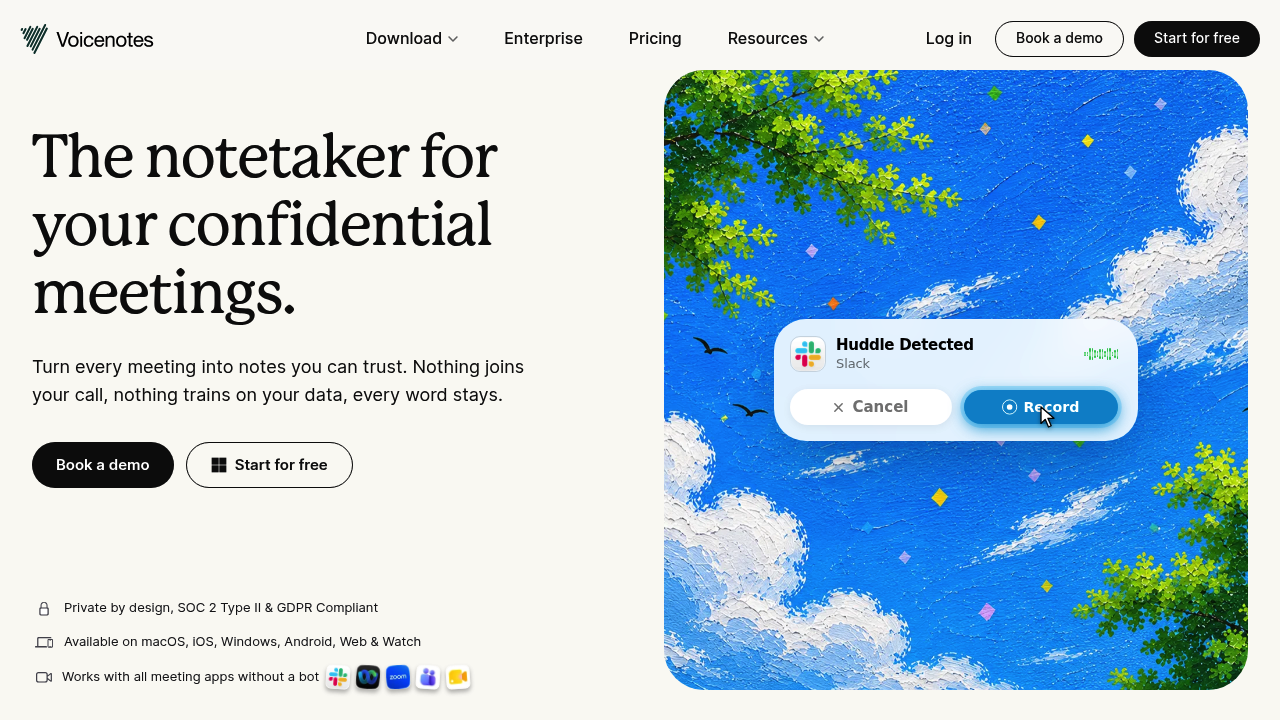
Voicenotes is an AI notetaker for online meetings, in-person conversations, and voice memos. It records audio without sending a bot into your call, then keeps the recording, transcript, and summary together. You can ask questions across past notes instead of searching through individual recordings.
Key Highlights
- Bot-free recording for online and in-person meetings
- Transcripts, summaries, action items, and follow-up drafts
- AI questions across your saved conversation history
- Web, desktop, mobile, and watch applications
- Audio imports, integrations, and MCP access on Pro
What Makes It Different
The meeting workflow uses your recording rather than a participant bot. Notes remain connected to the original audio, so you can return to what someone actually said when a summary needs context.
Ask AI extends the workflow beyond one meeting. It helps retrieve decisions and details from your conversation history, while the paid plan removes the free tier's history limit.
Features & Capabilities
Start recording, add written context during the conversation, and receive a summary with next steps. You can turn the discussion into follow-up emails, reports, or task lists and share or export the result.
Pro adds live transcription, unlimited audio imports, and connections to tools including Notion and Zapier. Enterprise adds SSO, SCIM provisioning, consent management, and sharing controls. Voicenotes states that recordings and transcripts are not used to train AI models.
User Ratings and Testimonials
Vendor-selected testimonials praise meeting capture, searchable notes, and a simple interface. One customer describes forgetting to stop long recordings, making recording reminders relevant to everyday use. Basic users should account for its weekly transcription allowance and limited history.
Pricing & Value
- Basic: Free, with 100 transcription minutes per week and 30-day history.
- Pro: $9 per user/month, with unlimited transcription, history, imports, and advanced integrations.
- Enterprise: $24 per user/month, adding identity management and organizational controls.
Basic suits occasional capture. Pro is more useful when you need a searchable archive of regular meetings.
FAQs
Basic is free. Pro costs $9 per user/month with unlimited transcription and history; Enterprise costs $24 per user/month.
Basic is free, with 100 transcription minutes per week and 30-day history. Unlimited transcription and history require Pro.
Start recording a meeting or voice memo, add written context, then review its transcript, summary, and action items. You can search saved notes with AI.
Use the downloads on voicenotes.com for macOS, Windows, iOS, Android, and supported watches. A web app is also available.

You might also like
 bisibility — Free beta: Track your website’s keywords, Google rankings, Search Console insights, and share of voice.

