Ollama Alternatives
A curated collection of the 6 best alternatives to Ollama.
The best alternative to Ollama is AnythingLLM. If that doesn't suit you, we've compiled a ranked list of other Ollama alternatives to help you find a suitable replacement. Other interesting alternatives to Ollama are: Open WebUI, Jan, GPT4All and Hugging Face.
Ollama alternatives are mainly Local and Self-Hosted AI tools but may also be AI Infrastructure tools. Browse these if you want a narrower list of alternatives or looking for a specific functionality of Ollama.


AnythingLLM is a desktop and self-hosted AI app for private document chat, local models, agents, and team workspaces.
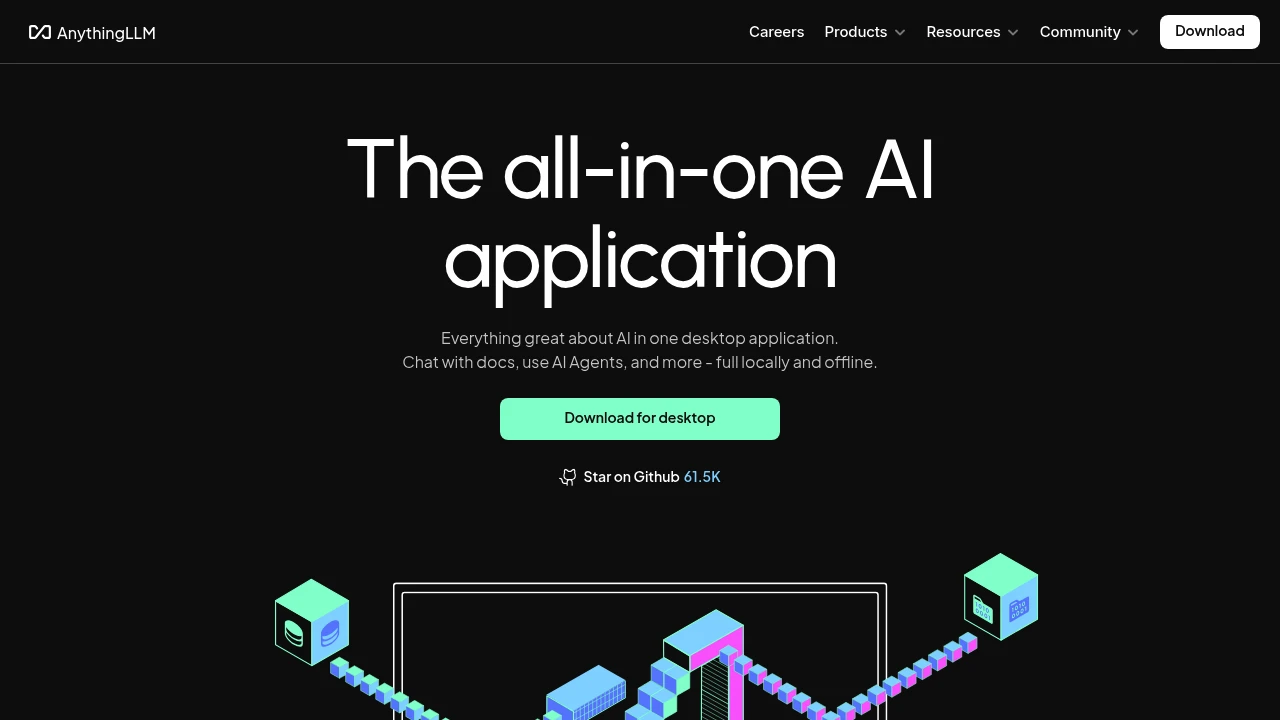
AnythingLLM is an AI application for private document chat, agents, and model choice without building a custom stack. It runs as a free desktop app for local use, with hosted and self-hosted options for teams that need multi-user access, admin controls, and branding.
Key Highlights
- Chat with PDFs, Word documents, CSV files, codebases, and web imports
- Run local models through the built-in LLM provider or connect to OpenAI, Azure, AWS, and other providers
- Use AI agents, agent skills, system prompts, and slash commands
- Keep desktop work local by default, including models, documents, chats, storage, and vector data
- Move to hosted or self-hosted team deployments with multi-user isolation and admin controls
What Makes It Different
AnythingLLM bundles pieces that usually require separate setup: an LLM provider, embedder, vector database, storage, document chat, agents, and a desktop interface. Individuals get a desktop install with no account required. Teams can move to hosted or self-hosted deployments with private instances and tenant isolation.
The other difference is model flexibility. The site positions it as "any LLM, any document, any agent," with support for local and enterprise providers.
Features & Capabilities
The main workflow starts with a workspace: add documents, pick a model, then ask questions or run agent tasks against that context. AnythingLLM supports PDFs, Word documents, CSVs, and codebases, and the Community Hub adds shared agent skills, system prompts, and slash commands.
Desktop is designed for private local use. Basic hosted includes a private instance, RAG, agents, and requires an LLM API key. Pro and Enterprise add larger-team support, user controls, tenant isolation, custom branding, and on-premise options.
User Ratings and Testimonials
AnythingLLM does not publish a third-party rating or user testimonials. The clearest fit is users who care about local document chat, private defaults, open source licensing, and provider choice.
The main tradeoff is plan fit. Hosted Basic is aimed at individuals or teams of less than 5 users and fewer than 100 documents. Larger teams should compare Pro or Enterprise.
Pricing & Value
- Desktop: $0, free to use, open source, MIT licensed, local by default, no account required
- Basic hosted: $50/month, for independent use or teams of less than 5 users and fewer than 100 documents, with a private instance, custom subdomain, RAG, and agents
- Pro hosted: $99/month, for larger teams, with a private instance, RAG, agents, and a 72-hour support SLA
- Enterprise: Contact sales, with on-premise installation, custom support SLA, custom domain, and custom integration support
The free desktop app is the starting point for local RAG and agent workflows. Hosted plans fit teams that want a managed private instance.
Looking for alternatives to other popular tools? Check out other posts in the alternatives series and flowtools.co, a directory of best AI tools with filters for tags and categories for easy browsing and discovery.

Open WebUI is a self-hosted AI interface for teams that want local and cloud models in one controlled workspace.
Open WebUI is a self-hosted AI interface for teams that want one place to run local models, cloud models, conversations, and tools. It connects to Ollama, OpenAI, Anthropic, and compatible providers while keeping user control. The project is open source and built for laptops to enterprises.
Key Highlights
- Connects local and cloud models in one web interface
- Supports Ollama, OpenAI, Anthropic, and compatible providers
- Includes voice, vision, retrieval, generation, and search workflows
- Extends through Python for custom tools and functions
- Provides enterprise options such as SSO, RBAC, audit logs, and private deployment patterns
- Large public community: 427K+ members, 290M+ downloads, and 141K+ GitHub stars
What Makes It Different
Open WebUI is positioned around ownership. Instead of sending every AI workflow through a hosted chat product, you can run the interface yourself, connect the models you choose, and decide whether it lives locally, in the cloud, or in a hybrid environment.
That makes it different from simple chatbot front ends. The source site describes a full AI stack: conversations, model access, prompts, tools, functions, retrieval, search, voice, and vision.
Features & Capabilities
The core workflow is a shared web UI for working with different models. A team can connect local Ollama models, add cloud providers when needed, and keep the same conversation and tool layer across both. The community hub adds shared prompts, models, tools, functions, discussions, and reviews.
For organizations, Open WebUI supports controlled deployments. The enterprise source describes on-premise, private cloud, hybrid, and air-gapped options, plus LDAP, Active Directory, SSO, RBAC, audit logs, high availability architecture, and dedicated support.
User Ratings and Testimonials
Open WebUI does not publish a third-party average rating. Open WebUI's own site points to community scale and enterprise stories, including secure self-hosted deployments and a university stack serving tens of thousands of students and employees.
The main tradeoff is operational. Because Open WebUI is self-hosted, teams are responsible for deployment, model access, data controls, uptime, and compliance decisions instead of buying a fully managed chat app.
Pricing & Value
- Standard use: $0, free to use as-is when the original branding stays intact
- Enterprise licensing: Contact sales, for organizations that need white labeling, rebranding, dedicated support, or deeper enterprise engagement
- Sponsorship: Optional, for users that want to support ongoing development without needing an enterprise license
Open WebUI is strongest for teams that want control over where AI runs and which models it uses. Open WebUI does not publish a public USD price for enterprise licensing.

Jan is a desktop AI assistant for running open models locally or connecting to cloud models when needed.
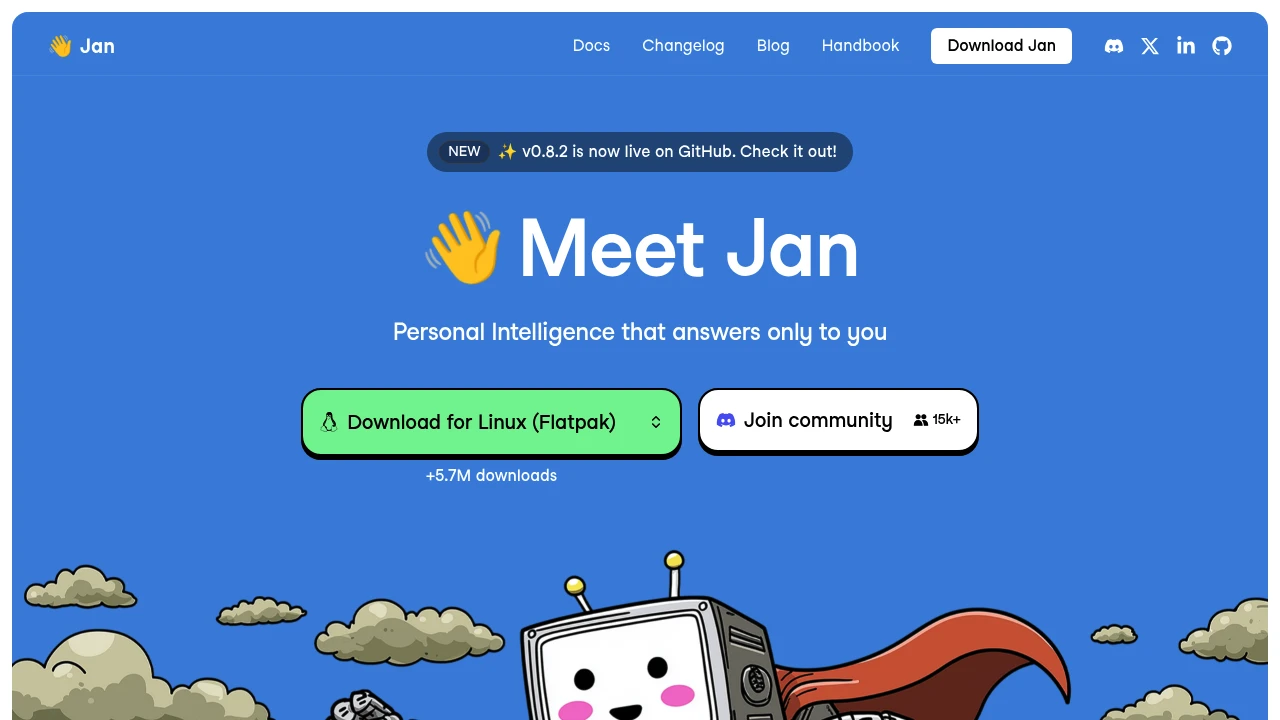
Jan is an open-source desktop AI assistant for people who want a ChatGPT-style interface that can run open models locally. It is built for privacy-minded users, developers, and AI tinkerers who want local model control without giving up the option to connect cloud models.
Key Highlights
- Runs open-source AI models locally on the desktop
- Connects to online models from OpenAI, Anthropic, Google, Meta, Mistral, Alibaba, DeepSeek, Moonshot AI, and others
- Free and open source, with the site reporting more than 5.7 million downloads
- Online retrieval and MCP options are mentioned in user quotes on the homepage
- Memory is listed as a coming soon feature for keeping context and preferences
What Makes It Different
Jan focuses on local control first. Instead of making a hosted chatbot the default place for every conversation, it gives you a desktop app for open models that can run on your own machine, while still letting you plug in cloud providers when you want them.
That mix makes it different from tools that are either only local runtimes or only cloud chat apps. The homepage also emphasizes that Jan is built in public, which fits users who want an open-source assistant they can inspect and follow.
Features & Capabilities
The core workflow is simple: choose an open model, run it locally, and chat from a desktop interface. Jan names GPT, Claude, Gemini, Llama, Mistral, Qwen, DeepSeek, Gemma, and Kimi as model families or providers users can work with.
Jan also supports connected online models, so the same app can act as a local model workspace and a front end for cloud providers. The homepage previews a future memory feature that would carry user context and preferences across chats.
User Ratings and Testimonials
Jan does not publish an average rating. It does include user quotes praising its privacy angle, local model support, clean interface, online retrieval, MCP options, and open-source direction.
The source is mostly promotional, so it does not provide a balanced list of criticisms. The clearest caveat from the page is that memory is marked as coming soon rather than available today.
Pricing & Value
- Free and open source: $0, with the desktop app positioned for local open models and optional cloud model connections
Jan is best value for users who want a free local AI assistant first, then the flexibility to connect external model providers when needed.

GPT4All runs open-source language models locally for developers, teams, and power users who want private AI chat.
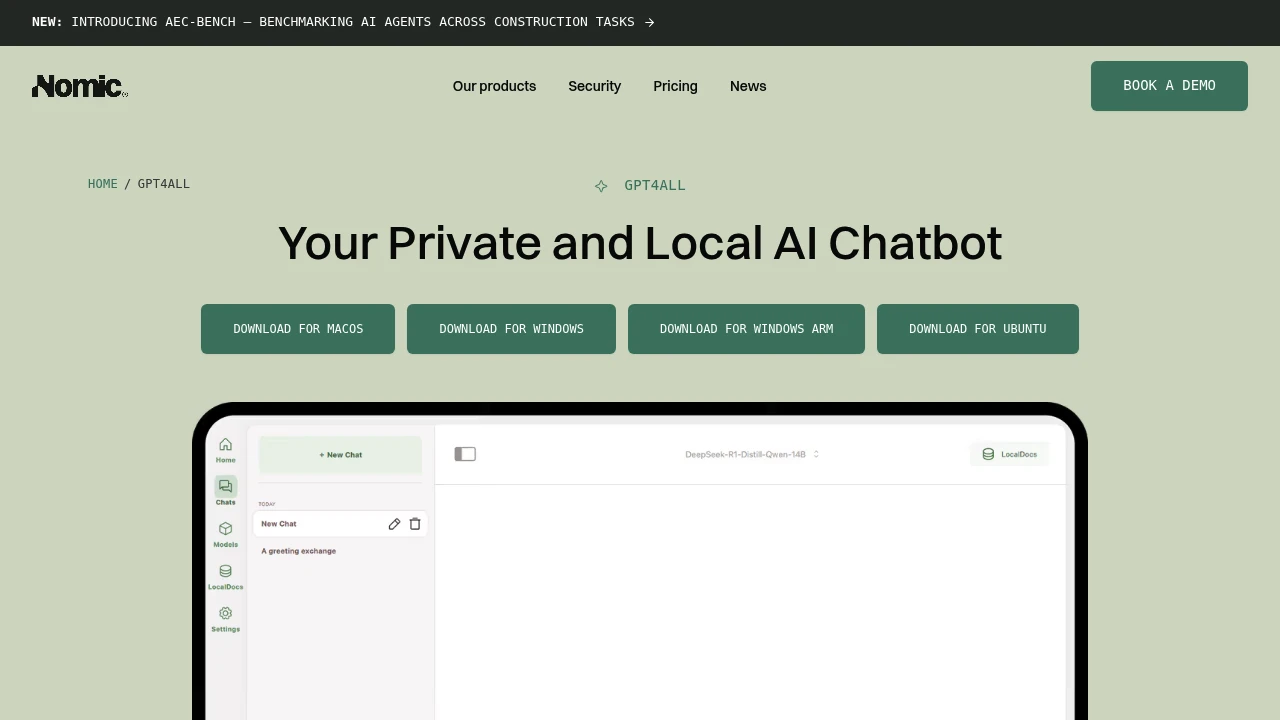
GPT4All is a local AI chatbot from Nomic for running open-source language models on your own device. It is built for developers, teams, and AI power users who want private chat, document Q&A, and model control without sending prompts to a cloud service.
Key Highlights
- Runs open-source language models on Windows, macOS, and Linux
- Keeps chat data on your device with no cloud required
- Includes LocalDocs for chatting with local documents
- Supports full customization for local assistant workflows
- Works with thousands of models for different local setups
What Makes It Different
GPT4All is positioned around local ownership rather than hosted chat. Nomic's page says the chatbot runs on your device, requires no cloud, and keeps data on your machine. That makes it a practical fit for private notes, internal documents, code snippets, and other prompts you do not want routed through a hosted model provider.
The product also focuses on model choice. Instead of locking users into one hosted model, GPT4All supports open-source language models across desktop operating systems, with LocalDocs and customization for personal or team assistants.
Features & Capabilities
The main workflow is local chat with an open-source model. You install GPT4All on Windows, macOS, or Linux, choose a model that fits your machine, and use it for private conversations, drafting, analysis, and assistant-style tasks. LocalDocs adds retrieval over local files, so the chatbot can answer from documents stored on your computer.
For technical users, GPT4All's value is control. GPT4All emphasizes full customization, support for thousands of models, and use by developers and AI power users. That makes it useful for testing private assistant workflows or giving a team a no-cloud option for sensitive prompts.
User Ratings and Testimonials
GPT4All does not publish public ratings or named customer testimonials for the desktop chatbot. The clearest trust signal is Nomic's positioning around privacy, local execution, LocalDocs, and broad model support.
The main caveat is practical: local AI performance depends on the user's hardware and chosen model. Teams that need managed hosting, centralized admin, or cloud-scale speed may need a hosted AI platform.
Pricing & Value
- Local desktop chatbot: no published paid app price on the GPT4All product page, with local model chat, LocalDocs, customization, and no cloud requirement
GPT4All is strongest for users who already have suitable desktop hardware and want private local AI without a hosted SaaS workflow. Verify Nomic's current download and licensing details before rolling it out across a team.

Hugging Face is the open hub where the machine learning community hosts, shares, and collaborates on models, datasets, and apps.
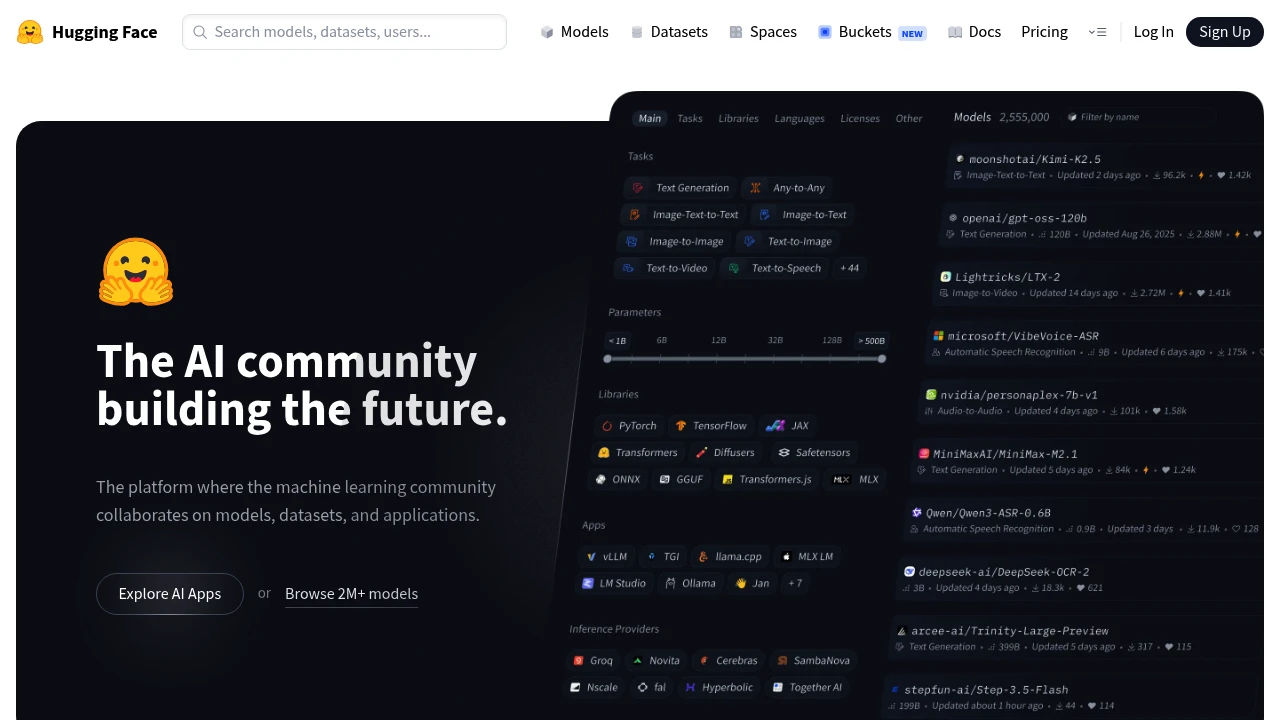
Hugging Face is an open platform where the machine learning community hosts, shares, and collaborates on models, datasets, and applications. It is built for ML engineers, researchers, and developers who want to find a pretrained model, publish their own work, or run AI in production. You can browse hundreds of thousands of public models for free, deploy a demo as a Space, or call models through a hosted API.
Key Highlights
- Host unlimited public models, datasets, and applications for free
- Access 45,000+ models from leading providers through one Inference Providers API, no service fees
- Run demos as Spaces, with free CPU and ZeroGPU tiers
- Git-based version control built for ML collaboration
- On-demand GPU compute starting at $0.60/hour
- Used by more than 50,000 organizations
What Makes It Different
Most ML platforms lock you into one cloud or one model family. Hugging Face is provider-neutral: the Hub hosts models from many vendors, and the Inference Providers API routes a single call to 45,000+ models across different backends. The whole stack is Git-based, so versioning a model or dataset works like versioning code. That made it the default place the community publishes and discovers work.
Features & Capabilities
The Hub is the core: explore and download models, browse datasets with a built-in viewer, and run interactive demos called Spaces. Everything is public by default and free to host, with private repositories on paid plans. You can build an ML profile and collaborate through pull requests and discussions.
For running models, it offers hosted Inference Endpoints on dedicated autoscaling infrastructure (from $0.033/hour) with no cold starts, Spaces hardware upgrades for GPUs, and per-TB storage. Paid plans add SSO, audit logs, and access controls for teams.
User Ratings and Testimonials
Hugging Face is widely regarded as the central hub of open machine learning, praised for the breadth of its model and dataset library and the ease of sharing work publicly. Developers value the free hosting and active community. Common criticisms are that documentation can lag behind fast-moving features, hosted inference costs add up at scale, and the sheer number of models makes quality hard to judge.
Pricing & Value
- Free: $0, unlimited public models, datasets, and Spaces, plus free CPU and ZeroGPU tiers
- PRO: $9/month, 10x private storage, 20x inference credits, more ZeroGPU quota, and Dev Mode
- Team: $20/month per user, with SSO, audit logs, storage regions, and resource groups
- Enterprise: $50/month per user, adding SCIM provisioning, advanced security, and dedicated support
Compute is billed separately: GPU Spaces and Inference Endpoints run by the hour, and storage is per TB. The free tier is generous enough to evaluate before paying for private hosting or compute.

A desktop app to download and run open-source LLMs on your own computer, for users who want private, offline AI.
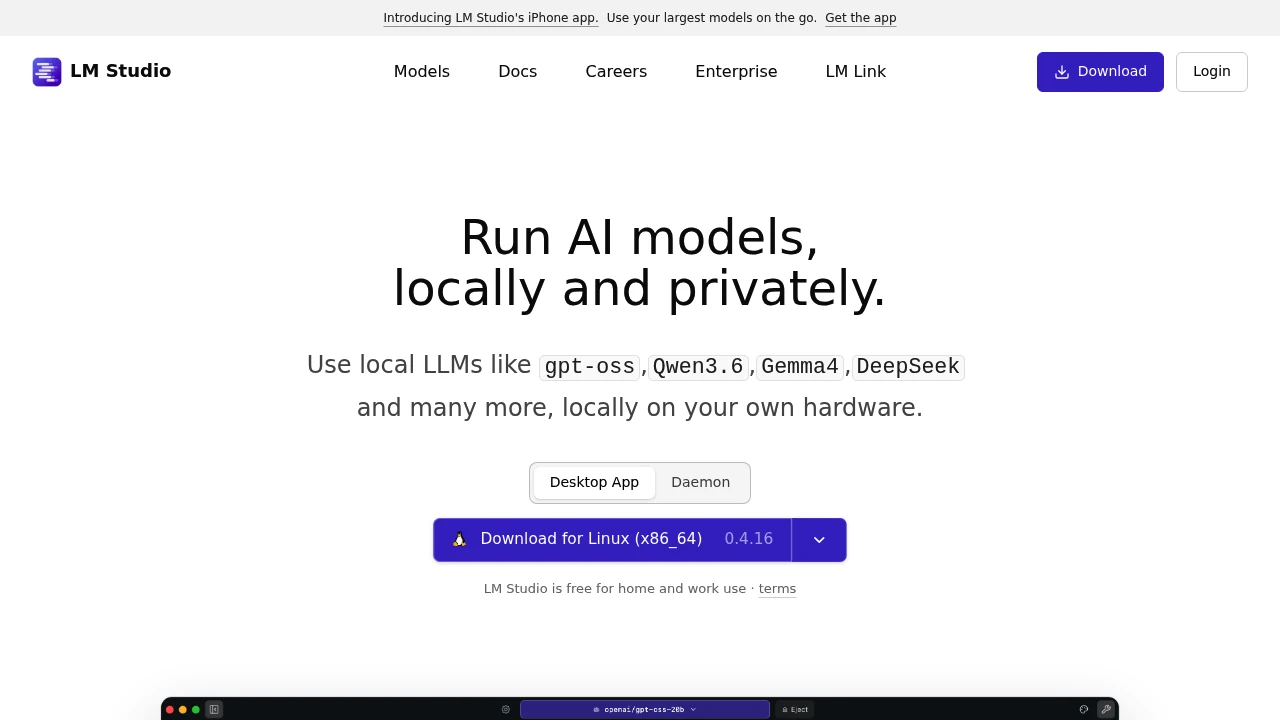
LM Studio is a desktop app for running open-source large language models directly on your own computer. It is built for developers and privacy-conscious users who want models like gpt-oss, Llama, Gemma, Qwen, and DeepSeek without sending data to the cloud. You download a model once, then chat with it or serve it to your apps, fully offline.
Key Highlights
- Runs local LLMs on Mac, Windows, and Linux from one app
- Built-in chat interface and a Hugging Face model browser for one-click downloads
- OpenAI-compatible API server on localhost so existing code points at a local model
- Document chat (RAG): attach a PDF, DOCX, or code file and ask questions about it
- JavaScript and Python SDKs, an lms command-line tool, and MCP support
- llmster, a headless build for servers, cloud boxes, and CI without a GUI
What Makes It Different
LM Studio combines a graphical app with real developer tooling. Most ways to run local models are command-line only, while LM Studio gives you a point-and-click model browser, a chat window, and a server you start with one toggle. On Apple Silicon it runs both GGUF models (via llama.cpp) and MLX models, which use Apple's framework and GPU cores for faster inference than llama.cpp on Metal.
Features & Capabilities
You search for a model inside the app, download it from Hugging Face, and start chatting in seconds. The same model can be exposed through a local, OpenAI-compatible API server, so you swap the endpoint in your existing SDK calls and run against a model that never leaves your machine.
For automation, LM Studio ships JavaScript (@lmstudio/sdk) and Python (lmstudio) SDKs, an lms CLI, and Model Context Protocol support. The headless llmster build runs the same core without a desktop interface, for Linux servers, cloud instances, and CI.
User Ratings and Testimonials
LM Studio is widely regarded as one of the easiest ways to run local LLMs, praised for its clean interface, simple model downloads, and the drop-in OpenAI-compatible server. Common criticisms are that large models demand a lot of RAM and a capable GPU, and that performance and output quality depend heavily on your hardware and the model.
Pricing & Value
- Free: $0, full app for home and work use, with all local inference, the API server, SDKs, and llmster
- Teams: self-serve plan for sharing artifacts privately within a team (contact LM Studio for current pricing)
- Enterprise: adds SSO, model and MCP gating, and private collaboration for larger organizations (contact sales)
The core app is free for personal and commercial use, so most individuals and developers pay nothing; teams and enterprises pay only for shared access and admin controls.
Similar proprietary alternatives:

 bisibility — Free beta: Track your website’s keywords, Google rankings, Search Console insights, and share of voice.


