
TurboScribe
TurboScribe turns audio and video into transcripts and subtitles for creators, students, interviewers, and busy teams.
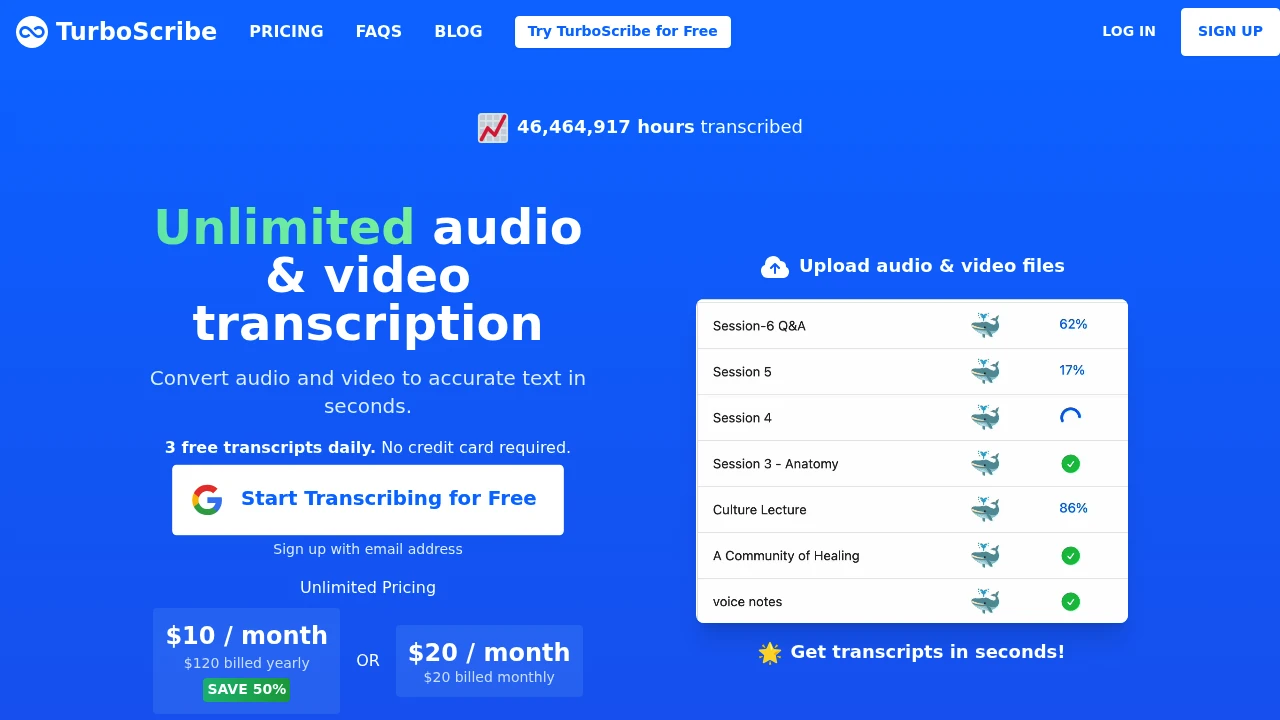
TurboScribe is a Whisper-powered service that turns audio and video into text, captions, and subtitles. It suits people working with meetings, interviews, podcasts, lectures, and video. The web app covers upload, transcription, translation, and export.
Key Highlights
- Transcribes speech in 98+ languages
- Labels different speakers in meetings, interviews, and podcasts
- Translates transcripts and subtitles into 134+ languages
- Accepts common audio and video formats, including MP3, MP4, M4A, MOV, WAV, and FLAC
- Exports DOCX, PDF, TXT, CSV, SRT, and VTT files
- Supports files up to 10 hours or 5 GB on the Unlimited plan
What Makes It Different
TurboScribe combines three Whisper model sizes in named transcription modes. Cheetah favors speed, Dolphin balances speed and accuracy, and Whale uses the Whisper large-v2 model for the most accurate option.
The paid plan removes overall transcription caps for one person and accepts up to 50 files per upload. Audio restoration can reduce background noise and improve speech, while direct-to-English transcription handles recordings spoken in another language.
Features & Capabilities
Upload an audio or video file, choose its spoken language and transcription mode, then enable speaker recognition, audio restoration, or direct English transcription when needed. The service supports common media formats and can also work with YouTube files.
Finished transcripts can be downloaded as documents, plain text, CSV, captions, or subtitles. The translation tool converts transcripts and subtitle files into more than 134 languages. Files and transcripts are stored encrypted, and only the account holder can access them.
User Ratings and Testimonials
TurboScribe features testimonials praising its speed, accuracy, large-batch handling, and recognition of different accents. Education and business users highlight the time and cost saved compared with manual transcription.
Results still depend on the recording. Clean audio and supported languages produce the best accuracy, while noise, poor audio, and the spoken language can affect the transcript. The free plan lets you test a real recording before paying.
Pricing & Value
- Free: $0, with 3 transcripts per day, files up to 30 minutes, one upload at a time, and lower processing priority
- Unlimited Monthly: $20/month for unlimited transcription for one person, 10-hour or 5 GB files, up to 50 simultaneous uploads, all modes, translation, bulk export, unlimited storage, and highest priority
- Unlimited Yearly: $120/year, equal to $10/month, with the same Unlimited features
The free plan covers short, occasional jobs. Unlimited is aimed at people who regularly process long recordings or large file batches.
Product facts
- Pricing
- Not yet verified
- Access
- Not yet verified
- Product status
- Not yet verified
FAQs
Yes. It is a working Whisper-powered transcription service with encrypted storage, a free plan, and paid Unlimited access.
The free plan costs $0. Unlimited costs $20 monthly or $10 per month when billed yearly at $120.
Yes. Its free plan includes three transcripts per day, with files up to 30 minutes and one upload at a time.
Yes. Cancel anytime in Account Settings under Manage Subscription. Paid access continues through the current billing period.
TurboScribe identifies Leif as the person behind the service. He says he spent almost a decade building AI systems, including at Meta.

You might also like
 bisibility — Free beta: Track your website’s keywords, Google rankings, Search Console insights, and share of voice.

